

Sofabaton X1

Specifications and features


Overview
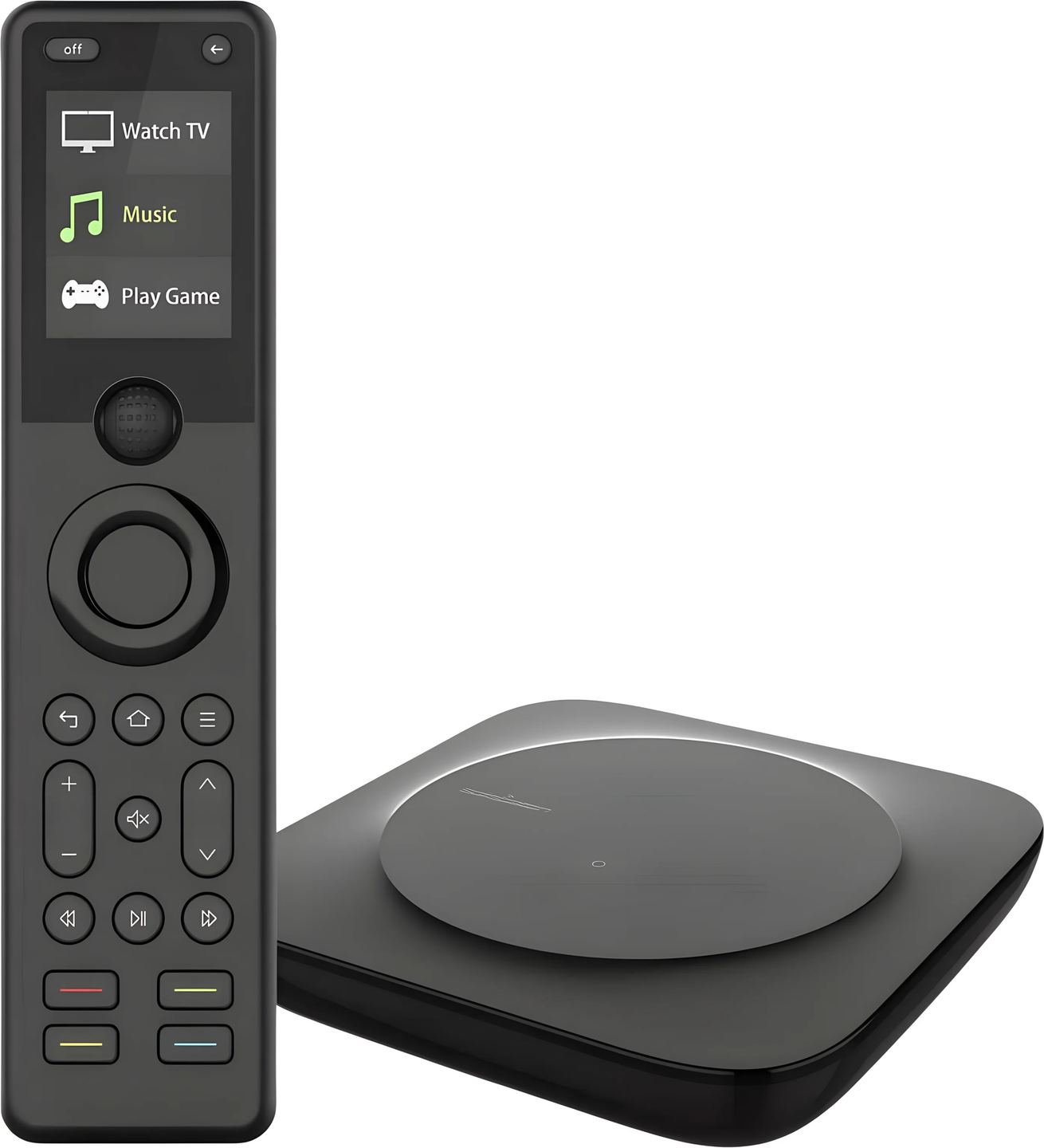
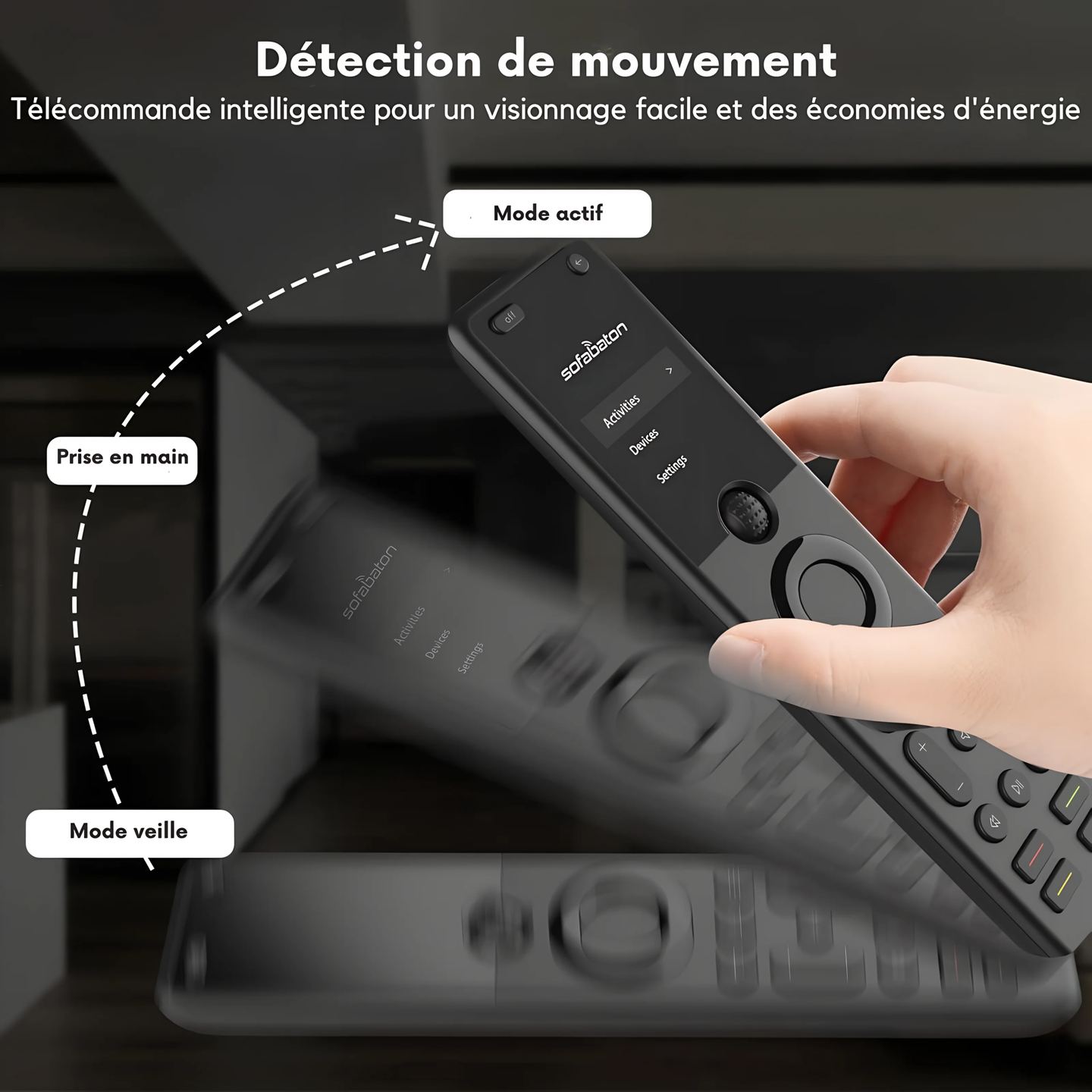
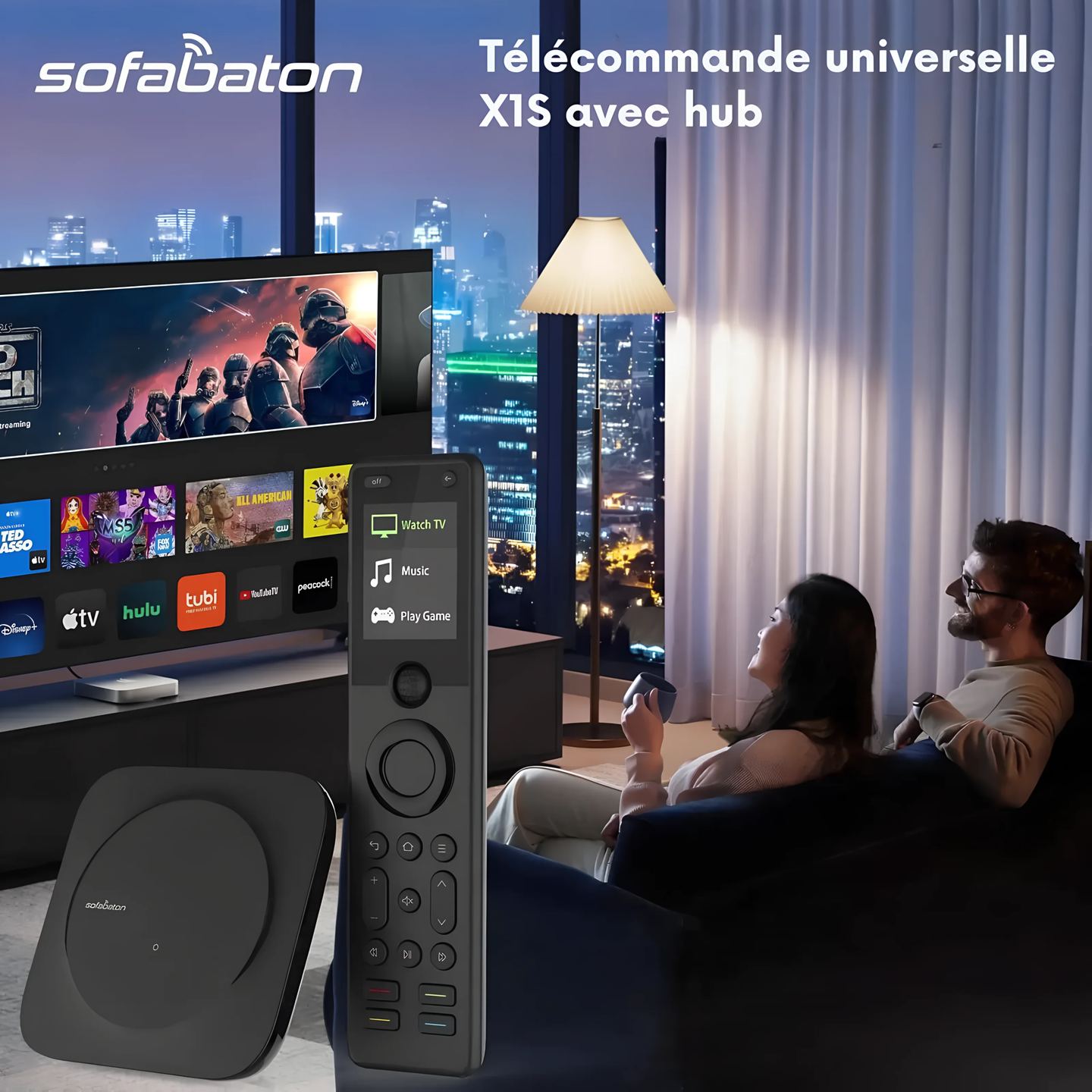
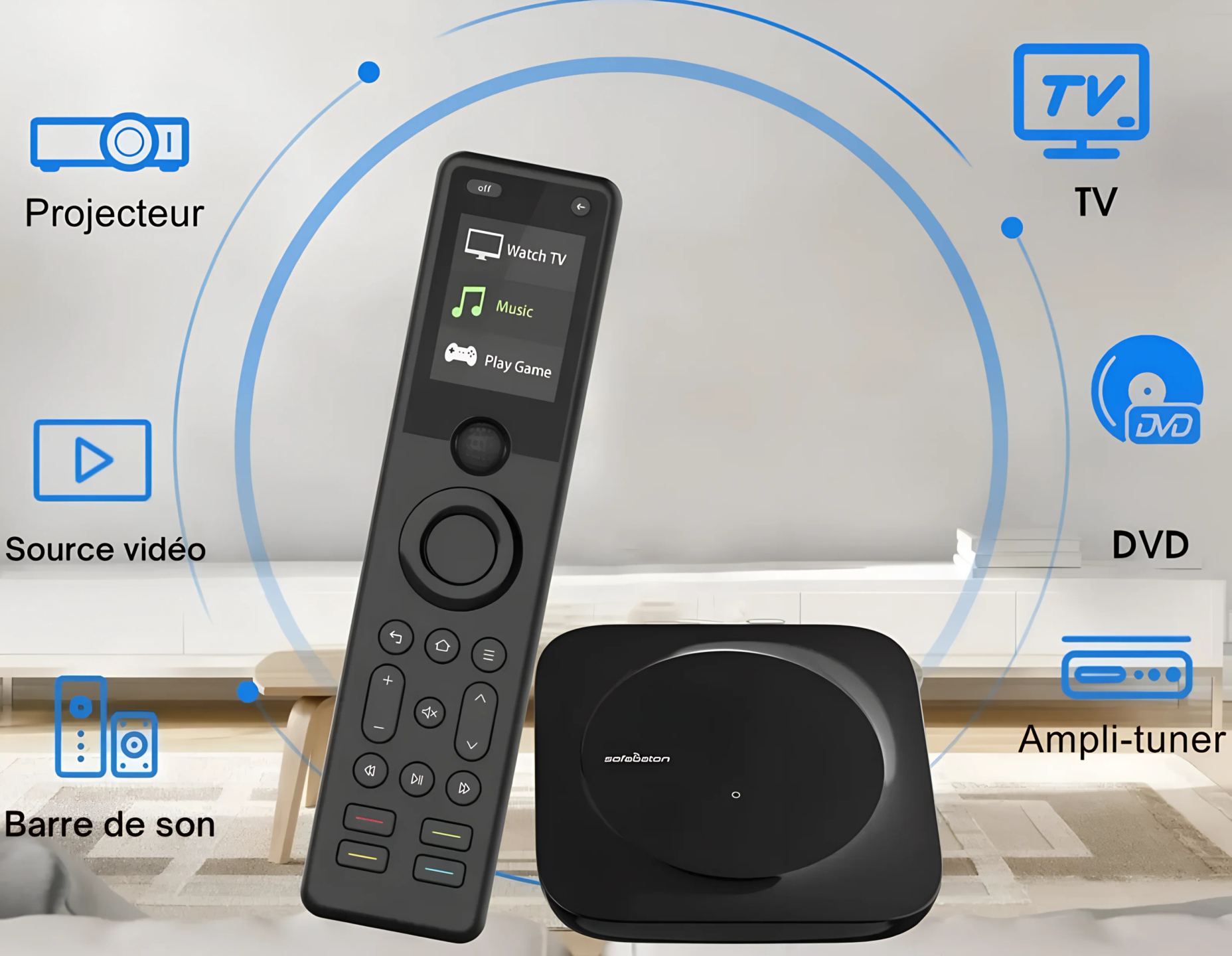
Accumulating remote controls on the coffee table makes it harder to operate a home theater setup. The SofaBaton X1 brings control of all audio and video devices together in a single unit, paired with a hub box that relays commands to each piece of equipment. The result fits in one hand, with an OLED screen and a navigation wheel to switch from one device to another.

A hub box for control without direct line of sight
The X1 works as a duo. The remote sends its commands to a central hub that handles distributing them to the devices. This hub provides 360-degree control, with an advertised infrared range of up to 40 feet, or about 12 meters. The user no longer has to point at a specific device: commands are sent from the hub, wherever you are in the room.
Two wired infrared emitters come with the hub. They are placed as close as possible to devices installed in a closed cabinet or out of direct reach, eliminating signal dead zones. The hub can therefore remain hidden in a TV cabinet without any loss of reliability.
Three communication technologies combined
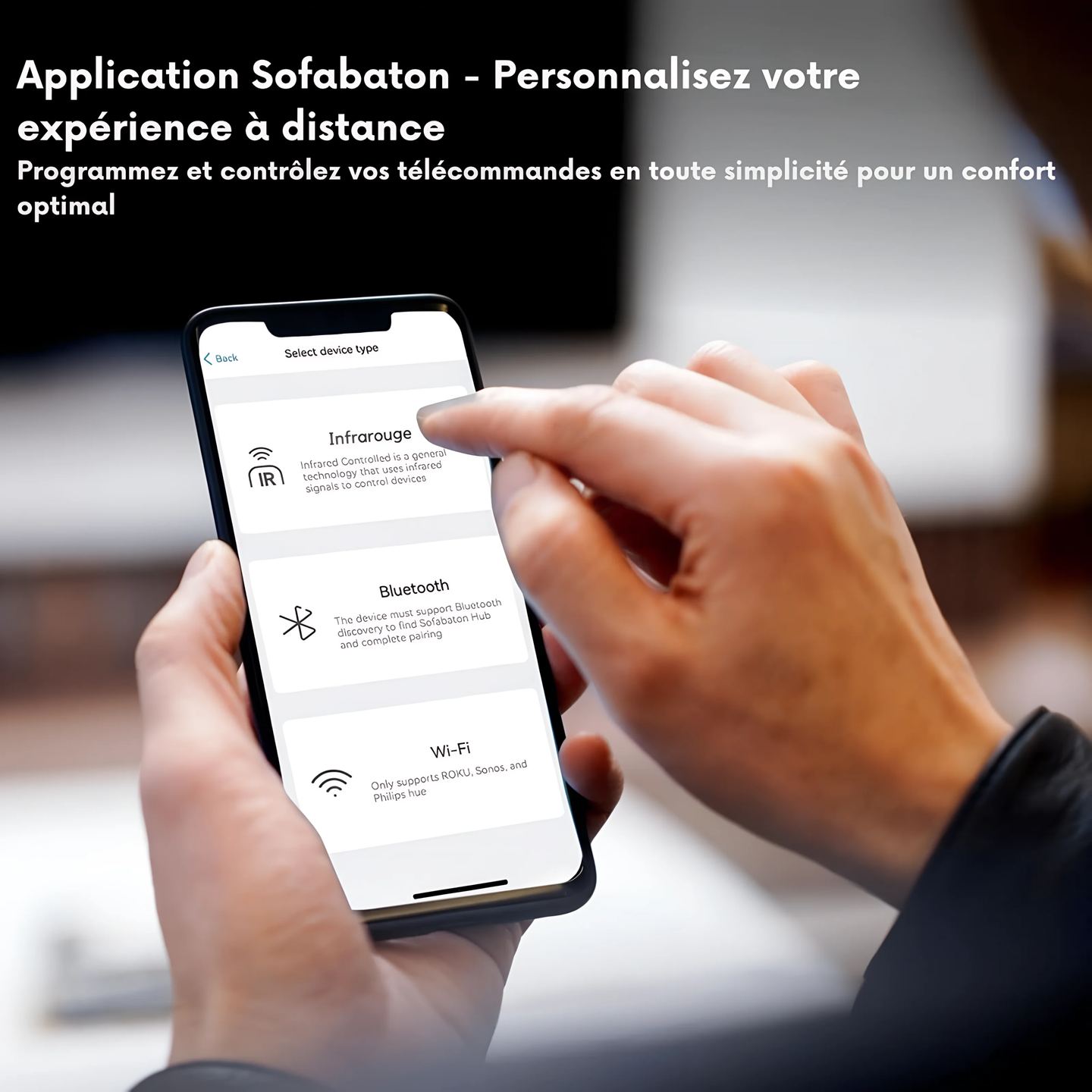
The X1 combines infrared, Bluetooth, and Wi-Fi to cover a wide range of equipment. Infrared handles TVs, Blu-ray players, amplifiers, and other traditional devices. Bluetooth, in both classic and Bluetooth LE versions, supports products such as PS4 and PS5 consoles. Wi-Fi opens up control of connected devices such as Philips Hue bridges, Sonos speakers, and Roku players.
The SofaBaton database covers more than 6,000 brands and more than 500,000 device references, with regular updates to integrate new models.
Control modes and customizable activities
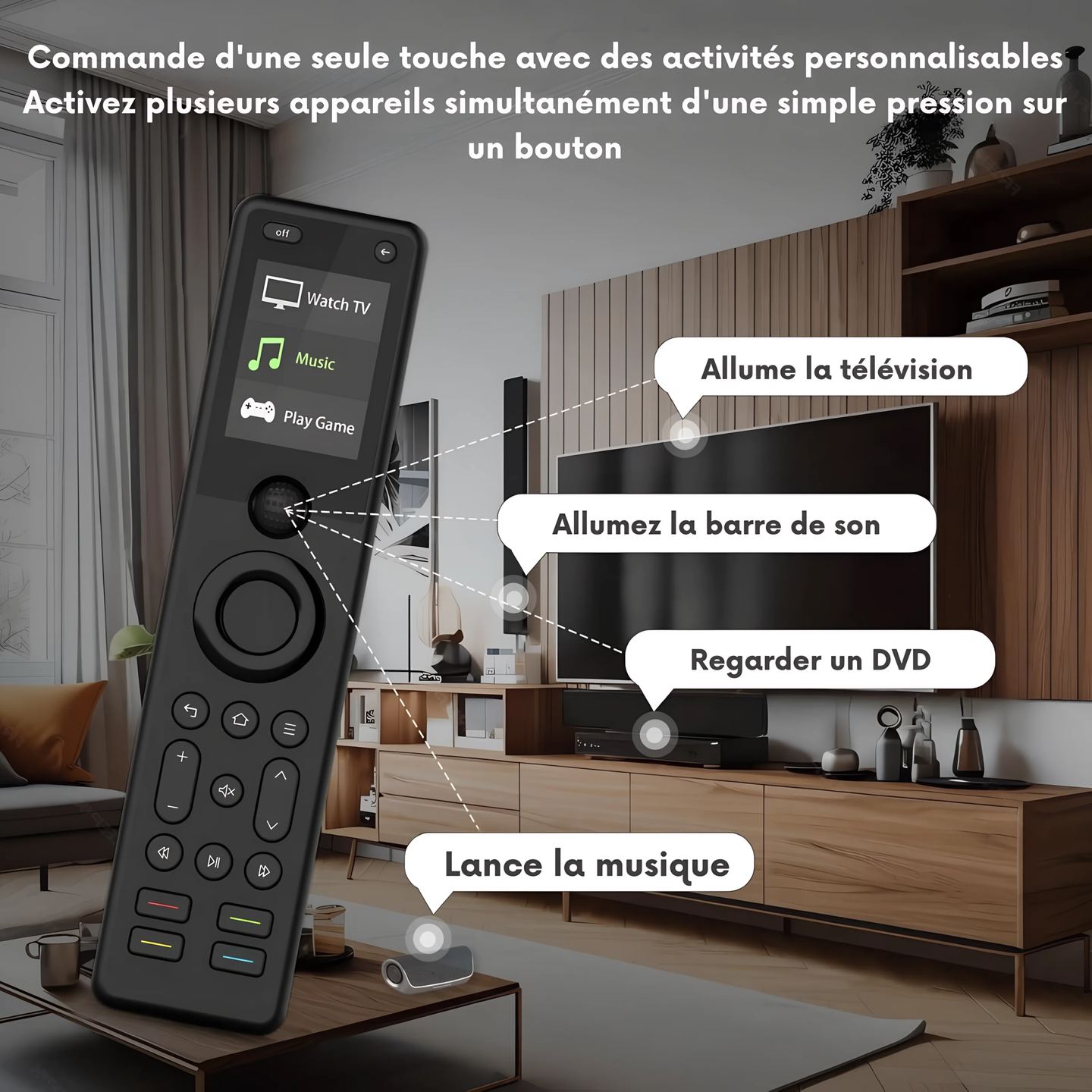
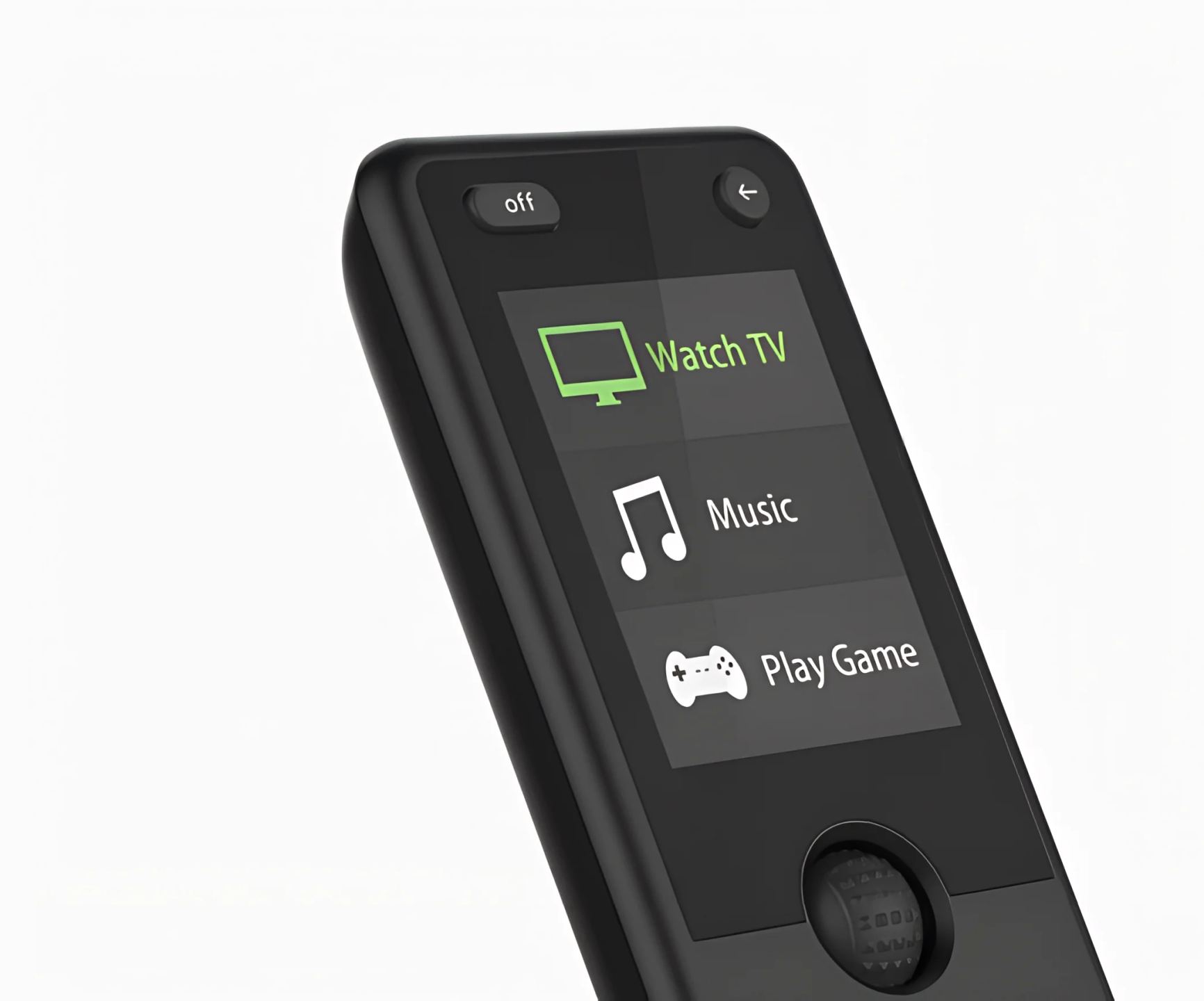
Two operating modes coexist. Device mode gives individual access to each registered piece of equipment. Activity mode chains several actions to a single button: turn on the projector, switch the source to the AV input, start the amplifier, all with one press.
Each activity is defined in the app. The user creates their own sequences and adds virtual buttons to the remote screen, as single commands or macros. A sequence of actions such as “Home, Down, Right, Right, OK” can be programmed to go directly to a specific app.
Setup via the SofaBaton app
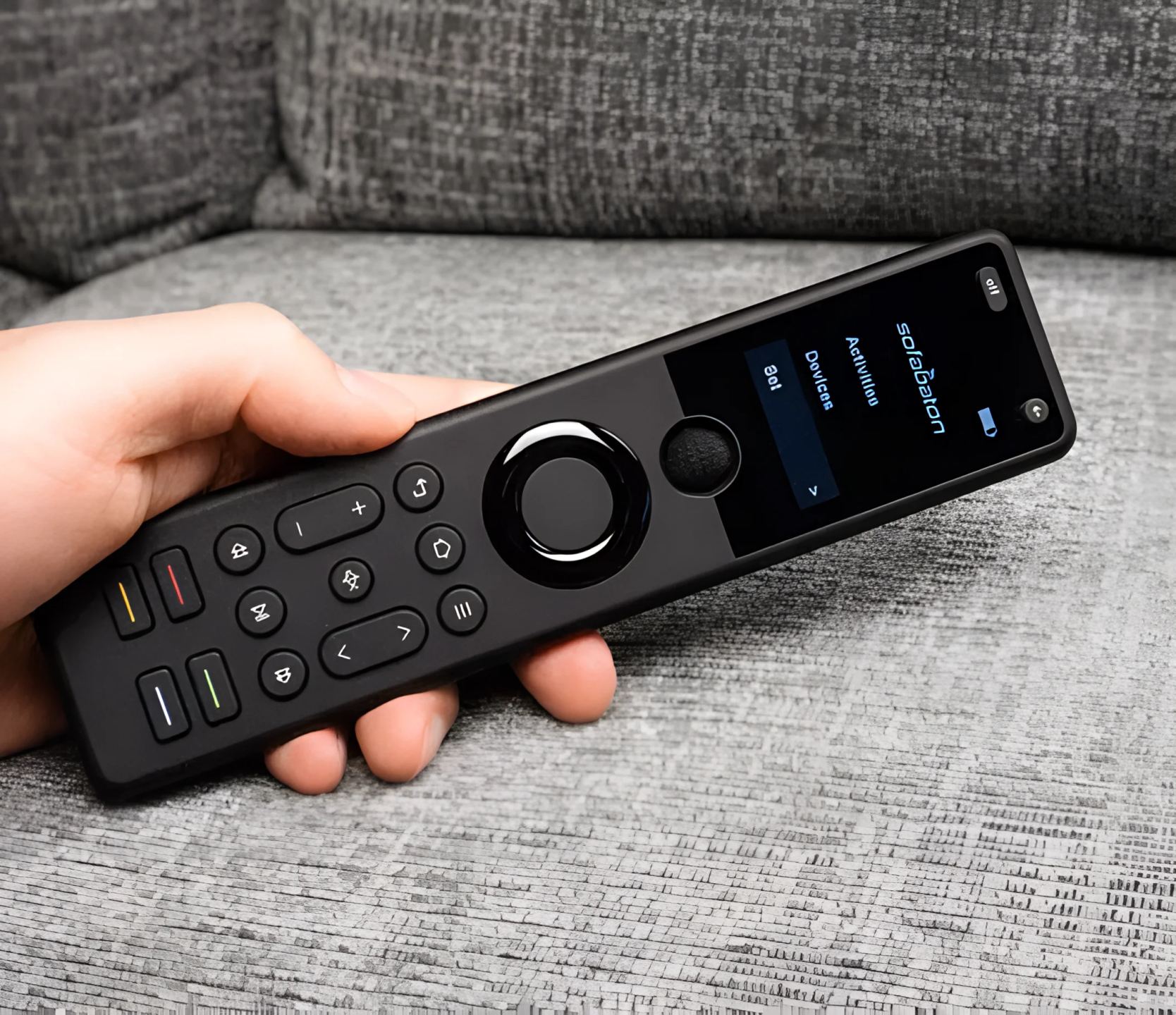
Getting started goes through the SofaBaton mobile app, to be installed on a smartphone. The hub connects to a 2.4 GHz Wi-Fi network, and the app must remain on that same network during setup. The hub should be placed near the devices to be controlled during configuration.
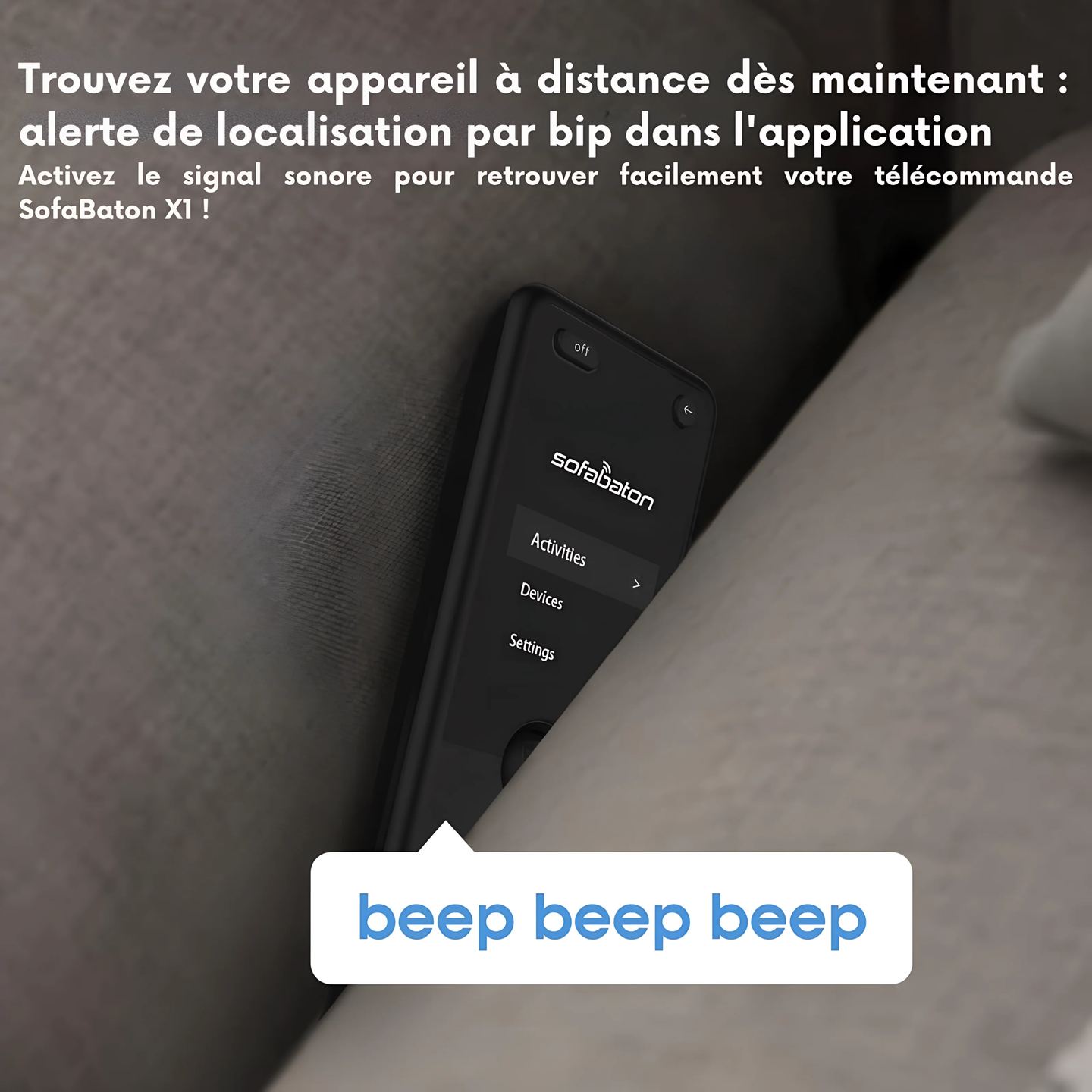
Adding a device is done by entering its brand and model. The app retrieves the corresponding codes from the database and then syncs them with the remote. A find function makes the remote ring from the app if it has been misplaced.
Battery life and charging of the remote
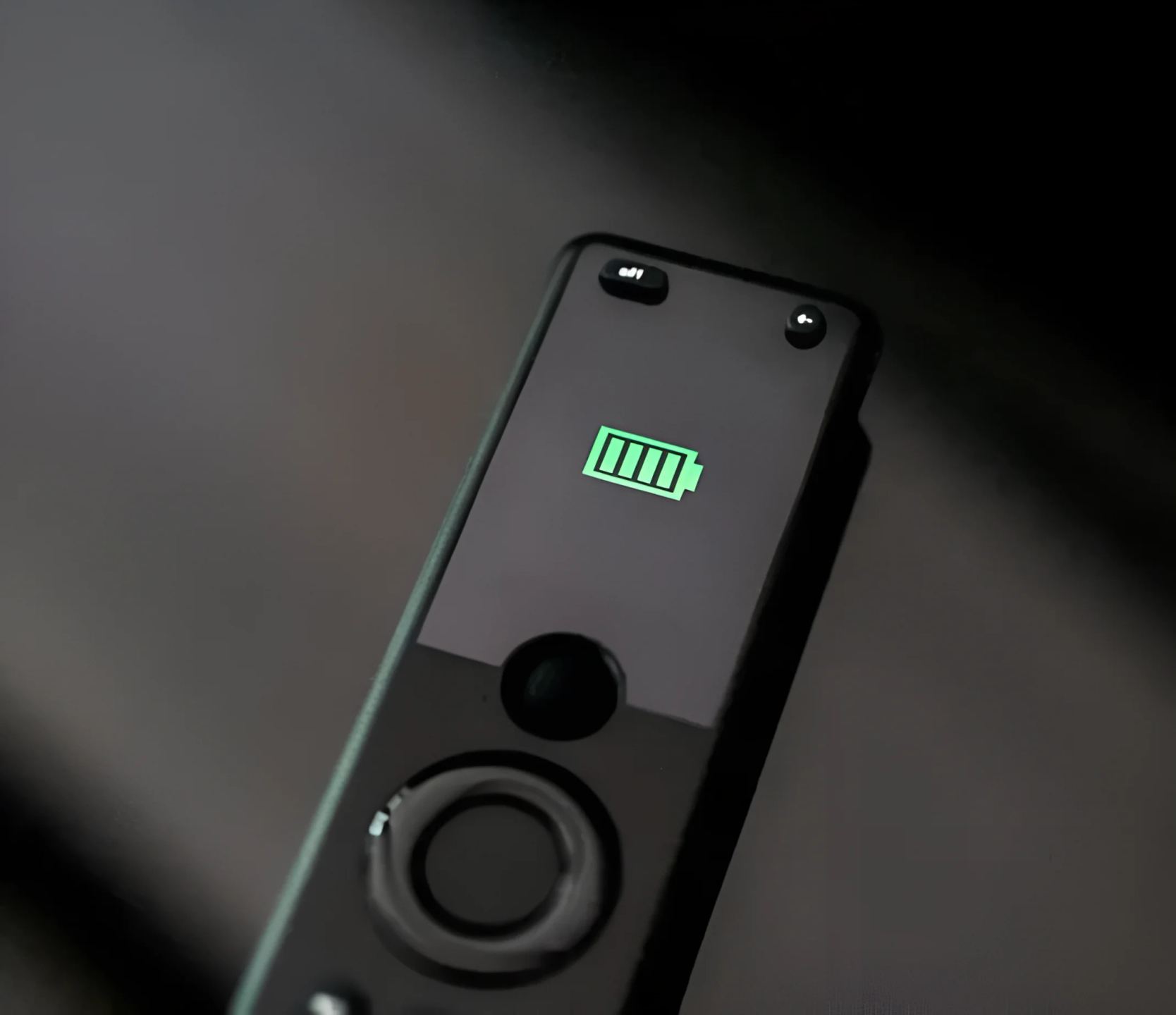
The remote includes a 1050 mAh lithium-ion battery. A charge reaches 50% in thirty minutes, and the advertised battery life is up to 45 days depending on use. Charging is done through a USB-C port located at the base of the remote.
The 2-inch OLED screen displays the names of devices and activities, with preprogrammed icons. The backlit buttons remain readable in a dark room, and a scroll wheel handles navigation.
Technical Specifications
Overview
- All-in-one smart universal remote with hub and app
- Customizable activities
- Control of up to 60 IR / Bluetooth / Wi-Fi devices
Remote
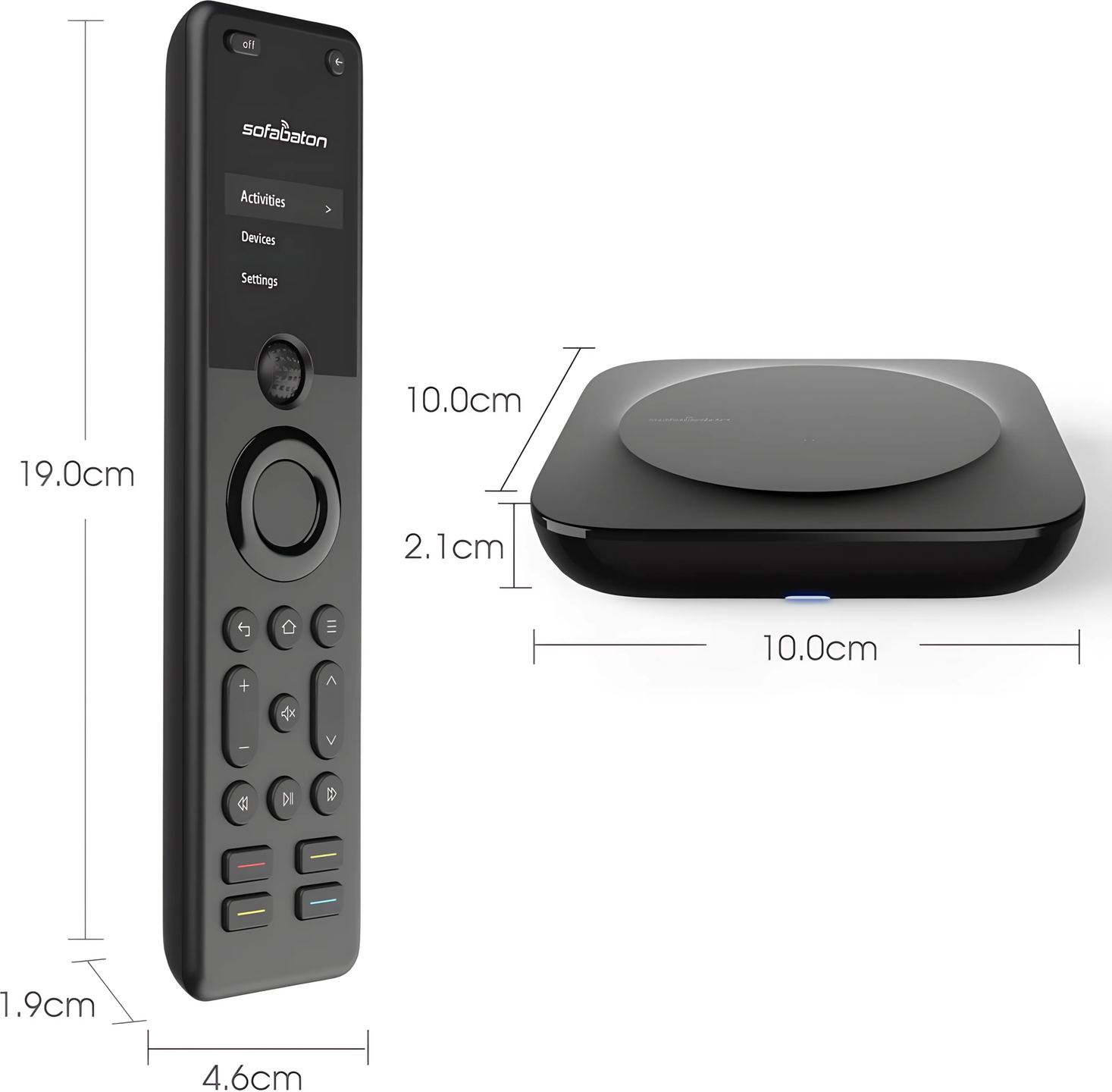
- Dimensions: 19 x 4.6 x 1.5 cm
- Weight: 125 g
- Screen: 2-inch OLED (5.08 cm)
- Battery: 1050 mAh lithium-ion
- Charging: 50% in 30 minutes
- Battery life: up to 45 days
- Charging port: USB-C
- Backlit buttons
- Scroll wheel
Hub
- Dimensions: 10 x 10 x 2.1 cm
- Weight: 92 g
- Infrared range: up to 12 meters
- 360-degree control
- Network connection: 2.4 GHz Wi-Fi
Connectivity and compatibility
- Supported technologies: infrared, classic Bluetooth, Bluetooth LE, Wi-Fi
- Compatible Wi-Fi devices: Philips Hue, Sonos, Roku
- Database: more than 6000 brands and more than 500,000 devices
- Operating modes: device control, customized activities
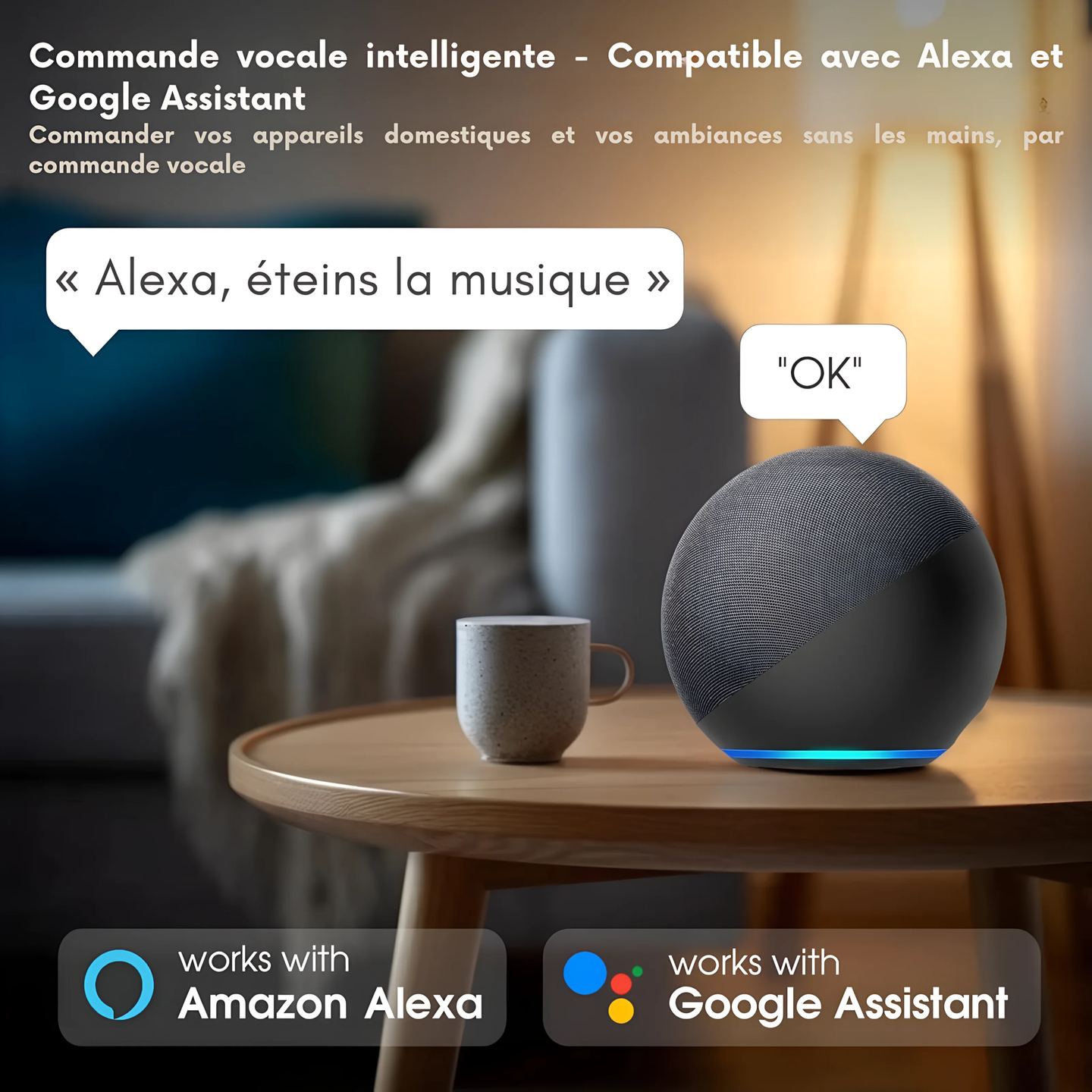
- Voice control: Alexa, Google Assistant
- Setup and customization via the SofaBaton app
Box contents
- X1 remote
- Hub
- Two wired infrared emitters
- USB-A to USB-C cables
- Power adapter
Frequently asked questions
Is the X1 an alternative to Logitech Harmony remotes?
The X1 is aimed at users left without the Harmony range, whose production ended in 2021. It takes up the principles that made those models successful: centralized control of multiple devices, one-touch activities, and software-based setup. The installation logic and relay hub recall the Harmony Elite and its Hub, with a database kept up to date for recent devices.
Is a Wi-Fi network essential for everyday operation?
The hub needs a 2.4 GHz Wi-Fi network for setup and to control Wi-Fi-connected devices such as Sonos, Roku, or Philips Hue. Control of infrared and Bluetooth devices relies on the hub once setup is complete. A stable network connection is still recommended for code database updates and proper operation of connected features.
Does the X1 support radio frequency (RF) devices?
The X1 communicates via infrared, classic Bluetooth, Bluetooth LE, and Wi-Fi. It does not support devices controlled by radio frequency. Equipment that relies only on a proprietary RF link therefore cannot be controlled. For this type of hardware, it is necessary to check beforehand whether an alternative infrared or Bluetooth command exists.
Does the remote have a physical numeric keypad?
The X1 does not have a physical numeric keypad on its front. Entering channels or codes is done through the OLED screen and virtual buttons created in the app. It is still possible to program channel numbers as macros, in order to go to a specific channel through a sequence of recorded commands.
Can multiple remotes be connected to a single hub?
One hub pairs with only one remote at a time. To control a setup from two separate remotes, the corresponding hardware must be planned for and pairing managed according to the manufacturer’s documentation. This limitation deserves attention in multi-room configurations or when several users want a dedicated unit.
- Eco-contribution included in the sale price.