

Manual Projection Screens
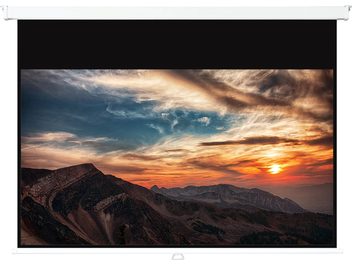
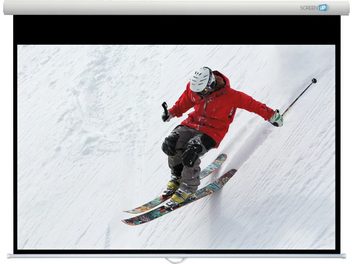
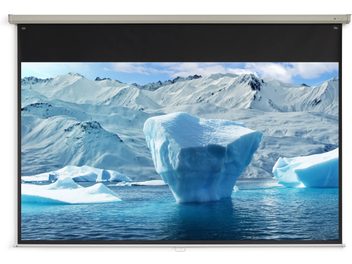
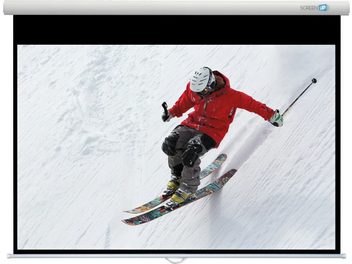
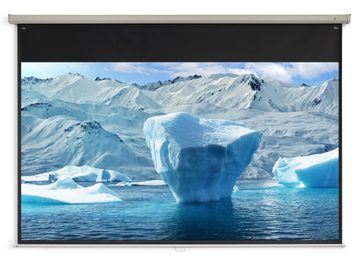
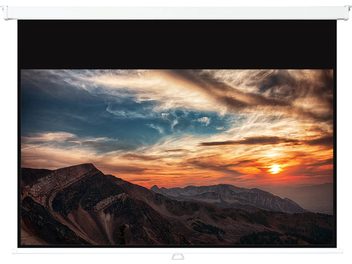
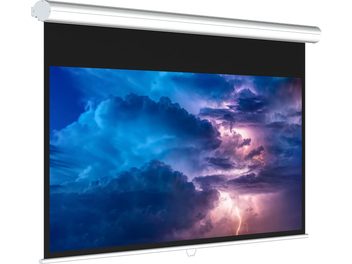
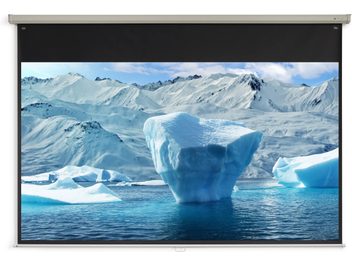
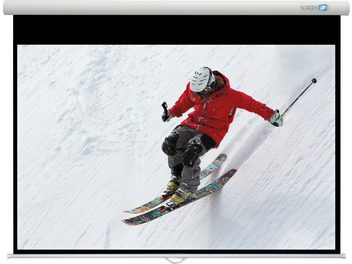
Manual projection screens are an economical and practical solution for video projection. Equipped with a spring-loaded roller system, they can be easily installed on walls or ceilings. Available in 16:9, 4:3 or 21:9 formats, these screens offer image quality suited to home cinema, professional presentations and gaming. Learn more
A simple and accessible solution
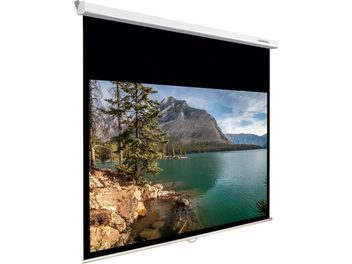
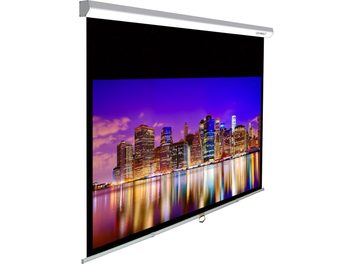
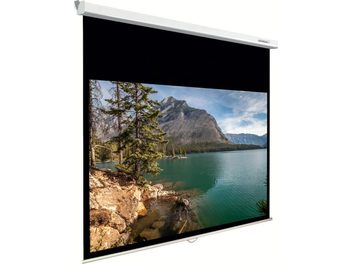
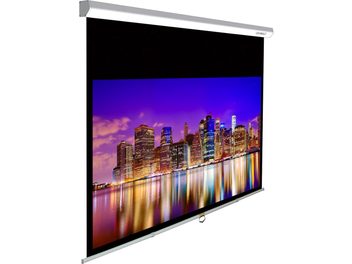
Manual projection screens work with a spring mechanism that allows the screen to be unrolled and rolled up in seconds. A centrifugal locking system, similar to that of a seatbelt, automatically locks the screen at the desired height. To retract it, simply pull gently on the bottom of the screen and guide it as it rolls back into the casing. Most models include a slow return control function that protects the screen during handling.
Installation is quick thanks to the integrated mounting brackets on the casing. You can mount your screen on the wall, ceiling, or even recess it into a false ceiling. Spacing brackets allow you to offset the casing by 10 to 30 cm if necessary. The adjustable black drop (or extra drop) makes it easy to adapt to different room heights.
Formats and screen materials
The 16:9 format remains the most versatile for modern home cinema. It corresponds to the standard for Blu-ray, streaming, digital TV programs and video games. Owners of 4K/8K projectors also appreciate 21:9 screens for cinemascope format. The 4:3 format is more suitable for older films and professional presentations.
Matte white PVC screen material is the most common option with a neutral gain (typically 1 or 1.05) that ensures uniform light diffusion. For more demanding installations, fiberglass screens offer superior durability and better flatness. High-contrast grey screens are particularly well-suited to 3D projection, while micro-perforated screens allow sound to pass through for acoustically transparent configurations.
Technical features to prioritize
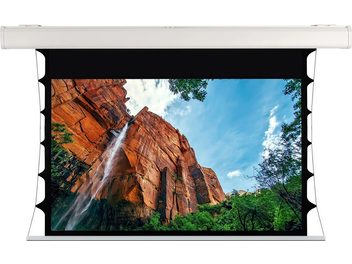
Black borders of 4 to 6 cm around the projection area enhance contrast and improve immersion. Anti-warping treatment prevents screen deformation over time, while the opaque backing allows the screen to be installed in front of a window without loss of image quality. The latest screens also benefit from anti-yellowing and anti-dust treatments.
The screen gain determines its ability to reflect or absorb light. A gain of 1 provides neutral diffusion over a wide viewing angle (160° to 180°). Gains above 1 increase perceived brightness but reduce the viewing angle and may create hot spots in the center of the image.
Sizing and choosing the right size
The size of your screen depends on several factors: your projector’s specifications, the available throw distance in your room and your personal preferences. SMPTE and THX standards recommend that the screen width occupy 30 to 40° of the horizontal field of vision, but these recommendations can be adjusted according to your viewing style.
Use and maintenance
Manual screens are perfectly suited to regular use, whether for movie nights at home, business presentations or gaming sessions. For very intensive use or home automation installations, a motorized screen is preferable. Cleaning is done simply with a soft, damp cloth, avoiding harsh chemicals that could damage the screen material.
Prices generally range from €150 to €1,400 depending on size, screen material quality and integrated features. Recognized brands such as Lumene, Oray, Kimex, Elite Screens and Celexon offer complete ranges suited to all budgets and needs.




