
XGIMI Elfin Flip Plus

Complementary product
Specifications and features


Overview
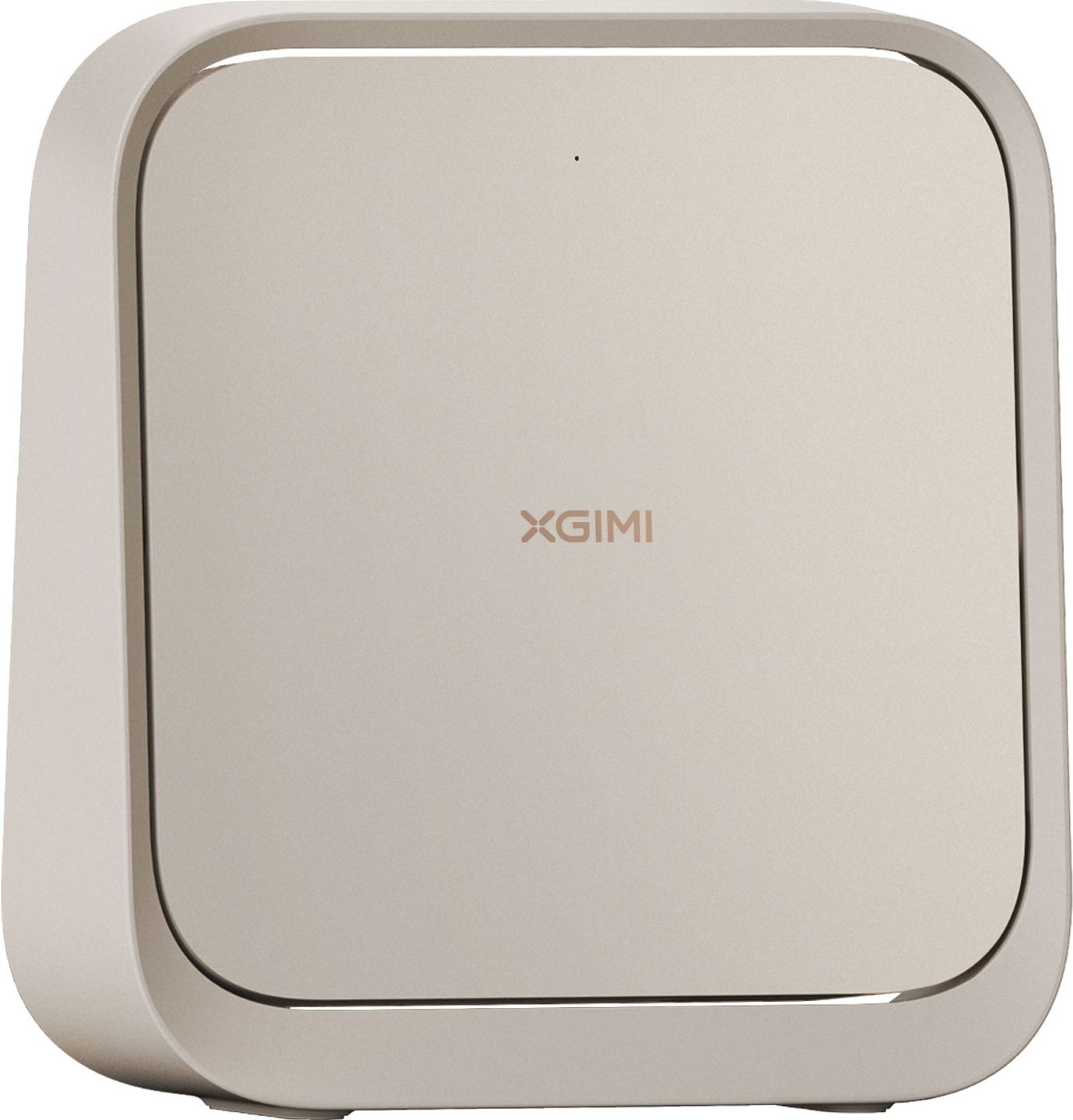
A video projector that folds like a book, weighs just over a kilo, and sets up in a few seconds: the Elfin Flip Plus builds on its predecessor’s concept with 25% more brightness and improved black level management. XGIMI continues to specialize in compact projectors designed to move from room to room, or place to place, without the constraints of a fixed installation.
A form factor designed for mobility
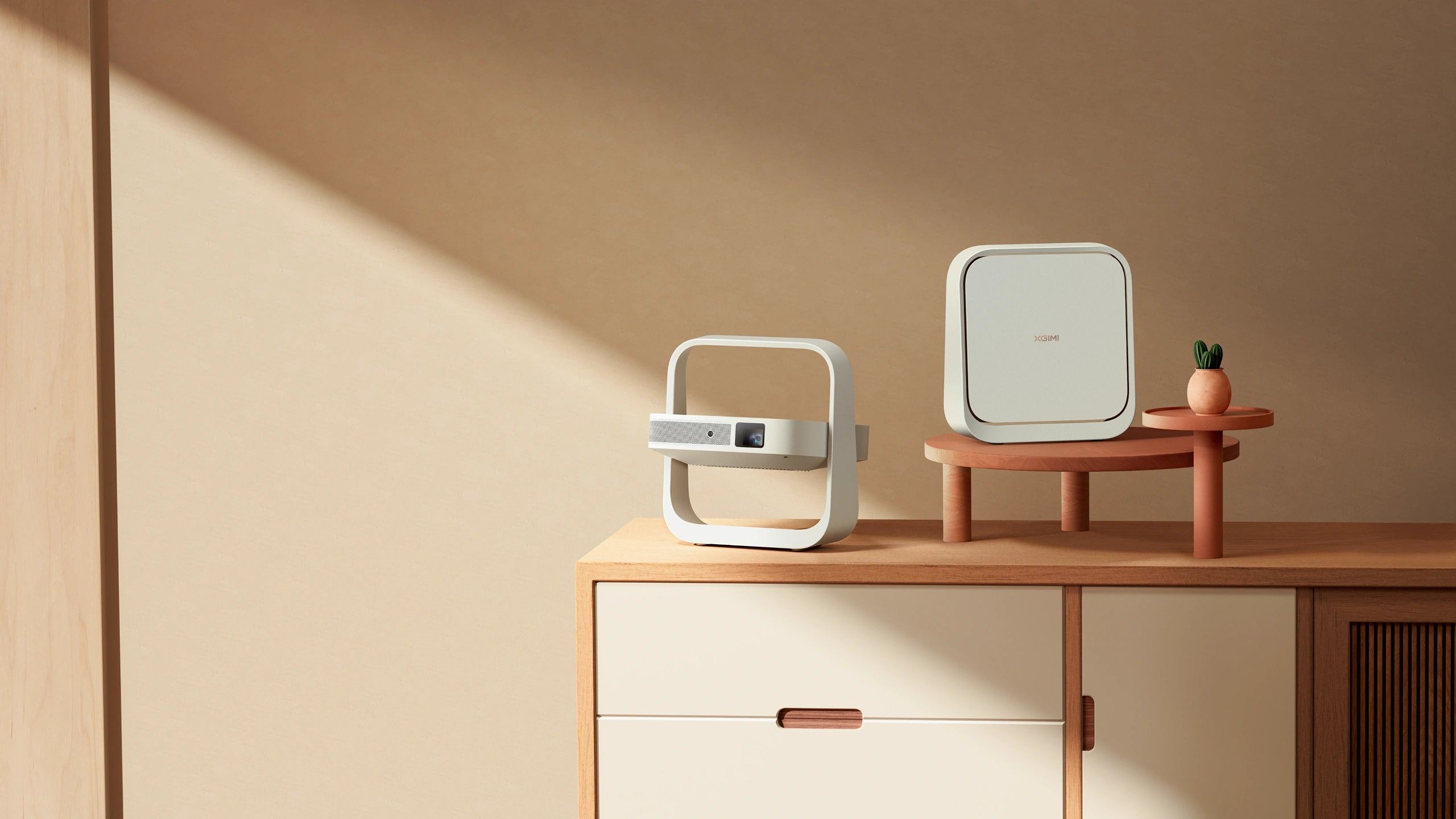
The Elfin Flip Plus adopts a “book” design measuring 235 × 226 × 71 mm and weighing 1.1 kg. When folded, the chassis automatically protects the lens from scratches and dust, making it easier to transport without a dedicated case. The handle integrated into the stand lets you move it with one hand.
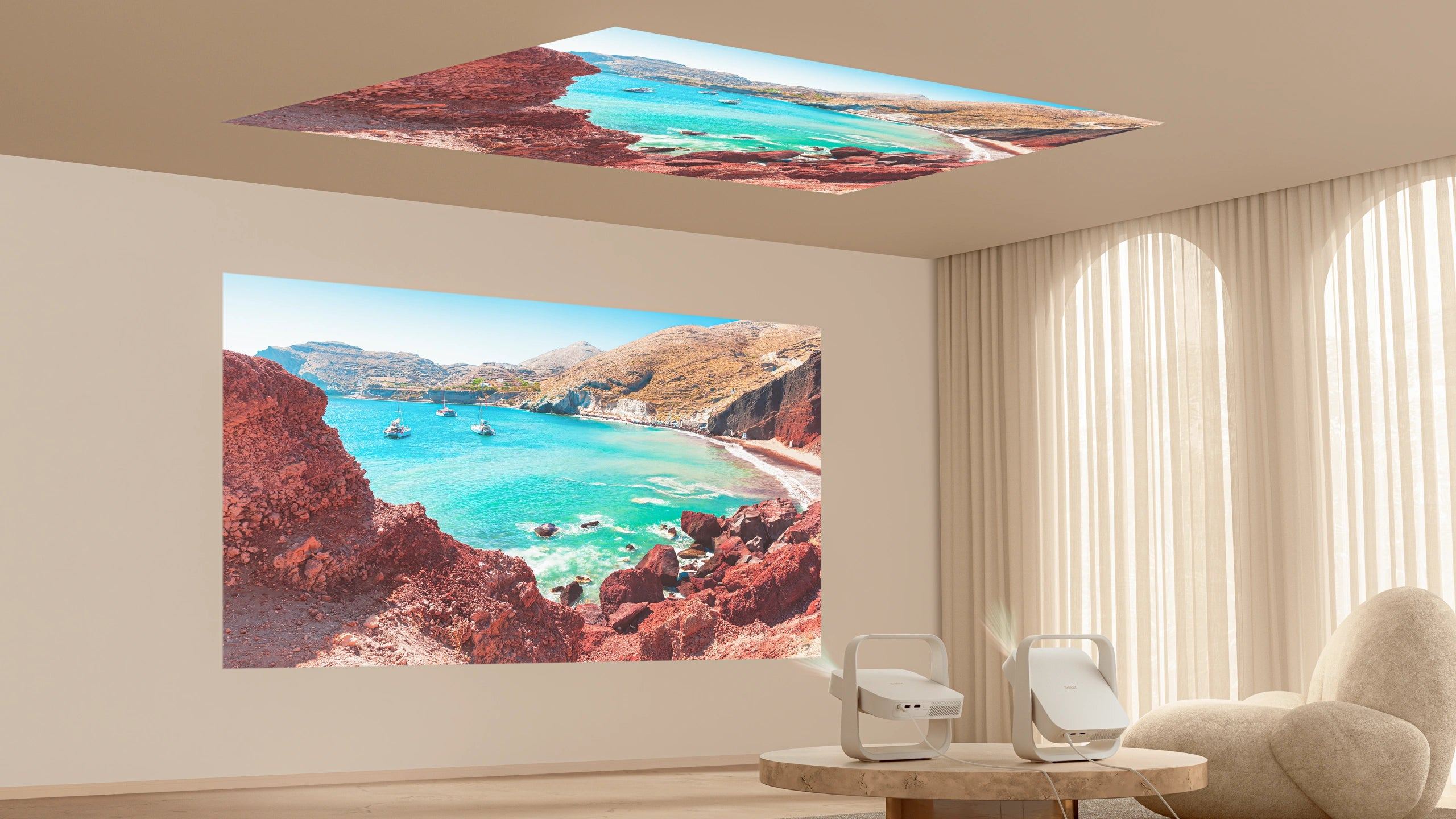
The articulated stand allows rotation up to 150°. You can project onto a wall in front of you, higher up, or onto the ceiling to watch a movie from your bed. The four projection modes (front, rear, front ceiling, rear ceiling) cover common setups. A standard ¼” threaded mount also lets you attach the device to a photo tripod.
When unfolded, the footprint remains quite small. On a stable surface, the unit stands securely; in an environment with children or pets, it’s better to place it higher up or mount it.
Picture and brightness: what the Plus version brings
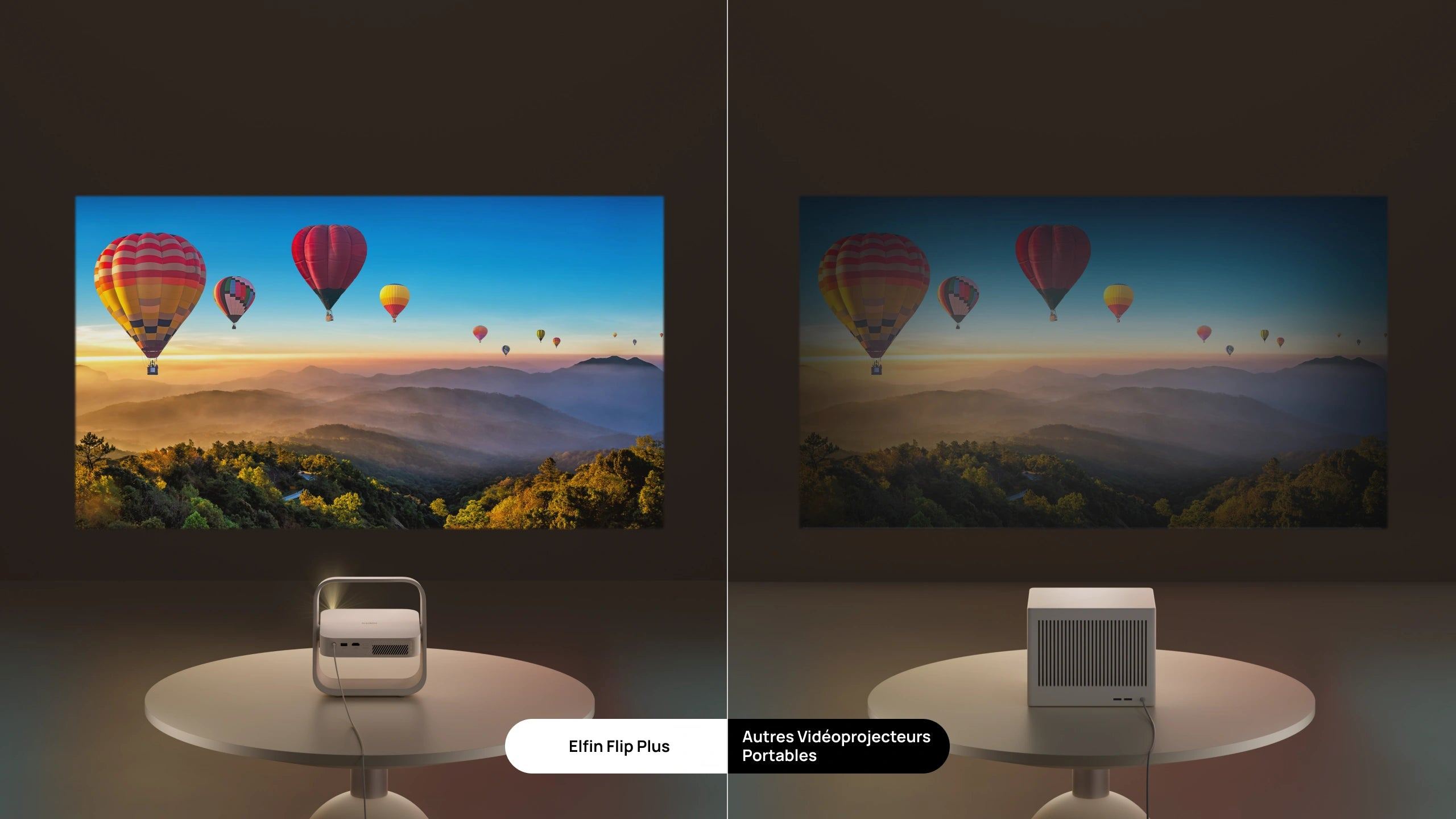
The Elfin Flip Plus delivers 500 ISO lumens, versus 400 for the Elfin Flip. This 25% boost improves viewing comfort in rooms with a bit of ambient light: evenings when blinds aren’t fully closed, bedrooms with a nightlight. In total darkness, the image gains punch.
DLP technology is based on a 0.23” DMD chip and an LED light source with a quoted lifespan of 25,000 hours. Native resolution is Full HD (1920 × 1080), with HDR10 support. The color gamut covers 121% of Rec.709, resulting in saturated, vivid colors.
The EBL (Enhanced Black Level) function is the other new feature of this version. It boosts contrast (4000:1 with EBL enabled) by darkening the image’s shadow areas. On night scenes or films with strong chiaroscuro, the difference is noticeable. It remains optional and can be disabled if you prefer a more neutral rendering.
The recommended image size is between 80 and 150 inches. Beyond that, the limited brightness starts to affect readability, especially if the room isn’t perfectly dark. The 1.2:1 throw ratio requires a distance of about 2.40 m for a 100” diagonal.
Automated setup with ISA technology
Under the ISA (Intelligent Screen Adaption) label, XGIMI groups several automatic adjustment features. On power-up, the projector focuses, corrects keystone distortion (up to ±40° horizontally and vertically), and adapts the image size if it detects a screen. This takes only a few seconds.
Keystone correction operates continuously: if the unit is moved while you’re watching, the image readjusts without intervention. Obstacle avoidance lets the projector bypass a picture frame or power outlet in the projection area, even if that mechanically reduces the display area.
These automated features are ideal for mobile use, where the projector is frequently set up and put away. For a fixed installation with precise alignment, manual adjustment remains available.
Eye protection detects when a person or pet is in front of the lens and automatically dims the brightness. This safety feature is particularly welcome if the device is placed at child height.
Google TV and native Netflix
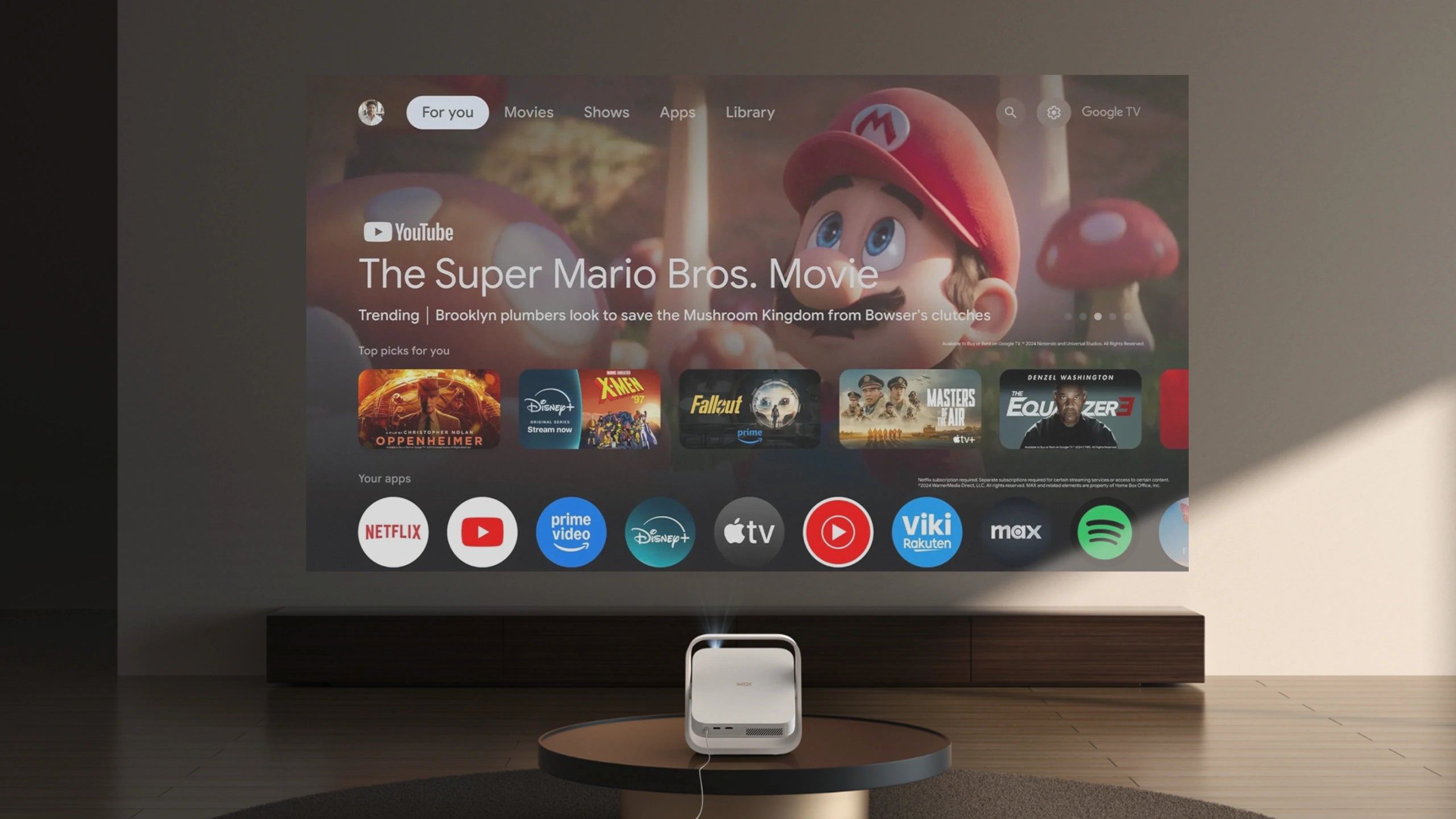
The Elfin Flip Plus runs on Google TV with access to the Play Store. Netflix, YouTube, and Prime Video are available, and Netflix has native certification: resolution and rights management are handled without workarounds. That’s worth noting, as many Android TV projectors don’t obtain this certification and restrict Netflix to downgraded resolution.
The MT9630 processor paired with 2 GB of RAM ensures smooth navigation through the menus. The 32 GB of storage leaves room for a few additional apps. For those who prefer their own sources, the HDMI input with ARC lets you connect a set-top box, console, or Blu-ray player. The USB port accepts flash drives and hard drives for local file playback.
Wireless connectivity includes Wi-Fi 5 (2.4 and 5 GHz) and Bluetooth 5.1. Google Cast lets you stream content from a smartphone or tablet.
Gaming performance
In game mode with keystone correction disabled, input lag drops to 20 ms or less at 1080p/60 Hz. This is sufficient for casual or co-op gaming, and acceptable for less competitive online titles. With keystone correction enabled, latency rises to around 56 ms: best reserved for content where responsiveness matters less.
For gaming sessions, you therefore have to choose between the convenience of automatic adjustment and optimal responsiveness. On a fixed setup where the projector remains aligned, disabling keystone correction is not an issue. In a mobile configuration, it’s a compromise you have to accept.
Built-in audio and output options
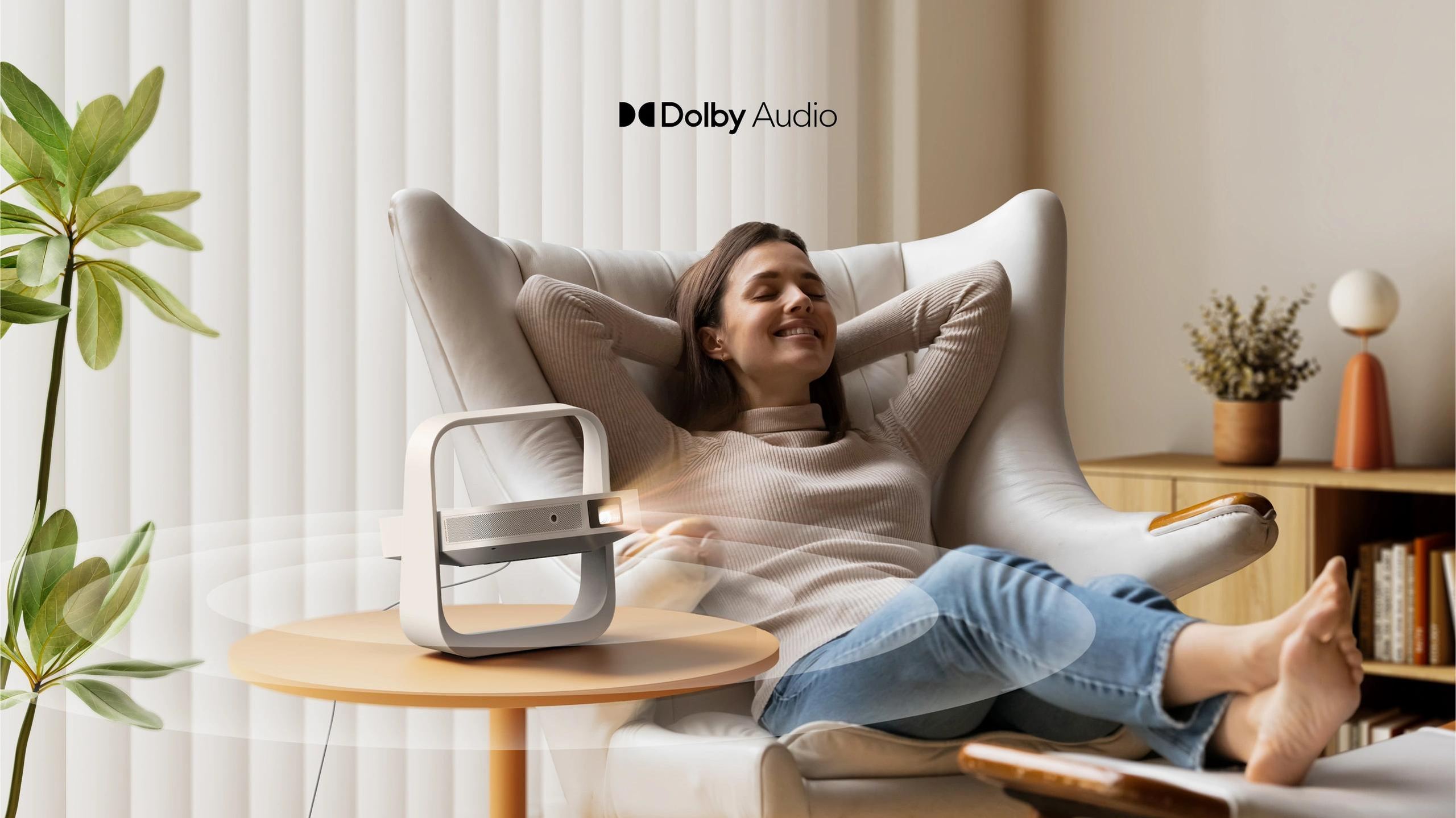
The two 3 W speakers deliver intelligible sound with enough volume for a medium-sized room. Dolby Audio, Dolby Digital, and Dolby Digital Plus formats are supported. DTS in all its forms (DTS-HD, DTS Virtual:X) is not supported.
For a more expansive sound, the HDMI ARC output lets you connect a soundbar or AV receiver. Bluetooth 5.1 allows pairing with speakers or wireless headphones.
Backlit remote control
The included Bluetooth remote control is backlit, making it easier to use in the dark. It has a microphone for voice commands via Google Assistant. Shortcut buttons to Netflix and YouTube provide direct access.
Power consumption and noise level
The 65 W power consumption remains modest for a projector. The specified noise level is under 28 dB at one meter, which corresponds to a gentle whoosh. In Performance mode (maximum brightness), the fan speeds up and becomes more audible; the other modes keep operation discreet.
The device requires mains power (200–240 V). It does not have a built-in battery: portability here means “easy to carry and set up,” not “self-powered.”
Documentation
Technical specifications
Image and projection
- Display technology: DLP with 0.23” DMD chip
- Light source: LED
- Native resolution: Full HD 1920 × 1080 pixels
- Brightness: 500 ISO lumens
- Contrast: 4000:1 with EBL enabled
- Color gamut: 121% Rec.709
- HDR compatibility: HDR10
- Image format: 16:9
- Projection size: 40” to 200”
- Recommended size: 80” to 150”
- Throw ratio: 1.2:1
- Zoom: digital
- Projection modes: front, rear, front ceiling, rear ceiling
Smart features
- Intelligent Screen Adaptation (ISA)
- Continuous automatic keystone correction
- Auto focus
- Intelligent eye protection with presence detection in front of the lens
- Built-in stand adjustable up to 150° for multi-angle projection
System and performance
- Operating system: Google TV
- App access: Google Play Store including Netflix, YouTube, Prime Video
- Processor: MT9630
- Graphics processor: Mali-G52
- RAM: 2 GB
- Internal storage: 32 GB
- Latency:
- ≤ 20 ms at 1080p / 60 Hz in game mode with keystone correction disabled
- ≤ 56 ms with keystone correction enabled
Audio
- Built-in speakers: 2 × 3 W
- Supported audio formats: Dolby Audio, Dolby Digital, Dolby Digital Plus
- Unsupported formats: DTS Virtual:X, DTS-HD
Connectivity
- Wi-Fi: Dual-band Wi-Fi 5 2.4 / 5 GHz
- Bluetooth: 5.1
- Inputs: HDMI with ARC × 1, USB × 1, DC IN × 1
- Outputs: via HDMI ARC
Power and acoustics
- Power consumption: 65 W
- Power supply: AC 200–240 V, 50 / 60 Hz
- Noise level: < 28 dB at 1 m
Design and portability
- Dimensions: 235 × 226 × 71 mm (H × W × D)
- Weight: 1.1 kg
- Design: ultra-slim book-style form factor with integrated carrying handle
- Foldable stand protecting the lens during transport
Box contents
- XGIMI Elfin Flip Plus projector
- Backlit Bluetooth remote control
- AAA batteries × 2
- Power cable
- User manual
- Warranty card
Frequently asked questions
Can the Elfin Flip Plus replace a TV for everyday use?
In a dark or dimly lit room, yes. The 500-lumen brightness is enough for movie nights or gaming sessions. In daytime with natural light, the image loses contrast and readability. A TV remains more versatile for all-day use.
How far back do you need to be for a 100-inch image?
With the 1.2:1 throw ratio, you need about 2.40 meters between the lens and the projection surface for a 100-inch (254 cm) diagonal.
Does keystone correction degrade the image?
Any digital correction involves pixel interpolation, which can slightly reduce sharpness. For optimal image quality, it’s best to position the projector as perpendicular as possible to the projection surface.
Which streaming apps are available?
The Play Store provides access to Netflix (certified), YouTube, Prime Video, Disney+, Canal+, Molotov, and most streaming services. Some apps may not be fully optimized for remote control use.
Can you connect Bluetooth headphones to watch a movie without disturbing others?
Yes, Bluetooth 5.1 lets you pair headphones. However, Bluetooth latency may introduce a slight delay between picture and sound depending on the headphones used.
- Eco-contribution of €0.75 included in the sale price.
- Manufacturer reference: XGI08577
- GTIN / EAN: 6935670508577