

Sofabaton R1

Complementary product
Specifications and features

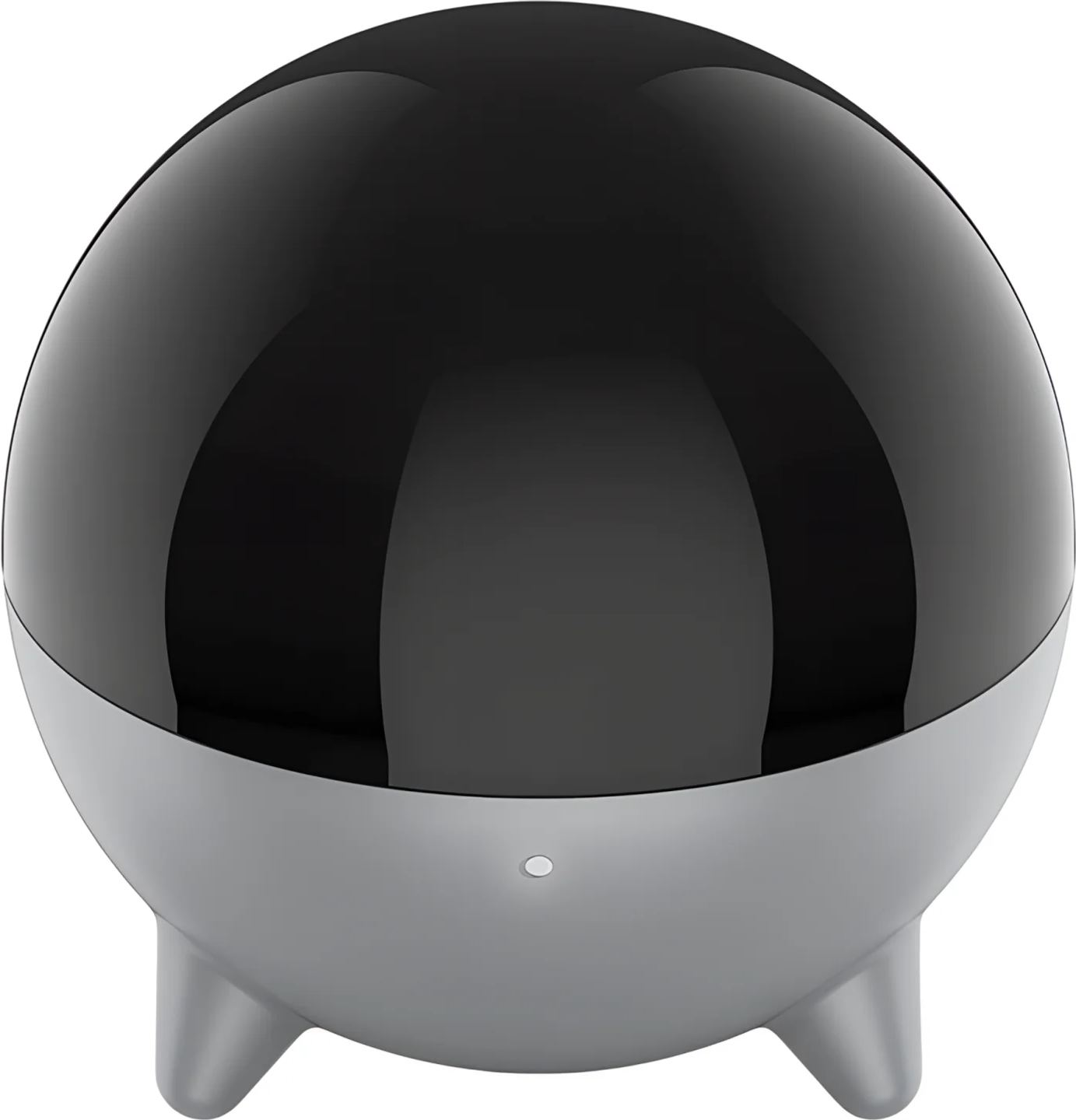
Sofabaton R1: infrared repeater for Sofabaton X2
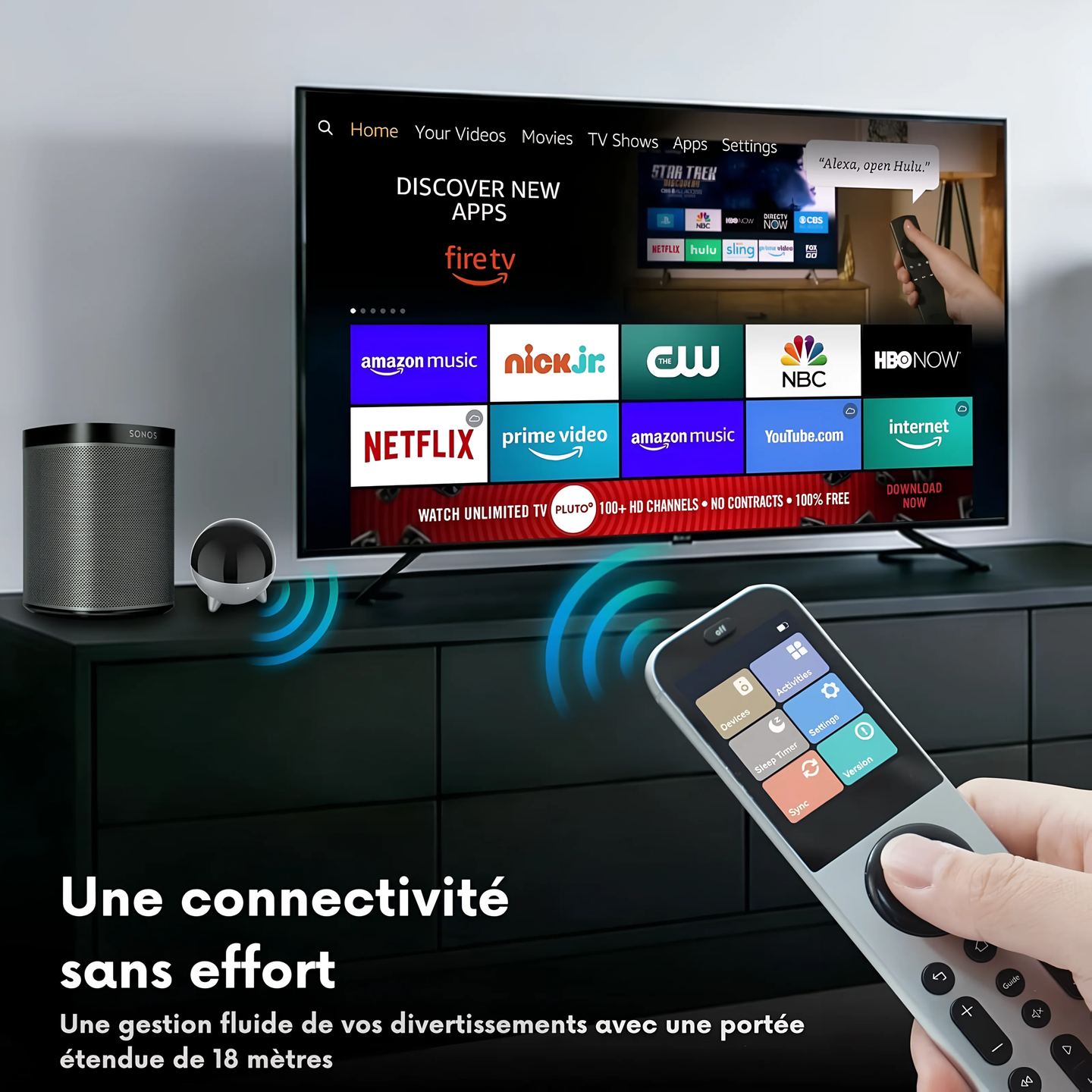
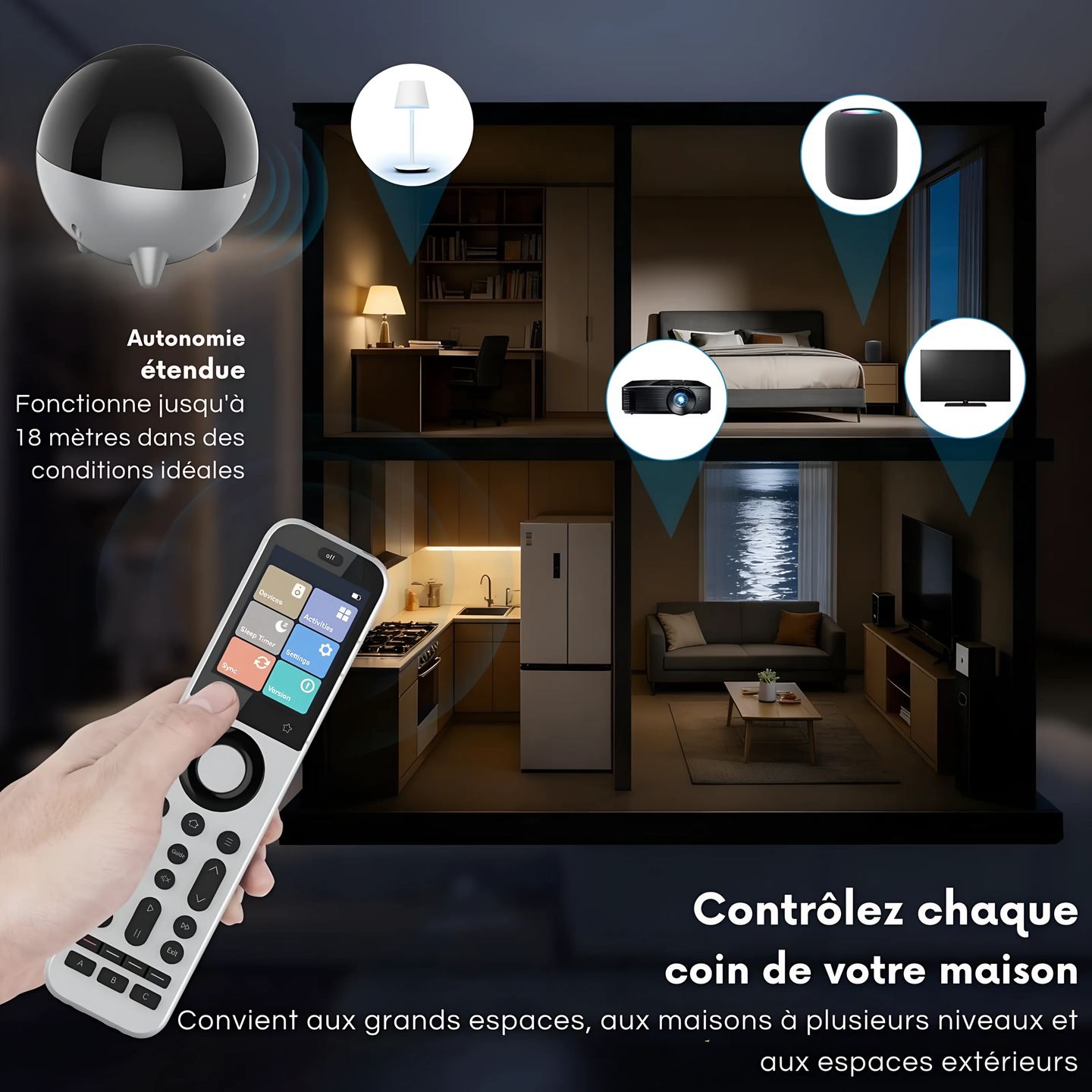
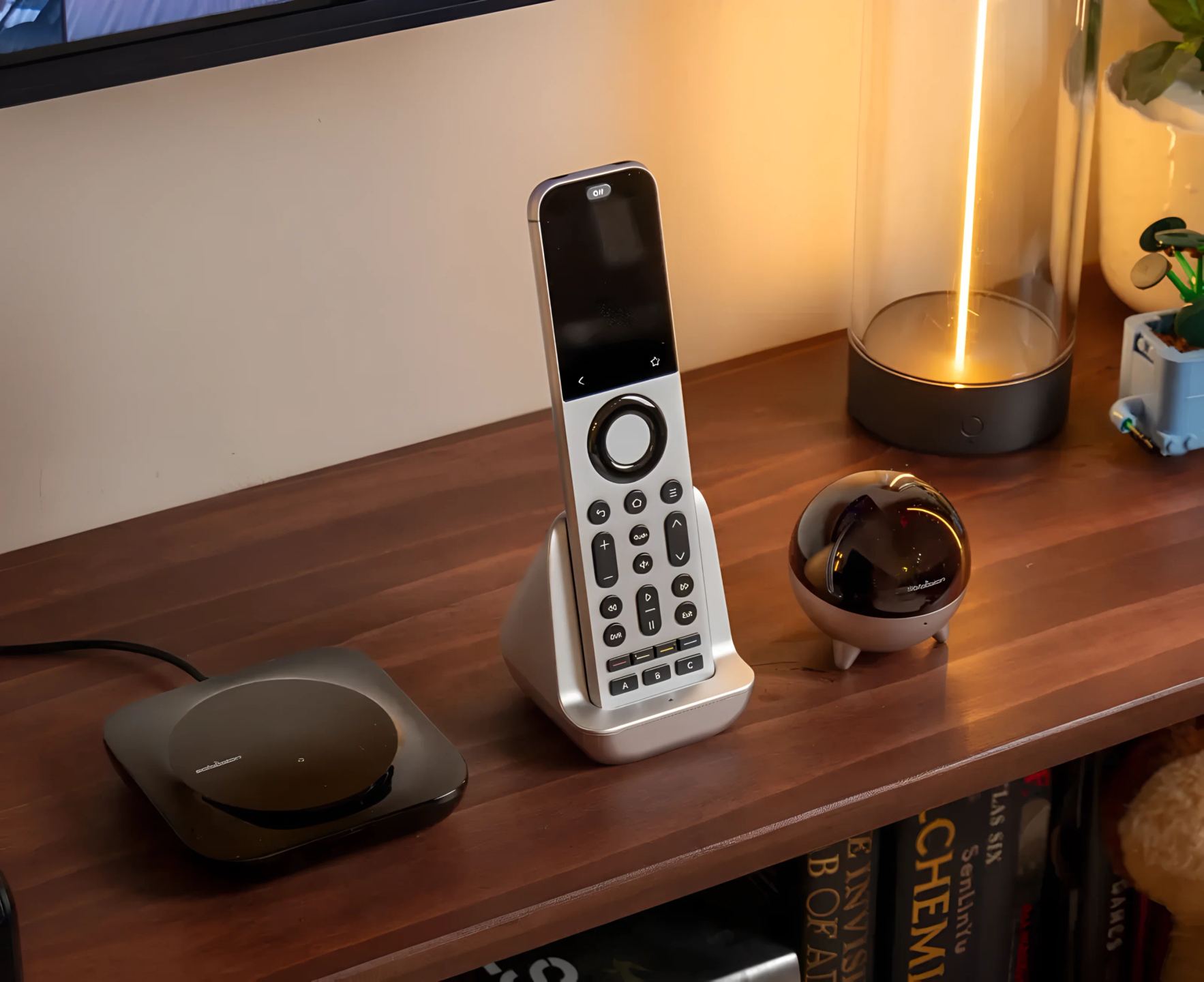
In a well-designed home theater setup, devices are often hidden inside a closed cabinet, installed in an adjacent equipment room, or simply placed outside the hub’s direct range. The Sofabaton R1 was designed specifically to address this constraint. This compact infrared repeater receives commands transmitted by radio frequency from the Sofabaton X2 (or U3) system hub, then converts them into IR signals broadcast locally to the relevant devices. The result: control coverage extended to multiple zones without requiring any direct line of sight between the remote control and the equipment.
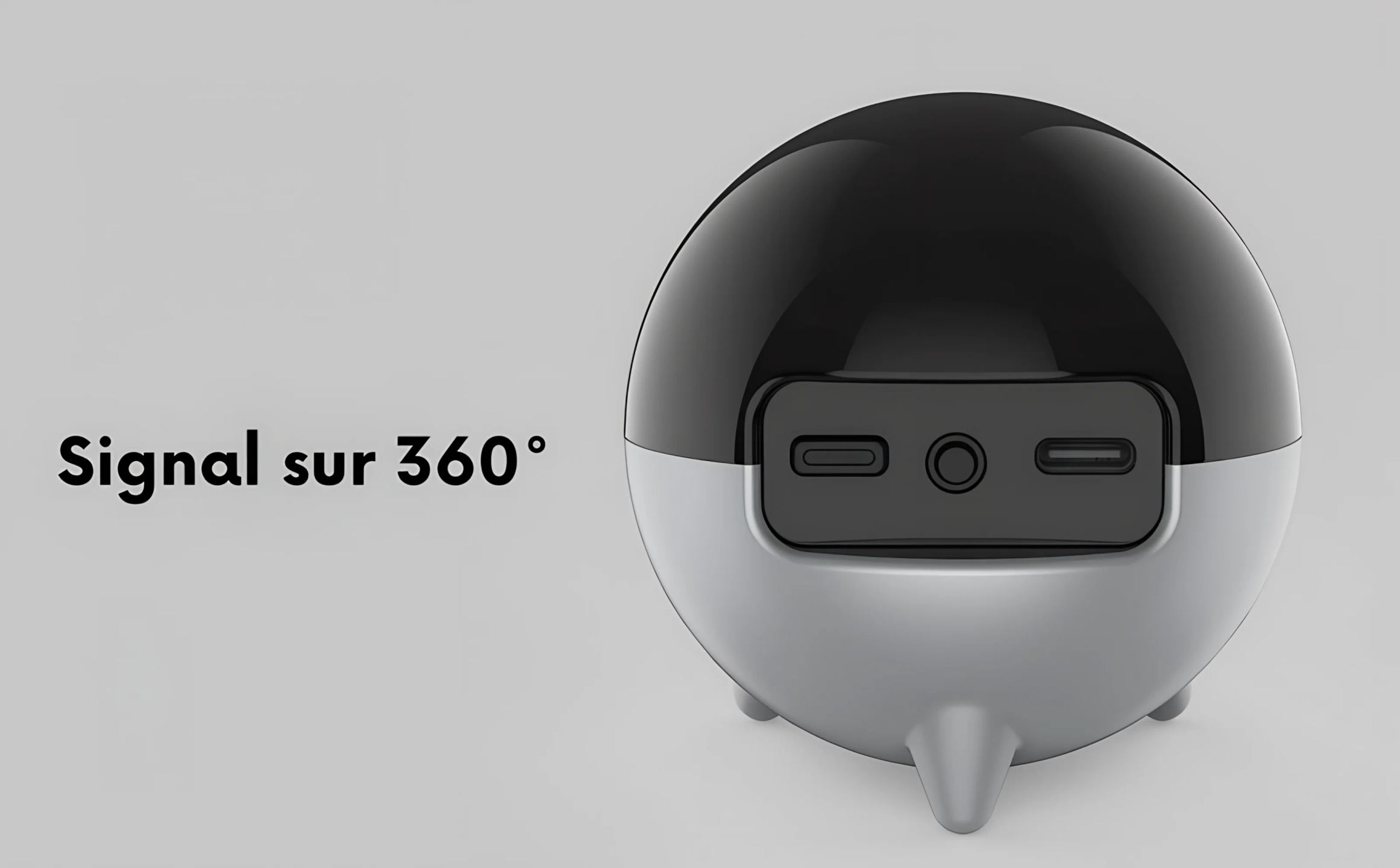
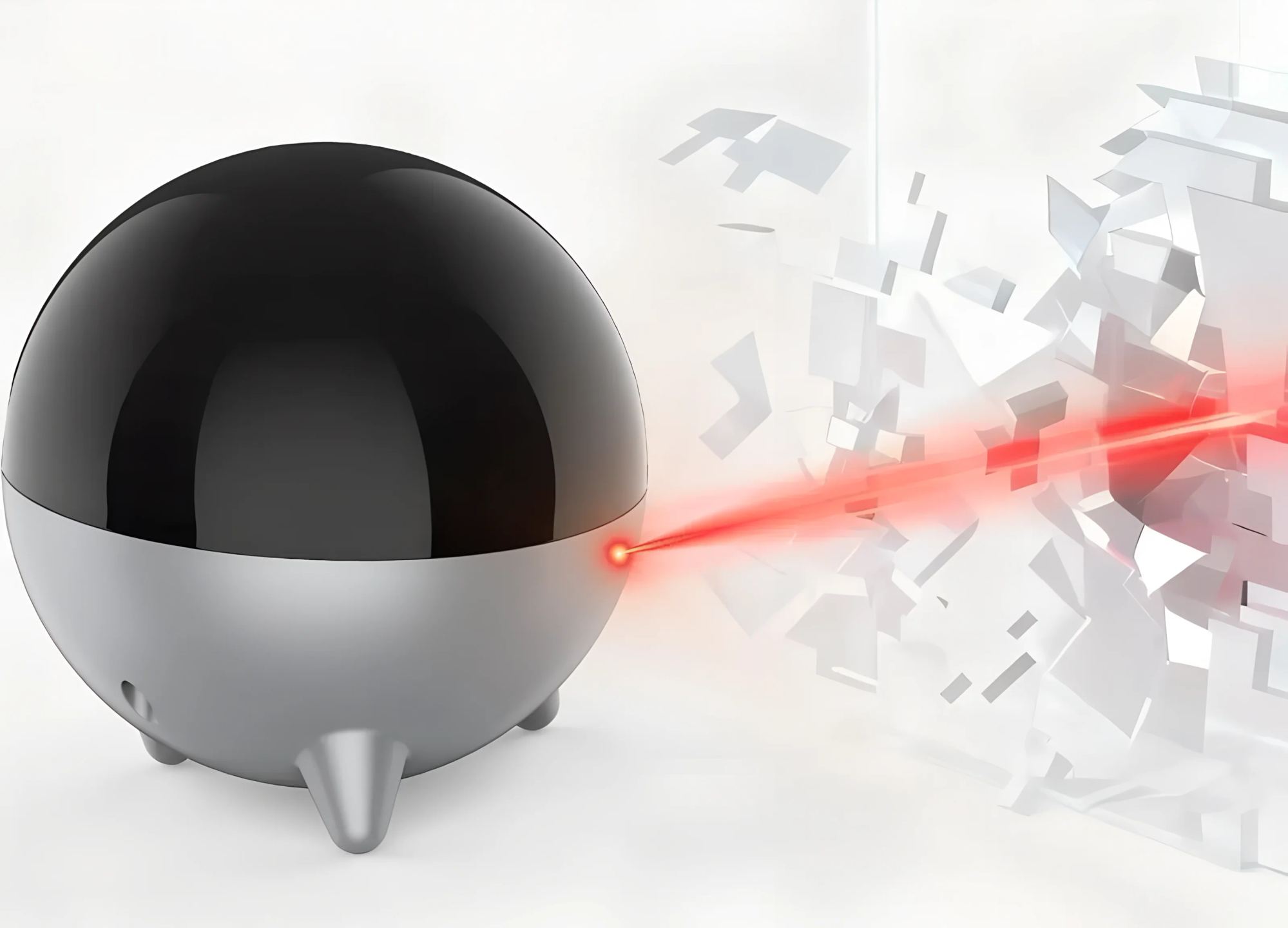
360° coverage thanks to seven high-power emitters
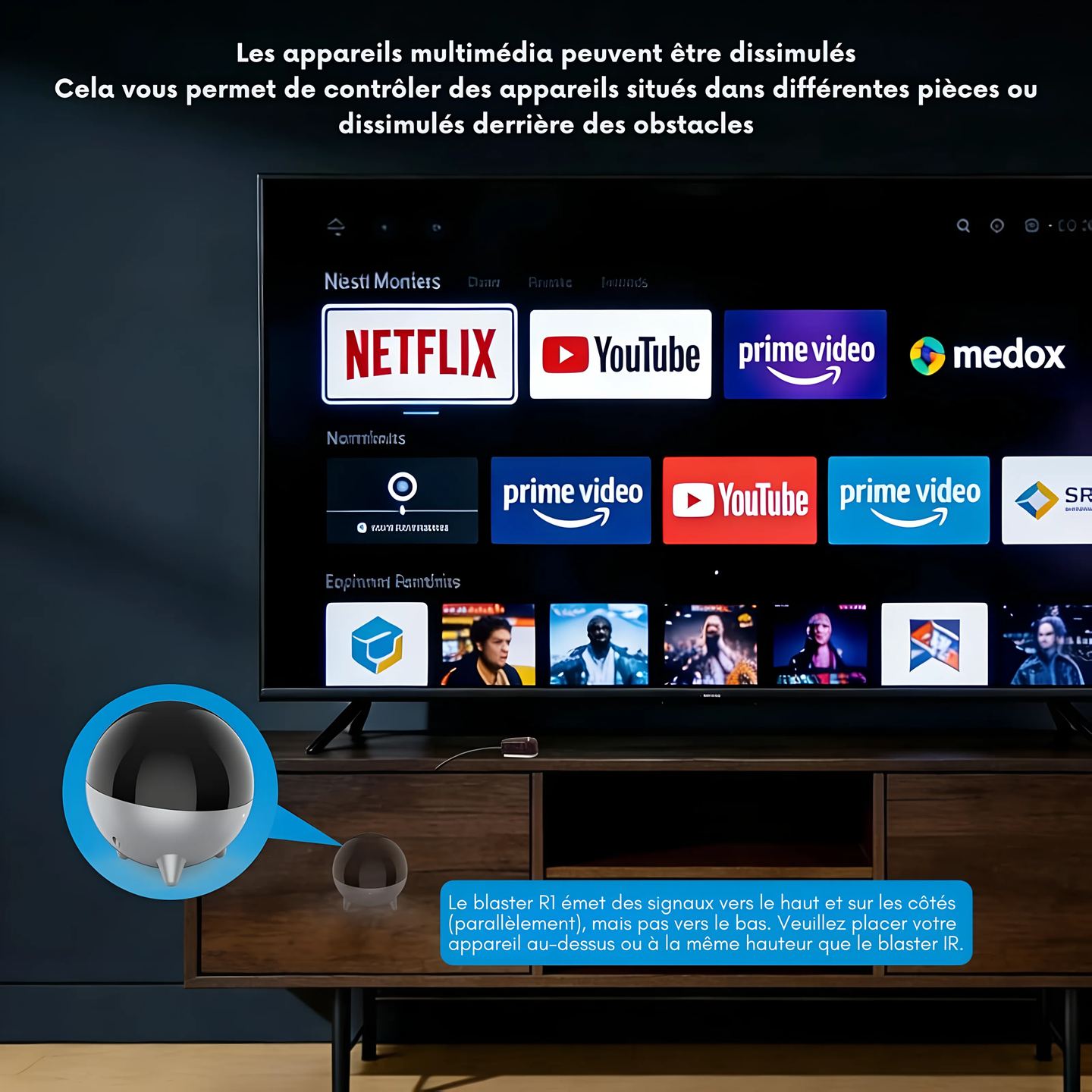
The R1 features seven high-power infrared emitters that broadcast the signal both horizontally and upward, covering a wide area around the unit. Signals are not emitted downward, which naturally guides module placement: placed on a cabinet, shelf, or rack top, it effectively covers all IR sensors located at its level or above it.
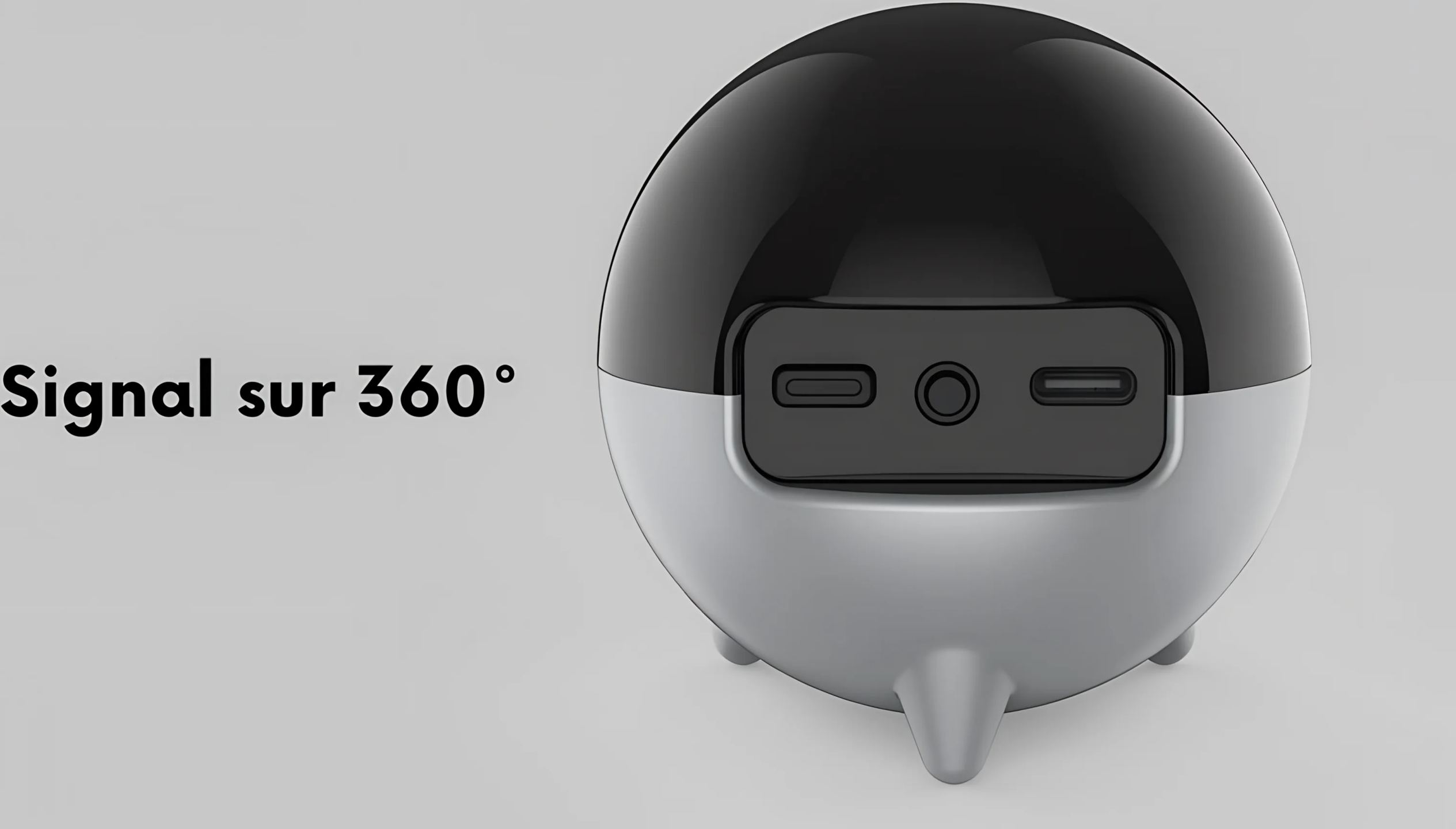
For cases where a device is located in an enclosed space or in a remaining blind spot, a 3-meter wired IR emitter cable (3.5 mm jack plug) is included. It connects to the R1’s IR Out port, and its emitter head is positioned directly in front of the target device’s sensor. This dual approach, with wide broadcasting through the built-in emitters and targeted transmission through the cable, covers the vast majority of installation scenarios.
RF reception through obstacles
Unlike a simple passive IR emitter, the R1 communicates with the Sofabaton hub via radio frequency. RF signals pass through partitions, cabinet doors, and standard walls, allowing the R1 to be placed in a different room from the hub. The command path is therefore as follows: the X2 (or U3) remote sends the instruction to the hub via Bluetooth, the hub transmits it to the R1 via RF, and the R1 broadcasts it in infrared to the target device. Each R1 can be assigned via the Sofabaton app as an “IR emitter” dedicated to one or more specific devices in the installation.
Setup and pairing via the Sofabaton app
The R1 is set up through the Sofabaton mobile app. The unit is continuously powered by the included USB-C power adapter (5 V / 1 A). Pressing the pairing button for three seconds makes the LED indicator flash white slowly, signaling that the module is waiting for synchronization from the app. Once pairing is complete, the LED becomes solid white (with no IR cable connected) or solid green (with the IR cable connected). IR codes are stored locally in the R1, ensuring a fast response time to commands. Code database updates are carried out from the app.
One point to keep in mind: pairing the R1 with a new hub automatically erases the previous connection and settings.
Typical installation scenarios
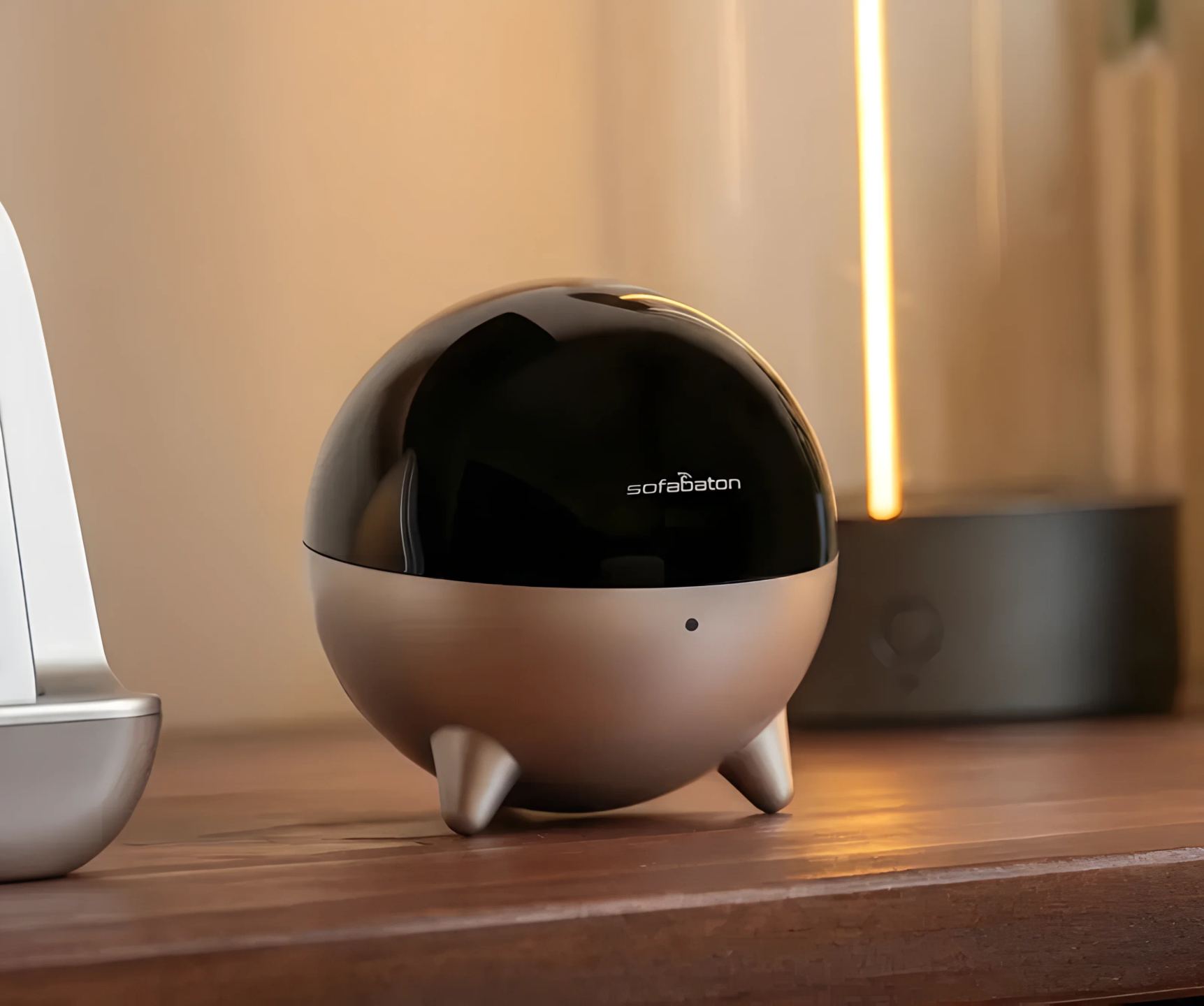
The R1 fits into three common configurations. When the devices to be controlled are located in a different room from the hub, simply place the R1 in that second room with a clear line of sight to the equipment’s IR sensors. If the hub is installed inside a closed cabinet, the R1 can be positioned outside that cabinet, with the RF signal passing through the cabinet walls to reach the R1, which then broadcasts IR commands to the visible devices. Finally, for a device whose IR sensor is particularly difficult to access, the wired emitter cable allows precise targeting by placing the emitter head directly on or in front of the IR receiver.
Technical specifications
Overview
- Sofabaton R1 infrared extension module for X2 remote control
- Receives Bluetooth commands sent by the X2 hub and converts them into infrared signals
- Extends IR coverage to eliminate dead zones in a home theater setup
- Compatible with concealed devices or those out of direct range
Type and communication
- Type: infrared repeater / transmitter
- Communication with the hub: radio frequency (RF)
- Local storage of IR codes: yes
Infrared transmission
- Built-in IR emitters: 7 high-power emitters
- 360° coverage (horizontal and upward)
- Wired IR output: 3.5 mm jack port
- 3 m IR emitter cable included for precise targeting of hard-to-reach sensors
Power supply
- Connector: USB-C
- Voltage and current: 5 V / 1 A
- AC power adapter included
Light indicator
- Flashing white LED: pairing
- Solid white LED: connected, without blaster
- Solid green LED: connected, with blaster
Setup and compatibility
- Setup via the Sofabaton mobile app (iOS / Android)
- Compatibility: Sofabaton X2, U3, and later models
Package contents
- 1 Sofabaton R1 IR repeater
- 1 5 V / 1 A AC power adapter
- 1 USB-C to USB-A cable (1.2 m)
- 1 wired IR emitter cable with 3.5 mm jack plug (3 m)
- 1 user guide
Frequently asked questions
Can the R1 work without the Sofabaton X2 or U3 hub?
No. The R1 is an expansion module that depends entirely on the hub to receive commands. It has no infrared reception capability and no direct connection to a remote control. Without a paired Sofabaton hub, the unit cannot emit any signal.
How many R1 units can be used simultaneously in the same installation?
Sofabaton does not publish an explicit limit in its current documentation. In practice, each R1 is individually assigned via the app as an IR emitter dedicated to one or more devices. For multi-zone installations, it is possible to add several R1 units to cover each room or each cabinet containing equipment.
Does the R1 work with the Sofabaton X1S?
No. The R1 is compatible only with the X2, the U3, and later Sofabaton models. The X1S uses a different communication architecture that does not support this repeater.
Why are IR signals not emitted downward?
The seven built-in emitters broadcast horizontally and upward. This design choice matches the main use case: the R1 is placed on a cabinet or shelf and must reach the IR sensors of devices located at the same height or above it (for example a wall-mounted TV). For a device located below, the included wired emitter cable allows the IR signal to be directed precisely toward the relevant sensor.
Is the 3-meter IR emitter cable essential?
No, it is optional. The seven built-in emitters are sufficient in most configurations when the R1 has a clear line of sight to the devices. The wired cable is useful when a device is located in a confined space, behind a closed door, or in a blind spot that 360° broadcasting cannot cover.
- Eco-contribution included in the sale price.