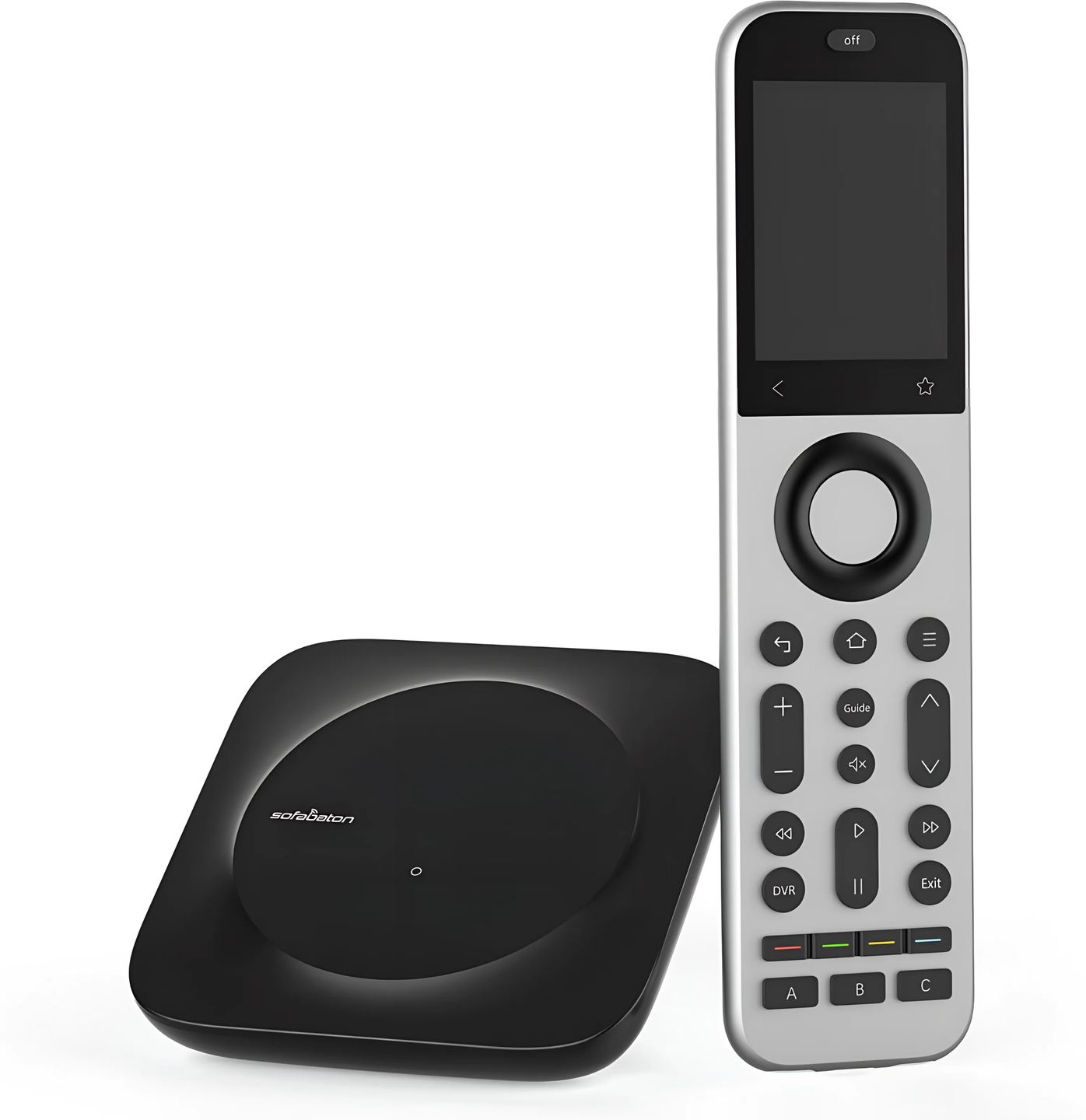
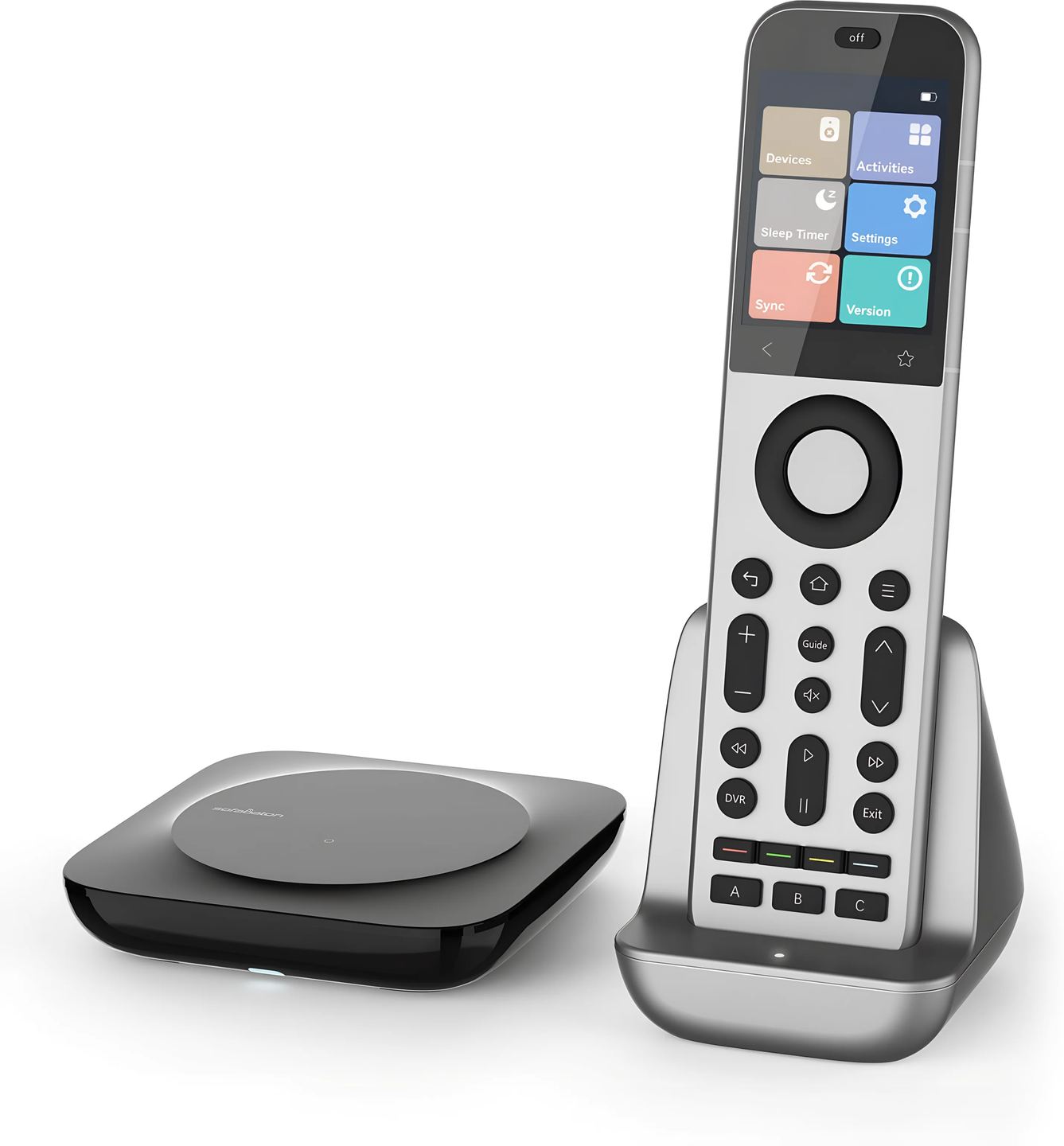
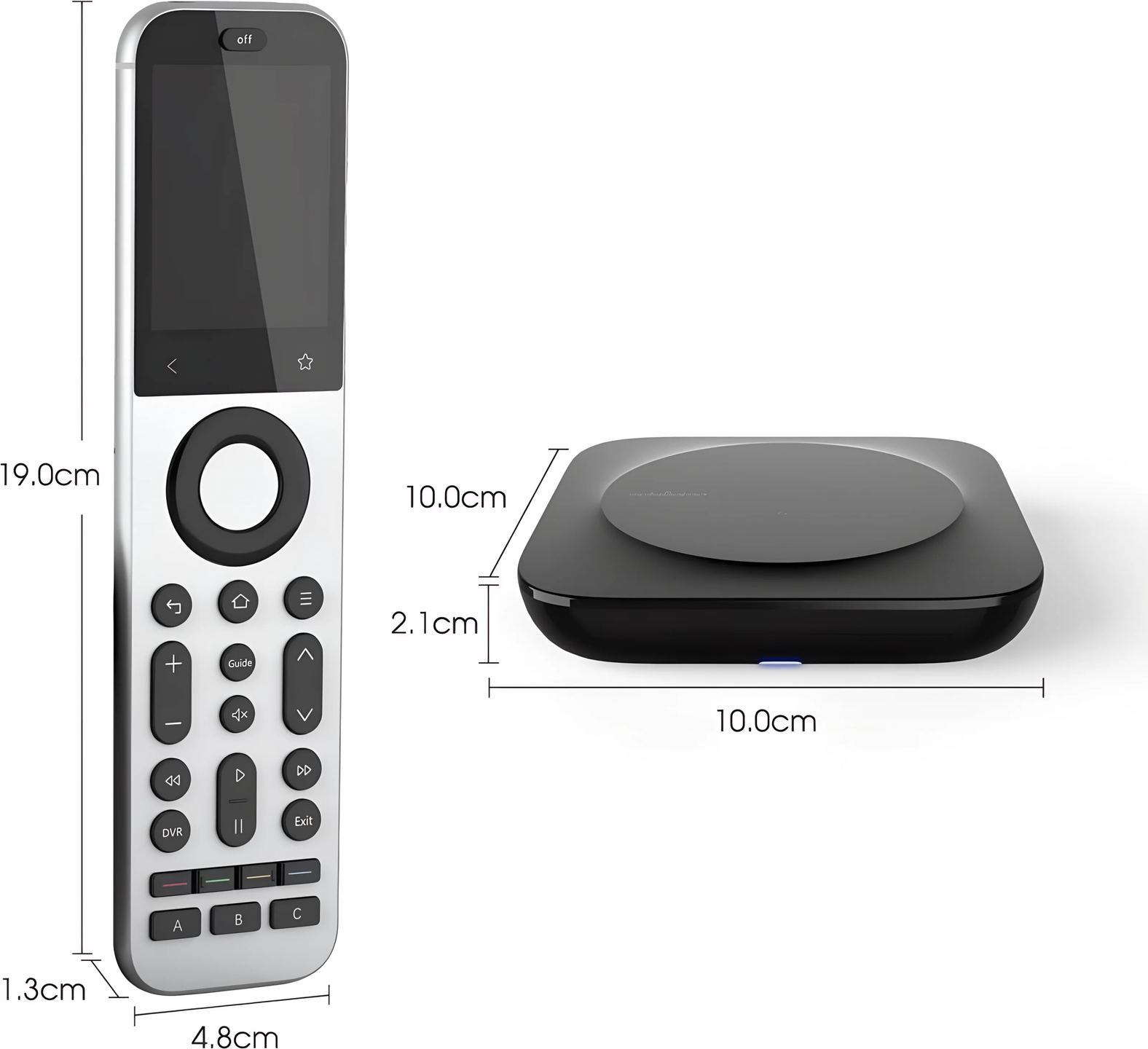
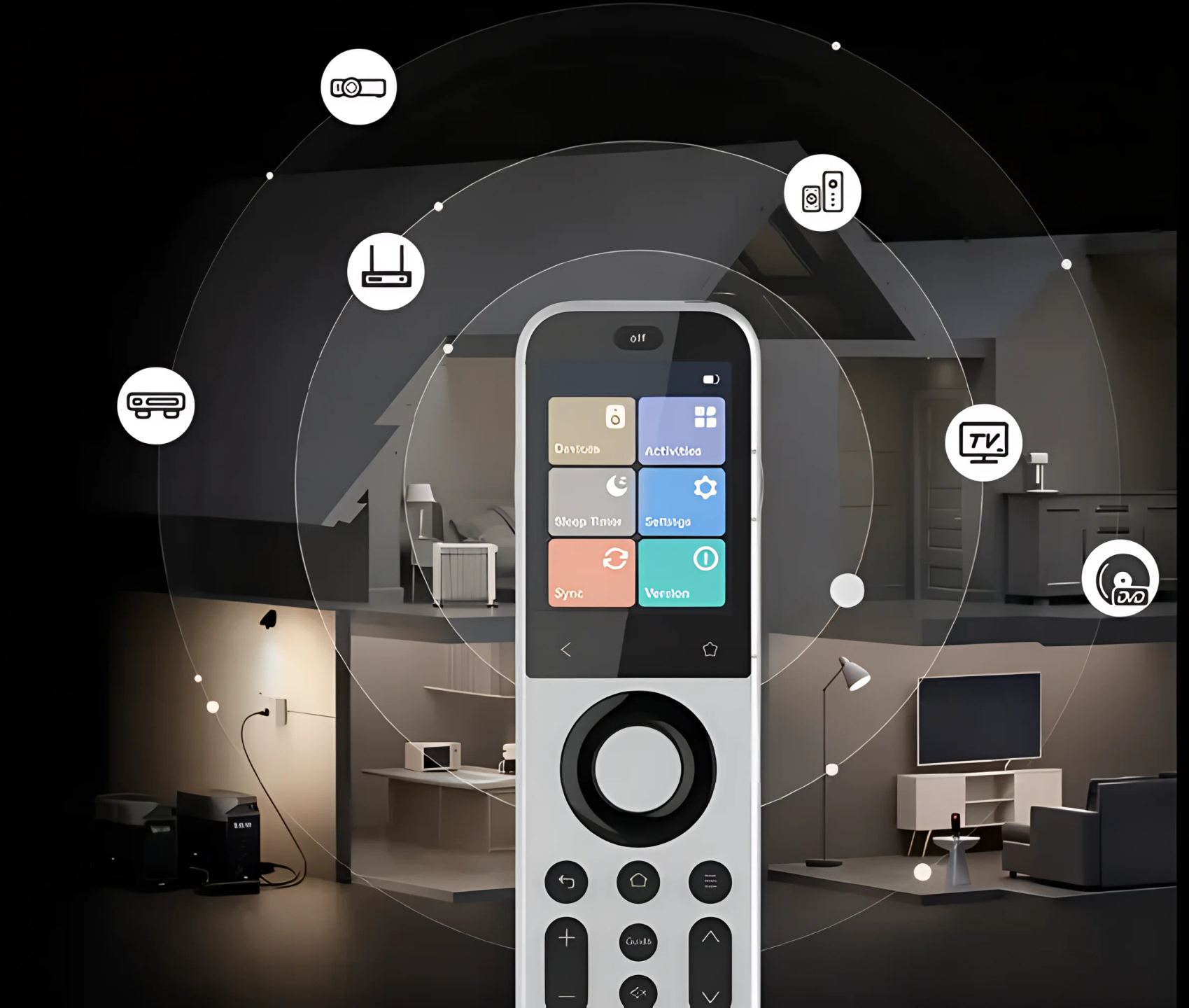
Sofabaton X2: a universal remote with a metal body
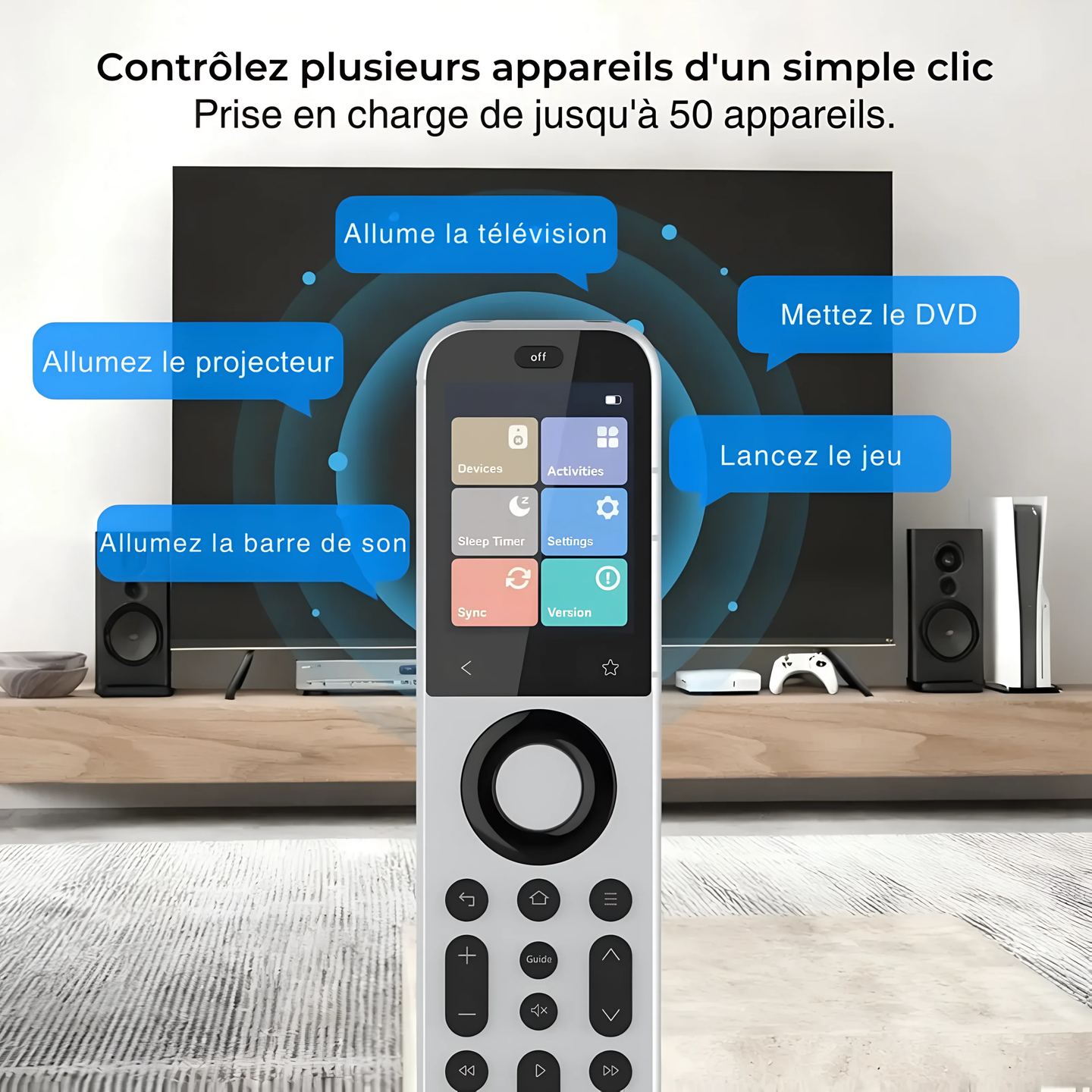
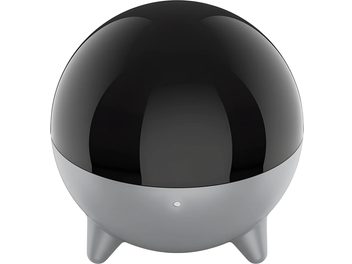
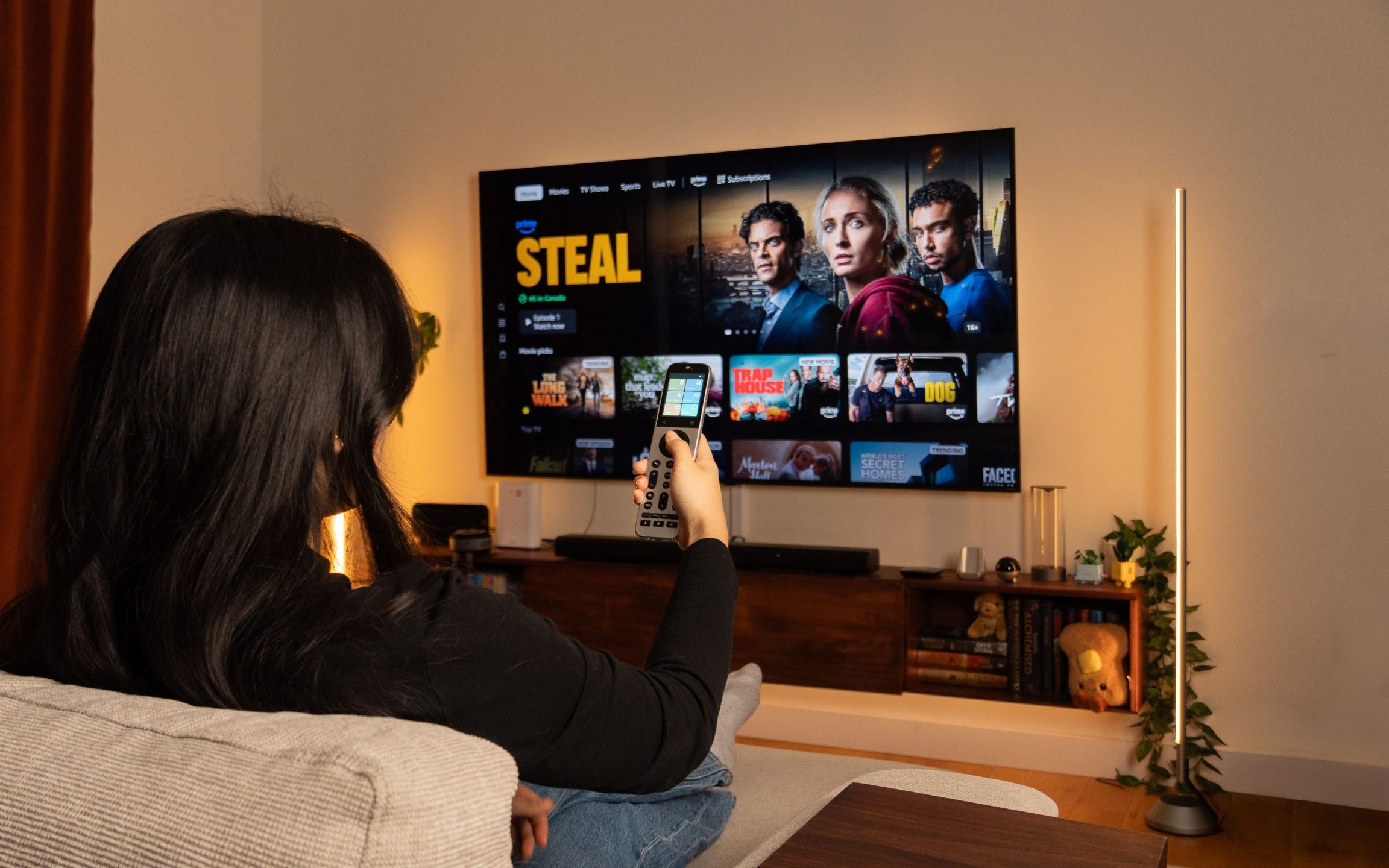
Stacking four or five remotes on the coffee table is a habit the X2 aims to eliminate. It brings together infrared, radio frequency, Bluetooth, and network control in a single metal body, operated by a color touchscreen. Sofabaton claims it can replace more than fifty remotes, with a central hub designed to reach devices stored inside a closed cabinet.
A one-piece zinc alloy body
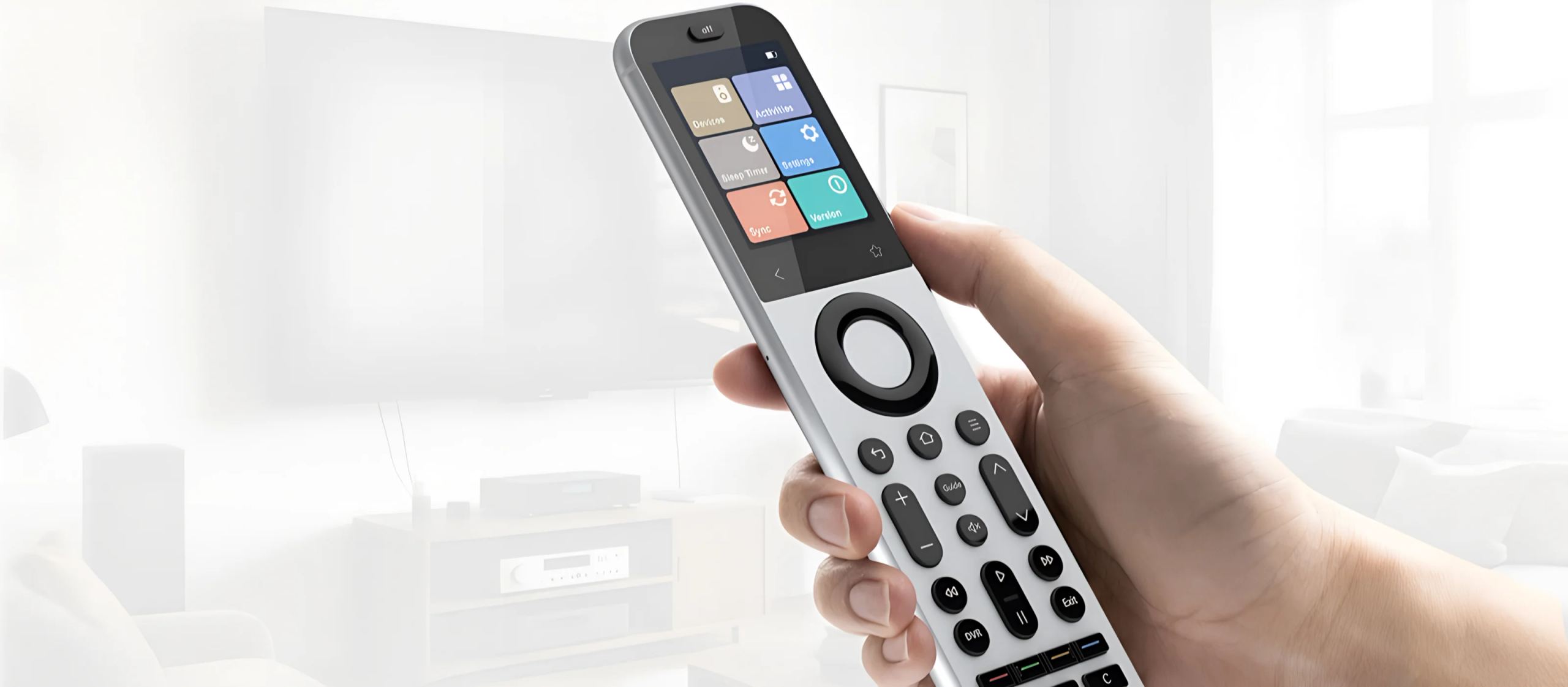
The X2 drops the plastic of the X1S generation in favor of a one-piece zinc alloy shell with a sandblasted finish. You can feel the difference in hand: the device has weight and a dry texture that picks up fewer fingerprints. The physical buttons are backlit, cushioned, and paired with haptic feedback, giving each press a crisp click rather than a soft push. This sandblasted surface stays smooth, and some hands may find it a bit slippery at first.
The touchscreen replaces the scroll wheel
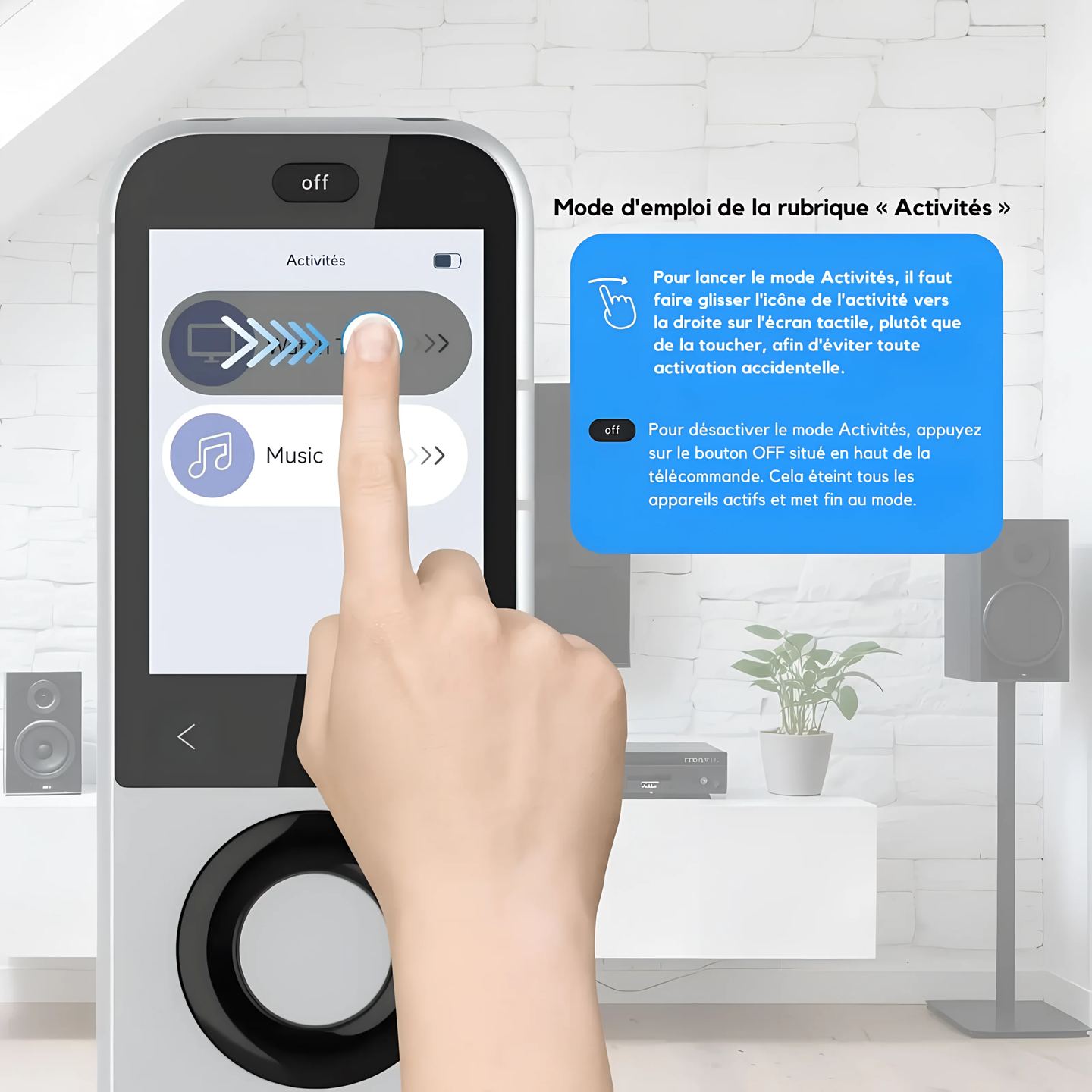
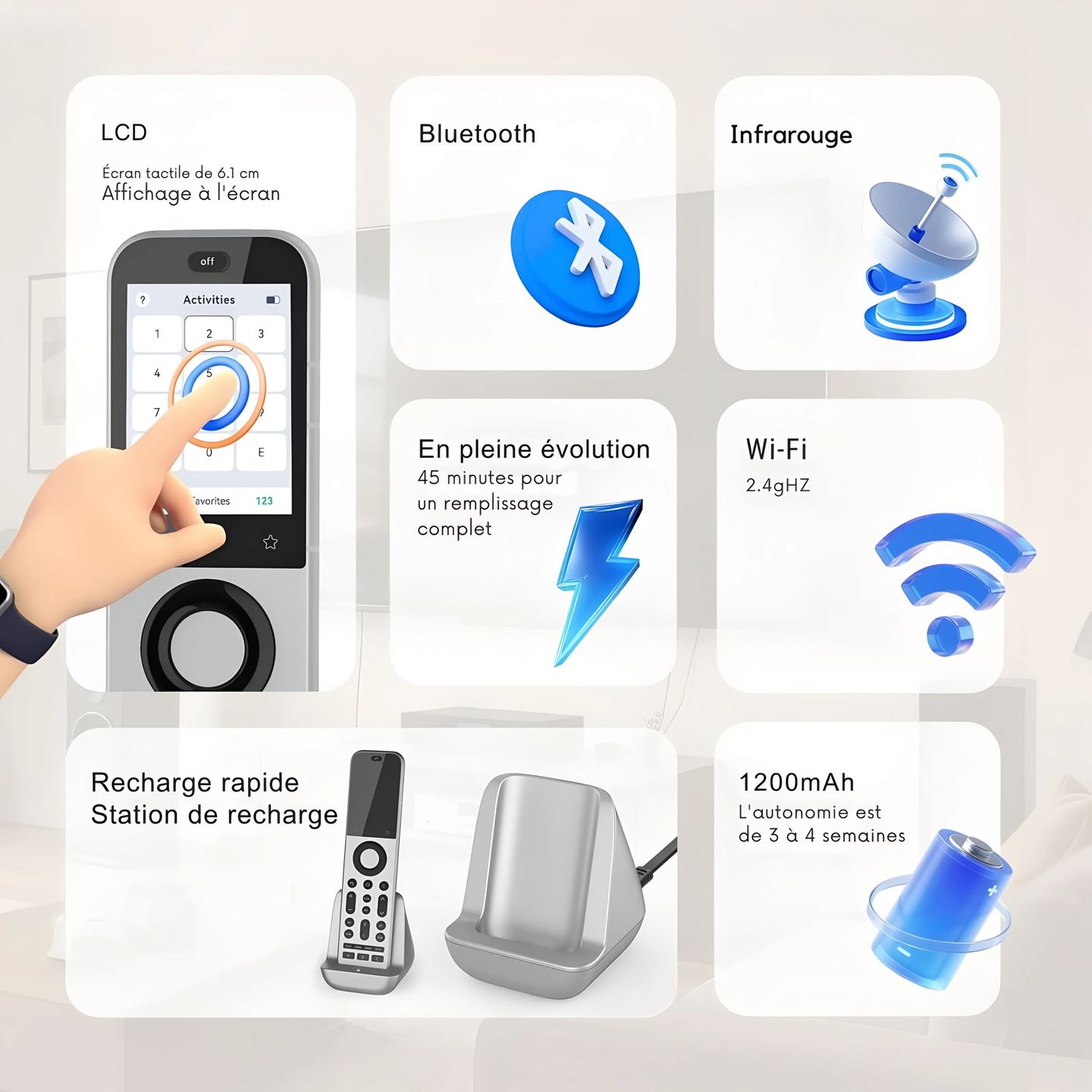
The most visible change compared with the X1S is the screen. The clickable wheel gives way to a 2.4-inch color touchscreen, about 6.1 cm, with HD resolution and 332 pixels per inch. Entering a channel number is done through an on-screen numeric keypad, and launching an activity takes a finger swipe confirmed by vibration. A Favorites button gives direct access to this numeric keypad or to the macros you have saved.
Bringing five protocols together in one device
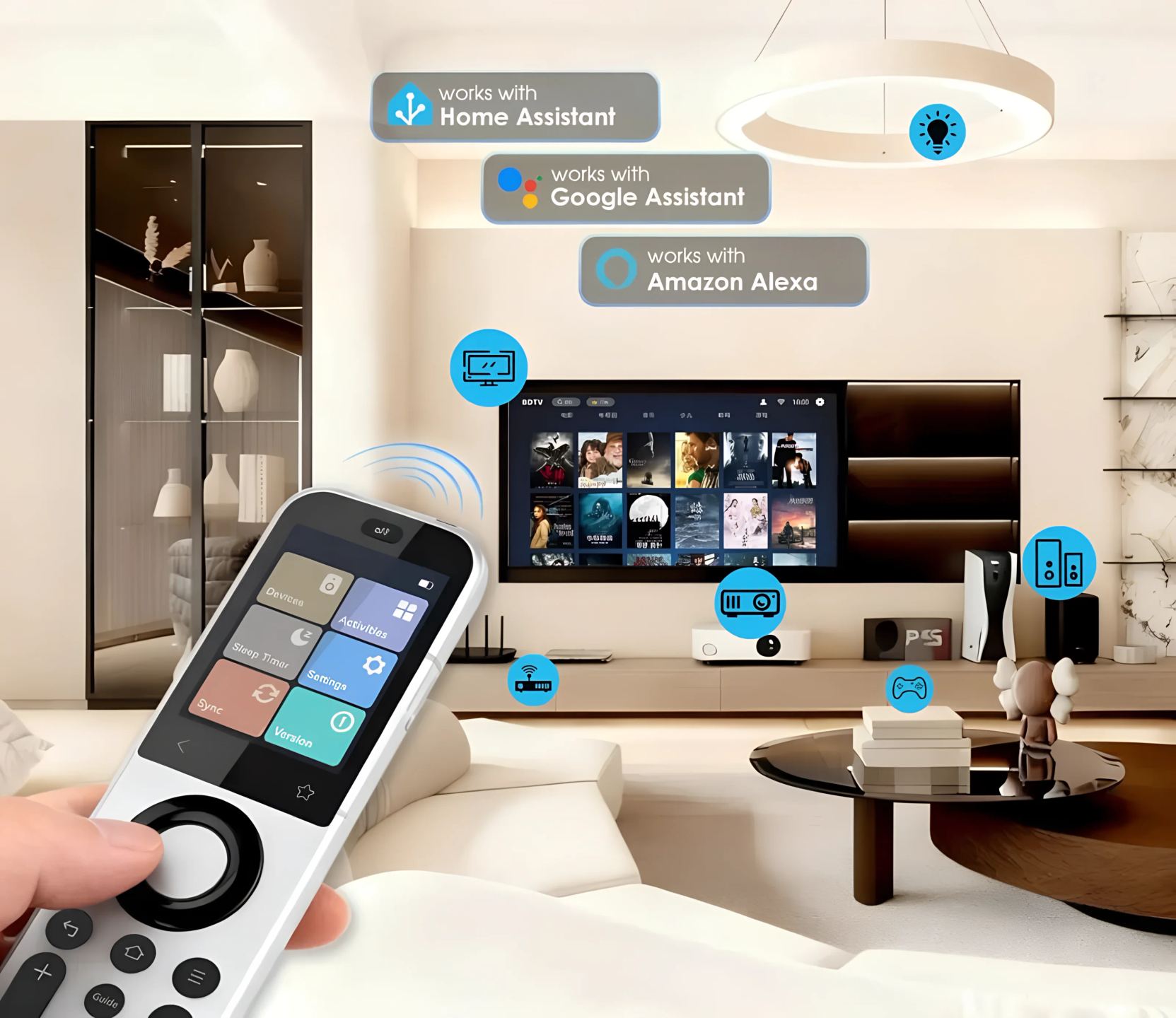
Where many remotes are limited to infrared, the X2 combines five control paths: infrared, radio frequency, Bluetooth, Wi-Fi, and local IP control over the home network. IP control targets recent connected devices and promises fast, precise commands without depending on line of sight. Bluetooth works in multipoint mode, meaning it keeps several devices paired at the same time and switches from one to another without delay. The downside of this versatility: network control applies only to Wi-Fi-compatible equipment, and everything else still goes through infrared or radio frequency.
The infrared hub and its 360-degree coverage
Infrared has not disappeared, though. The X2 includes a built-in transmitter for devices in direct view, but most of the work falls to the hub, which broadcasts the signal in 360 degrees up to about 12 meters (40 feet). For components hidden at the back of a cabinet or out of reach, two external infrared emitters come with the pack and plug into the hub. Anyone with multiple rooms or a second equipment rack can add the R1 repeater, fitted with seven emitters and sold separately, to cover TVs, audio systems, and air conditioners in another zone.
Activities triggered with one touch
The value of a universal remote often comes down to macros. The X2 stores activities that chain several commands with a single press: turn on the TV, switch the amp to the right input, start the player, and choose the correct mode. An updated code database and faster hardware are meant to deliver more reliable pairing than on the previous generation, where shutting down a device could sometimes be missed. In practice, activities that control several devices often require inserting short delays so each link in the chain can process its command before the next one.
Home automation, voice assistants, and app
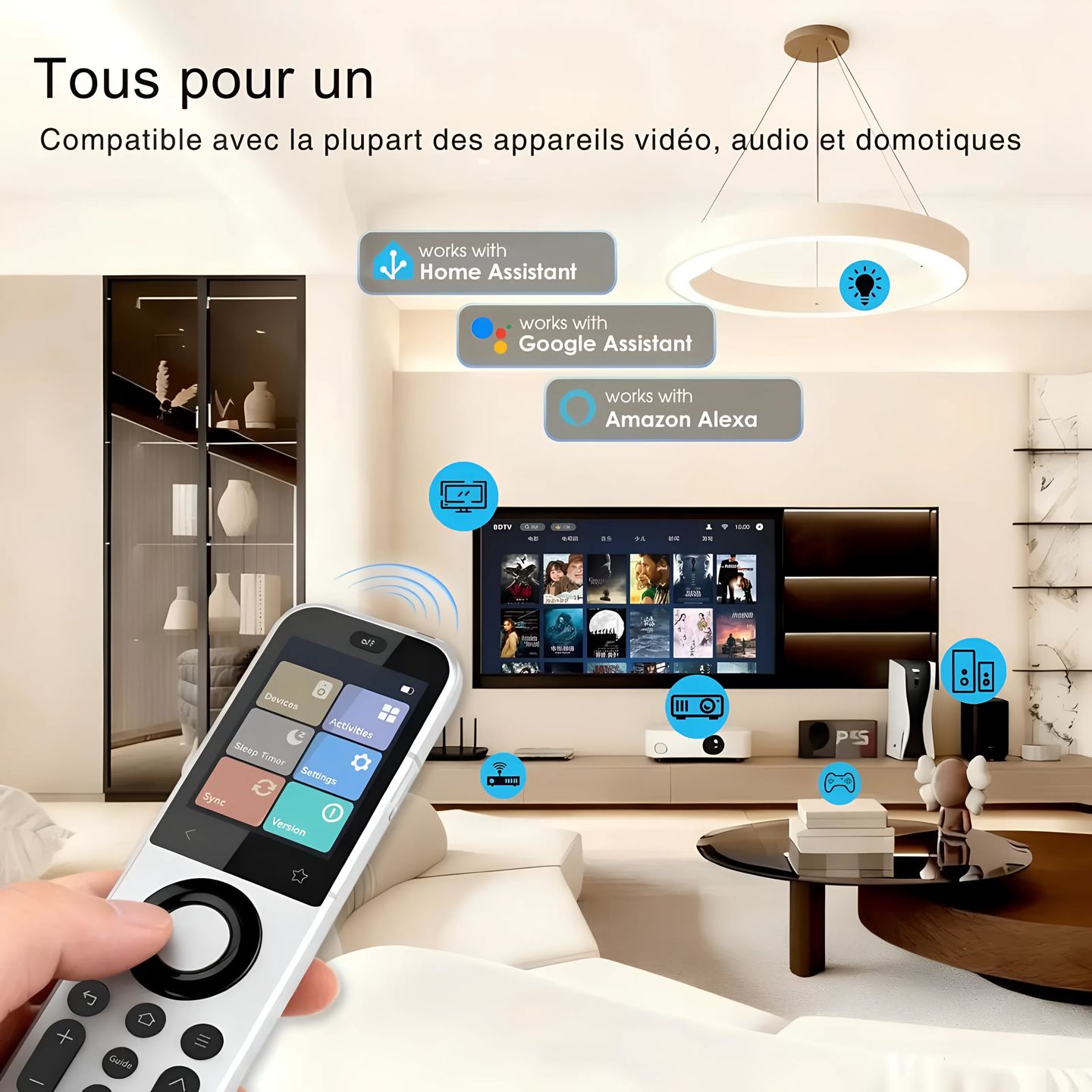
On the smart home side, the X2 connects to Home Assistant through the MQTT protocol: its activities can be triggered from automations, or the remote can serve as a physical terminal to control lights, blinds, and other devices. Amazon Alexa and Google Assistant are also supported for voice control. All setup goes through the Sofabaton app on iOS and Android: adding devices, creating activities, updating the firmware of the hub, repeater, and remote. This dependence on the app has a downside: the initial setup requires a bit of patience before you get the hang of it.
Charging and pack contents
No more batteries to replace: the X2 includes a rechargeable battery and rests on a USB-C charging base that keeps it ready to use. The pack includes the remote, the hub, the charging base, the two external infrared emitters, two USB cables, and two power adapters. Battery life lasts several days between charges depending on usage, and charging stays quick once the remote is placed back on its base.
Technical Specifications
General Overview
Product type: connected universal remote control with hub and charging dock
Manufacturer reference: SOFABATON-X2
Supported devices: replaces more than 50 remote controls
Protocols and Connectivity
Control protocols: infrared (IR), radio frequency (RF), Bluetooth, Wi-Fi, local IP control
Multipoint Bluetooth: simultaneous pairing of multiple devices (one-to-many), instant and delay-free switching
Local IP control for fast, precise, and secure performance
Home Automation Integrations
Home Assistant (via MQTT)
Amazon Alexa
Google Assistant
Screen and Interface
2.4-inch color touchscreen, approximately 6.1 cm
HD resolution
Display density: 332 ppi
Backlit physical buttons with haptic feedback and damped buttons
Favorites button: quick access to the numeric keypad or custom macros
Design and Ergonomics
One-piece zinc alloy chassis
Sandblasted finish
Ergonomic design
Infrared Transmission
IR transmitter integrated into the remote control
IR hub with 360° coverage
Hub range: up to 40 feet, approximately 12 m
Included remote IR emitters: 2
Smart Features
Customizable activities and macros, one-touch triggering
Execution of multi-step commands (input or mode change) with a simple press
Precise device pairing thanks to an optimized code base and improved hardware
Configuration and Updates
Configuration via the Sofabaton app (iOS and Android)
Firmware updates: yes
Power Supply
USB-C charging dock
Built-in rechargeable battery
Optional Accessory
Sofabaton R1 infrared repeater with 7 emitters, sold separately, for full control of TVs, audio systems, and air conditioners
Box Contents
Remote control
Hub
Charging dock
2 remote IR emitters
2 USB cables
2 power adapters
Frequently asked questions
Do you have to use the hub to control your devices?
+
No. The remote includes its own infrared transmitter, which can be used in direct line of sight with a device placed in front of you, without any relay. The hub becomes useful for radio frequency commands, network control, and especially devices without line of sight, stored in a cabinet or another room. For a simple setup, the built-in transmitter is often enough; for a closed cabinet or a full rack, the hub and its external emitters take over.
Does local IP control depend on an internet connection or the cloud?
+
IP control works locally on your home network, without going through a remote server. Commands travel directly between the remote, the hub, and devices connected to the same Wi-Fi, which reduces latency and limits data exposure. An internet connection is still useful for setup, updates, and voice services, but day-to-day control of compatible devices does not depend on the cloud.
How many devices does the code database cover?
+
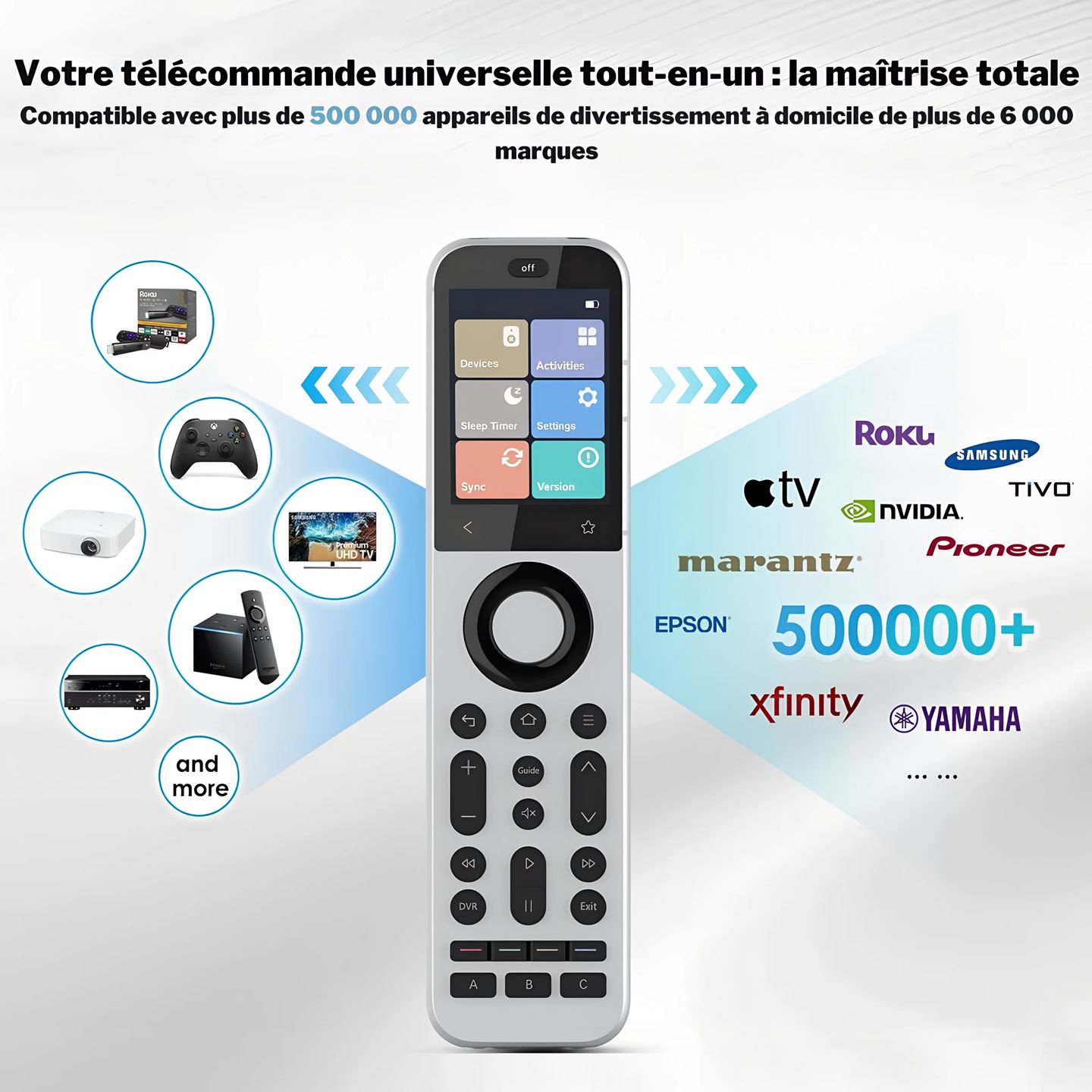
Sofabaton claims a database of more than 500,000 devices, covering the majority of TVs, amps, players, set-top boxes, and soundbars on the market. During setup, the app most often identifies the hardware automatically from the brand and model. If a device or function is missing, a learning mode captures the codes directly from the original remote by pointing it at the X2 or its hub.
What is the difference between the two included emitters and the R1 repeater?
+
The two external infrared emitters included in the box plug into the hub and are used to reach one or two poorly exposed devices, for example at the back of a cabinet. The R1 repeater, sold separately, goes further with seven emitters: it covers a second room or a large cabinet full of devices, and extends infrared range to TVs, audio systems, and air conditioners located far from the main hub.
Does setup require a smartphone?
+
Yes. All configuration goes through the Sofabaton app on iOS and Android: adding devices, grouping them into activities, assigning buttons, and adjusting delays between commands. Once programming is complete, the remote works autonomously, without needing a phone within reach. The smartphone only comes back into play to change the configuration or install an update. Allow a little time for your first use of the app.
Does the X2 receive updates after purchase?
+
Yes. The firmware of the remote, hub, and repeater is updated through the app, which is used to fix behaviors, refine compatibility with certain devices, or add functions. Updates are installed from the phone once the components are connected. Remember to keep the battery sufficiently charged during the operation and do not cut power to the hub until the installation is complete.
User reviews
Eric
After a few attempts at configuring it to do what I want, it works perfectly and is compatible with Home Assistant.
Comment from October 05, 2026 — Experience from September 24, 2026
Automatically translated — Show original (French)
Après quelques essais de paramétrage pour que çà fasse ce que je souhaite, fonctionne parfaitement et compatible avec Home Assistant.
Emilio
Doesn't work properly with my Belgacom decoder. Difficult to select a 3-digit channel: either the overlay doesn't appear, or it repeats 3 times. Same thing when navigating the menu, it skips two items.
Comment from September 09, 2026 — Experience from August 29, 2026
Automatically translated — Show original (French)
Fonctionne pas correctement avec mon décodeur Belgacom. Difficile de choisir un programme de 3 chiffres, ou bien le uber choisir ne s'affiche oas ou bien il se répète 3 fois. Pareil lorsqu'on se déplace dans le menu, il saute deux éléments.
Eco-contribution of €0.06 included in the sale price.
To better understand our visitors, measure marketing effectiveness and personalise ads, we and our partners use cookies and mobile advertising identifiers on your device. This data makes it possible to display personalised and non-personalised ads and measure their performance. Some cookies, which are technically necessary, are exempt from consent. You can accept those that require your consent, refuse them by clicking “Reject”, or customise your choices via “More options”.
To find out how Google uses the data collected once you have given your consent, see Google’s Business Data Responsibility site (opens in a new window).
You can change or withdraw your consent at any time via the “Cookies” link. Your choices will apply on our site for 12 months.