James
Fantastic product. Delighted with my purchase. Also, Will buy again from this website very quick delivery and excellent experience overall.
Comment from 6 October 2026 — Experience from 10 September 2026

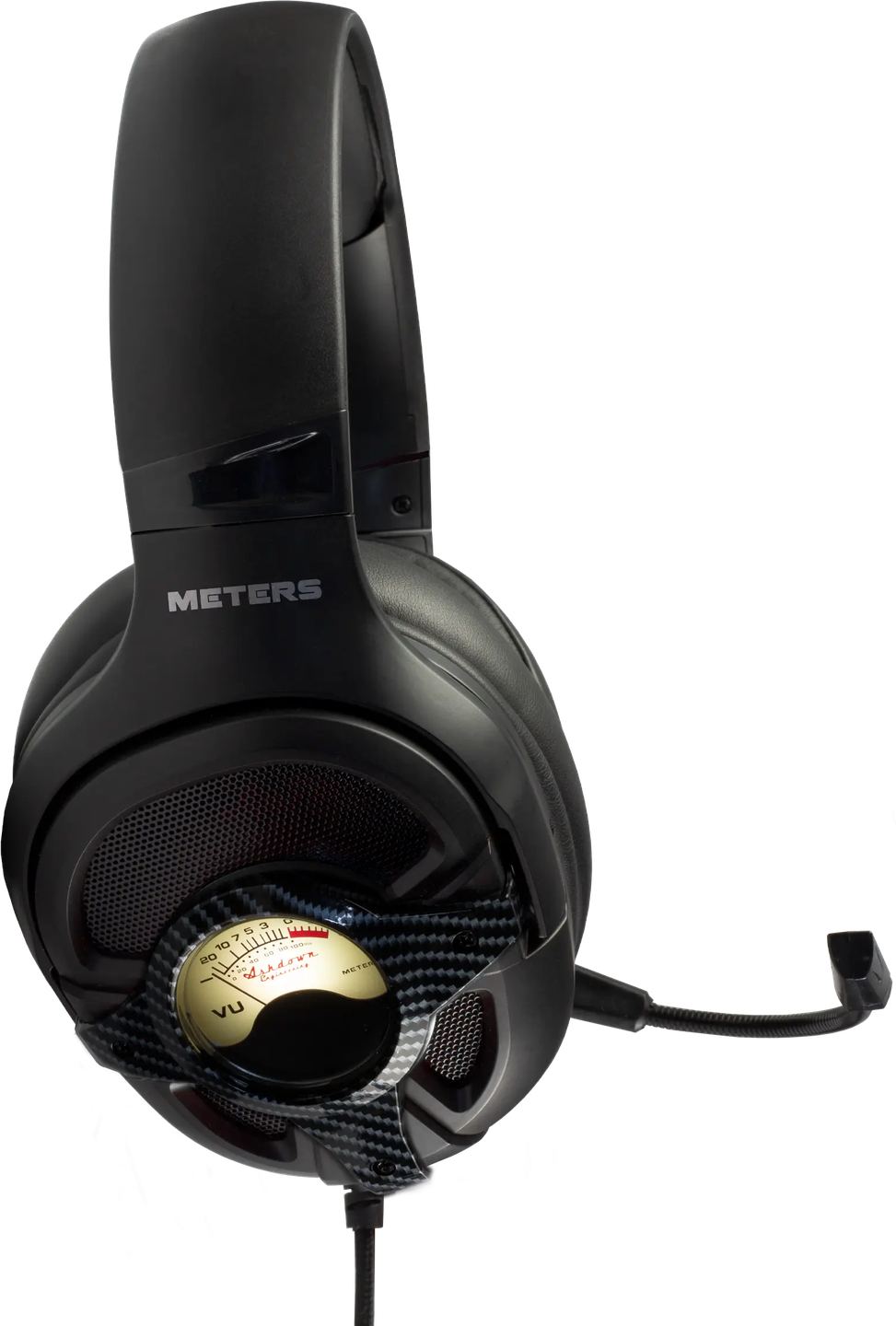
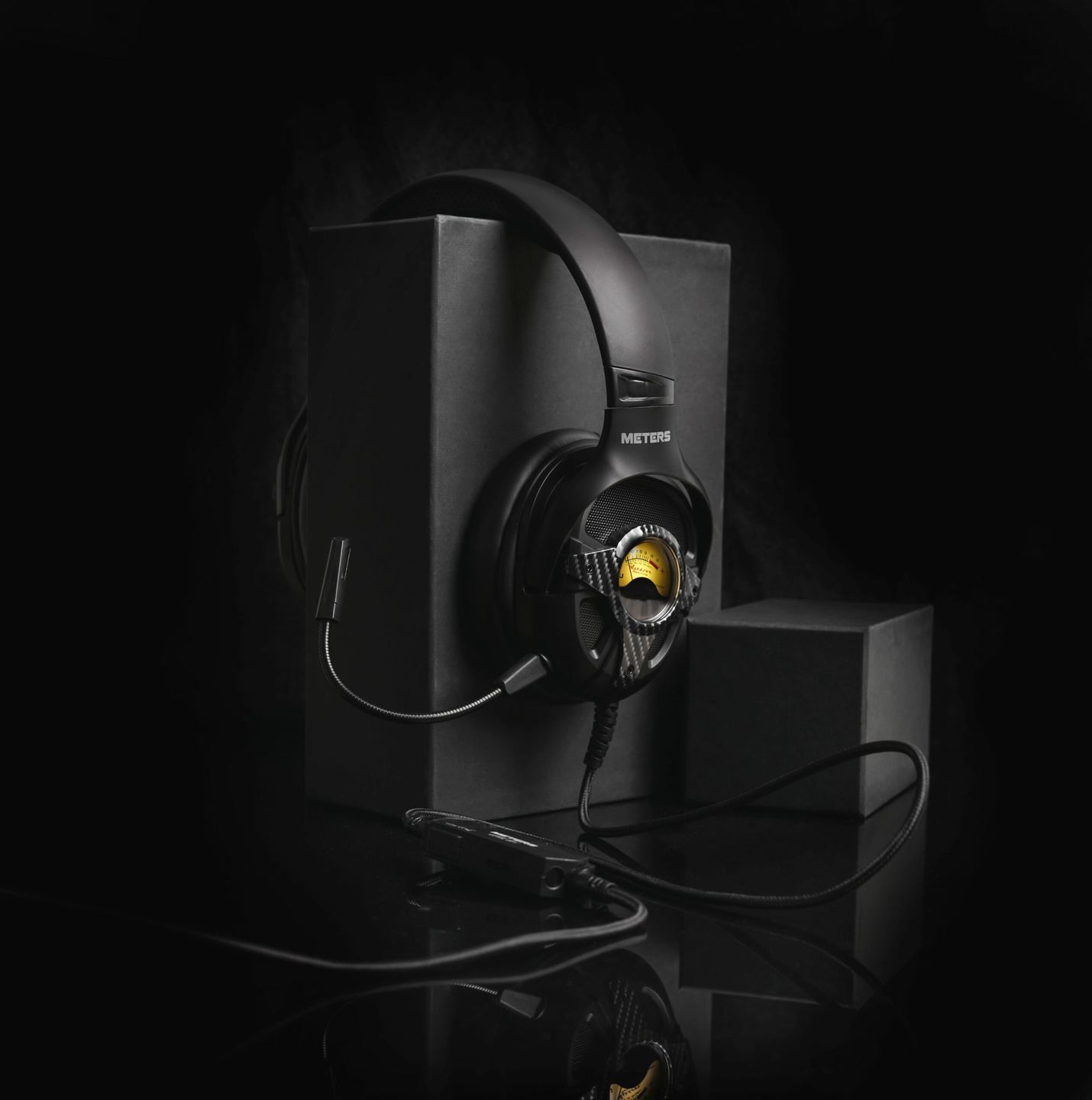
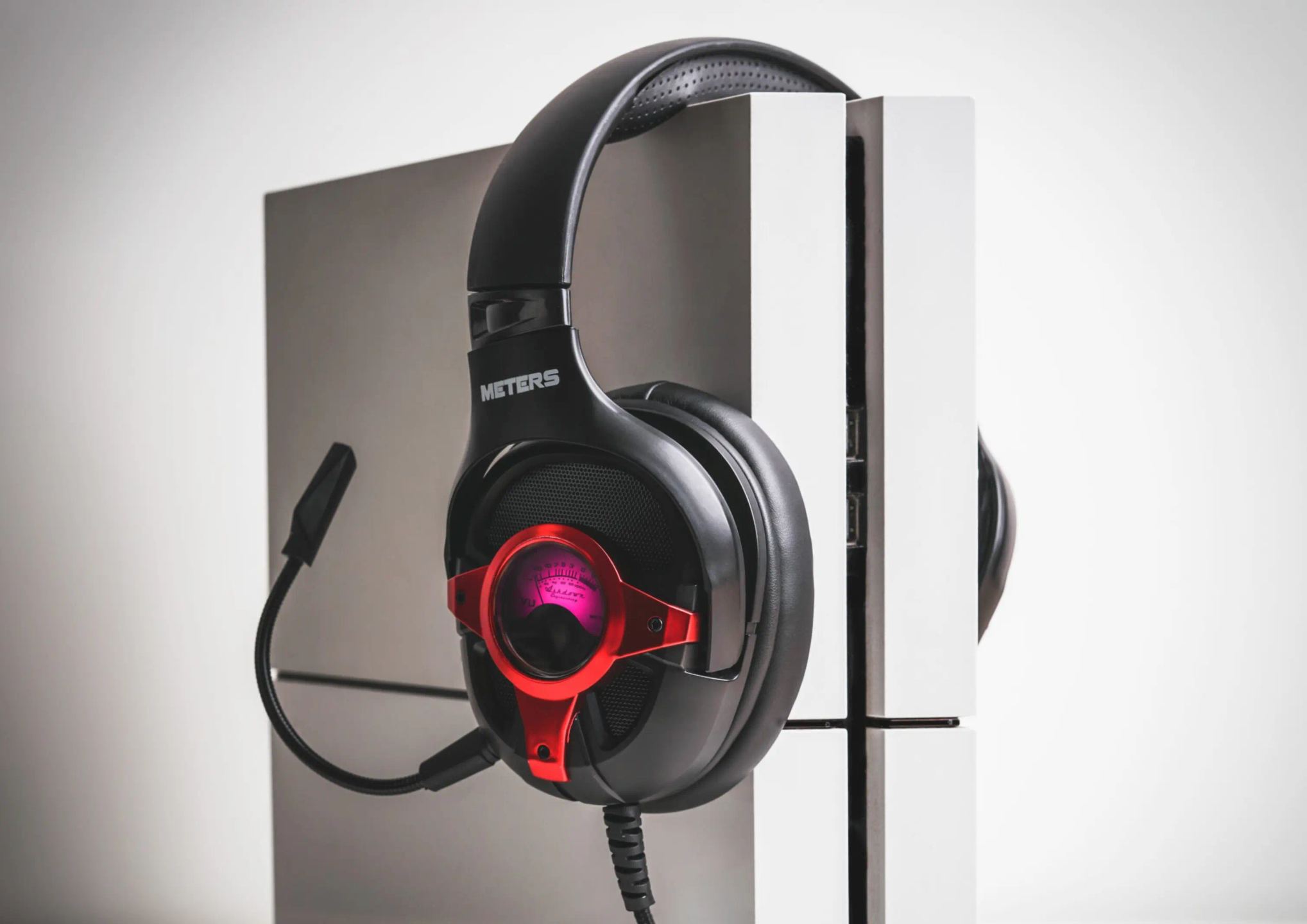
On each earcup, a needle moves to the rhythm of the sound. This backlit dial comes from Ashdown bass amplifiers, where it has long indicated the output level. Meters has brought it to a wired gaming headset that combines virtual 7.1 surround, a detachable microphone, and controls placed on the cable. The dial then becomes a practical visual reference for anyone streaming their gameplay live.
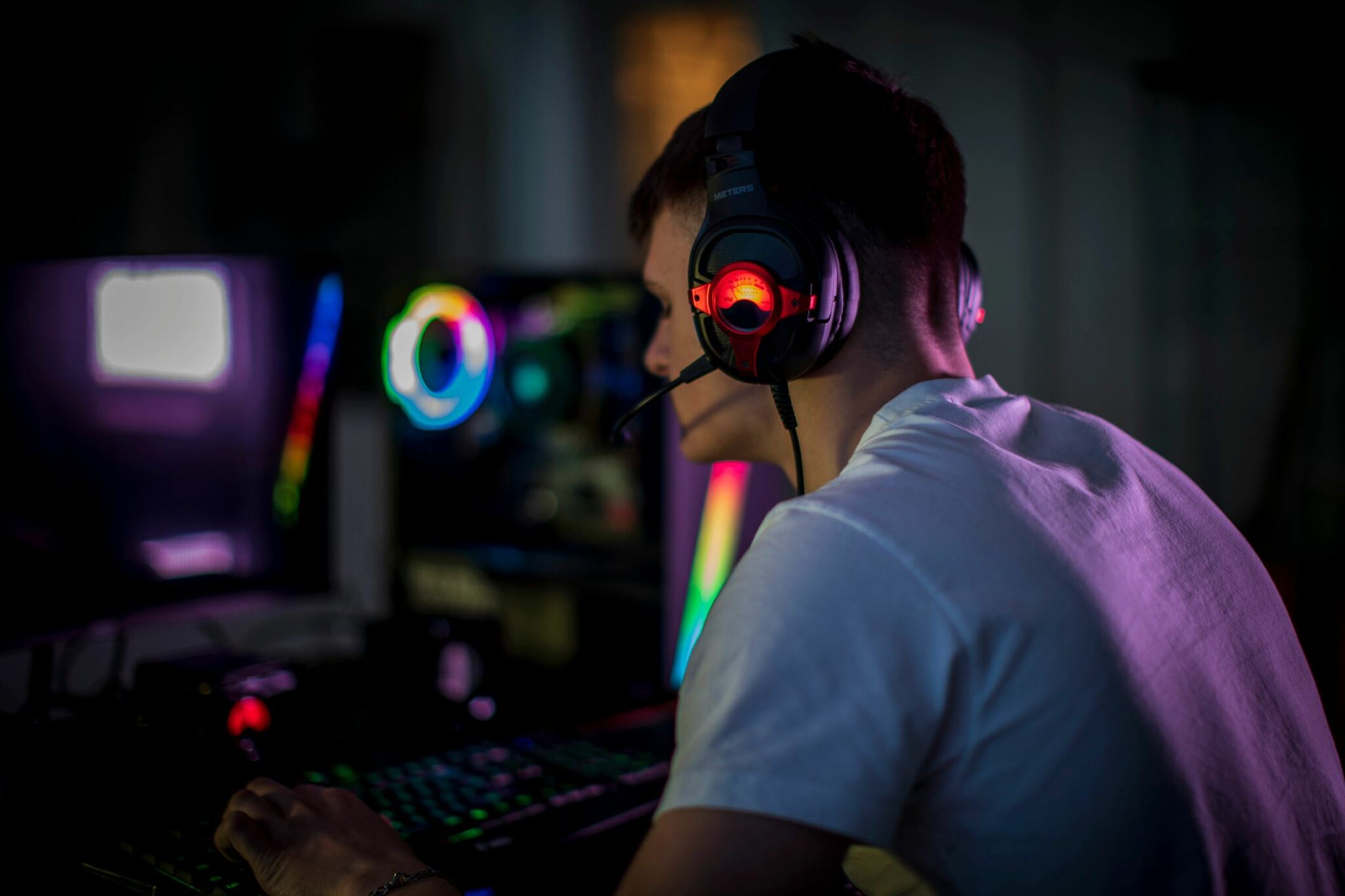
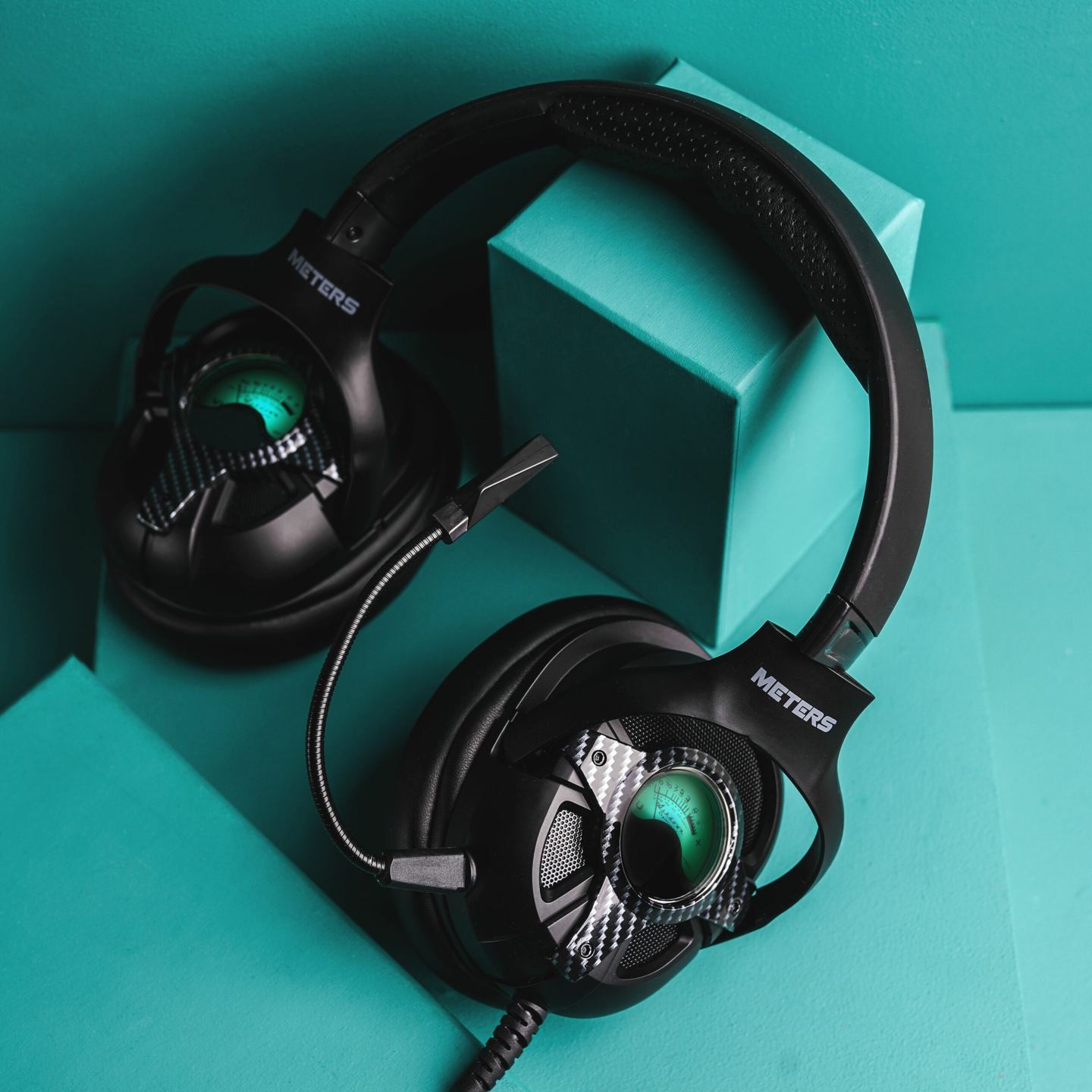
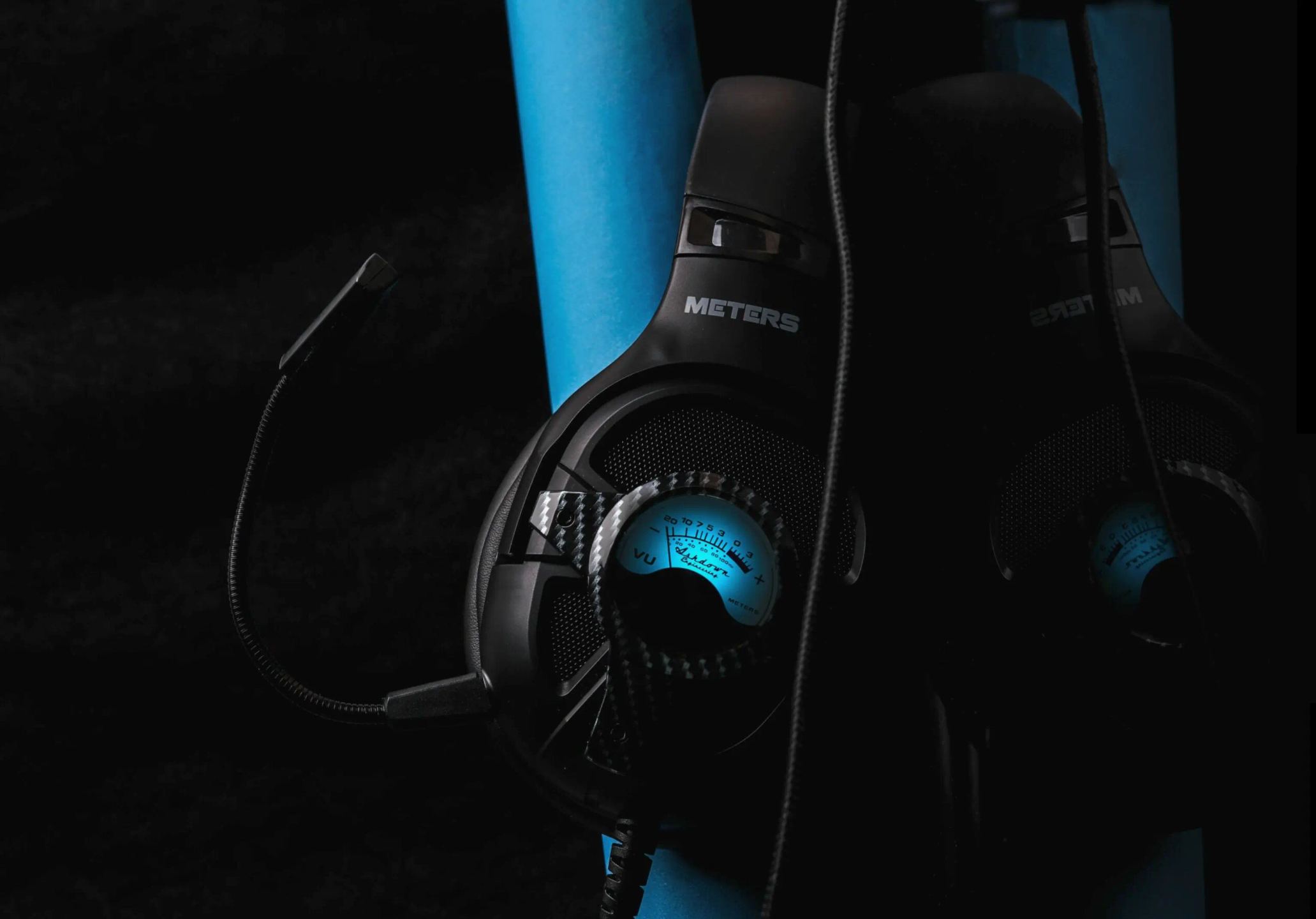
Meters is the consumer branch of Ashdown Engineering, a British bass amplifier manufacturer seen on stage behind bands like U2 and the Foo Fighters. The illuminated VU meter that adorns these amplifiers gave the brand its name and remains its distinctive hallmark. On the Level Up Carbon, this dial appears on both earcups. The needle follows the source’s audio level in real time, making it a visible reference point for people nearby or for viewers of a live stream. Its color can be set in RGB and adjusted directly from the cable.
The Carbon finish refers to the model’s dark colorway, also available in silver (Silver) and red. The headset weighs 320 grams and connects via a 2.2-meter braided cable. This relative lightness matters during long gaming sessions, when the weight of a headset eventually starts to be felt on the neck.
Two 50 mm drivers handle playback, over a 20 Hz to 20 kHz range that covers the entire audible spectrum. The 108 dB sensitivity and 32-ohm impedance remain within the usual values for a USB-powered headset, without a dedicated amplifier.
Virtual 7.1 surround deserves clarification. It is not a matter of multiple speakers housed in each earcup, but of software processing that simulates sound placement around the listener. This mode requires a driver to be downloaded from the Meters website, available for Windows only. Without this driver, the headset works in standard stereo, which is enough for music or a console connection. Spatial positioning of footsteps or gunfire, useful in competitive gaming, therefore requires a Windows PC with the driver installed.
The connection varies from one platform to another. On PC and PlayStation 4, the headset connects via USB 2.0, with no driver needed for stereo sound and with zero latency claimed by the manufacturer. On Xbox, the connection is made through the controller’s audio jack. The internal CM108B chip handles converting the digital signal into sound.
Several controls are located directly on the cable. One mutes the microphone, another adjusts the sensitivity of the VU meter needle, a third changes the RGB color, and the last controls volume. Everything stays within easy reach without letting go of the controller or keyboard.
.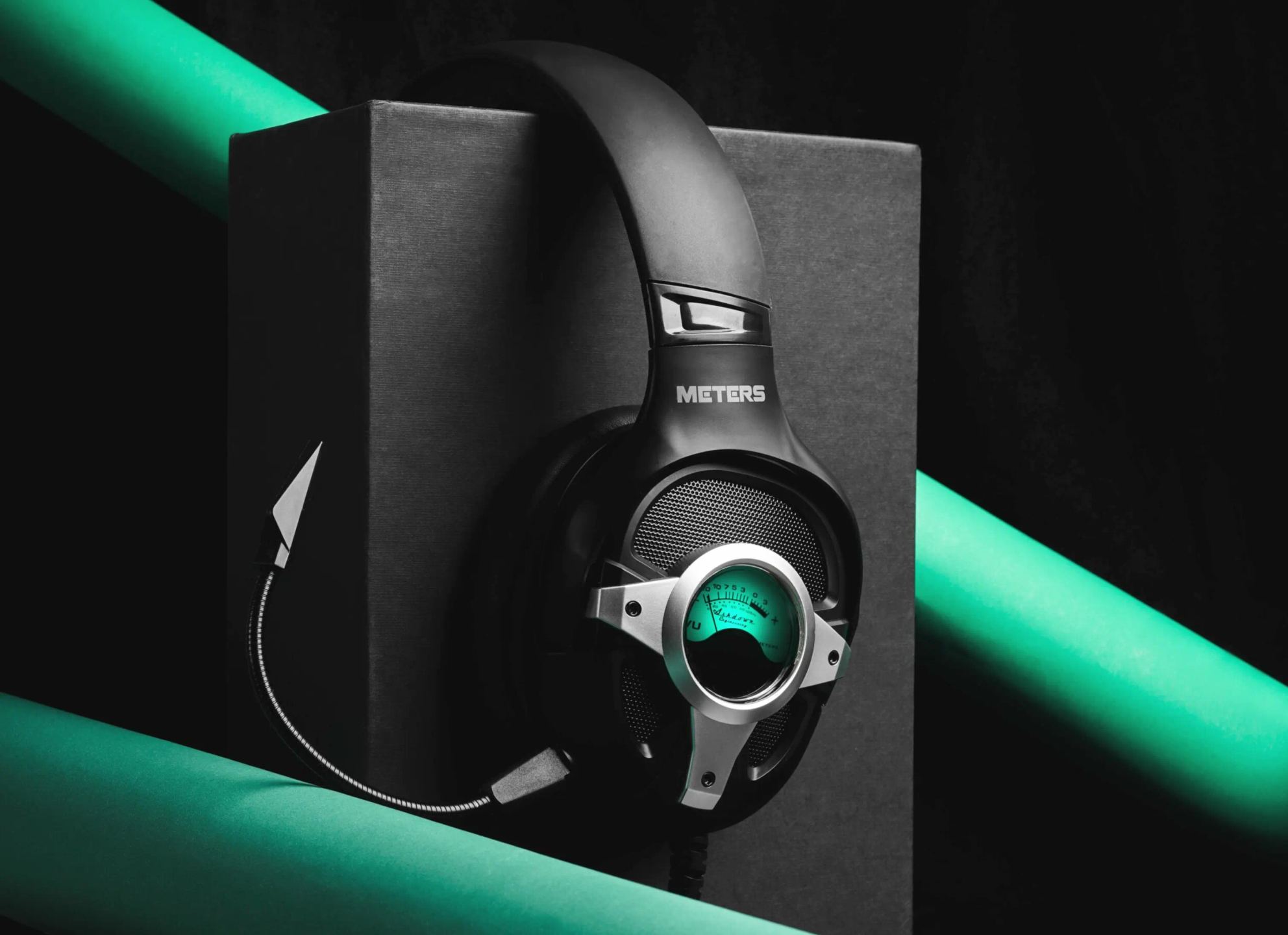
The microphone detaches completely from the left earcup. It is an electret condenser model, aimed at voice capture for in-game chat or live streaming. Once removed, the headset takes on the look of a regular pair of headphones again, without a boom in front of the mouth, which suits listening to music or going out without the mic arm. The electret capsule remains a common choice on this type of product: it captures speech properly at close range, without rivaling a studio microphone for demanding recordings.
No. Virtual 7.1 mode relies on a driver reserved for Windows. When connected to a PlayStation 4 or an Xbox, the headset plays sound in stereo, without surround simulation. It is therefore a feature limited to a Windows PC equipped with the driver. On console, stereo playback remains usable for both gaming and chatting, but spatial sound positioning is not reproduced.
Not for stereo use. Connected via USB to a PC or a PlayStation 4, the headset is recognized directly and works without installation. The driver only becomes necessary to activate virtual 7.1 surround, and only on Windows. It can be downloaded from the Meters website. This two-stage operation explains why the headset works immediately on first use, even without any prior configuration.
No, it remains a visual element. The needle moves according to the source’s output level, without changing what you hear in the headphones. Its value lies elsewhere: it provides a visible reference for people around you and a recognizable effect during a live stream. You can also adjust its sensitivity from the cable to calibrate the amplitude of the needle’s movement according to the listening volume.
Yes. An RGB control located on the cable lets you choose the VU meter’s color. The setting can be changed on the fly, without software, making it easy to adapt the color to your setup or to the mood of a video stream. It is one of the four controls grouped on the cable, along with volume, microphone mute, and needle sensitivity.
Yes, even if its tuning leans toward gaming. The 50 mm drivers cover the entire audible spectrum and stereo mode works without a driver, on both PC and console. The detachable microphone can be removed for more discreet music use. The sound signature of a gaming headset often emphasizes bass and effect clarity, which can be heard when listening to tracks compared with a more neutral hi-fi headset.
James
Fantastic product. Delighted with my purchase. Also, Will buy again from this website very quick delivery and excellent experience overall.
Comment from 6 October 2026 — Experience from 10 September 2026
Nathan
The Meters Level Up is first and foremost a comfortable headset, not too heavy, with ear pads that don't crush the ears. It is also a very well-designed headset for immersion; on PC, the installable drivers allow the use of very high-quality 7.1 surround sound, and the audio rendering is impeccable for gaming. Finally, it's a very beautiful headset; the VU meters are of course only of aesthetic interest, but they look great for streaming or live use, while also allowing a fairly wide choice of RGB colors.
Comment from 23 June 2026 — Experience from 12 June 2026
Manuel
Super productive 👏🏻
Comment from 1 April 2026 — Experience from 9 March 2026