Android 16 for Google TV: new features and Eclipsa Audio support
June 16, 2025
Contents
Google TV is about to receive a major update with Android 16, bringing several technical improvements including support for Eclipsa Audio, a new spatial audio format developed jointly by Google and Samsung. This update, scheduled for later in 2025, marks a direct jump from Android 14 to Android 16 for the platform.
What’s New in Android 16 for Google TV
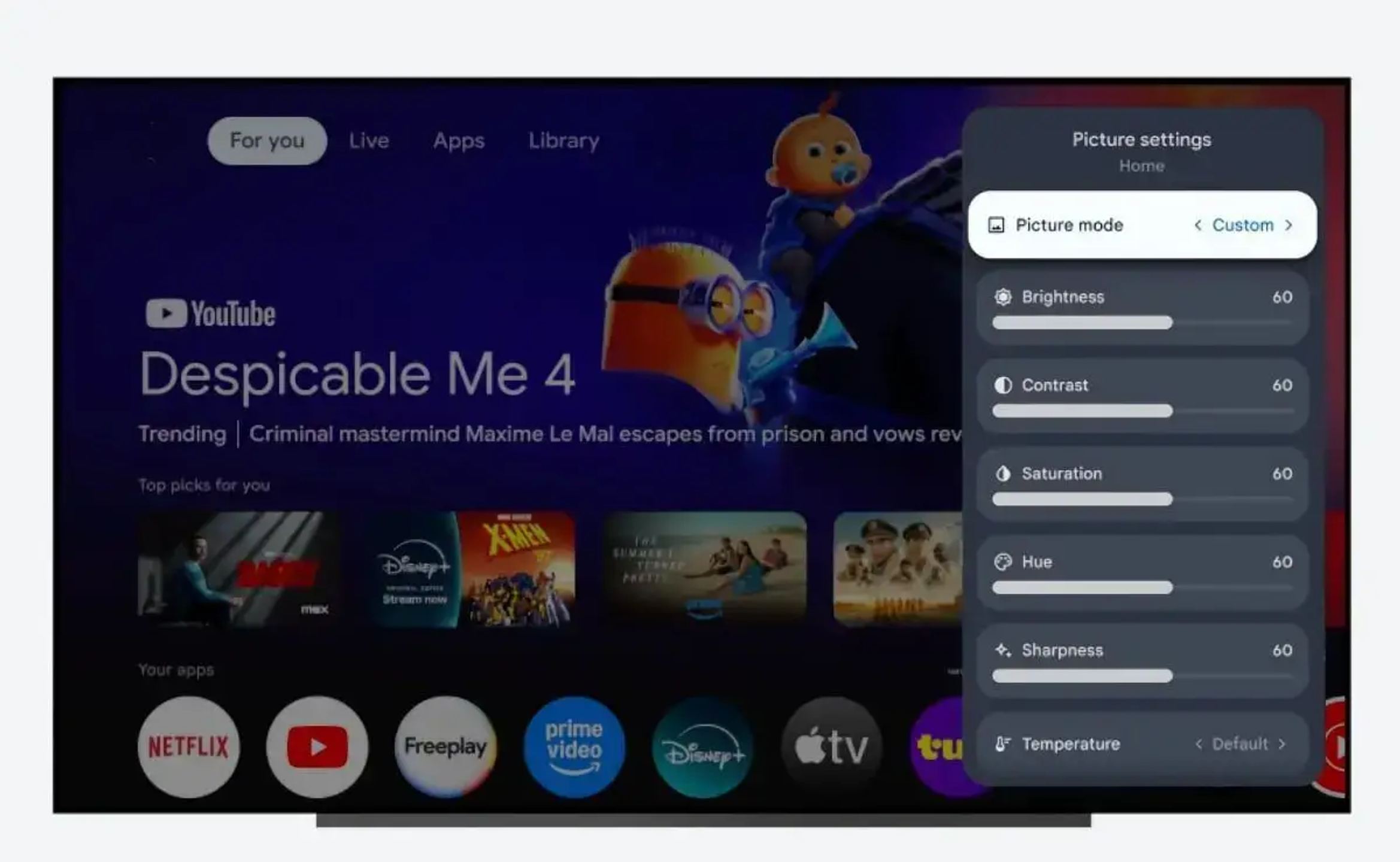
The Android 16 update for Google TV is currently available as a developer preview. In its current form, the user interface remains largely similar to Android 14, with only a few visual tweaks, mainly in the Settings menu.
The most notable changes involve the partial adoption of the Material 3 Expressive design language. This update is especially visible in section headers, now highlighted with rounded rectangles, and icons now displayed in a dark circle. The toggles in the Settings menu also adopt the new design found in Android 16 for smartphones.
Under the hood, Google has integrated several important technical improvements:
- The MediaQualityManager allows developers to control image profile selection
- Support for the Eclipsa audio codec (IAMF spatial audio format)
- Various improvements for media playback speed, consistency, and efficiency
- Better HDMI-CEC reliability
- Performance optimizations for 64-bit kernels
Eclipsa Audio: a Competitor to Dolby Atmos
One of the major new features of Android 16 for Google TV is native support for Eclipsa Audio, a spatial audio format developed jointly by Google and Samsung.
What is Eclipsa Audio?
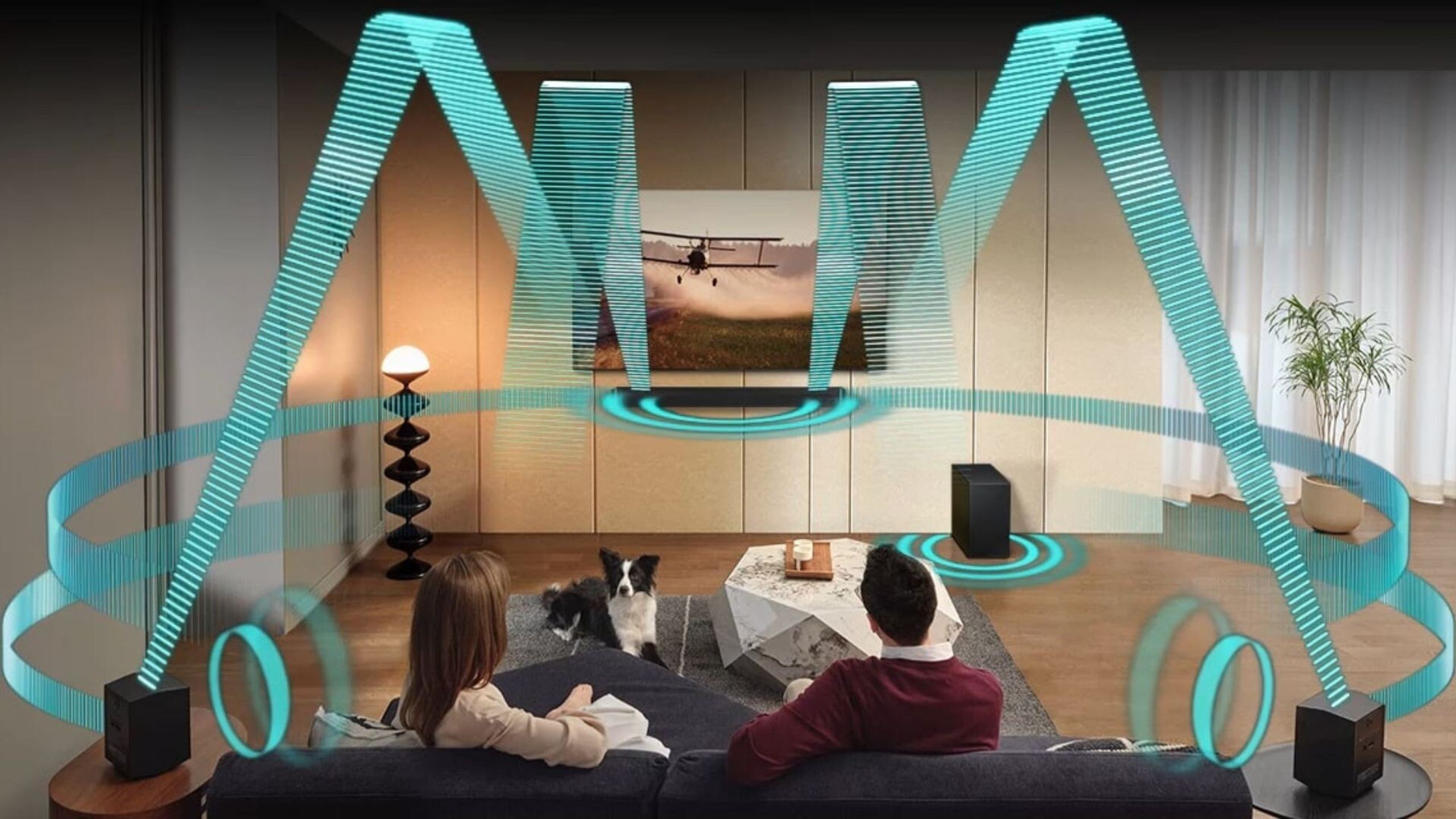
Eclipsa Audio is a 3D audio technology capable of delivering up to 28 individual channels in a single binary stream. Each channel can be rendered on speakers or headphones, and can be set as fixed (similar to a microphone in a recording studio) or dynamic (to follow moving objects, like a vehicle in a chase scene).
This technology allows creators to adjust the location and intensity of sounds in the audio space, as is the case with Dolby Atmos and DTS:X. It also supports the binaural rendering needed for mobile applications to deliver more immersive sound experiences with headphones.
Collaboration Between Google and Samsung
Eclipsa Audio is the result of two years of collaboration between Samsung and Google. The two companies announced in 2023 that they were working together on a new 3D audio platform under the provisional name Immersive Audio Model and Formats (IAMF), and Eclipsa Audio is the final name given to the results of these joint efforts.
Positioning Against Dolby Atmos
Eclipsa Audio positions itself as a royalty-free alternative to Dolby Atmos and DTS:X. Samsung has a complex relationship with Dolby, preferring to avoid the fees associated with licensing Dolby technologies. This situation is similar to Samsung’s preference for HDR10+ (royalty-free) over Dolby Vision for HDR standards on its TVs.
On a technical level, Eclipsa Audio uses principles similar to Dolby Atmos, notably the use of sound reflections to simulate a three-dimensional placement of sounds.
Rollout Timeline
The Android 16 update for Google TV is expected to launch later this year, but it may take some time before it reaches all compatible devices. For reference, Android 14 was released for the platform in mid-2024, but only arrived on Chromecast with Google TV several months later.
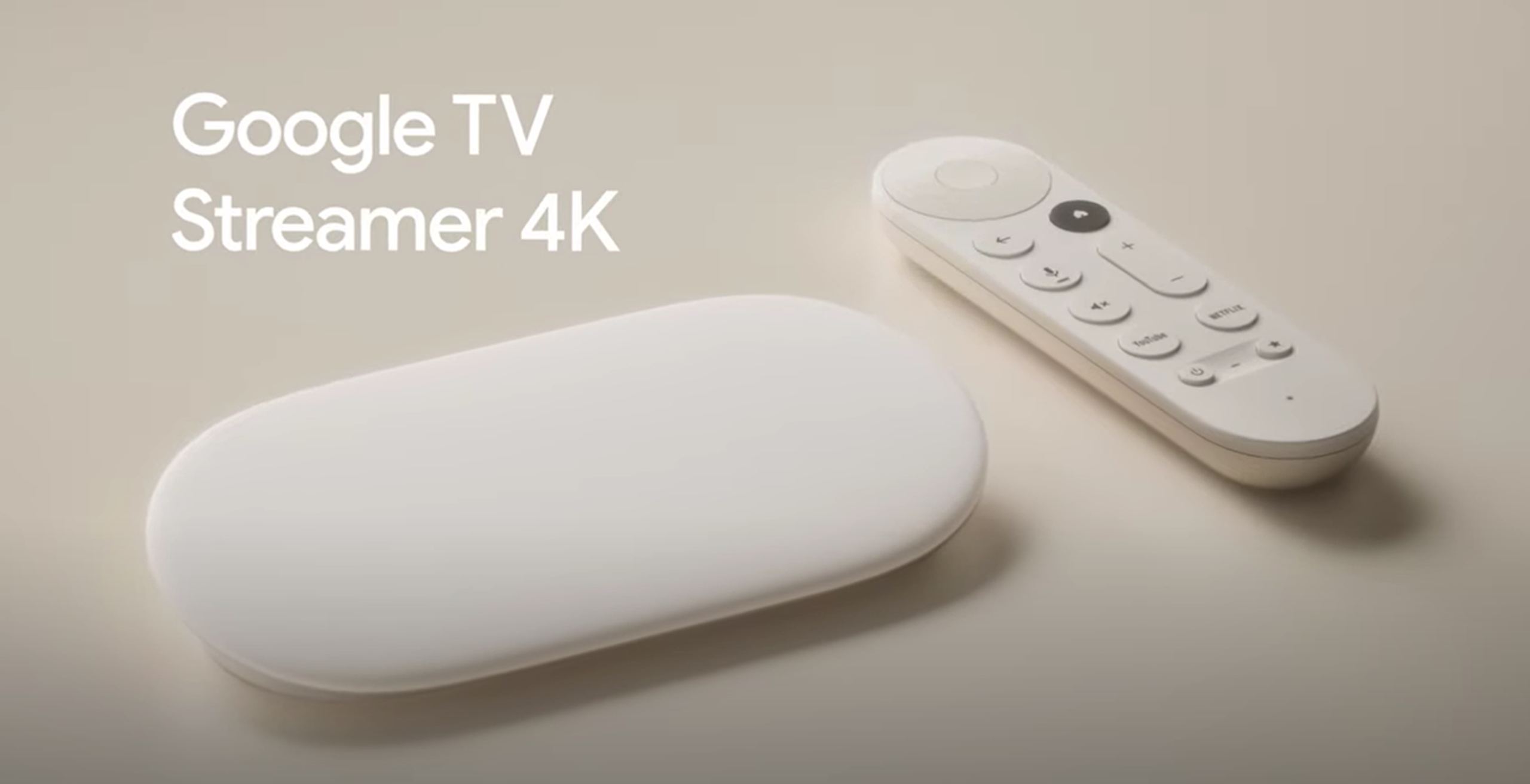
The Google TV Streamer will likely be the first device to receive the Android 16 update. This update strategy, jumping directly from Android 14 to Android 16, seems to establish a biennial update cycle for Google’s TV operating system.
Popular products

You may also like to read
 OLED image: Is burn-in still a real risk in 2026?Concepts and technologies
 Contrast and black level: why OLED comes out aheadComparisons and buying guides
 OLED or QD-OLED? Samsung 2026 panel guide, size by sizeComparisons and buying guides
 Cinema, standard, dynamic: which picture mode should you choose for your TV?Tutorials and practical guides
 60, 120, 144 or 165 Hz: which refresh rate for your TV?Concepts and technologies
 Samsung HW-QS90H: the all-in-one soundbar that wants to make you forget the subwooferHi-fi and home cinema news