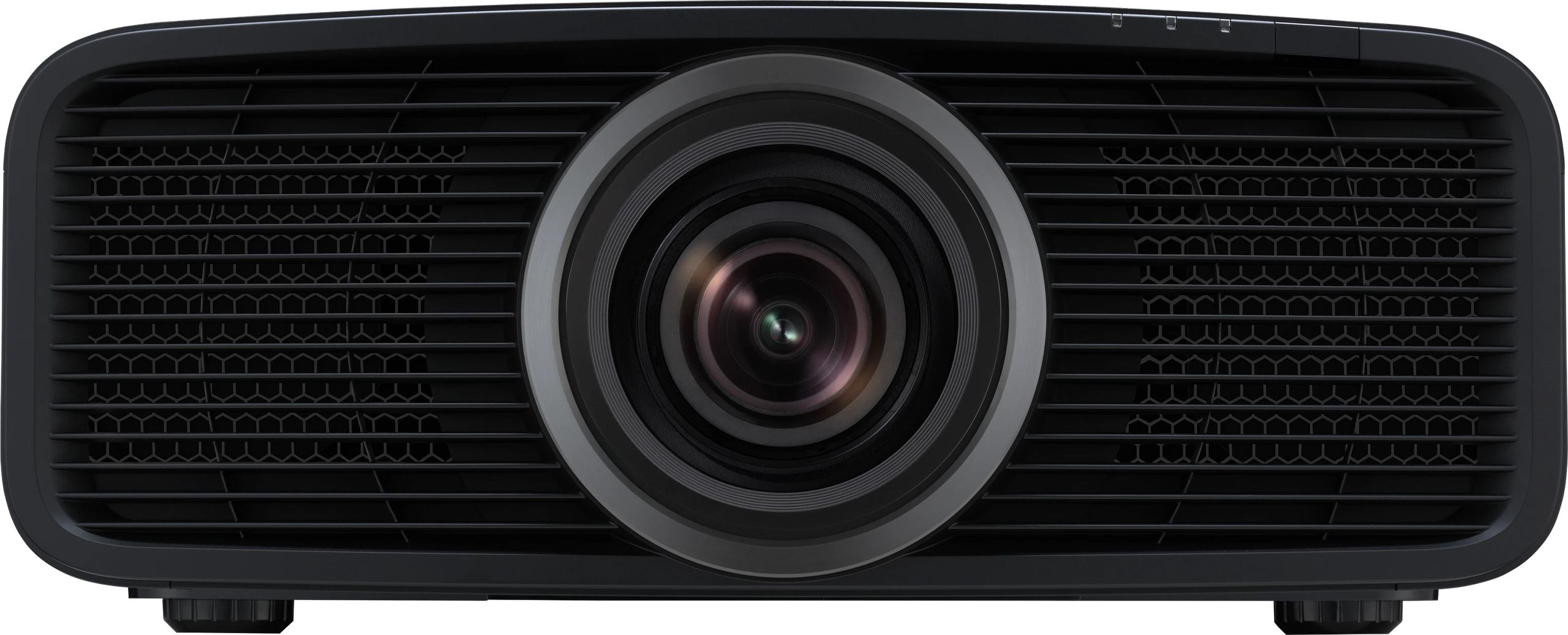
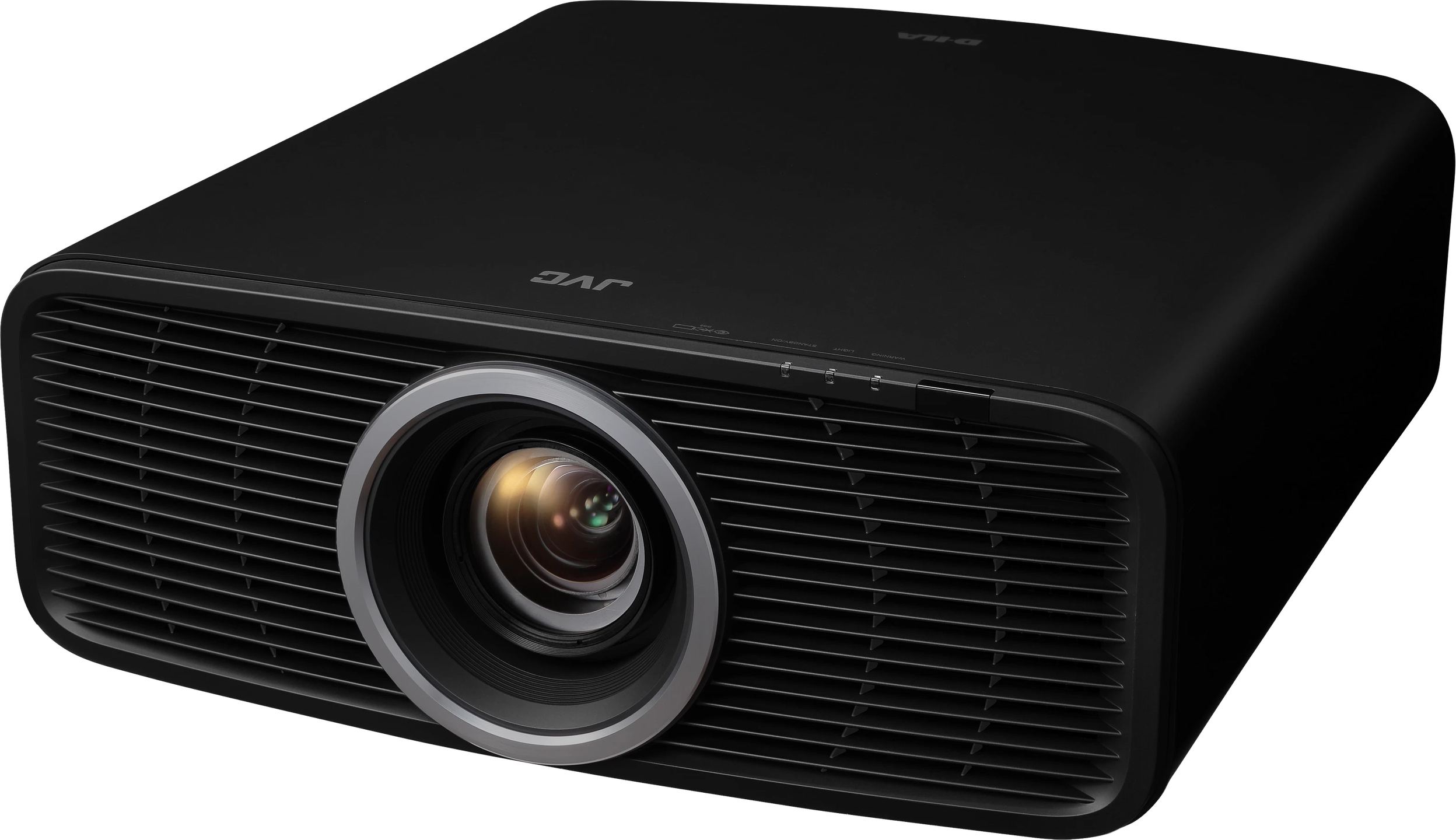
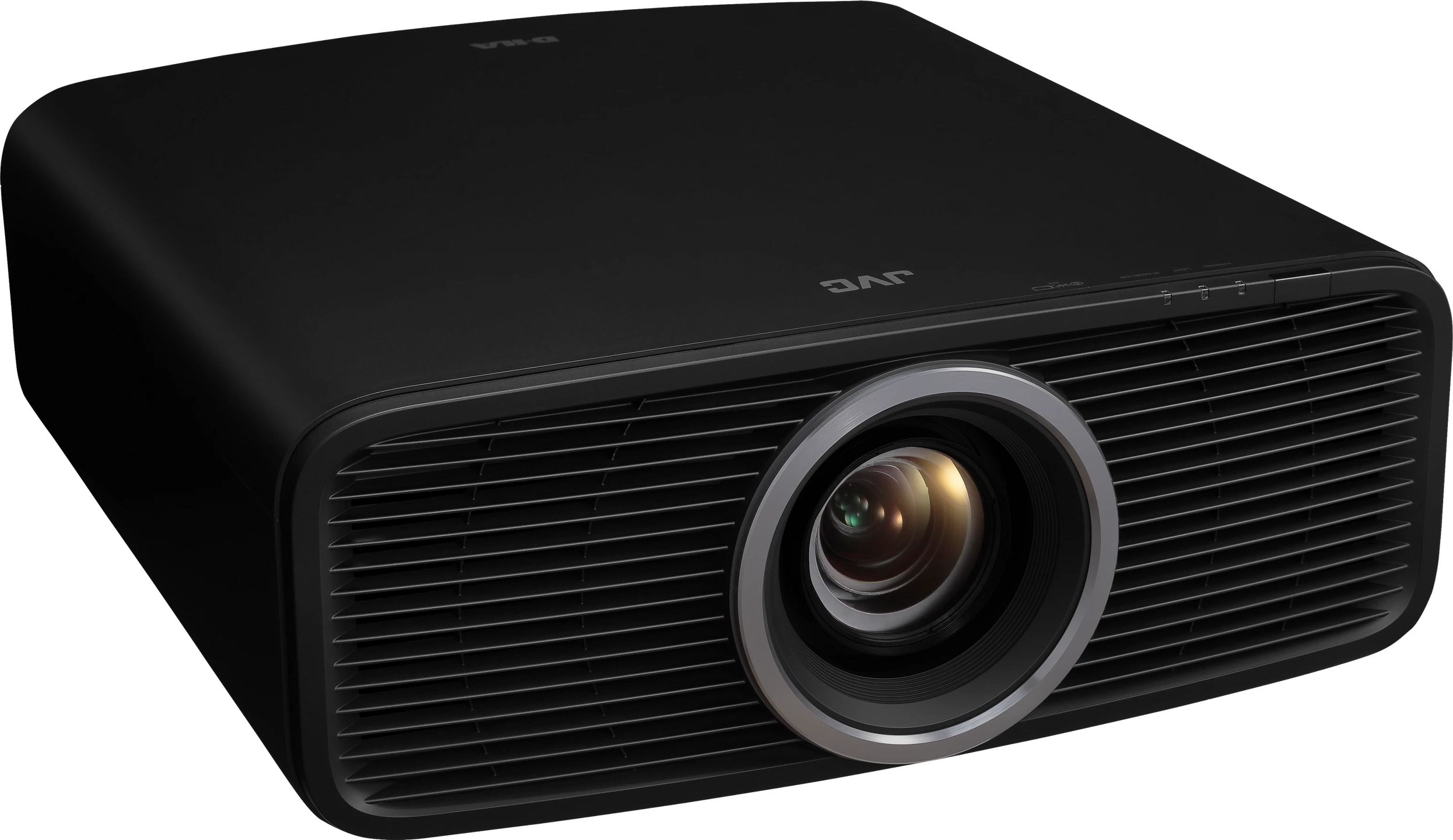
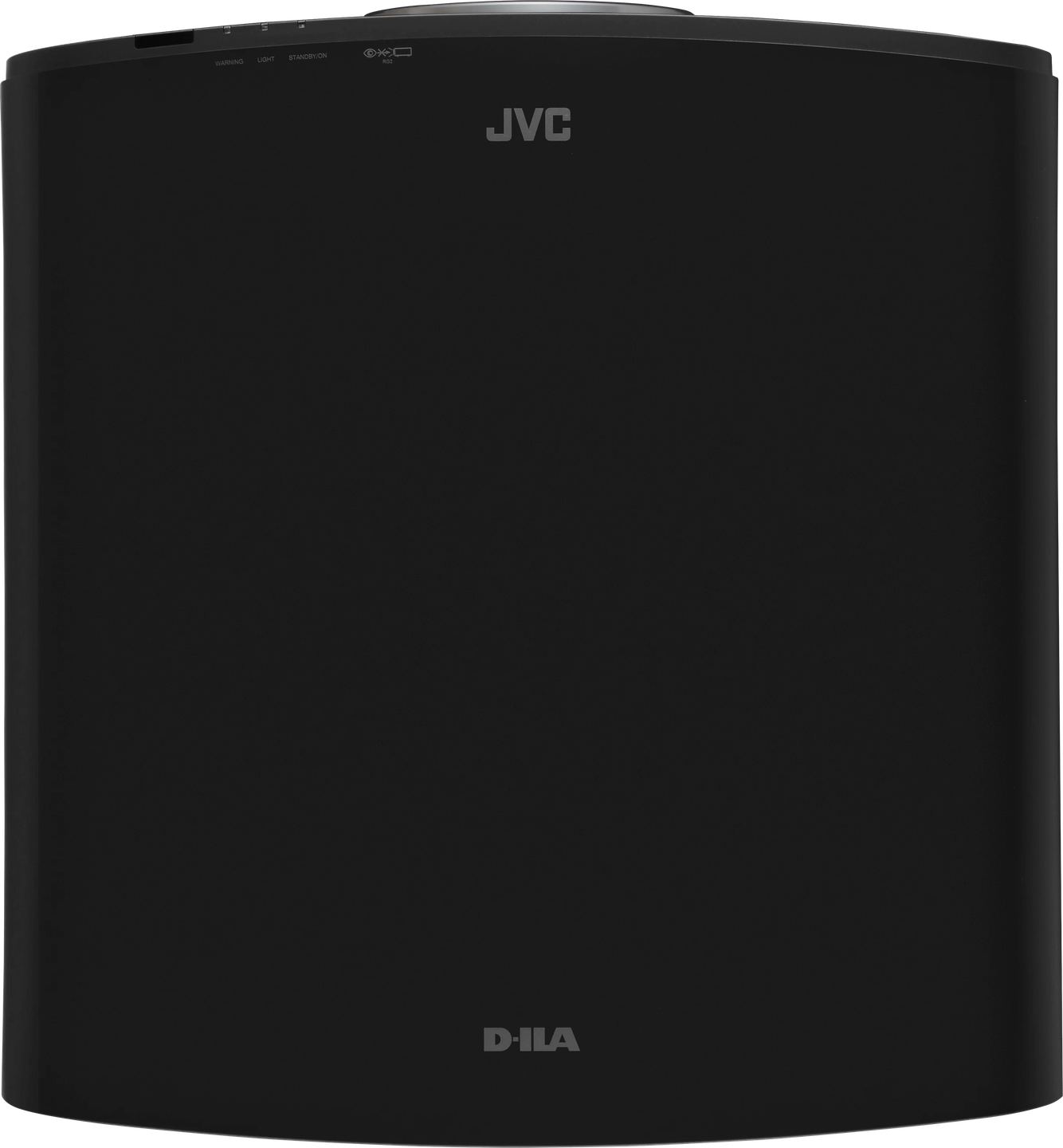
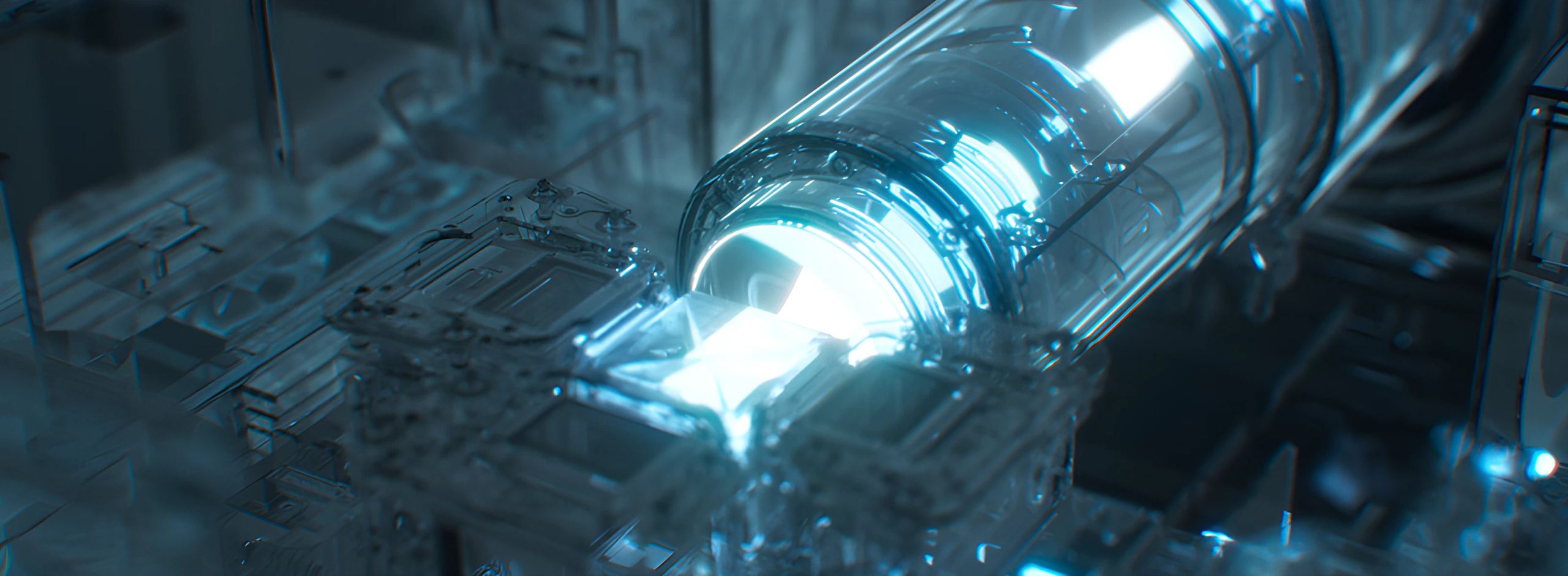
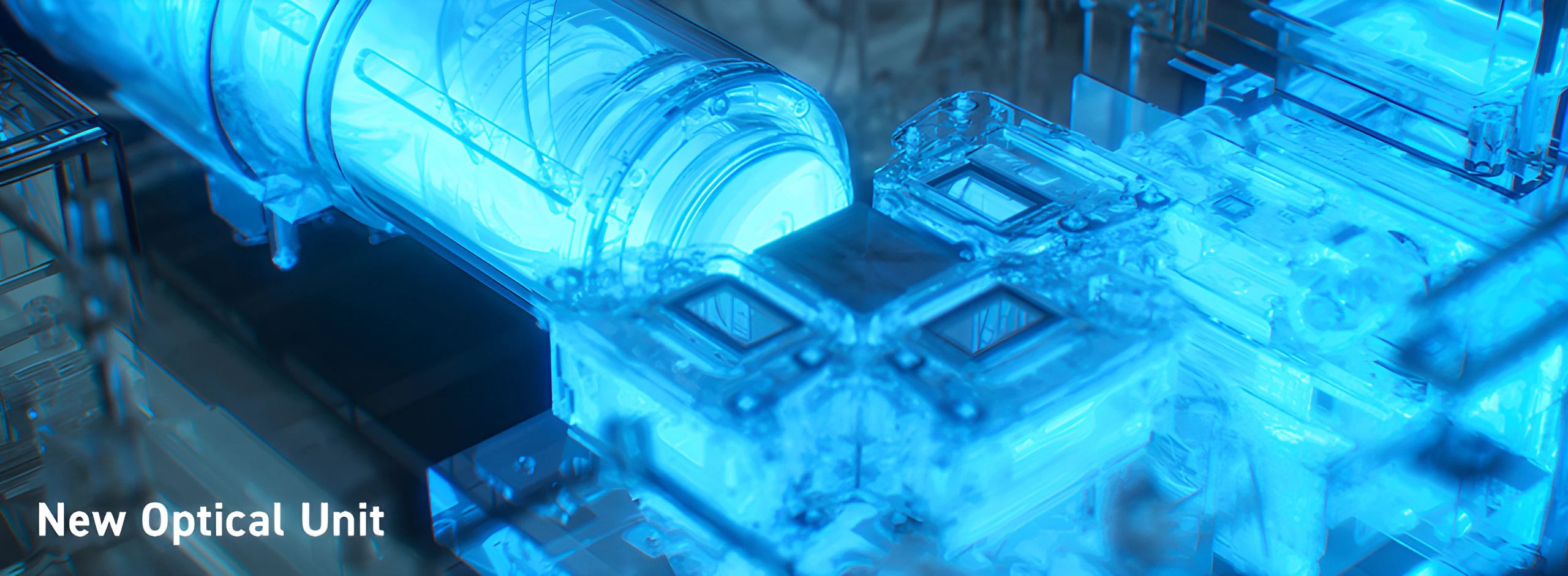
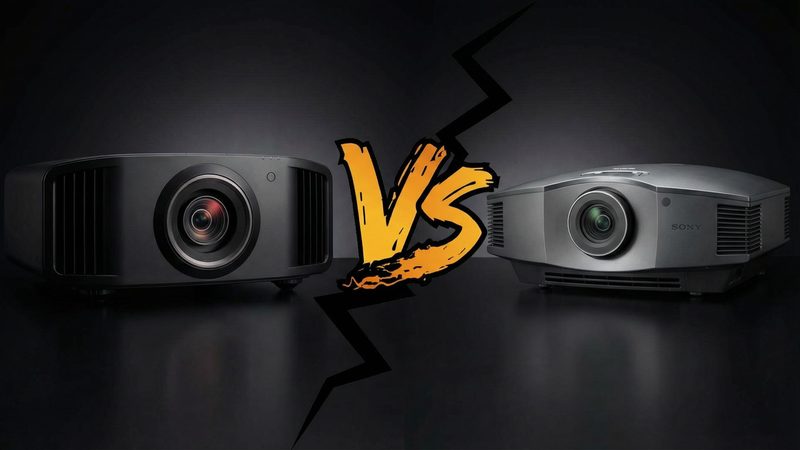
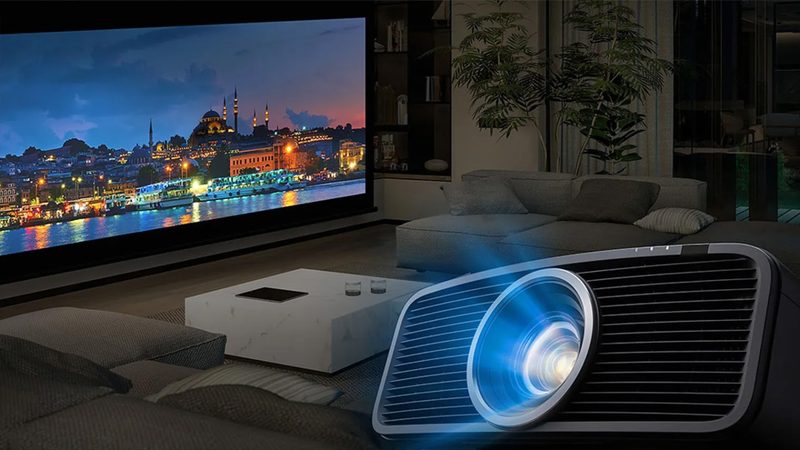
This projector combines three native 4K panels, a laser light source and a fully motorized lens in a 15 kg enclosure. This enclosure is 35% smaller by volume than that of the previous-generation DLA-NZ7. The DLA-NZ500 replaces the lamp-based DLA-NP5 and becomes the entry-level model in JVC’s laser D-ILA range. It retains what has earned the brand its reputation in projection: high native contrast and HDR processing that adjusts to each frame.
Three native 4K panels, without pixel shifting
D-ILA is JVC’s name for its liquid crystal on silicon technology. Light reflects off the panel rather than passing through it, and the gap between pixels is small enough to keep the grid invisible at normal viewing distances. The DLA-NZ500 uses three 0.69-inch (17.5 mm) panels, one for each primary color, each with 4,096 × 2,160 pixels. Every pixel in an Ultra HD film (3,840 × 2,160) therefore corresponds to a physical pixel, without the optical shifting other projectors use to approximate 4K. JVC reserves its e-shift technology for the DLA-NZ800 and NZ900, which target 8K.
Native contrast reaches 40,000:1. This figure is measured without any modulation of the light source: it represents the difference the panel can maintain within a single image, for example between a night sky and a lit window. Dynamic contrast is infinite because the laser switches off completely on an entirely black image. A manual iris adds 16 adjustment positions, from −15 to 0. Closing it lowers both the black level and brightness, which is useful on a small screen or in a fully darkened room.
A 2,000-lumen BLU-Escent laser light source
The light comes from a blue laser diode that excites a phosphor. JVC calls this design BLU-Escent. Light output reaches 2,000 lumens, with a lifespan of 20,000 hours in standard mode. The DLA-NP5 required regular lamp changes; here, there is no longer a lamp to replace, and brightness does not drop over the first few hundred hours as it did with a lamp.
Laser power can be adjusted manually. It can also vary automatically according to the content of each frame, thanks to dynamic control with three modes: Low, Balanced and High. In a dark scene, the laser dims to maintain deeper blacks. In a bright shot, it increases. This function can be disabled if you prefer constant brightness. During operation, the unit consumes 280 W.
An 80 mm motorized lens for image positioning
The lens measures 80 mm in diameter and has 15 elements arranged in 11 groups. It keeps the image sharp right into the corners of the screen. The 1.6× zoom, focus and lens shift are motorized and can be adjusted using the remote control. The throw ratio ranges from 1.24 to 2.04. Image size ranges from 1.52 to 5.08 m diagonally, or 60 to 200 inches.
Vertical shift reaches ±70% and horizontal shift ±28%. The projector can therefore be ceiling-mounted or placed on a shelf at the back of the room, even if it is not centered on the screen. There is no need for digital keystone correction, which would reduce resolution. Five memories store zoom, focus, shift and other installation settings such as masking or aspect ratio. With a 2.35:1 screen, you can recall one memory to fill the full width with a CinemaScope film, then another to return to 16:9, without touching the projector.
HDR processed frame by frame
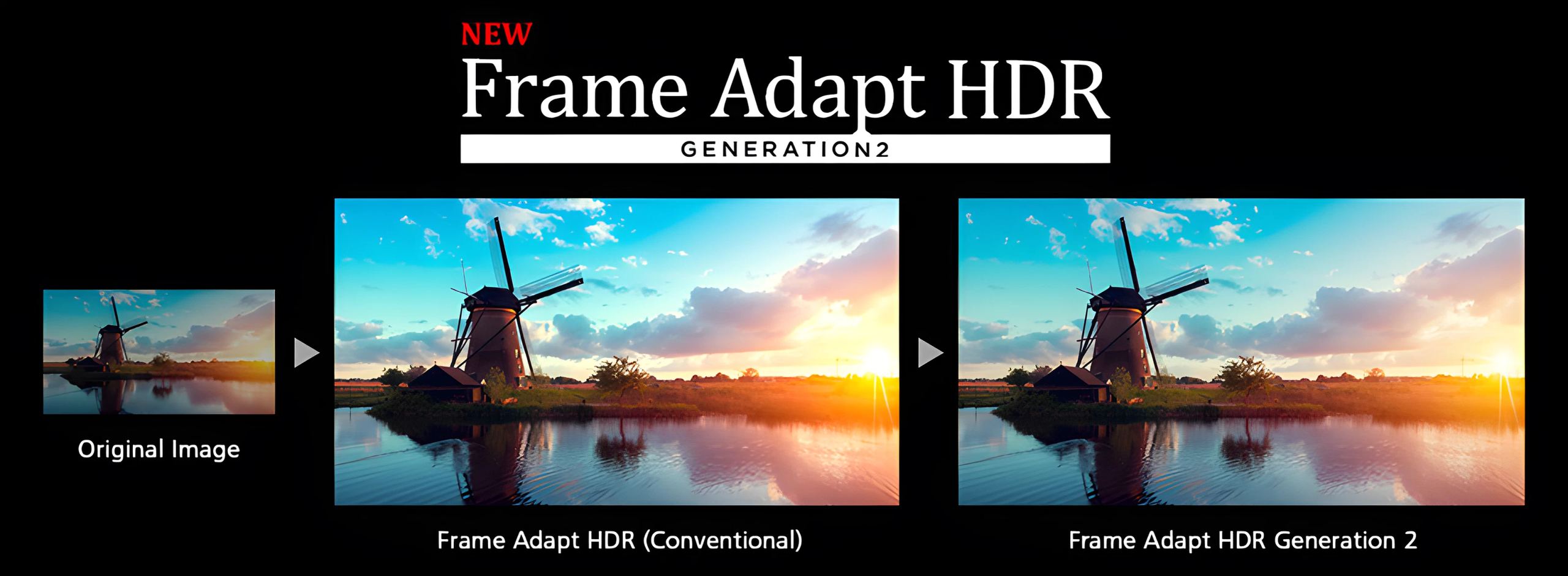
An HDR10 film is prepared on mastering displays that reach 1,000 to 4,000 cd/m². No projector reaches these values. The brightness curve therefore needs to be adapted, a process called tone mapping. If the same curve is applied to the entire film, dark scenes are too crushed or highlights are blown out. The second-generation Frame Adapt HDR function analyzes the peak brightness of each frame, or each scene if selected, and recalculates the curve in real time. It can use the disc’s metadata, such as MaxCLL, MaxFALL and mastering display luminance (DML), and the menu displays this information.
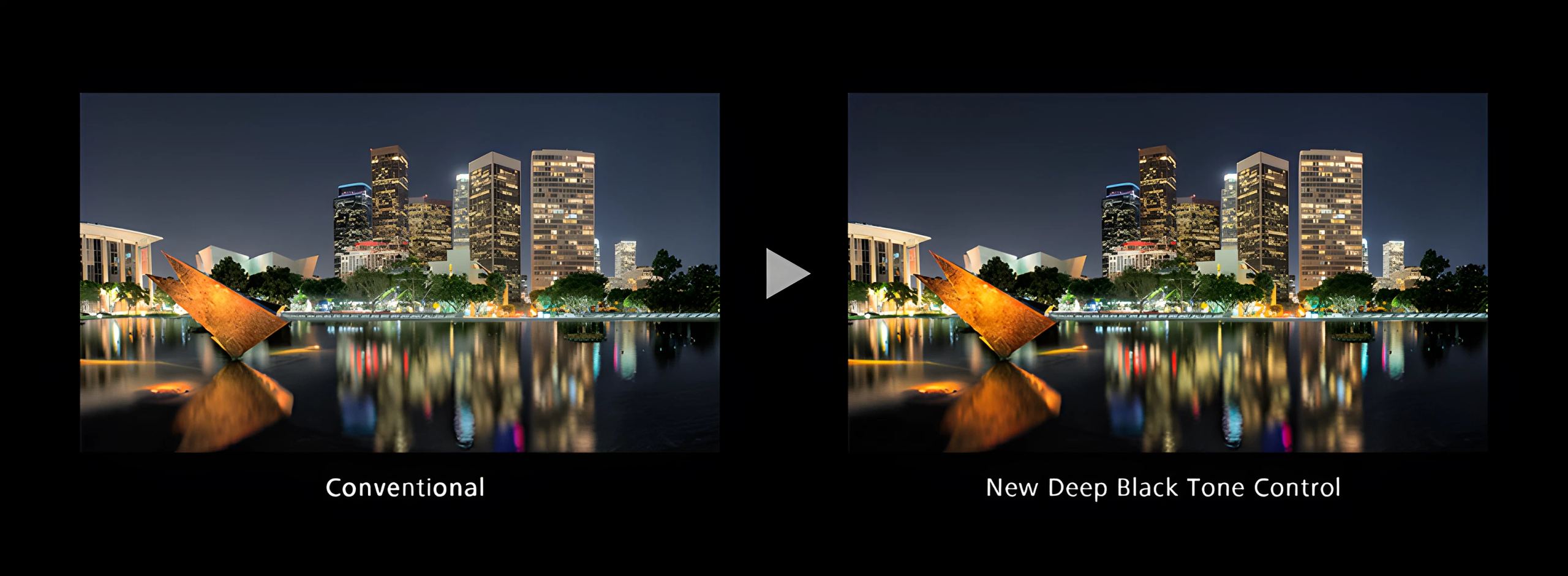
The Deep Black Tone Control setting works in Frame Adapt HDR modes. It darkens tones in dark areas so that darkness on screen more closely resembles what the eye perceives, without losing shadow detail. The Theater Optimizer function takes the actual installation into account: you enter the screen size and gain, and tone mapping is calculated for the brightness actually achieved on the screen. HDR10+ content is played with its dynamic metadata, and HLG, used in television broadcasting, is also supported.
Picture modes through to full calibration
FILMMAKER MODE disables processing that alters the original image and respects the film’s native frame rate. Vivid mode, introduced with this generation, delivers a brighter image for SDR content when the room is not completely dark. Natural and Cinema modes, two Frame Adapt HDR modes and four user memories complete the list.
Processing is 12-bit and covers 100% of the Rec.709 color space, the standard for HD and SDR content. The six-axis management system allows each primary and secondary color to be corrected separately. ISFccc certification allows an Imaging Science Foundation technician to adjust the unit on-site, then lock the settings in dedicated modes, such as a day mode and a night mode. JVC’s automatic calibration offers another solution: an optical sensor measures the projected image, and the projector corrects its own curves.
A compact enclosure and two 4K 60 Hz HDMI inputs
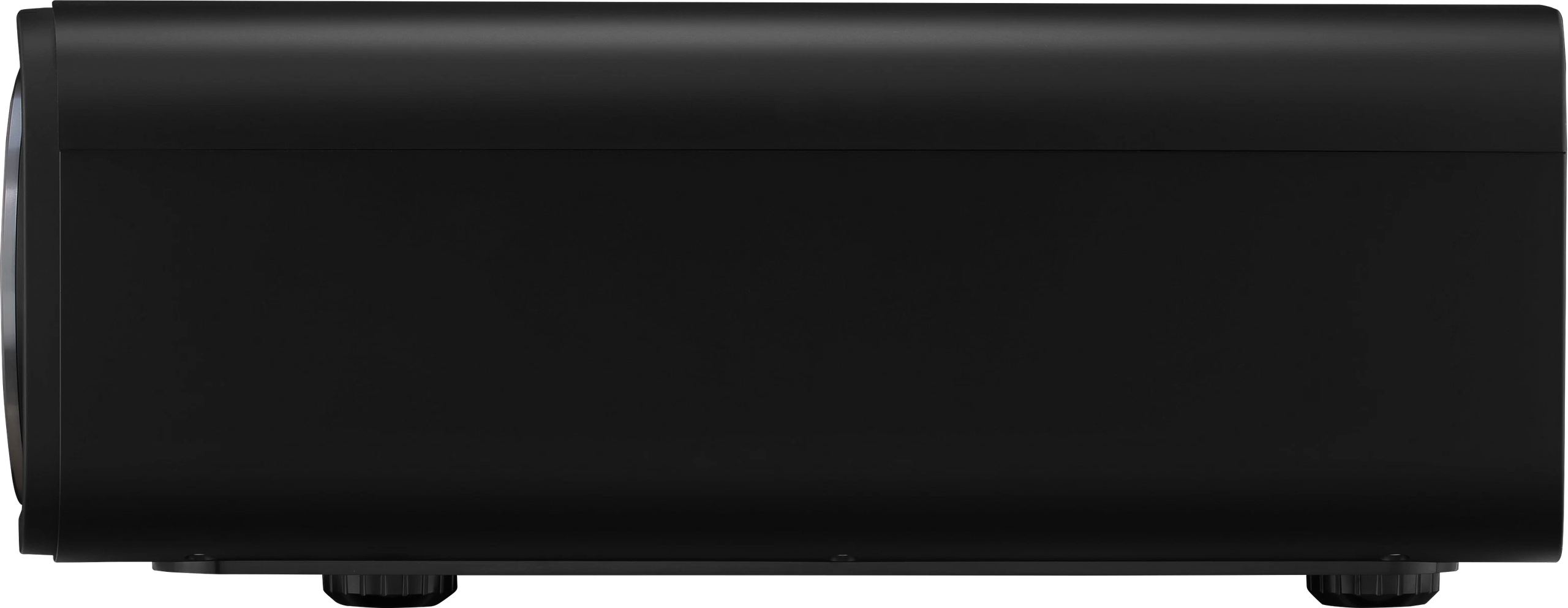
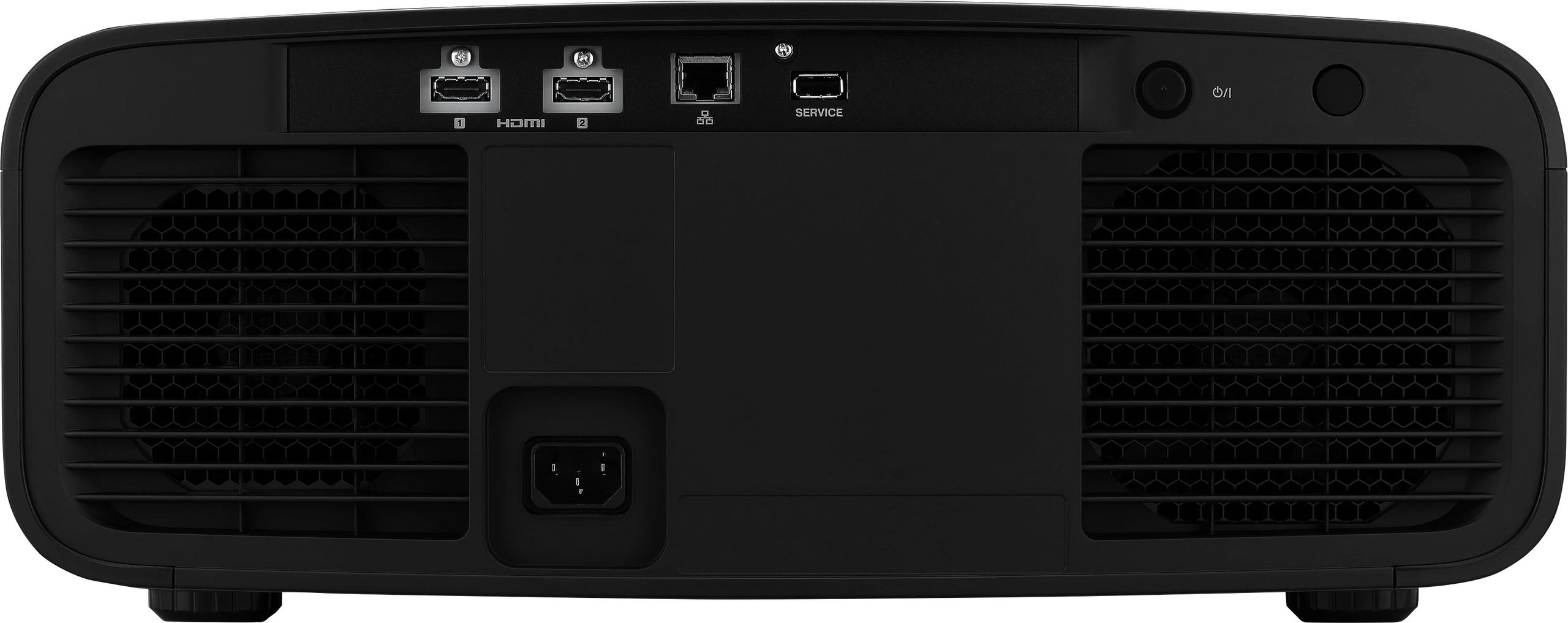
The chassis measures 450 × 180 × 479 mm. Air enters through the front and exits at the rear, with no side vents. The projector can therefore be installed in a recess or between two units, provided there is space behind it. Four adjustable feet allow it to be leveled on a shelf. It operates between 5°C and 35°C, with a humidity level of 20 to 80%.
The two 32 Gbit/s HDMI inputs (HDCP 2.3) accept signals up to 4,096 × 2,160 at 60 Hz. Consoles set to 4K 120 Hz will therefore need to switch back to 60 Hz. A low-latency mode reduces display lag for gaming. The RJ45 network port allows the projector to be controlled from a home automation system or software. The USB port is used for updates and backing up settings.
Both models have the same chassis, lens and HDR processing. The DLA-NZ700 uses third-generation D-ILA panels, with a native contrast ratio of 80,000:1 instead of 40,000:1, and produces 2,300 lumens instead of 2,000. It also adds a cinema filter that expands color reproduction toward the DCI-P3 color space used for Ultra HD Blu-ray. This filter is not available on the DLA-NZ500.
How far from my screen should I place the projector?
+
With a throw ratio of 1.24 to 2.04, a 100-inch 16:9 screen (2.21 m wide) requires approximately 2.75 m to 4.50 m. A 120-inch screen (2.66 m wide) requires approximately 3.30 m to 5.40 m. A 150-inch screen (3.32 m wide) requires approximately 4.10 m to 6.80 m. These distances are design values, with a tolerance of ±5%: it is best to check on site before securing the ceiling mount.
Can it be used in a living room that isn't completely dark?
+
Yes, but the native contrast ratio of 40,000:1 is only really noticeable in a dark room. Ambient light illuminates the screen and raises the black level far more than the projector itself. In a living room, blackout curtains and dark walls near the screen make a big difference. The 2,000 lumens provide enough headroom for a large screen in a room with no stray light. With moderate light, it is better to choose a smaller screen.
Does the DLA-NZ500 work with an anamorphic lens?
+
Yes. The installation menu has four anamorphic modes (A, B, C and D), which stretch the image in the required direction depending on the type of lens placed in front of the projector. This solution allows the full height of the imaging panels to be used on a 2.35:1 screen, whereas the motorized zoom leaves unused black bars above and below the image.
What is needed for automatic calibration?
+
A compatible optical sensor, sold separately, is required, along with JVC’s calibration software installed on a computer connected to the projector over the network. The sensor measures test patterns projected onto the screen, and the software adjusts the projector’s curves to suit the screen and the room. It is useful to repeat the process from time to time, as the response of a laser light source changes slowly over thousands of hours.
Can the fan be heard from the listening position?
+
Fan noise drops to 23 dB, a level below that of a quiet conversation in a quiet room. Since air exits through the rear, the airflow is directed toward the back wall rather than to the sides, where viewers often sit when the projector is installed above them.
User reviews
Verified reviews: written by customers who bought the product and checked by our team. Newest first. Our review guidelines
Javier
I already had a JVC350HD, but this one exceeded all my expectations. Very good brightness and unbeatable contrast. I hope it lasts as long as the previous one and that it doesn’t give me any operating problems.
Published on 12 February 2026 — Experience from 1 February 2026
Automatically translated — Show original (Spanish)
Ya tenía un JVC350HD pero éste superó todas mis expectativas. Brillo muy bien y un contraste insuperable. Espero tenerlo tanto tiempo como el anterior y que no me dé problemas de funcionamiento
Amaury
What can I say, this projector is somewhat confusing at first. It’s a raw power that needs to be tamed. I’m mainly talking about the light output of the laser. In fact, I reduced it to 60%. And yet I’m using an acoustically transparent screen, which means there’s some loss of light reflection with this type of screen, but in a dedicated room, in other words in complete darkness, that might also be why. In the end, I only touched the brightness and contrast settings. I think you need to call in a pro to properly fine-tune this beast.
On the negative side: - Pans aren’t smooth enough and CMD (Clear Motion Drive) doesn’t solve the problem; it even seems rather ineffective. According to some comments, it seems this NZ500 doesn’t even have it. Yet it clearly appears in the menu, but sometimes it’s greyed out. - The remote control feels pretty cheap compared to the one on the Sony VPL-VW570ES, which is much higher quality. The buttons sometimes make an unsettling plastic-y sound. On the other hand, the backlighting is very easy to read. - The limited lens shift range of +/- 70% vertically forced me to do some work. That’s not enough, JVC engineers! - Too noisy.
On the positive side: - Very beautiful image, with strong contrast and sharpness — that’s the main strength of JVC’s D-ILA technology. - To really get the most out of this machine, you need a source of impeccable quality. As a result, streaming is just about acceptable. You should prioritize recent movies shot in 4K, and above all, 4K Blu-ray playback is recommended. I actually had a surprise when watching “Avatar: The Way of Water” in 4K, because the JVC displays a message right from the start offering “FilmMaker” mode. And yes, in this mode, the image is sublime. But what’s amazing is that it detects whether this mode is available depending on the Blu-ray.
In conclusion: a very good projector, but the €5,990 price tag is not justified.
Published on 2 February 2026 — Experience from 18 December 2025
Automatically translated — Show original (French)
Que dire, ce projecteur est quelque peu déroutant de prime abord. C'est une puissance brute qu'il faut dompter. Je parle surtout de la puissance lumineuse du laser. De fait je l'ai réduite à 60%. Et pourtant j'utilise une toile trans-sonore, ce qui veut qu'il y a perte de réflexion lumineuse avec ce type de toile, mais cependant dans une salle dédiée, autrement dit dans le noir complet, c'est peut-être aussi pour ça. Au final, je n'ai touché qu'au réglage d'intensité lumineuse et au contraste. Je pense qu'il faut faire appel à un pro pour parfaitement régler la bête. Côté points négatifs : - les travelling ne sont pas assez fluides et le CMD (Clear Motion Drive) ne règle pas le problème, il semble même plutôt inefficace. Selon certains commentaires, il paraît que ce NZ500 n'en est pas doté. Il est pourtant bien là dans le menu, mais parfois il apparaît en grisé. - La TC fait assez chip en comparaison de celle du Sony VPL-VW570ES qui est bien plus qualitative. Les touches font parfois un bruit de plastique pas rassurant. En revanche le rétroéclairage est très lisible. - L'amplitude de réglage d'objectif limitée à +/- 70% en vertical m'a obligé à quelques travaux. Ce n'est pas assez Messieurs les ingénieurs de JVC ! - Trop bruyant.
Côté points positifs : - très belle image, bien contrastée et bien définie c'est l'atout majeur de la technologie D-ILA de JVC. - pour bien profiter de cette machine, il faut une source d'une qualité irréprochable. Par conséquent, le streaming est tout juste passable. Il faut privilégier les films récents tournés en 4k, et surtout la lecture de bluray 4k est recommandée. J'ai d'ailleurs eu une surprise en visionnant "Avatar la voie de l'eau" en 4k, car le JVC affiche un message dès le départ proposant le mode "FilmMaker". Eh oui, dans ce mode, l'image est sublimée. Mais ce qui est étonnant c'est qu'il détecte si ce mode est dispo en fonction du bluray. En conclusion : très bon VP, mais le prix de 5990 € n'est pas justifié.
Koen
It’s my first projector ever, but what a great one. I didn’t/don’t know much about them, but the menu is really easy to set up and very user-friendly (zoom, lens shift, focus). I’m using it in a converted attic that’s partly a high-end listening room but also a home cinema. I can darken the room, and that’s definitely necessary because the projector only really comes to life in a dark room. Top product, and with the laser I’m supposedly set for years of viewing pleasure according to JVC…
As for delivery, perfectly handled by homecinesolutions 👍
Published on 2 February 2026 — Experience from 21 December 2025
Automatically translated — Show original (Dutch)
Het is mijn eerste beamer ooit maar wat een goede beamer. Ik heb/had er niet veel verstand van maar het menu is echt wel gemakkelijk in te stellen en echt gebruiksvriendelijk.(zoom,lens shift,focus)Het gebruik is op een ingerichte zolder die deels gebruikt wordt als high end luister ruimte maar ook als bioscoop . Ik kan deze verduisteren en dat heb je wel nodig want de beamer komt pas tot leven bij een donkere kamer.Top product en met de laser ben ik volgens JVc goed voor jaren kijkplezier…… Qua levering super gedaan door homecinesolutions 👍
Eco-contribution of €0.75 included in the sale price.
* Attention ! Un crédit coûte de l'argent et doit être remboursé
Pour un achat de 300 € en 4 fois : acompte de 75 €, puis 3 mensualités de 75 €. Crédit de 225 € au taux débiteur fixe de 0 % sur 3 mois. Coût du crédit 0 €. Montant total dû 300 €. TAEG 0 %. Le coût du crédit est pris en charge par l'enseigne.
Sous réserve d'acceptation par Alma SAS (almapay.com), société de financement agréée par l'ACPR (code CIB : 17408). RCS Nanterre 839100575. Contact : support@almapay.com