

Inakustik Optique HDMI 2.1 PRO 3m
Specifications and features


Overview
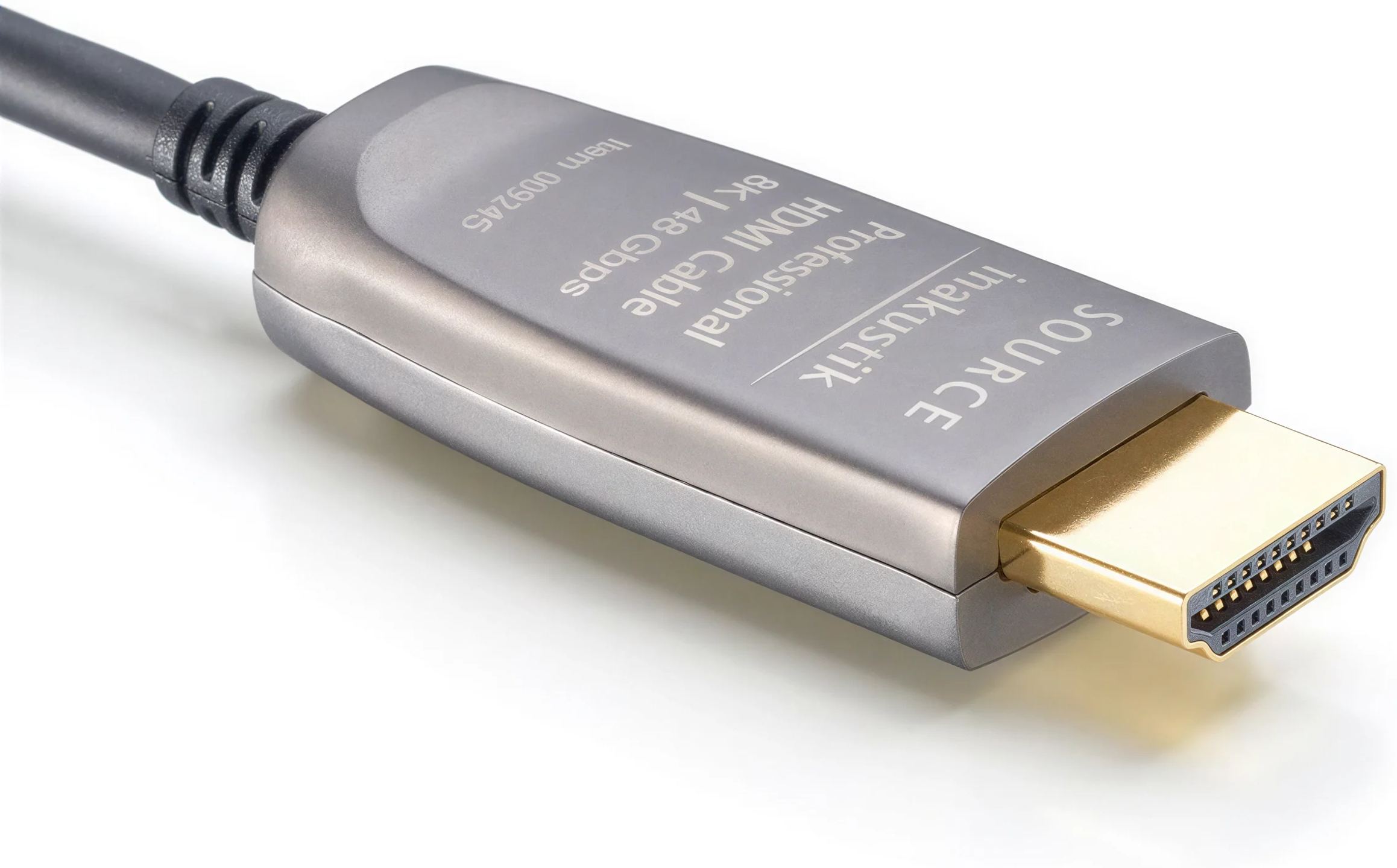
HDMI 2.1 requires so much bandwidth that even the slightest weakness in the cable shows up on screen: a flickering picture, a black screen for a few seconds, or a format renegotiated to a lower specification. This in-akustik cable carries video data through optical fibre and keeps copper for everything else. It carries Ultra High Speed certification and draws power from the source’s HDMI port, with no mains adapter.
Fibre for the picture, copper for everything else
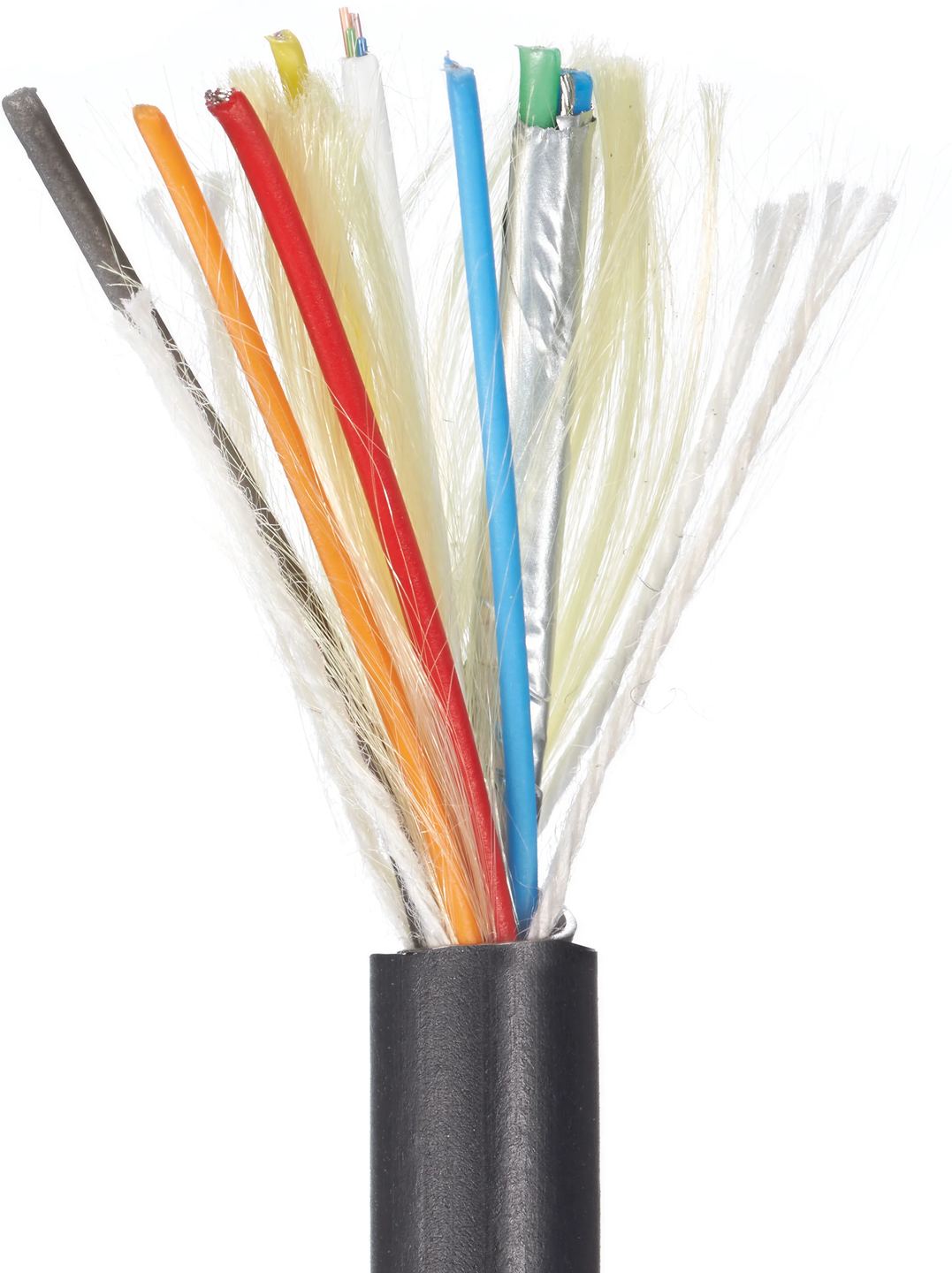
The cable is a hybrid design. Each connector contains a small electronic circuit. At the source end, it converts the electrical signal into light pulses, and at the display end, it performs the reverse conversion. The high-speed channels, which carry the picture and multichannel audio, run through the fibres. The copper conductors handle power for these electronics and the control signals: CEC control (one remote to control several devices), EDID exchange (the source reads the formats supported by the display), the ARC/eARC audio return channel and the 100 Mbit/s HDMI Ethernet connection.
This division has a practical consequence. Light is unaffected by electromagnetic interference, so the video signal remains stable even when the cable shares a conduit with mains cables or runs alongside a powered subwoofer. in-akustik specifies a range of 50 m for ARC and 30 m for eARC, which run through copper. At this length, those limits are still a long way off.
A connection direction to observe
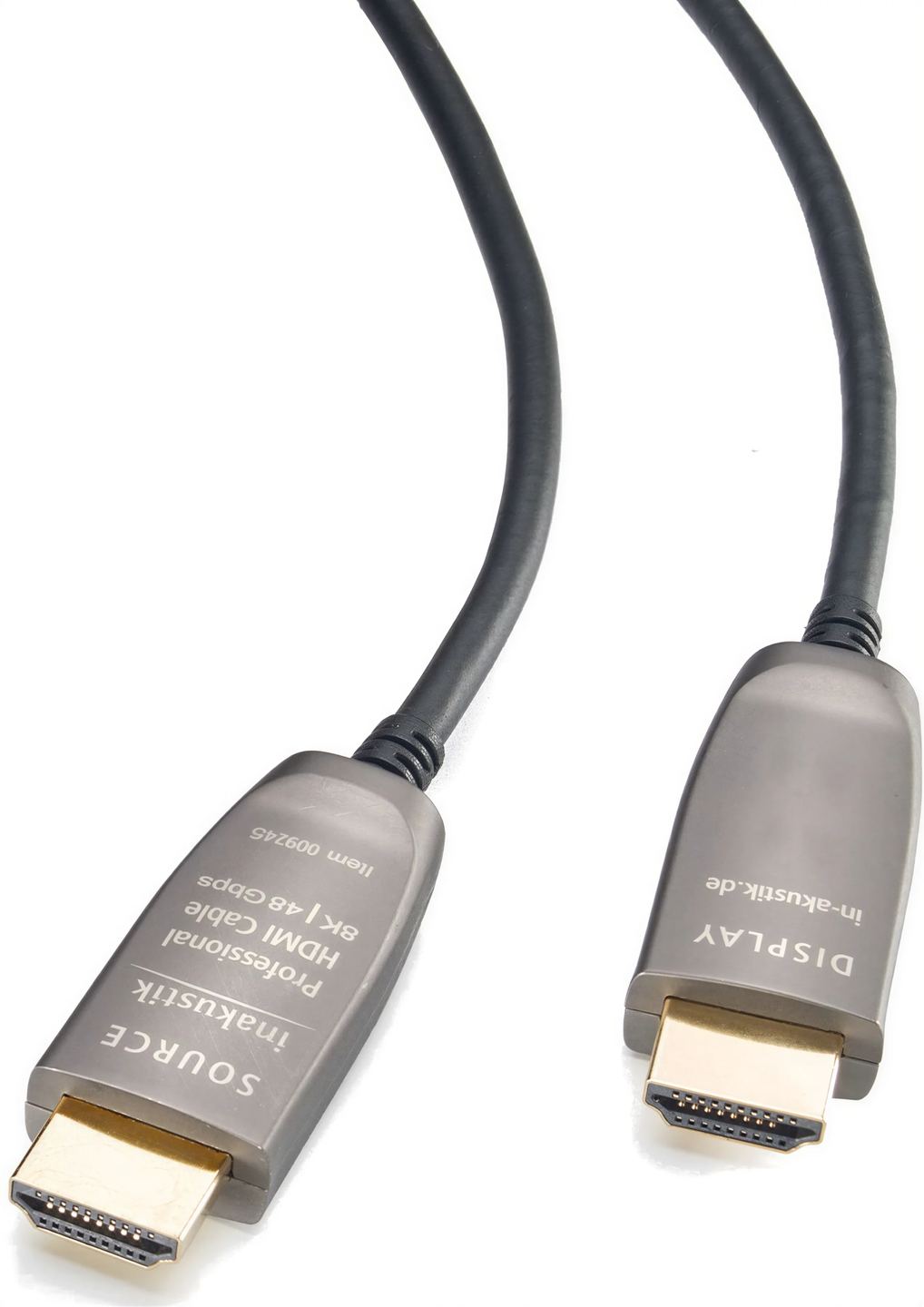
The built-in electronics require the cable to be connected in a specific direction. Each end is labelled: one connects to the source (Blu-ray player, console, set-top box, AV receiver), the other to the television or projector. If the cable is connected the wrong way round, no picture is displayed. For a concealed conduit, this must be checked before pulling the cable through.
The direction applies only to the video stream. Audio returning from the television to an AV receiver or soundbar via eARC travels through copper and works normally, regardless of the direction of the picture signal. With an AV receiver positioned between the sources and the display, the “source” end connects to the receiver’s HDMI output and the “display” end to the television’s eARC input.
The full 48 Gbit/s of HDMI 2.1
With 48 Gbit/s of bandwidth, the cable supports all the formats defined by the standard: 4K at 120 Hz, 8K at 60 Hz, and up to 10K at 120 Hz with DSC (Display Stream Compression, visually lossless compression applied by the source). Colour is carried in 4:4:4 at 12 bits per component, without subsampling, keeping text and interfaces displayed by a PC sharp. HDR10, HDR10+ and Dolby Vision formats are all supported, as is the HDCP 2.3 protection required by streaming services and Ultra HD discs.
For gaming, the cable carries the HDMI 2.1 features of recent consoles and graphics cards. VRR matches the display’s refresh rate to the game’s frame rate to eliminate screen tearing. ALLM switches the television to game mode as soon as the console is turned on. QMS reduces the black screen when changing refresh rates, while QFT reduces display latency. For audio, it carries high-resolution formats, uncompressed Dolby Atmos via eARC, DSD, and automatic lip sync.
All these features remain optional under the HDMI 2.1 standard. The cable merely carries them: both the source and the display must support them. On many televisions, only certain HDMI inputs support the full bandwidth, and an enhanced signal setting often needs to be enabled in the menu for the selected input.
Ultra High Speed certification and metal connectors
The cable carries Ultra Certified certification from HDMI Licensing. This programme tests each length within a cable family, so certification for one model does not apply to a different length. It guarantees 48 Gbit/s bandwidth as well as resistance to interference involving Wi-Fi and nearby wireless networks.
The connectors have an all-metal housing that protects the conversion electronics during handling. The 24-carat gold-plated contacts resist oxidation through repeated connections, but this plating makes no difference to signal quality. The jacket remains flexible and bends easily, an advantage when routing it through electrical conduit or behind a wall-mounted television, where a copper HDMI 2.1 cable is often stiff. The cable complies with CE, REACH and RoHS standards.
Technical Specifications
Optical Specifications
- EDID (Extended Display Identification Data) compatible
- Supports subsampling: 4:4:4, 4:2:2, 4:2:0
- Color depth: 36 bits (3 × 12 bits)
- 120 Hz compatible
- DSC (Display Stream Compression) compatible
- ARC/eARC range:
- ARC (Audio Return Channel): up to 50 m
- eARC (enhanced Audio Return Channel): up to 30 m
- Fully metal connector
Physical Characteristics
- Cable diameter: 4 mm
- Extremely flexible
- Easy to install
- Connection direction indicated
Power Supply
- Powered via HDMI (High Definition Multimedia Interface)
- No external power supply required
Compliance
- Standards: CE, REACH, RoHS
Frequently asked questions
Why choose fiber when a copper cable can cover this distance?
in-akustik also offers Ultra High Speed copper cables in its Premium series, up to the same length. At maximum data rates, passive copper approaches its limits over several metres and becomes sensitive to connector quality and nearby interference. Fibre maintains a comfortable margin and is immune to interference. It is particularly worthwhile for an in-wall connection that is difficult to replace once installed, or for a 4K 120 Hz projector.
Does the cable work with HDMI 2.0 or older devices?
Yes. It remains compatible with earlier versions of the HDMI standard, and the connection then adjusts to the capabilities of the older device. An HDMI 2.0 player connected to an HDMI 2.1 TV will operate at 4K 60 Hz, just as with any cable.
How do I connect the cable to a soundbar using eARC?
When the sources are connected to the TV and the soundbar only receives audio, the “source” end goes into the soundbar’s HDMI eARC port and the “display” end into the TV’s eARC port. Audio travels back from the TV to the soundbar through the copper conductors, regardless of the video direction. You also need to enable eARC in the TV’s settings.
Can the cable be run through an existing conduit?
Yes, provided the conduit is wide enough for the factory-fitted HDMI connector, which cannot be removed. For conduits that are too narrow, in-akustik offers an MPO version of its fiber optic HDMI 2.1 cable with detachable HDMI connectors, which are reattached once the cable has been pulled through. With both versions, it is best to avoid tight bends, as fiber is less tolerant of them than copper.
Can the cable’s Ethernet connection replace a network cable?
The 100 Mbit/s HDMI Ethernet feature is supported, but very few devices use it. For 4K streaming or console updates, an RJ45 Ethernet cable or Wi-Fi remains the solution to plan for.
How can I check that the cable is properly certified?
Ultra Certified cables have a label with a QR code and a hologram on their packaging. The official HDMI Cable Certification app reads this code and confirms that it is a tested model in the specified length.
- Eco-contribution included in the sale price.
- Manufacturer reference: 009245003
- GTIN / EAN: 4001985519880


