
Projeo EasyPull HD 77




Overview
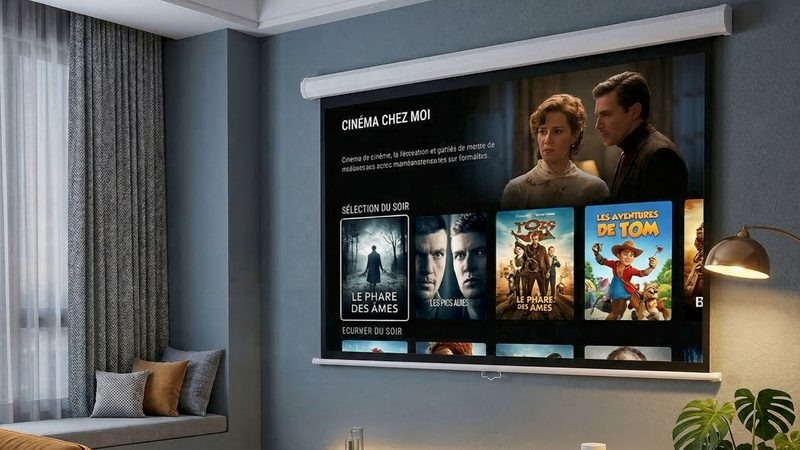
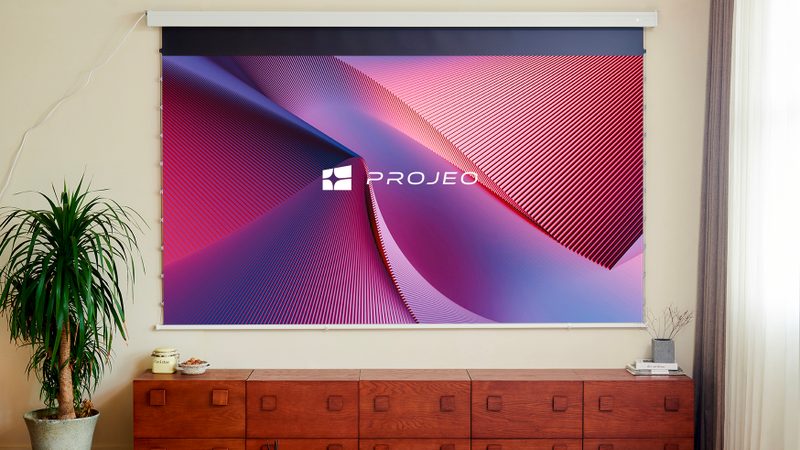
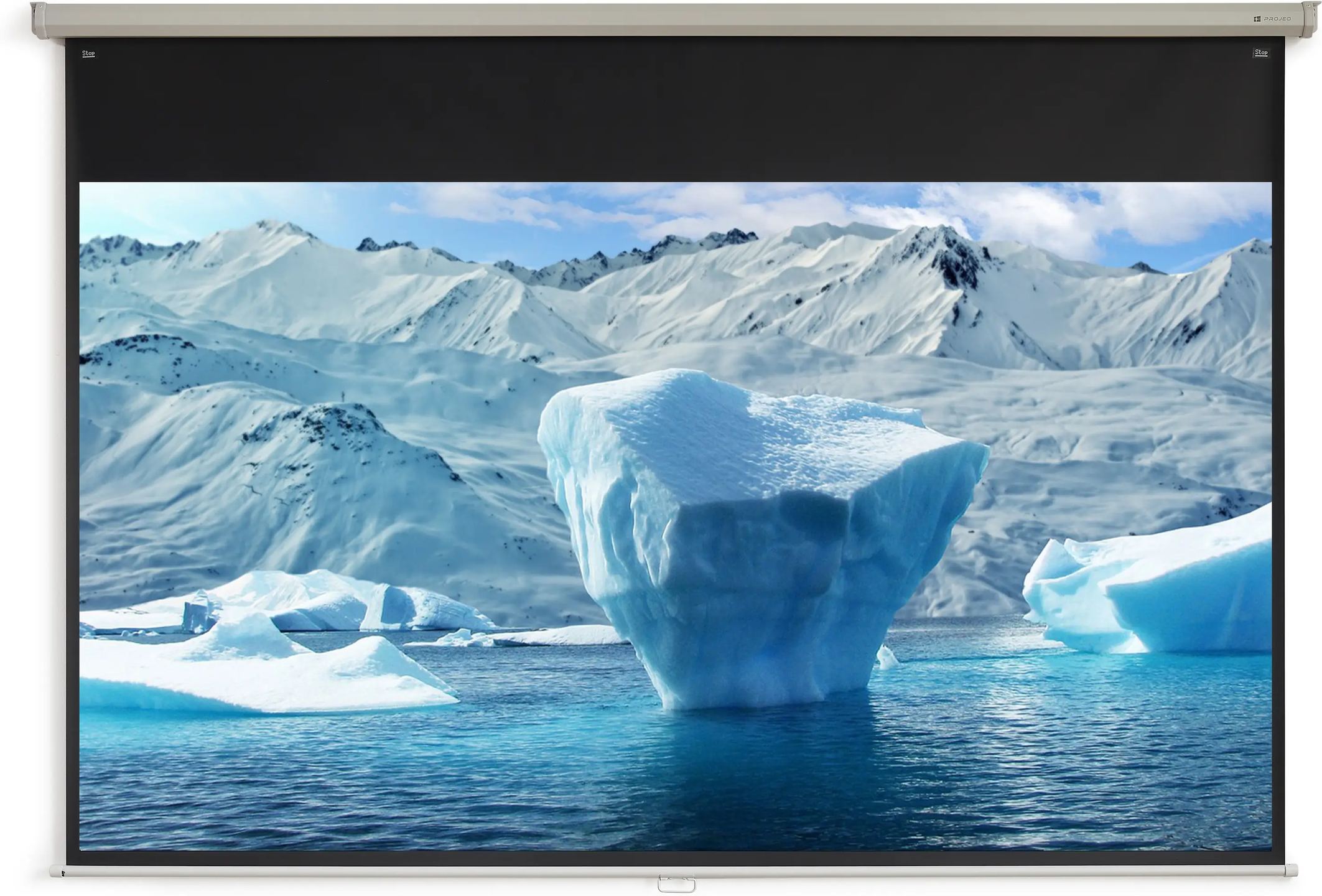
Not all home theaters need a remotely controlled motorized screen. For many installations, manual pull-down is enough, provided the mechanism remains reliable and the screen material is properly calibrated. The EasyPull HD 77 meets these requirements: a 78.6-inch diagonal in 16:9 format, a white lacquered metal casing, and a matte white surface with neutral colorimetry, all without electrical installation.
A metal casing that fits in anywhere
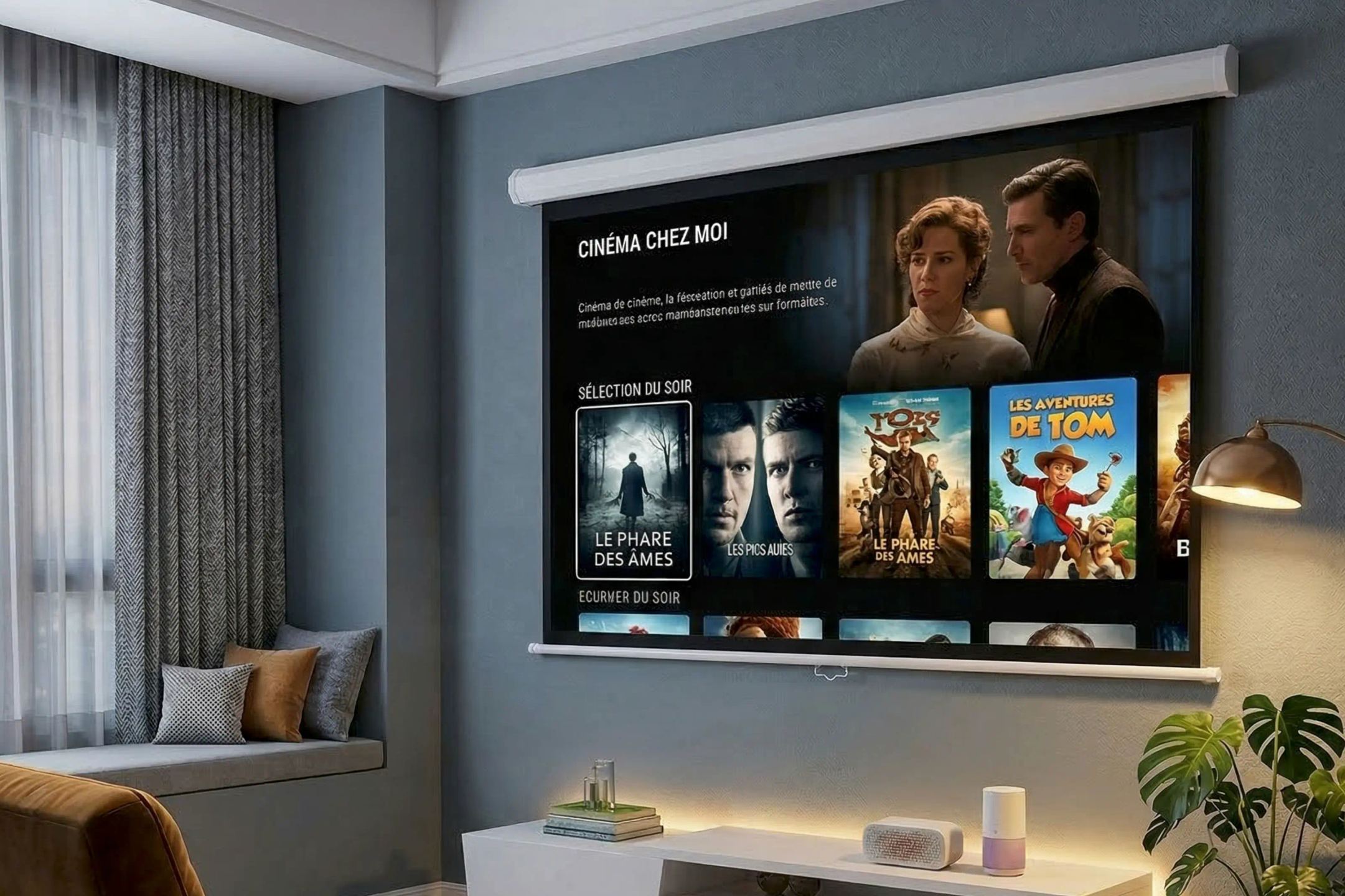
The casing measures 189.3 cm long with a square cross-section measuring 5.5 cm on each side. Its white lacquered metal finish remains discreet once mounted high on a light-colored wall or against a ceiling, where a dark casing would draw the eye. It can be mounted on a wall, on a ceiling, or suspended when neither of those two solutions suits the room.
Installation relies on a clip system. The brackets are first mounted in their final position, then the casing clips into place, avoiding the need to support the full weight during adjustment. One detail to anticipate before delivery: the packaging must be stored flat. The screen material is rolled around a tube, and prolonged vertical storage may deform it.
The matte white screen material and the question of gain
The projection surface is a matte white screen material with a gain of 1. This figure deserves an explanation. Gain compares the light reflected by the screen to that of a reference surface. A gain of 1 means the screen reflects light without amplifying it or concentrating it in a specific direction. In practical terms, the image is no brighter than with a neutral surface, but it remains uniform: no hotspot in the center, no loss of brightness at the sides.
The 170° viewing angle extends this behavior. A viewer seated far from the central axis sees the same image, with the same colors, as a viewer seated directly in front of the screen. This is useful in a wide living room or a meeting room where seats are not all aligned. The trade-off of a gain of 1 is brightness: the screen does not compensate for a low-powered projector or a poorly darkened room. It performs best with a properly sized long-throw projector and controlled lighting.
The black borders frame the image area. On the sides and bottom, a 30 mm border clearly defines the projection and enhances perceived contrast. At the top, the black border is much wider, 250 mm. This drop extends down before the usable part of the screen material and positions the image at the correct height below the casing.
The manual mechanism and its automatic lock
The screen is pulled down by hand. You pull the screen material downward to the desired height, and the automatic locking system keeps it in position. No end-stop adjustment is required beforehand: the screen locks wherever you stop it, whether fully extended or halfway down. To store it, a slight pull releases the lock and the screen material rolls back up in a controlled manner, without slamming harshly against the casing.
At the bottom of the screen material, a 183.9 cm weight bar provides tension. Its weight keeps the projection surface taut and limits ripples that would degrade image geometry. This fully mechanical operation follows a clear logic: no motor, no electrical wiring, no remote control to manage. The trade-off is daily use, since the screen must be pulled down and rolled back up manually for each viewing session. For occasional use or an installation where electrical work is to be avoided, this compromise makes sense.
Three diagonals in the EasyPull HD range
The EasyPull HD is available in three sizes, all in 16:9 format and all equipped with the same matte white screen material. Model 77 is the most compact, with a usable image measuring 174 cm wide by 97.9 cm high, for a 78.6-inch diagonal. References 87 and 106 follow the same principle on larger surfaces, up to 234 cm wide for the 106 version.
This 77 version is suitable for rooms where viewing distance remains limited or for walls too narrow for a large screen. Its 189.3 cm casing leaves only a small margin on either side of the image. Note for transport and handling: the screen is delivered in packaging measuring 198.3 cm long, an elongated parcel that must be able to be received and moved to the installation location.
Documentation
Technical specifications
Overview
- Manual projection screen designed to blend discreetly into any environment
- White lacquered metal casing combining durability with sleek aesthetics
- Matte white screen ensuring perfectly neutral color reproduction
- Wide viewing angle guaranteeing a bright, uniform image for every viewer
- Simple installation and operation, suitable for meeting rooms as well as living rooms
Screen
- Projection surface: matte white
- Gain: 1
- Viewing angle: 170°
General technical specifications
- Projector type: long throw
- Casing: white lacquered metal
- Control system: manual
Models and dimensions
- Format / ratio: 16 / 9
- Screen: matte white
- Useful image size (W × H): 174 × 97.9 cm
- Diagonal: 78.6 inches
- Casing size (L1): 189.3 × 5.5 × 5.5 cm
- Weight bar size (L2): 183.9 × 2.25 cm
- Black borders: B1 30 mm, B2 250 mm, B3 30 mm (see technical data sheet)
- Packaging dimensions: 198.3 × 12 × 11.5 cm
Frequently asked questions
Does the EasyPull HD 77 work with an ultra-short-throw projector?
No. This screen is designed for long-throw projectors, installed at a distance from the screen material or on the ceiling. An ultra-short-throw model projects its image at a very shallow angle from a position close to the wall. On a conventional matte white screen material, this type of projection highlights the slightest flatness defect and causes brightness inconsistencies. Ultra-short-throw projectors require a specific screen material with a dedicated structure, which the EasyPull HD does not include.
Can the screen material be stopped at an intermediate height?
Yes. The automatic lock holds the screen material wherever you stop pulling it, with no predefined position. This makes it possible to adjust the visible surface to specific content, for example an image squarer than 16:9, or to work around a piece of furniture located below the screen. To roll the screen material back up, a brief downward pull disengages the lock.
Can the screen be mounted on an uneven wall?
The screen material does not rest against the wall: it hangs from the casing and remains tensioned by the weight bar at the bottom. A slight unevenness in the wall behind the screen therefore does not affect the projection surface. The casing itself, however, requires a stable, level support. If the wall is not suitable, ceiling mounting or suspended installation offer an alternative.
Why must the packaging be stored flat?
The screen material is delivered rolled around its tube, inside the casing. Prolonged vertical storage places the weight of the assembly on one end and may mark the screen material or strain the mechanism. Keep the parcel horizontal until installation, and handle it in that position. This precaution is especially important for storage lasting several days or weeks before mounting.
- Eco-contribution included in the sale price.
- Manufacturer reference: PROEAS77HD
- GTIN / EAN: 3700795164983