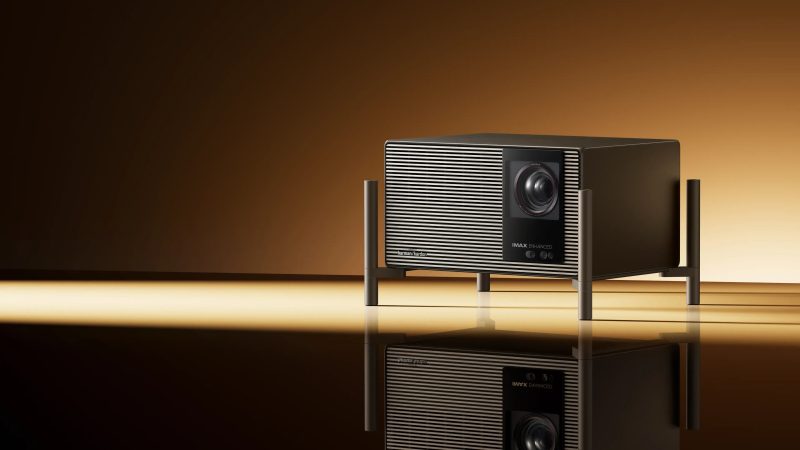
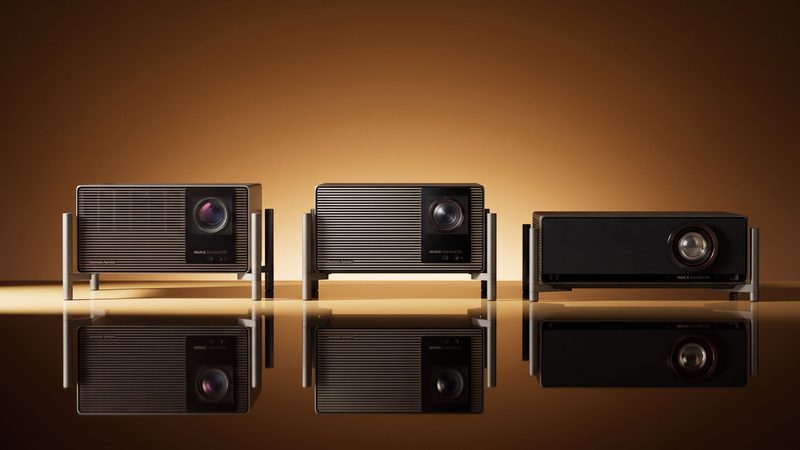
XGIMI Titan Black Pro

Specifications and features


Overview
Raising brightness without crushing blacks is the central challenge of every laser projector. The Titan Noir Pro addresses it with two mechanical irises that regulate the beam before the lens, rather than through simple digital dimming. Positioned in the middle of the range, between the standard Titan Noir and the Titan Noir Max, it combines 6000 ISO lumens with an 8000:1 native contrast ratio, enough to handle a large screen in a living room or dedicated theater room.
Two irises to regulate light
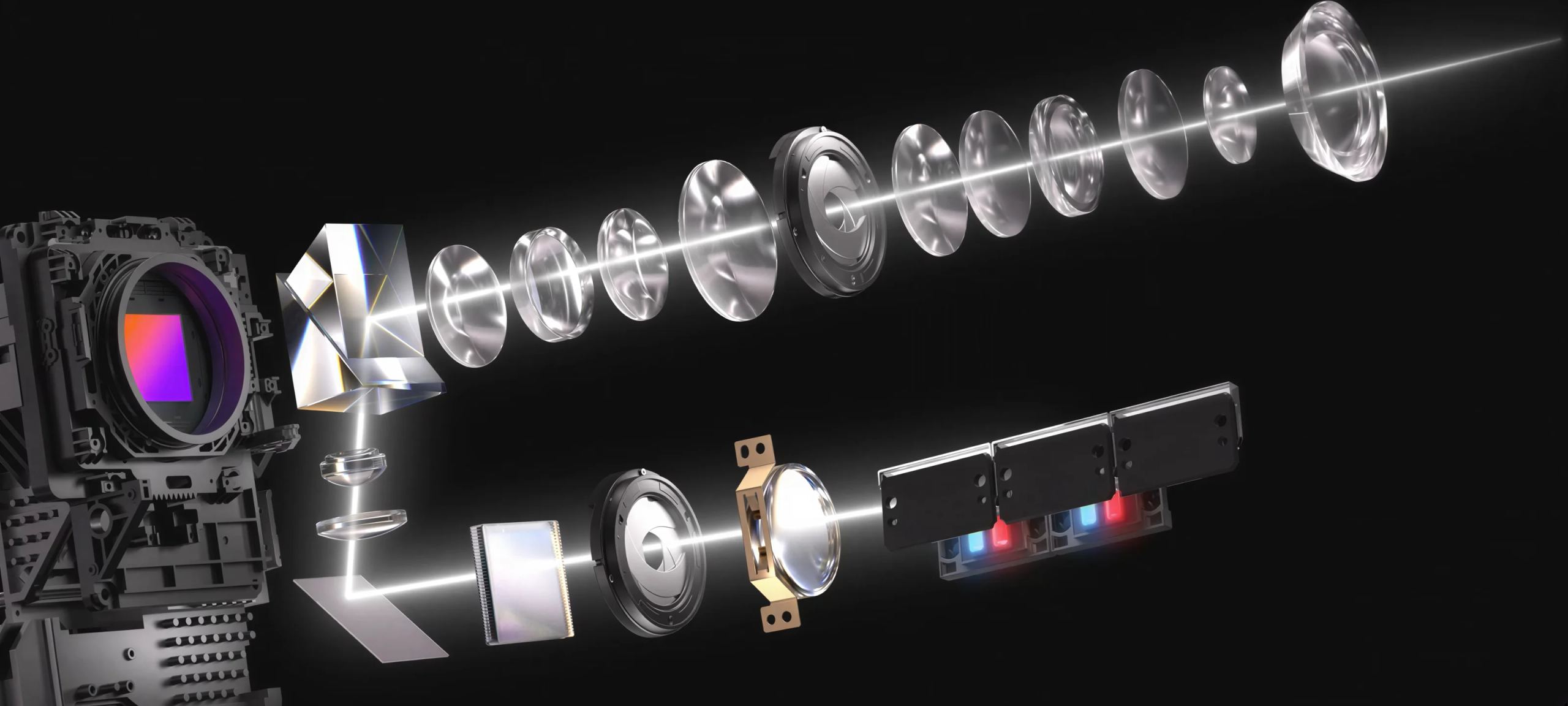
Two self-adjusting iris modules work in tandem, with five selectable aperture levels. The principle is optical, not digital: instead of dimming the image through signal processing, the projector mechanically closes the aperture to let less light through. Wide open at f/2.0, it prioritizes brightness and fills a lit room. Stopped down to f/7.0, it boosts contrast and deepens shadows, at the expense of lower brightness.
The 8000:1 native contrast ratio is achieved with the iris closed to f/7.0, at a 0.98:1 throw ratio. In dynamic contrast, laser modulation raises the ratio to 100,000:1. A boost mode (Boost 10+) locks the iris at f/2.0 to maximize brightness, while manual brightness adjustment remains available at f/2.0 to f/4.0 apertures.
This is where the Pro’s positioning within the range becomes clear. The Titan Noir Max reaches 7000 lumens for very large screens; the Pro stays at 6000, a level that is more than sufficient for the recommended 60 to 150-inch screen sizes.
From triple laser to 4K image
The source is a triple RGB laser, with red, green and blue generated separately. This results in 110% coverage of the BT.2020 color space and good fidelity across the four main color standards. For image formation, the chip is a 0.47-inch DMD: this 1080p-resolution micro-mirror reaches 3840 × 2160 through rapid pixel shifting, with each frame made up of four successive flashes too brief for the eye to perceive. Everything passes through a fifteen-element lens with treatment optimized for light transmission, maintaining sharpness right into the corners.
Dolby Vision on a projection screen
Three metadata-based HDR formats are supported: HDR10+, Dolby Vision and IMAX Enhanced. Dolby Vision remains rare on projectors, where it adjusts rendering scene by scene rather than using a fixed curve. Tone mapping analyzes each shot to retain detail in highlights and shadows alike, including with high-contrast sources. The cinematic 24-frames-per-second cadence is respected, and motion compensation (MEMC) remains available for fast content. Dolby Vision does, however, require a source that transmits it via HDMI, since the projector does not play anything on its own.
Where to place the Titan Noir Pro
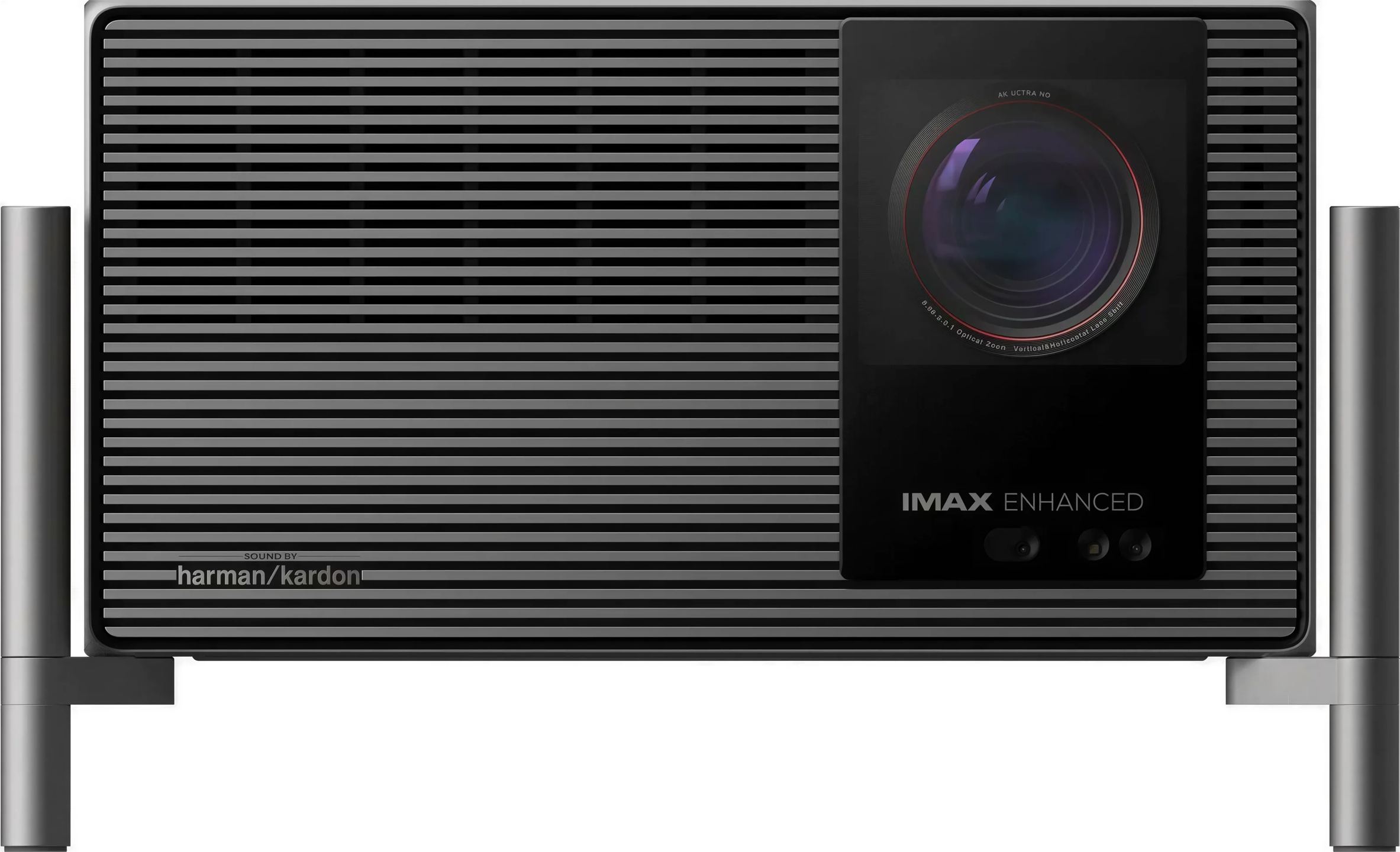
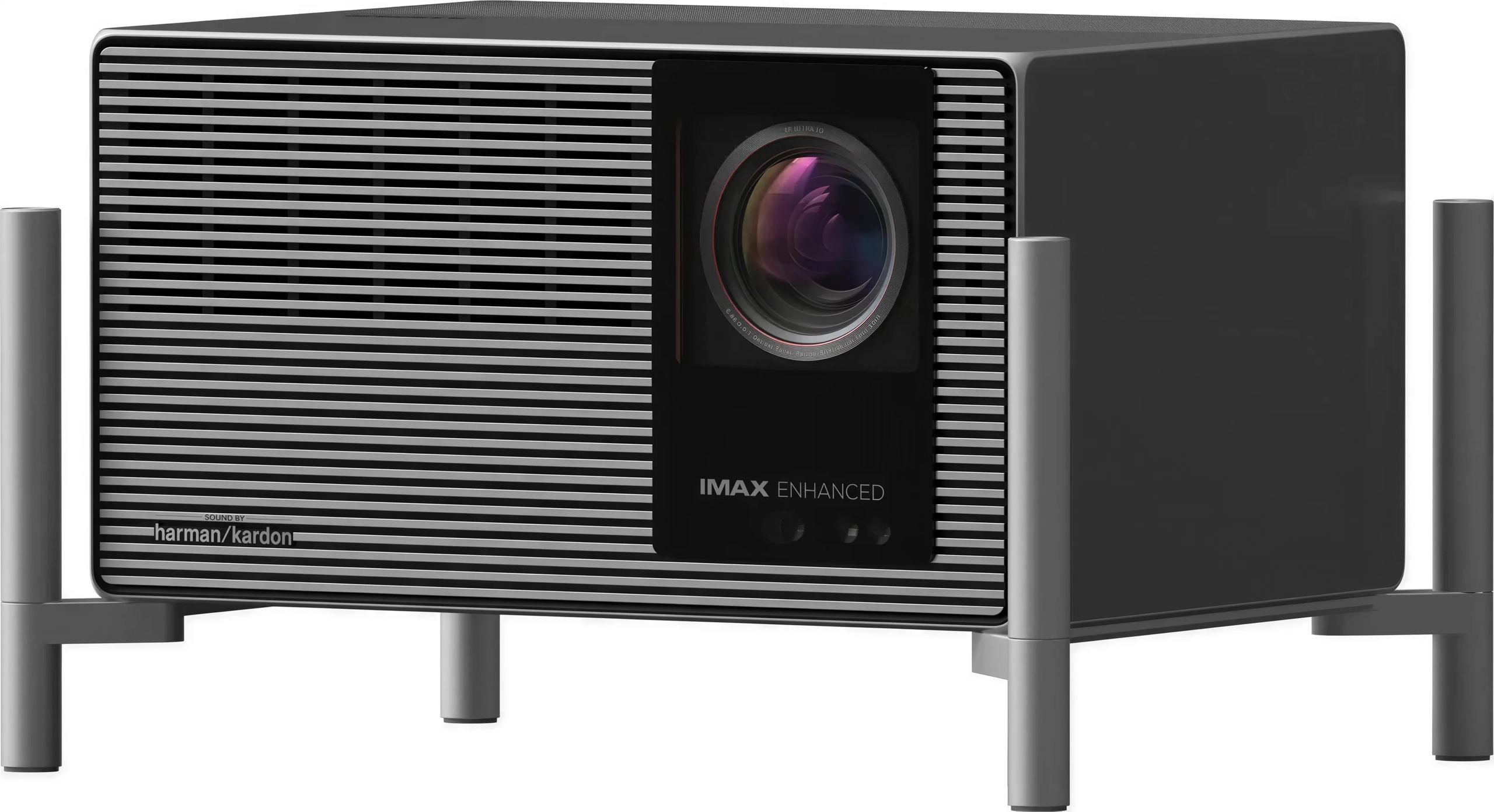
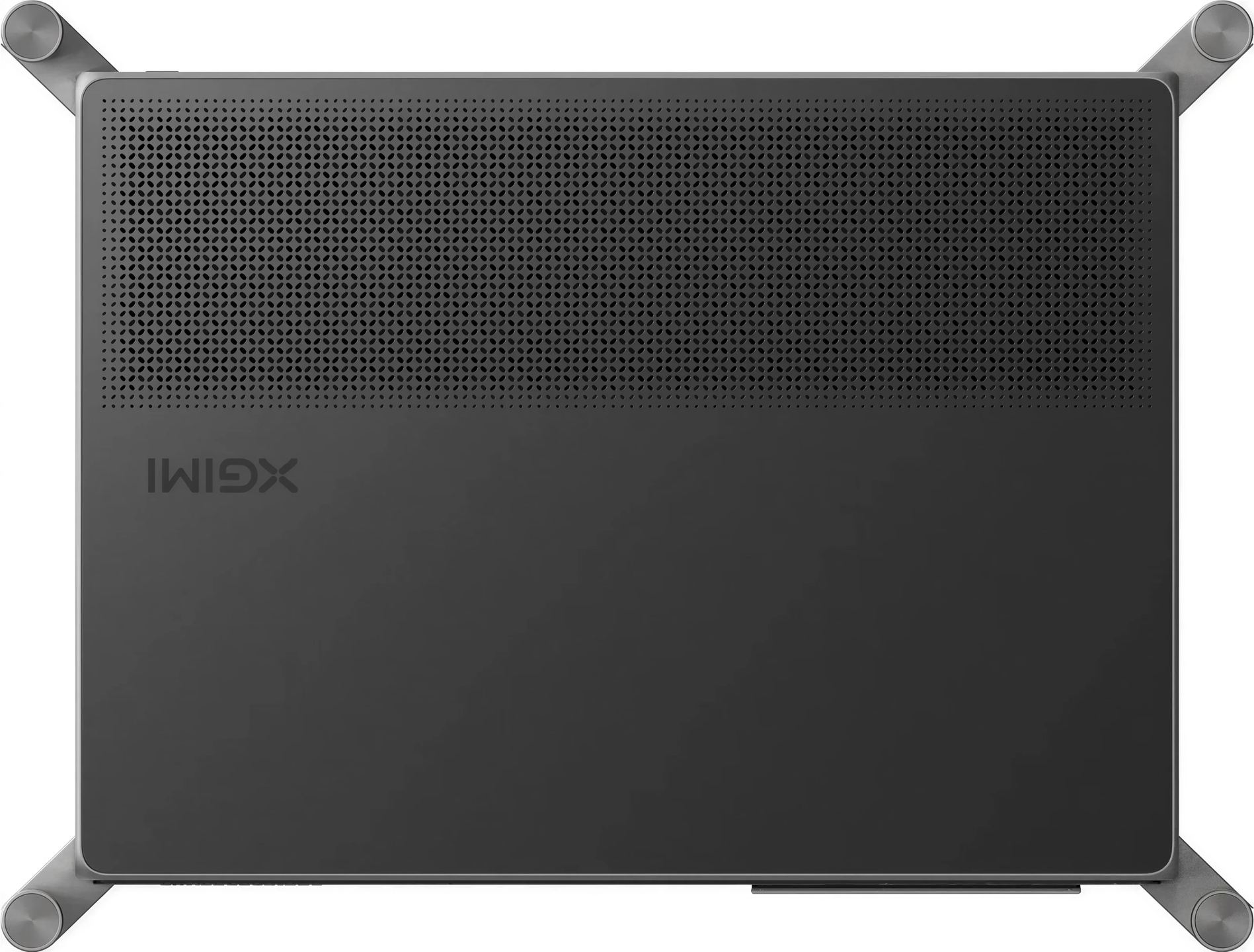
The throw ratio ranges from 0.98 to 2.0:1, complemented by optical zoom and lens shift of ±130% vertically and ±50% horizontally. For a 120-inch image, throw distance ranges from around 2.6 to 5.3 meters depending on zoom, allowing the unit to be placed at the back of the room or ceiling-mounted. Focus is automatic, as is keystone correction, which continuously recalculates; screen alignment and obstacle avoidance complete the setup. The chassis measures 334 × 178 × 248 mm and weighs around 7.5 kg, a few centimeters more with the feet. Noise remains below 28 dB at one meter, although the brightest mode increases fan noise.
Image size ranges from 40 to 300 inches, with the 60 to 150-inch range remaining the most consistent with the available resolution and brightness. Two limitations are worth noting: pushing one shift axis to its maximum requires recentering the other, and beyond 2× zoom, the lens shift range is reduced.
Video gaming at 240 Hz
In game mode, latency drops to 1 ms at 1080p and 240 Hz, 2.2 ms at 1080p and 120 Hz, and 3 ms at 4K and 60 Hz. Variable refresh rate (VRR), automatic low-latency mode (ALLM), and AMD FreeSync certification limit tearing and stutter when the console or PC varies its frame rate. The gigabit Ethernet port ensures a stable connection for online gaming on a very large image. The trade-off is resolution: 240 Hz is limited to 1080p, and 4K is capped at 60 Hz.
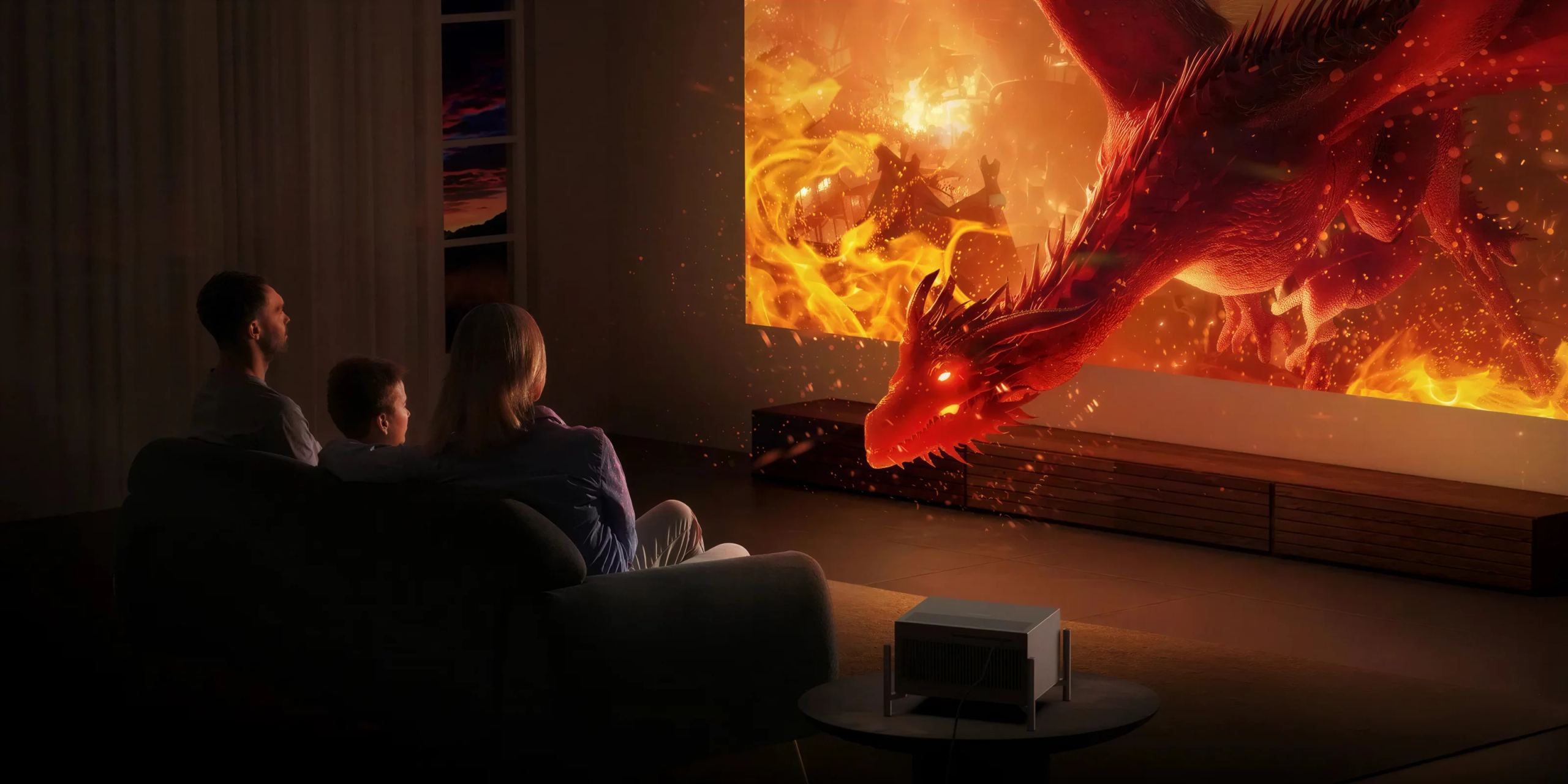
A projector without an integrated system
The Titan Noir Pro includes no operating system or applications. It therefore requires an HDMI source: streaming device, disc player or computer. This approach has its supporters among movie enthusiasts, who often prefer to choose their own player for proper Dolby Vision and an interface free of overlays. Quick start-up (STR) reduces waiting time at power-on.
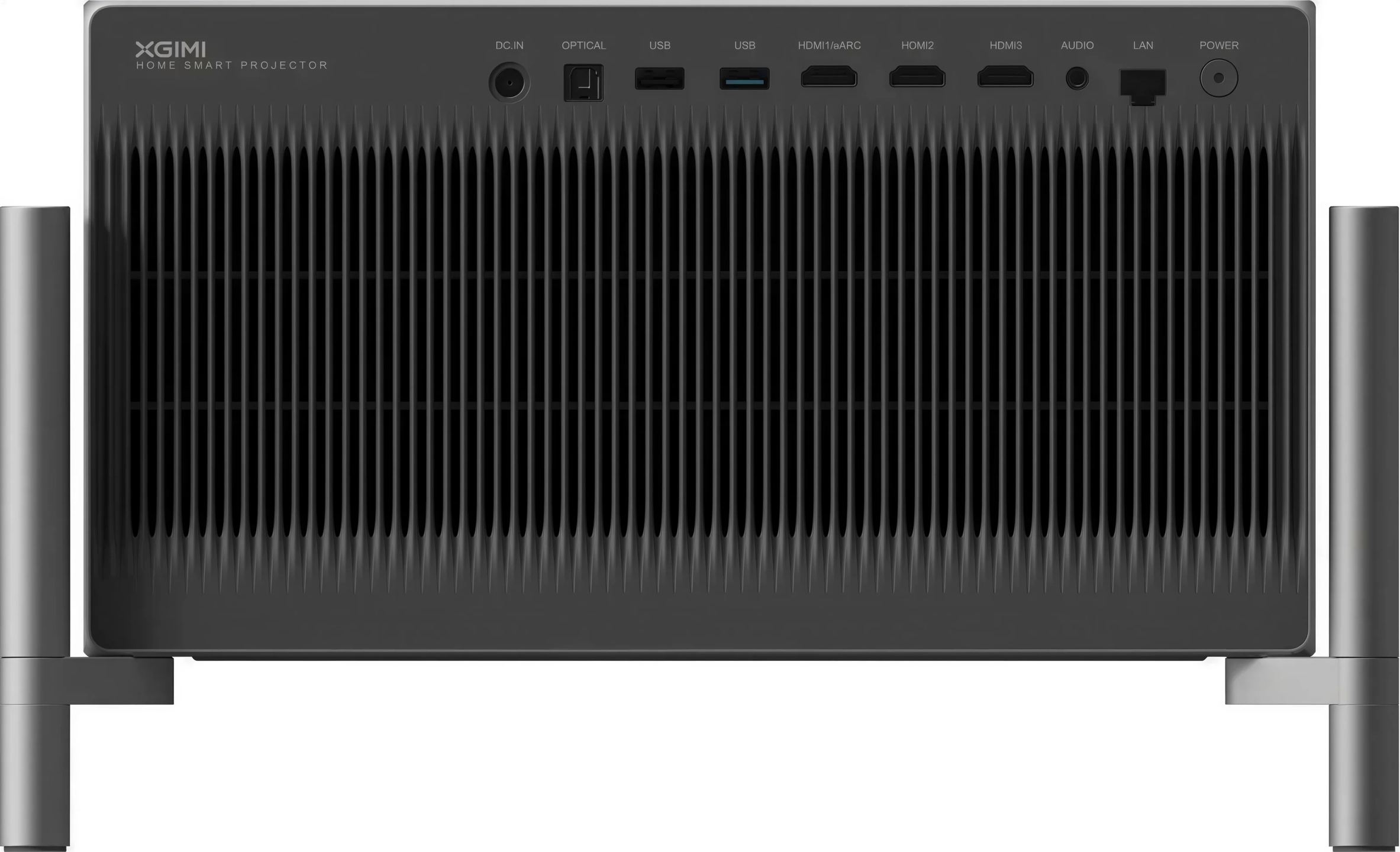
Connectivity includes three HDMI inputs, the first of which supports eARC, one USB 3.0 and one USB 2.0 port, a gigabit Ethernet port, an optical output and a mini-jack audio output. Wireless connectivity relies on dual-band Wi-Fi 6 and Bluetooth 5.2. Two 12 W Harman/Kardon speakers provide basic sound, and DTS Virtual:X, DTS-HD, Dolby Digital and Dolby Digital Plus tracks are decoded internally. For movies, eARC on the first HDMI input sends sound back to an amplifier or soundbar, with Dolby Atmos decoding then handled by the connected device.
What the press says
The XGIMI TITAN Noir Pro is excellent for home theater use. Its fantastic and consistent contrast gives the image solid depth across all scenes, while its excellent brightness produces a punchy image in a dark room. [...] Its fantastic color volume delivers well-saturated colors across movies and shows. Unfortunately, color accuracy is mediocre out of the box due to an overly warm image, although calibration can greatly improve it if that bothers you.
Technical specifications
Image and display
- Type: home projector
- Technology: DLP
- DMD chip: 0.47 inch
- Light source: triple RGB laser
- Resolution: 3840 × 2160 pixels, 4K UHD
- Brightness: 6000 ISO lumens
- Contrast
- Native: up to 8000:1
- Dynamic: up to 100,000:1
- Color space: 110% BT.2020
- Supported HDR formats: HDR10+, Dolby Vision, IMAX Enhanced
- 3D compatibility: yes
- Aspect ratio: 16:9
- Projected image size: 40 to 300 inches (approximately 102 to 762 cm)
Optics and installation
- Throw ratio: 0.98 to 2.0:1
- Lens shift
- Vertical: ±130%
- Horizontal: ±50%
- Optical zoom: yes
- Digital zoom: yes
- Auto focus
- Automatic keystone correction
- Intelligent image alignment: yes
- Intelligent obstacle avoidance: yes
- Projection modes: front, rear, front ceiling, rear ceiling
Gaming performance
- Maximum refresh rate: 240 Hz at 1080p
- Latency
- 1 ms at 1080p and 240 Hz
- 2.2 ms at 1080p and 120 Hz
- 3 ms at 4K and 60 Hz
- VRR (variable refresh rate): yes
- ALLM (auto low latency mode): yes
- AMD FreeSync compatibility: yes
Audio system
- Sound signature: Harman / Kardon
- Speakers: 2 × 12 W
- Total power: 24 W
- Supported audio formats: DTS-HD, DTS Virtual:X, Dolby Digital, Dolby Digital Plus
Connectivity
- HDMI: 3 ports, including 1 eARC-compatible
- USB: 1 × USB 3.0, 1 × USB 2.0
- Ethernet: 1 × Gigabit
- Optical output: 1
- Audio output: 1 × 3.5 mm mini-jack
- Dual-band Wi-Fi 6 2.4 / 5 GHz
- Bluetooth 5.2
System and memory
- Processor: MediaTek MT9681
- GPU: Mali-G57
- RAM: 4 GB
- Internal storage: 64 GB
- Built-in operating system: no
General specifications
- Noise level: ≤ 28 dB at 1 m
- Power consumption: ≤ 300 W
- Power supply: 100-240 V, 50 / 60 Hz
- Dimensions: 334 × 178 × 248 mm
- Dimensions with feet: 379 × 231 × 288 mm
- Net weight: 7.5 kg
- Package weight: 11.2 kg
Frequently asked questions
Should the room be completely dark?
6,000 ISO lumens can handle controlled ambient light on a reasonably sized diagonal. But the deep blacks and contrast enabled by the dual iris really shine in a dark room. For a very large image or in a lit room, it is best to aim for the upper end of the brightness range and control stray light sources.
How much throw distance is needed for a 120-inch image?
Allow approximately 2.6 to 5.3 metres between the lens and the screen, depending on the optical zoom setting. The 0.98 to 2.0:1 throw ratio provides flexibility to adjust the distance to suit the room, whether placed on furniture at the back of the room or ceiling-mounted.
Can it be used without an external enclosure?
No. Without an operating system or apps, you need to connect a video source via HDMI: streaming device, disc player or computer. For the sound of a home theater system, the first HDMI input with eARC sends audio back to an amplifier or soundbar.
Do triple RGB laser and DLP cause speckle or rainbow effect issues?
These are the two classic issues with these technologies. RGB laser can produce a shimmering grain effect (speckle): Low Speckle A+ certification confirms a reduced level. Single-DMD can cause a slight rainbow effect in high-contrast scenes: Anti-RBE processing and Low Color Fringing A+ certification help limit it. Sensitivity to these phenomena varies from person to person.
Which screen should I choose with this projector?
A matte white screen or a neutral-gain UHD 4K screen works well with a triple RGB laser. Highly directional gain screens designed for other optical configurations are poorly suited to this type of source and may introduce color shifts or glare. If in doubt about a technical screen, check its compatibility with a long-throw RGB laser.
Is the built-in sound sufficient for watching a movie?
The two 12 W Harman/Kardon speakers are adequate for an impromptu session or spoken content. For a film with substantial bass and a wide soundstage, routing the sound via HDMI eARC to an amplifier or soundbar makes a noticeable difference.
Does it support 3D?
Yes, 3D compatibility is available. It requires suitable active glasses, to be purchased separately as they are not always included.
- Eco-contribution of €0.75 included in the sale price.
- Manufacturer reference: XGITITNOIPRO
- GTIN / EAN: 6935670514059