Eversolo v1.5.90: evotune Pro, browser control and revamped library
August 04, 2026
Contents
Nine new features, twenty-one optimizations and five fixes: on paper, the changelog published by Eversolo on July 22 looks like a simple technical update. Yet behind these figures lie several major developments that tangibly change the day-to-day user experience. Three new features stand out in particular: a completely redesigned room correction system, player control from a web browser and a complete overhaul of the music library management engine. This update applies to the DMP and PLAY series as well as the T8 transport, and remains available free of charge via the OTA function built into the devices.
→ Discover all EverSolo products
A more methodical room correction system
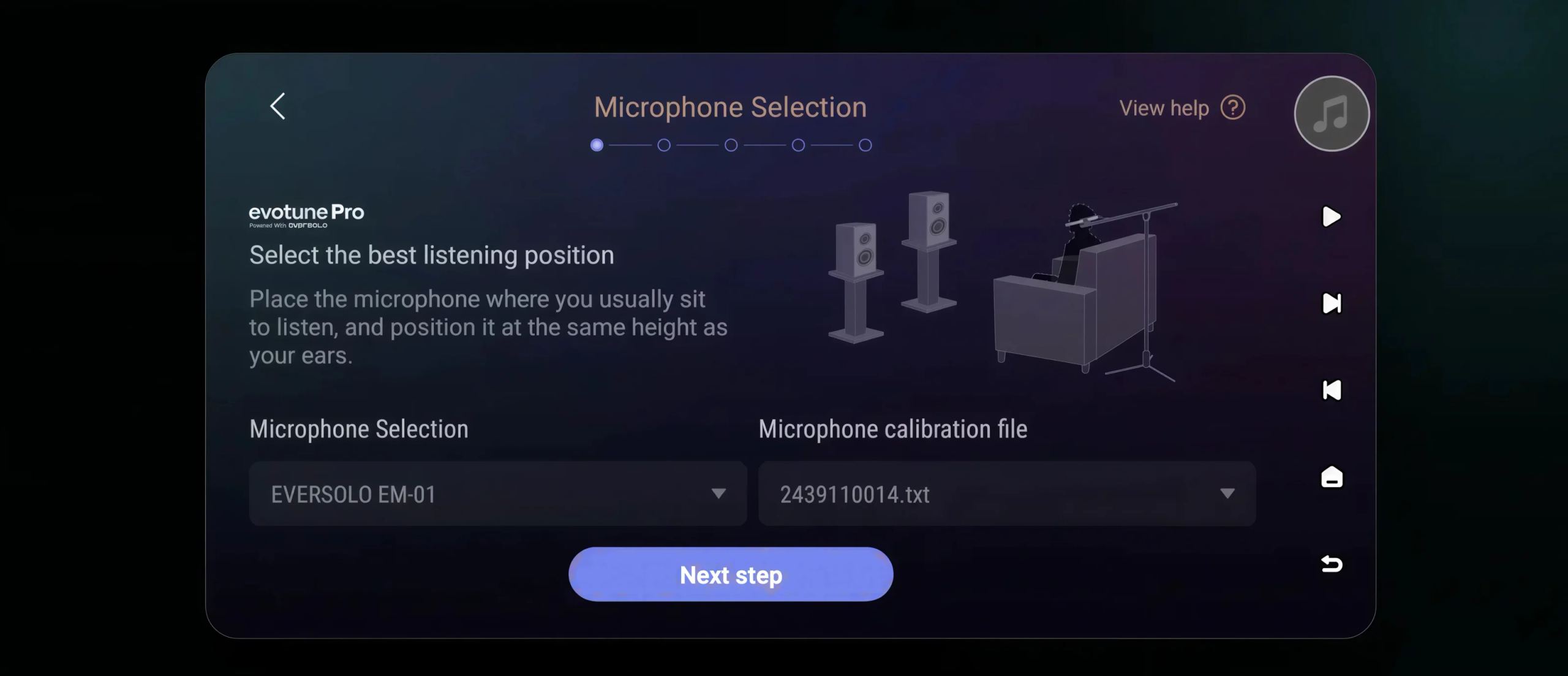
evotune Pro is the most consequential addition. Room correction already existed at Eversolo in a simple form: one measurement, one filter, one applied correction. The Pro version expands all three stages. The user defines their reference listening position, selects the measurement microphone being used and loads the corresponding calibration file. On this basis, the system assesses the room’s influence more precisely and adapts the correction to the speakers, their placement and the selected listening point.
The calibration file deserves a closer look. A measurement microphone is never perfectly neutral, and its calibration file describes its own deviations so the software can subtract them from the readings. Without it, the room and the microphone are corrected at the same time. Eversolo sells its EM-01, an omnidirectional 6 mm electret-capsule USB-C model, supplied with a file specific to each unit and rated at less than ±1 dB between 20 Hz and 20 kHz. The option to load a calibration file also opens the door to third-party microphones already owned by those who use REW.
The timing is noteworthy. evotune Pro was listed in the catalogues for the DMP-A8 Gen 2 and DMP-A10, both recent products. It is now being brought to devices already installed in their owners’ homes through a simple software update. This way of extending the lifespan of the product range without making it obsolete is an argument to be judged over time, not on a single version.
The browser as a second screen
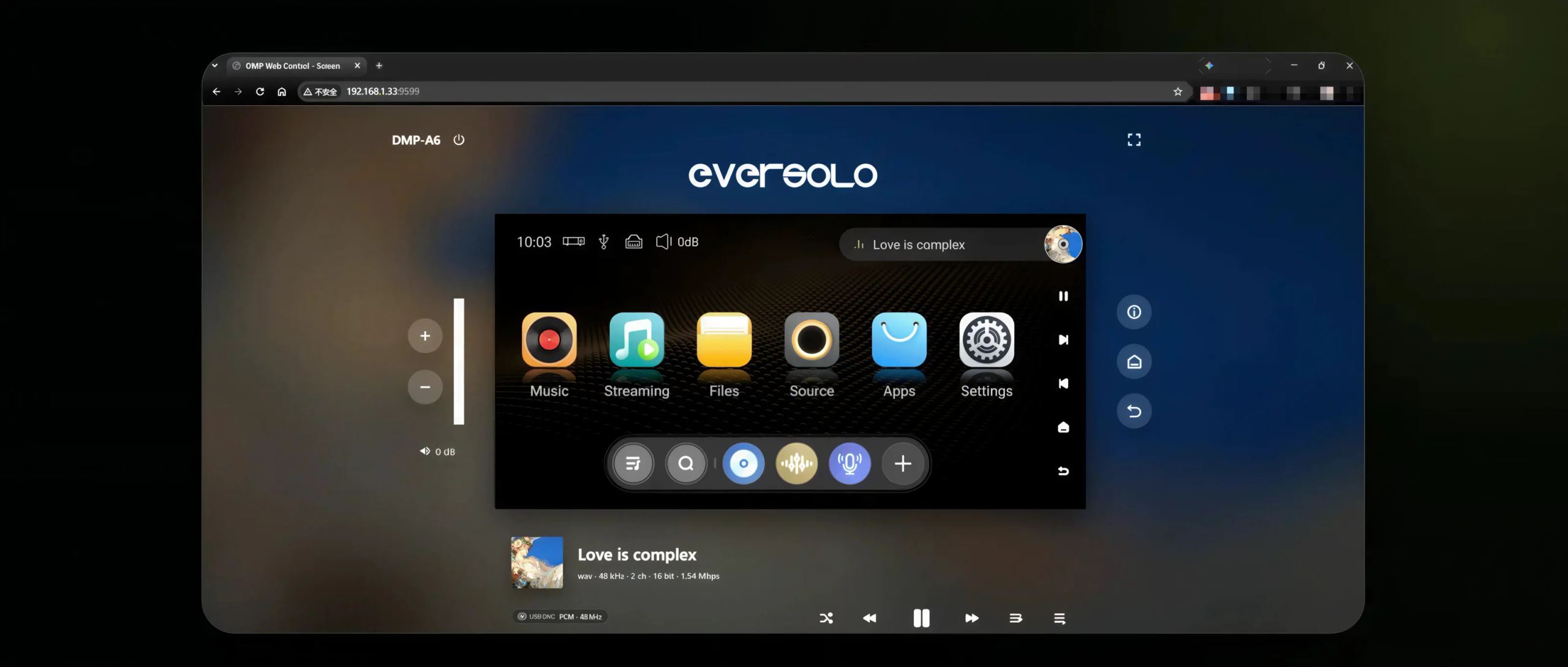
Boundless Display extends the device interface to computers and tablets. No software needs to be installed: the computer and player simply need to be on the same local network, then enter the player’s IP address followed by port 9599 in the browser, in the form 192.168.1.33:9599.
The benefit is straightforward. A 6- or 8-inch screen on the front of a device is suitable for current playback and brief browsing. It becomes cumbersome when it comes to browsing a collection of several tens of thousands of tracks, editing metadata or building a long playlist. A keyboard and a large screen solve the problem. Boundless Display replaces neither the front-panel display nor the Eversolo Control app; it complements them for tasks where display area matters more than proximity.
The music library rebuilt from the ground up
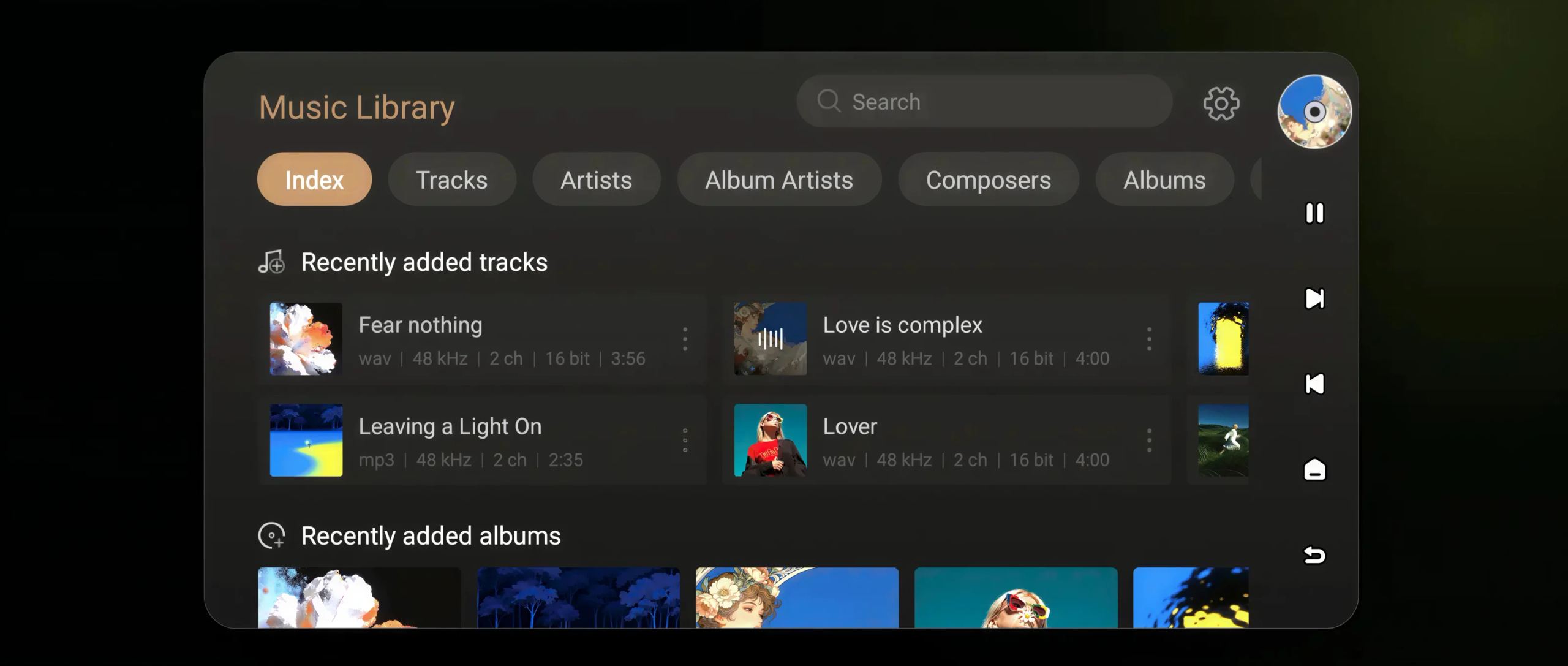
The library’s internal structure and data processing logic have been rebuilt. Eversolo announces shorter loading times, smoother browsing and better performance with large local collections. Album and artist sorting has also been revised. The usual views (tracks, artists, album artists, composers) remain in place: the difference lies in display speed and in how music data is organized upstream.
A gesture completes the package: swiping down refreshes the file list and indexing status directly in the current view. Additions, deletions and changes are reflected without going through a menu or leaving the screen. It is a modest addition on paper, but one that makes a significant difference for anyone who regularly feeds an internal drive or network share.
Ripping CDs with more control
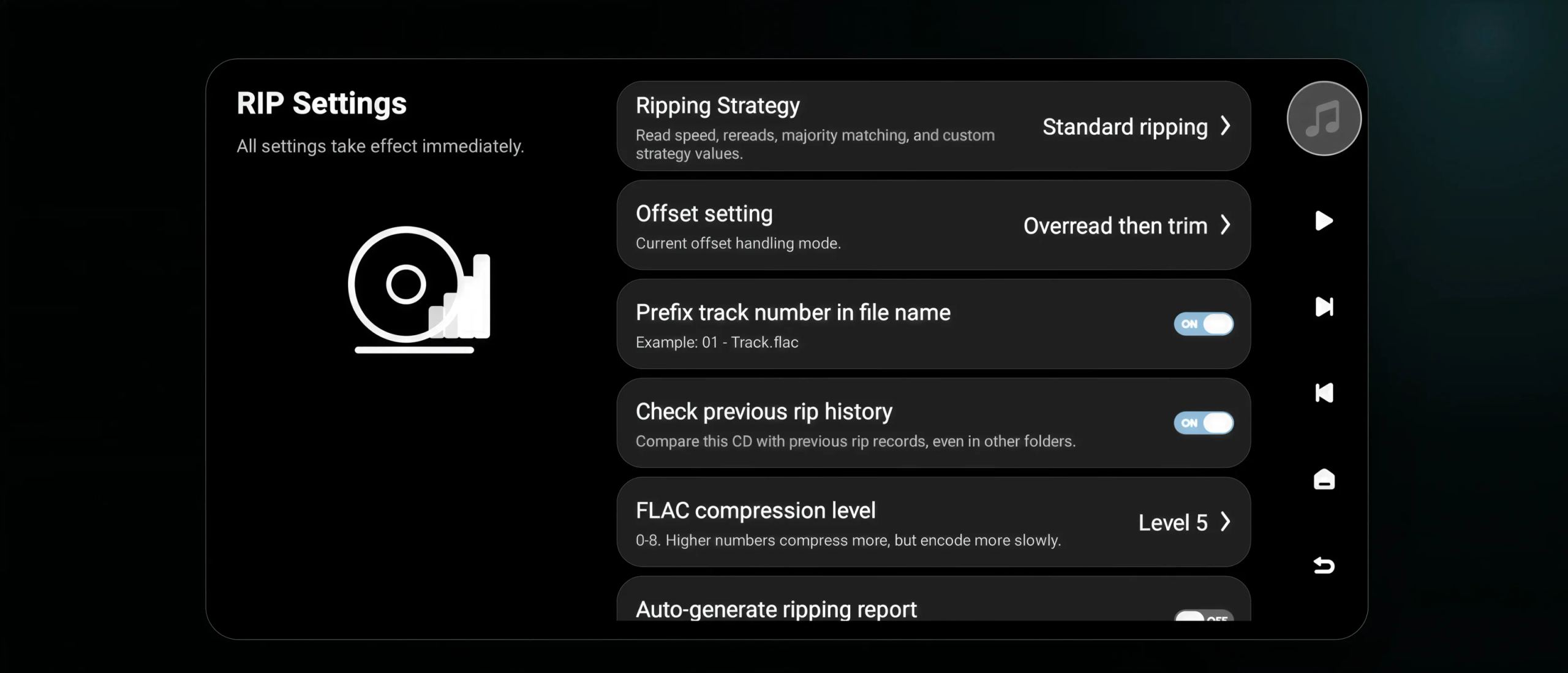
The CD ripping module receives the most detailed revision in this release. You can now define your own reading strategy: transport speed, number of repeated passes over the same track and comparison of the results obtained between those passes. A precise offset setting has been added, the shift of a few samples between the player and the disc that distinguishes an exact rip from one that is merely correct.
The rest concerns management convenience. The track number can automatically be placed at the beginning of the file name, in the form 01 - Title.flac. The system can consult previous ripping logs and compare a disc with what has already been extracted, even when the files have since been moved to another folder. FLAC compression can be selected from level 0 to level 8: higher levels require more encoding time and reduce file size, without affecting the audio content, which remains bit-for-bit identical in all cases. A report can be generated automatically at the end of the operation, and cover art retrieval has been improved.
Taken together, these settings bring the ripping function closer to specialized software running on a computer. For an owner of a DMP-A8 or T8 sitting on several hundred discs, it is one less reason to turn on a PC.
A still-experimental playback cache
Online playback can now use a local cache. Enabled from Settings then Playback (or Playback Settings depending on the interface theme), the feature temporarily stores stream data before playing it, enough to absorb brief variations in network speed. Eversolo explicitly describes it as experimental, and that is fair: its effectiveness depends on the connection, the streaming service and the available bandwidth. The principle remains sound, since a reserve of already downloaded data makes it possible to ride out a bandwidth dip without interruption.
The progress bar has been extended to support the feature. It indicates not only the playback position, but also the portions of the track already buffered: yellow or white for what has been played depending on the active theme, light gray for what is buffered, gray for what has neither been downloaded nor played. You can tell at a glance whether the reserve is sufficient.
The 21 optimizations and five fixes
The rest of the work is less spectacular and covers a broad range. Room correction performance, SMB sharing, playback via Enjoy Music, favorites and global search, retrieving album information while playing a CD, launching large playlists from the file manager, genre assignment, artist recognition, multiple-artist display, ID3 metadata reading, large-file import, UPnP device detection, playlist import and export, CUE file processing, and retrieval of artist and composer images are all on the list. Resetting the local library now affects only that library’s data, without also deleting other system settings: the previous behavior had surprised more than one user.
On the fixes side, Eversolo announces five fixes; the published details document four. They address an occasional LMS freeze, automatic refresh of music services after a session expires, the track count of global playlists after deletion, and an album added to the queue from the library that would start playing even though nothing had requested it.
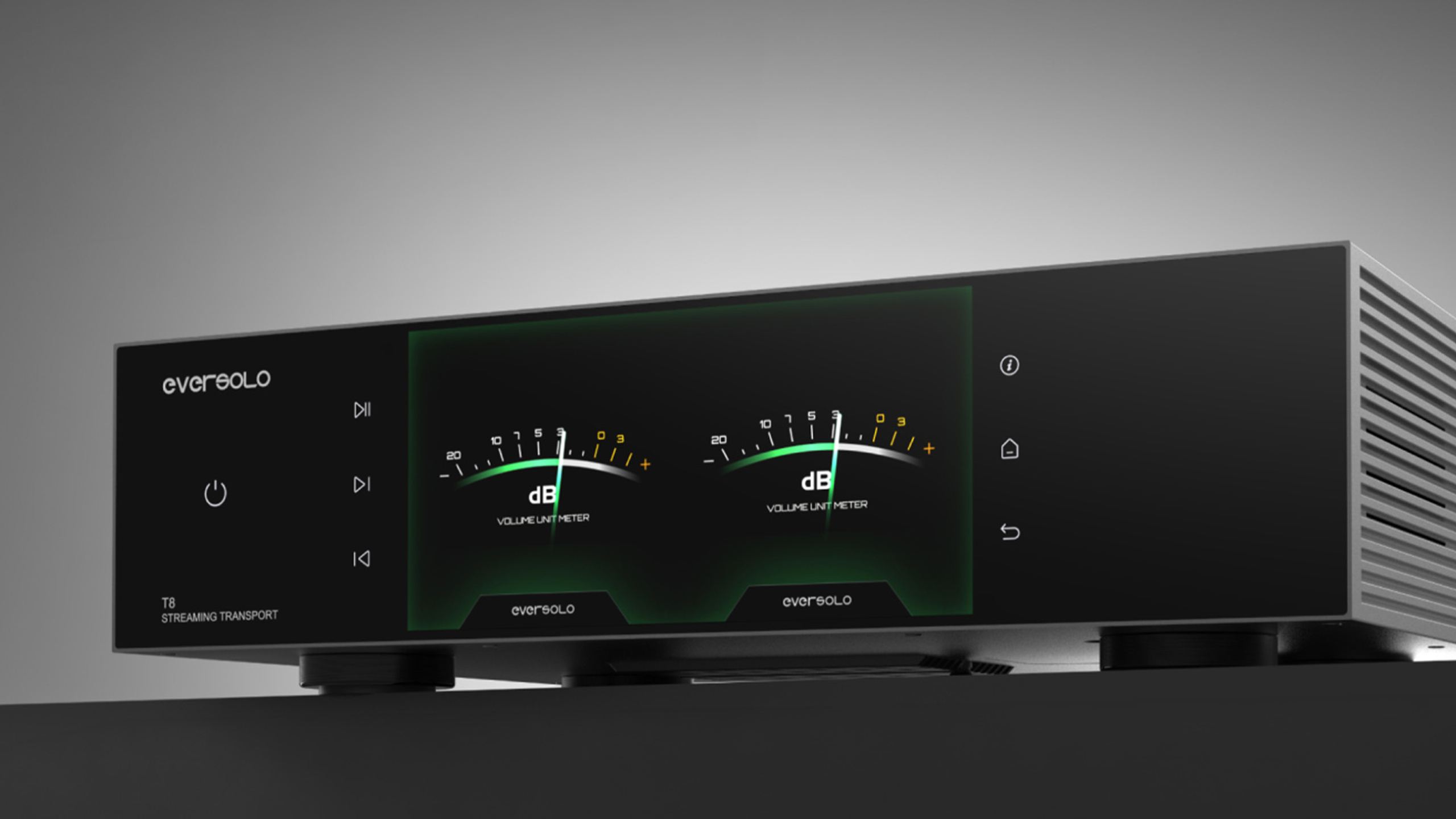
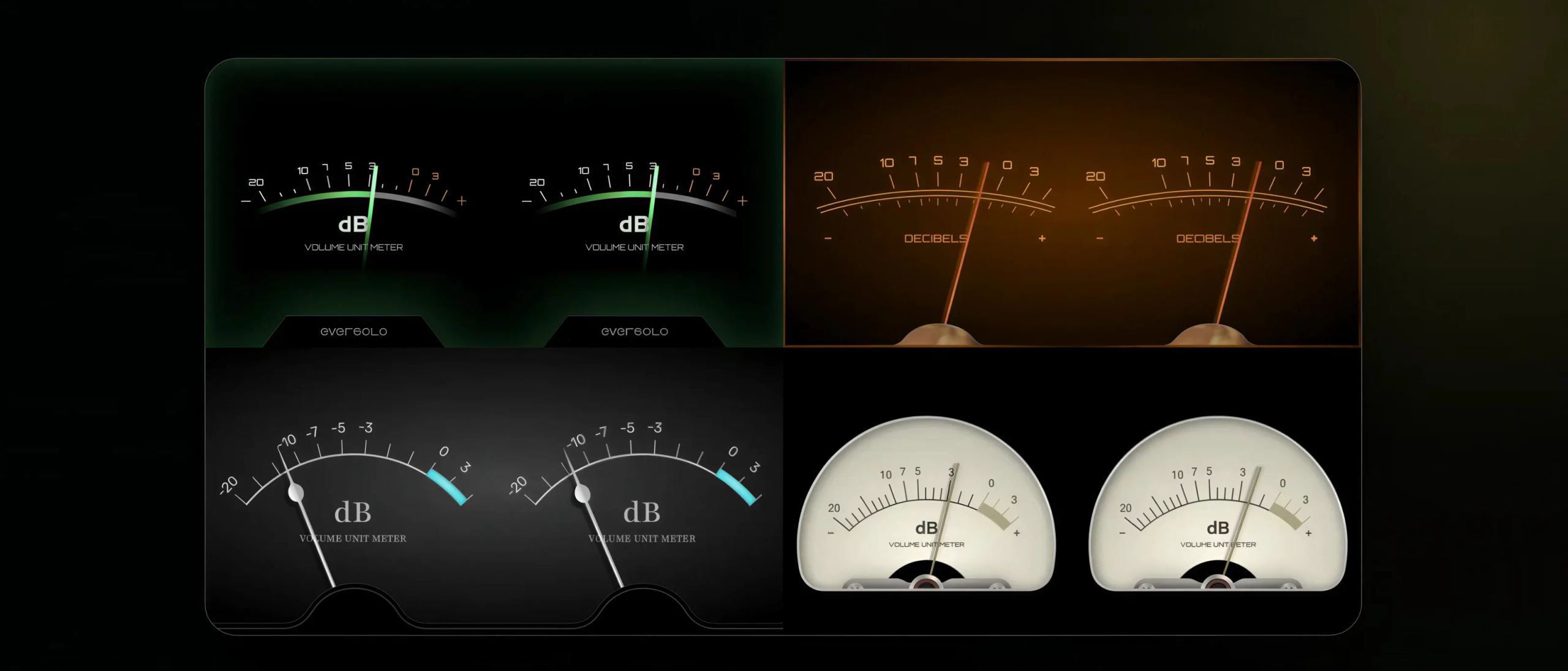
A ninth feature completes the list of new additions: the queue now allows already played tracks to be removed, via an icon at the top of the view and a confirmation prompt, without rebuilding the entire queue. New needle-style VU meter designs have also been added to the playback screen; they do not affect the signal in any way, but occupy a large part of the field of view on devices with a large front display.
Installing the update
The download is launched from the device’s OTA update function, free of charge. One precaution before getting started: evotune Pro changes the measurement procedure, and a correction created with the previous version is best redone rather than kept as is. Allow half an hour of quiet time, with microphone and stand close at hand.
Popular products
You may also like to read
 Eversolo DMP-A8 Gen 2 and Master Edition: what’s new for the network player?Hi-fi and home cinema news
 EverSolo Series 10: from the DMP-A10 to the T10, the complete hi-fi range explainedComparisons and buying guides
 Eversolo DMP-A6, A6 Master Edition, A8 and A10: what are the differences and why upgrade?Comparisons and buying guides
 WiiM Amp Ultra or EverSolo Play: which integrates best with your system?Comparisons and buying guides
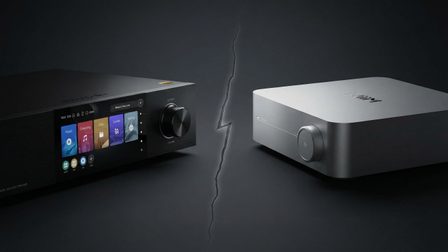 EverSolo vs WiiM: which audio streamer should you choose in 2026?Comparisons and buying guides
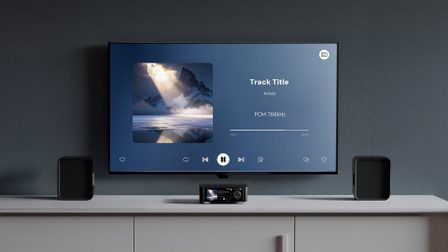 Eversolo expands its TV app to Samsung televisionsHi-fi and home cinema news