
Cables
Audio and video cables are essential components for connecting your hi-fi, home theater, and multimedia equipment. Our selection includes every type of connection: HDMI cables for digital picture and sound, speaker cables for optimal reproduction, analog RCA and XLR cables for your audio sources, USB, optical, and coaxial cables for digital signals, as well as mains power for your devices. Learn more

Must-haves
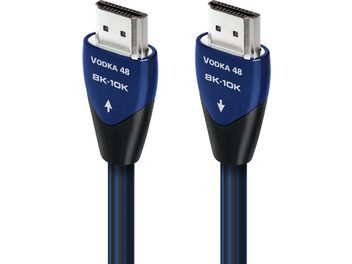
- AudioquestHDMI Vodka 48Gbps 2mHDMI CableIn stock€699
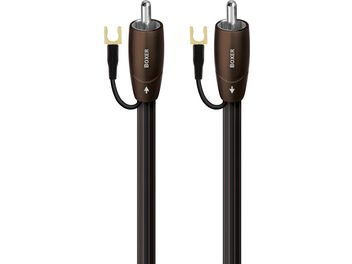
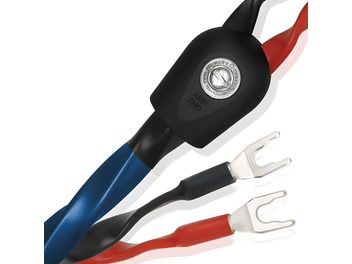
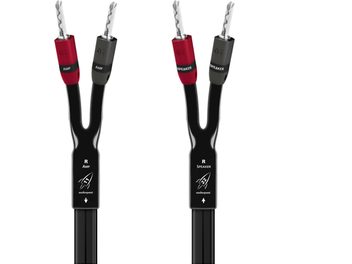
- AudioquestBoxer 12 mSubwoofer CableIn stock€599
Best sellers
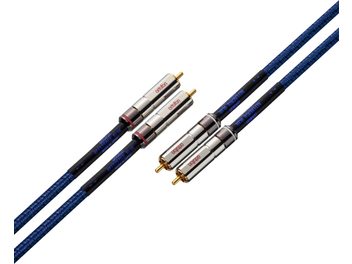
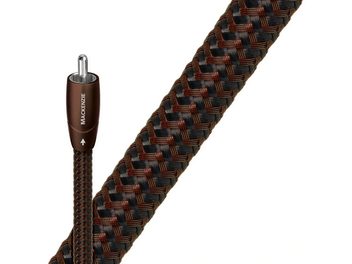
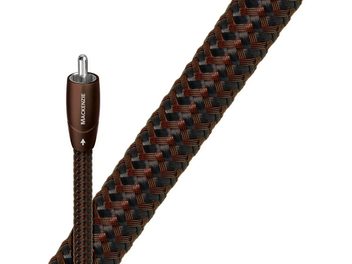
- AudioquestMackenzie RCA 1mRCA Analog Audio CableIn stock€359
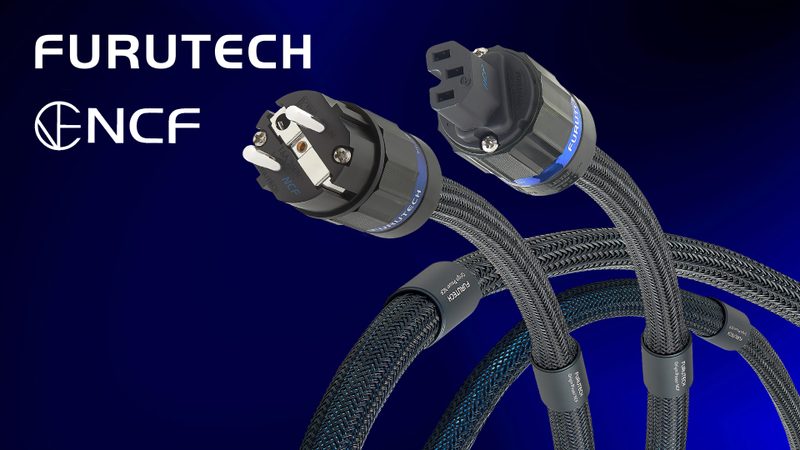
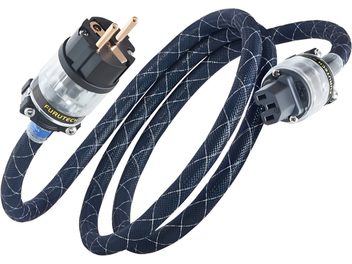
- FurutechThe Astoria Plus E 1.5mPower CableIn stock€315
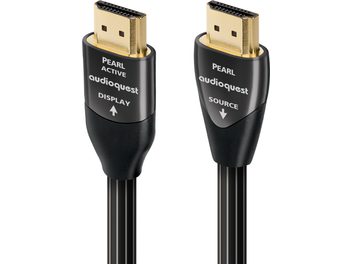
- AudioquestHDMI Active Pearl 18Gbps 10mHDMI CableIn stock€330
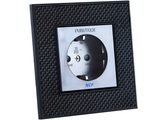
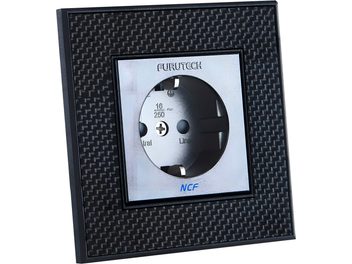
- FurutechFT-SWS NCF Plus (R)Wall OutletIn stock€313
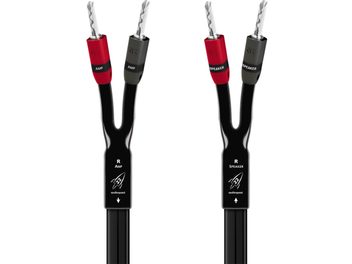
Cables for audio transmission
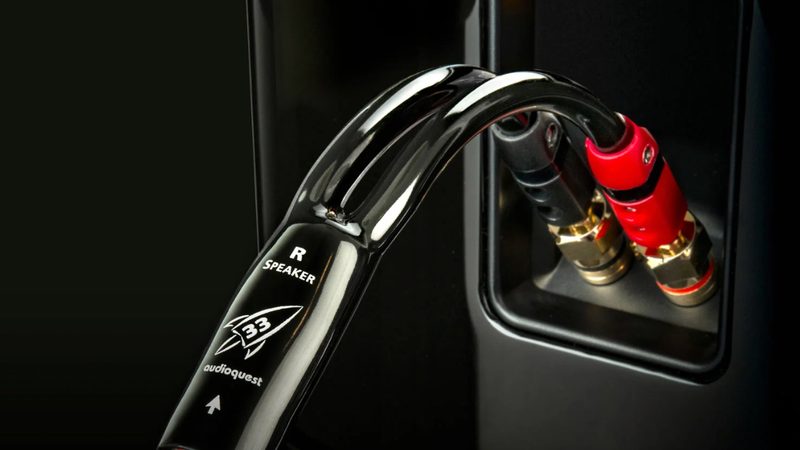
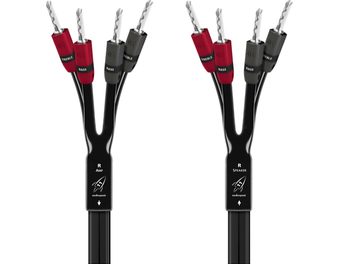
The quality of your cables directly affects the sound reproduction of your system. Speaker cables connect your amplifier to the loudspeakers and are chosen based on gauge (from 1.5 mm² to 6 mm²), the required length, and the materials used. OFC copper (Oxygen Free Copper) ensures optimal conductivity with minimal signal loss across the entire audible frequency range, from 20 Hz to 20 kHz.
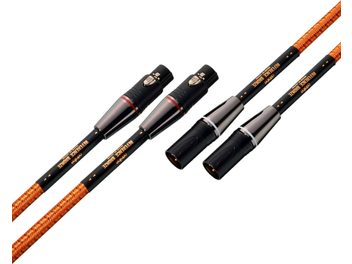
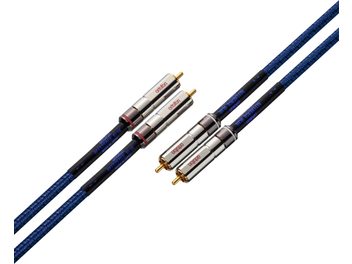
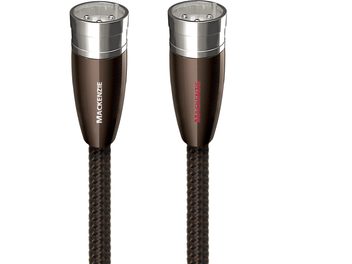
Analog interconnect cables (RCA, XLR, DIN, jack) transmit the signal from your sources to the amplifier. Balanced XLR connections, used in professional audio, offer excellent immunity to interference over long distances. RCA cables remain the standard for connecting turntables, CD players, and other analog sources.
Digital cables
Optical and coaxial cables carry digital audio signals (PCM, Dolby Digital, DTS) between your players, processors, and amplifiers. Optical cable uses fiber for transmission free from electromagnetic interference, while 75 Ω coaxial generally offers higher bandwidth. USB and Ethernet cables have their place in networked audio setups and high-resolution DACs.
Video and HDMI cables
HDMI has become the universal standard for simultaneously transmitting high-definition picture and sound. The different versions (1.4, 2.0, 2.1) support increasing resolutions up to 8K and features such as ARC, eARC, HDR, and 4K at 120 Hz. For older setups, composite video, SCART, or component connections are still available.
Power and conditioning
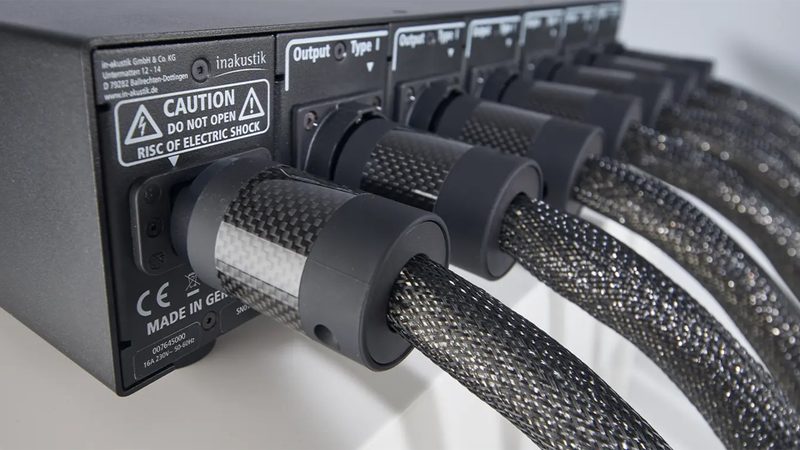
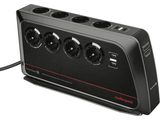
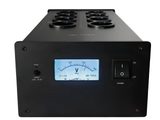
Mains power feeds your devices but can also introduce noise into the audio chain. Quality power cables use thick-gauge copper conductors and effective shielding. Power strips and power conditioners filter interference and stabilize voltage to protect your equipment and enhance performance.
Selection criteria
Choosing a cable depends on your setup. An entry-level system doesn’t require the same cables as a high-fidelity configuration. The materials used (copper, silver, gold plating), conductor geometry, and the quality of insulation and shielding all influence signal transmission. For speaker cables, the gauge should suit distance and power: 1.5 mm² is suitable up to 5 meters, 2.5 mm² up to 10 meters, 4 mm² beyond that.
Connectors also play an important role: banana plugs and spades for speakers, gold- or silver-plated connectors to limit oxidation, and careful assembly to ensure durability. Some cables are sold pre-terminated with their connectors, others by the meter for custom installations.
Applications and compatibility
Our cables suit all uses: stereo hi-fi installations, multichannel home theater systems, professional audio configurations (studio, live, sound reinforcement), multimedia hookups (TV, set-top boxes, game consoles, PCs). Adapters make it possible to convert between different formats (USB to optical, HDMI to RCA) when your equipment doesn’t share the same connectors.
Whether you’re building a new setup or optimizing an existing system, choosing the right cables ensures faithful transmission of audio and video signals between all your devices.