

TV Cables
TV cables connect your television to various signal sources and devices. The coaxial cable provides the connection between the terrestrial or satellite antenna and your TV, with a standard impedance of 75 Ohms. HDMI cables transmit high-definition picture and sound between set-top boxes, game consoles, Blu-ray players, and screens. Other types like optical, Ethernet, or USB cables complete the setup according to your needs. Learn more
Best sellers
Coaxial cables: the antenna-to-TV connection
Coaxial cable remains the standard solution for connecting your TV to a rooftop (DTT) antenna or a satellite dish. Its shielded construction protects the signal from electromagnetic interference. White models are suitable for indoor use, while black UV-treated versions are designed for outdoor installation. The 75-Ohm impedance is the standard for home setups. On the connector side, IEC (9.52 mm) or F plugs ensure proper connection to wall outlets and equipment.
Cable length affects signal quality: keep the distance between the antenna and the TV as short as possible. For complex setups requiring multiple TV outlets, a splitter allows you to distribute the signal without significant loss. 17 VATC or RG6 cables offer a good price-to-performance ratio for most residential installations.
HDMI cables: the standard for digital audio-video
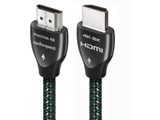
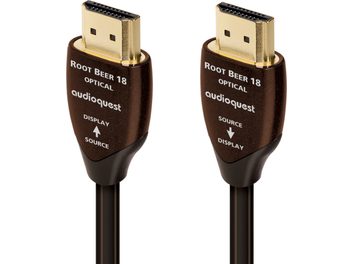
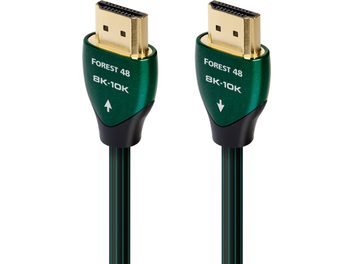
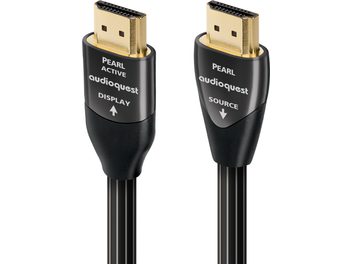
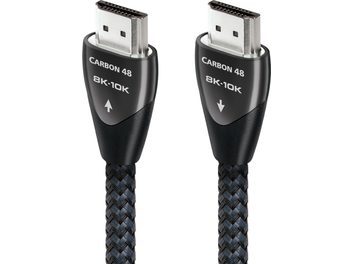
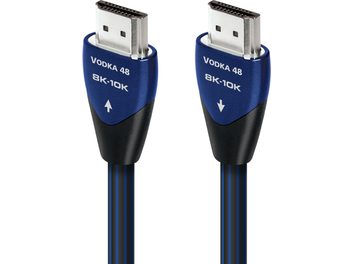
An HDMI cable carries picture and sound simultaneously in digital format, greatly simplifying connections. A single cable is enough to connect your internet box, DTT set-top box, game console, Blu-ray player, or computer to your TV. The HDMI standard has evolved over the years: HDMI 1.4 supports Full HD and 3D, HDMI 2.0 supports 4K at 60 Hz, while HDMI 2.1 enables 8K and enhances the gaming experience with high refresh rates.
HDMI connectors come in several formats: the standard Type A equips most devices, while mini-HDMI and micro-HDMI are found on certain camcorders and cameras. Build quality impacts durability: multi-layer shielding, gold-plated connectors, and reinforced jackets ensure a stable connection over time.
Optical cables and other connections
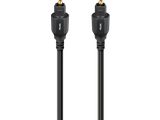
An optical (Toslink) cable transmits digital audio to a soundbar or home cinema amplifier. This type of link eliminates interference and preserves the sound quality of multichannel formats such as Dolby Digital or DTS.
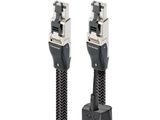
RJ45 Ethernet cables let you connect your TV to a wired network to access online services and streaming platforms, or to take advantage of Smart TV features with a stable, fast connection.
For legacy equipment, the SCART cable ensures compatibility with older VCRs and DVD players. SCART-to-HDMI adapters are available to bridge the gap between analog and digital devices.
Installation and practical tips
For coaxial cables, avoid tight bends that could damage the shielding. Installing F connectors only requires a utility knife and a screwdriver if you want to make custom lengths. Pre-wired IEC connectors offer a faster, plug-and-play solution.
For HDMI cables, certification is a sign of quality: Premium High Speed or Ultra High Speed certified cables meet official specifications and deliver the advertised performance. Avoid routing HDMI cables near strong electromagnetic sources.
Splitters and amplifiers help compensate for signal loss over long distances or when distributing to multiple devices. Some models include LTE filtering to eliminate 4G/5G interference that can disrupt DTT reception.