How to stream audio to two Bluetooth headphones simultaneously from a single device
December 31, 2025
Contents
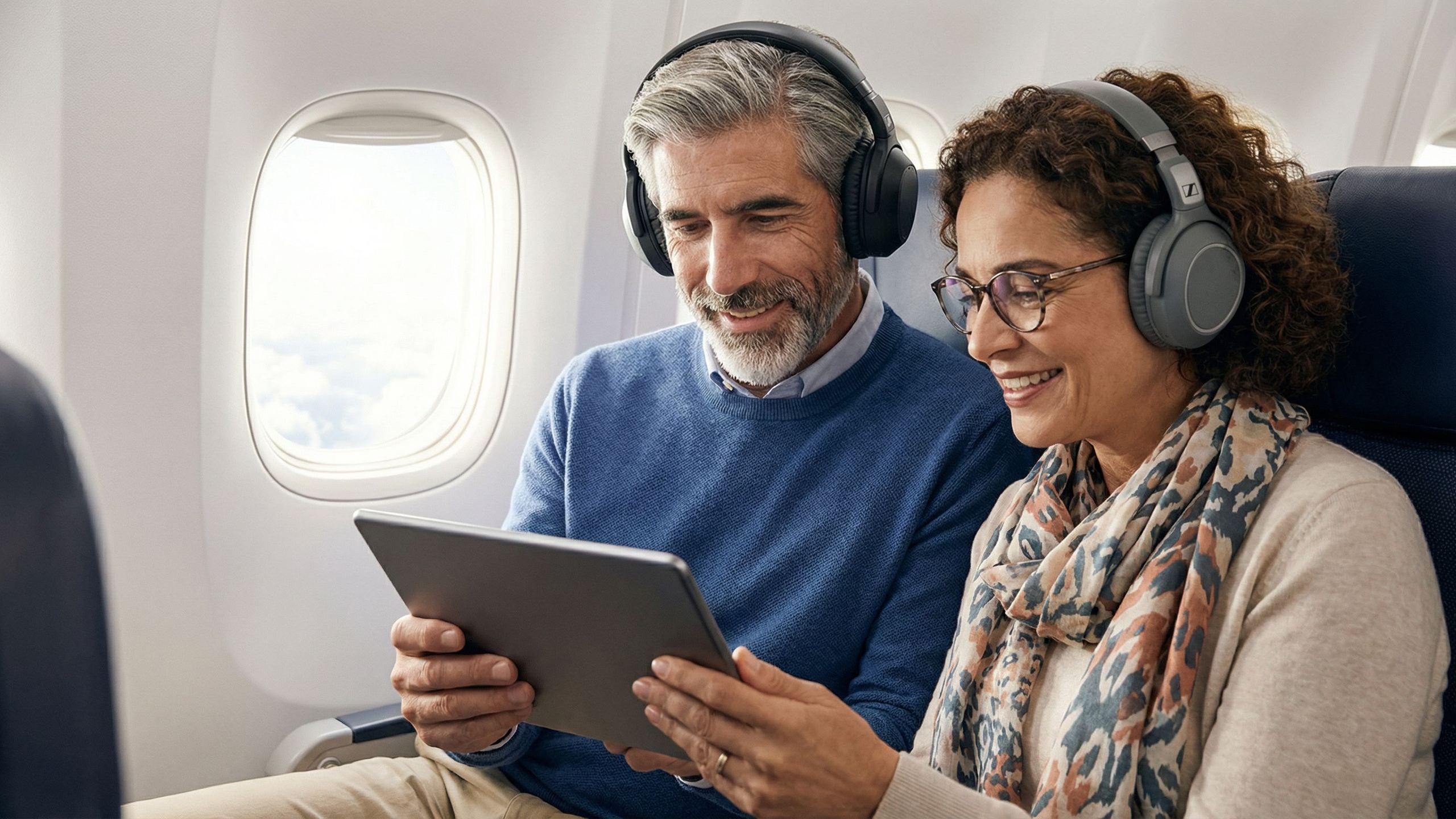
Watching a movie on a plane with a travel companion without disturbing other passengers, sharing a podcast during a car ride, or simply listening to the same music together: all these situations require connecting two headsets to the same audio source. Unlike Multipoint (one headset connected to several devices), the goal here is to broadcast simultaneously to two receivers.
Apple Audio Sharing: for compatible earphones only
iPhones and iPads running iOS 13.1 or later offer the “Audio Sharing” feature. This option lets you stream the same content to two pairs of earphones, with independent volume control for each user.
To activate it: start audio playback, open Control Center, tap the AirPlay icon, then “Share Audio.” Bring the second headset close to the device and follow the on‑screen instructions.
This feature has a major limitation: it requires earphones equipped with Apple’s H1 or W1 chip. Compatible models include AirPods (all generations), AirPods Pro, AirPods Max, as well as certain Beats models (Powerbeats Pro, Solo Pro, Beats Fit Pro, Studio Buds). Third‑party headsets, even high‑end ones, do not work with Audio Sharing.
Samsung Dual Audio: built into Galaxy smartphones
Samsung Galaxy smartphones with Bluetooth 5.0 or later include the Dual Audio function. It works with any Bluetooth headset or speaker, with no brand restrictions.
Setup: go to Settings > Connections > Bluetooth, then activate the two desired audio devices. Pull down the notification panel and tap “Media.” Check both devices to enable simultaneous playback. The volume of each device is adjusted independently via dedicated sliders.
This feature is available on Galaxy S series (S8 and later), Galaxy Z Fold, Galaxy Z Flip, and Galaxy Tab S6, S7, S8, and S9 tablets. Galaxy A series do not systematically offer it.
On Mac: Audio MIDI Setup
macOS lets you create a “multi‑output device” grouping several Bluetooth or wired headsets. This method works with all headsets, regardless of brand.
Procedure:
- Pair both Bluetooth headsets via System Settings > Bluetooth
- Open the Audio MIDI Setup app (in Applications > Utilities)
- Click the “+” button at the bottom left, then select “Create Multi‑Output Device”
- Check both headsets in the list of audio devices
- Set one as the “Master Device” via the drop‑down menu
- Enable “Drift Correction” for the second device (audio synchronization)
- Right‑click the created multi‑output device and select “Use This Device For Sound Output”
This setup can cause a slight audio‑video delay, especially with headsets from different brands.
On Windows: third‑party solutions required
Windows does not offer an equivalent native feature. Several options are available:
The built‑in Bluetooth on most PCs generally handles only one audio output at a time. Adding a “dual stream” USB Bluetooth adapter (such as the Avantree DG60 or Avantree Orbit) bypasses this limitation. These adapters plug into a USB port and stream to two headsets simultaneously after pairing.
Software such as VoiceMeeter or Virtual Audio Cable can route audio to multiple outputs, but their configuration is technical and results vary depending on hardware combinations.
Bluetooth transmitters: the universal solution
For devices without a native sharing function (in‑flight entertainment systems, TVs, game consoles, fitness equipment), Bluetooth transmitters are the most versatile solution.
These small boxes connect to any device’s 3.5 mm jack output and broadcast the signal via Bluetooth to one or two headsets. Several models stand out:
Twelve South AirFly Pro 2: 25‑hour battery life, can connect two headsets, Bluetooth 5.0 with aptX Low Latency, 10‑meter range. Supplied with an adapter for dual airplane sockets.
MEE Audio Connect Air: compact (45 x 15 x 46 mm), aptX Low Latency, 20 hours of battery life with one headset (15 hours with two), compatible with all Bluetooth headsets.
Avantree Relay: Qualcomm chip, aptX Adaptive and HD, 25‑hour battery life, built‑in volume control buttons.
UGREEN Bluetooth 6.0: latest Bluetooth standard, transmitter and receiver mode, can connect two headsets, affordable price (around €18–25).
These transmitters work with all Bluetooth headsets on the market, from AirPods to Sony WH‑1000XM5 to Sennheiser Momentum. For optimal audio‑video sync, choose headsets compatible with aptX Low Latency or aptX Adaptive.
Auracast: the future of audio sharing
The Bluetooth LE Audio specification introduces Auracast, a broadcast technology that allows sharing audio with an unlimited number of compatible receivers. Unlike current solutions limited to two devices, Auracast theoretically allows hundreds of simultaneous connections.
The first compatible devices are arriving on the market: the Technics EAH‑AZ100 already support this standard. Widespread adoption will depend on Auracast integration into smartphones, tablets, and TVs over the coming years.
Limitations to keep in mind
Whichever method you choose, several technical constraints remain:
Latency is still the main challenge. A delay of a few dozen milliseconds between picture and sound can be disturbing when watching movies. The aptX Low Latency (around 40 ms) and aptX Adaptive codecs reduce this issue, but not all headsets support them.
The source device’s battery drains faster when handling two simultaneous Bluetooth connections.
Volume control can be less intuitive: some setups require adjusting the volume of each headset separately via the app or physical controls.
Recommendations by situation
On a plane: a Bluetooth transmitter (AirFly Pro 2 or equivalent) remains the most reliable solution. It works with the in‑flight entertainment system and does not impose any brand restrictions on the headsets.
From an iPhone/iPad: if both users have compatible AirPods or Beats, Audio Sharing offers the best experience. Otherwise, a Bluetooth transmitter plugged into the Lightning/USB‑C to 3.5 mm jack adapter is the alternative.
From a Samsung smartphone: Dual Audio works natively with all Bluetooth headsets, with no extra accessory.
From a Mac: the Audio MIDI setup lets you use any combination of headsets, with a slight risk of audio delay.
From a Windows PC: a dual‑stream USB Bluetooth adapter (Avantree DG60, Orbit) delivers the most stable results.
Popular products
You may also like to read
 Hifiman Sundara V4 Review: open-back planar magnetic headphones at 189 eurosProduct reviews
 Sennheiser Momentum 5 review: the wireless headphones focused on sound and durabilityProduct reviews
 In-ear, on-ear or over-ear: which type of headphones for which use?Comparisons and buying guides
 aptX, LDAC, AAC, SBC: how Bluetooth codecs shape the sound of your headphonesConcepts and technologies
 Focal Bathys MG: gray makes its return on Focal's premium Bluetooth headphonesHi-fi and home cinema news
 Bluetooth Headphones 2026: Comparison of the Best Noise-Cancelling ModelsComparisons and buying guides