Netflix removes the Cast button on mobile: what changes for users
January 09, 2026
Contents
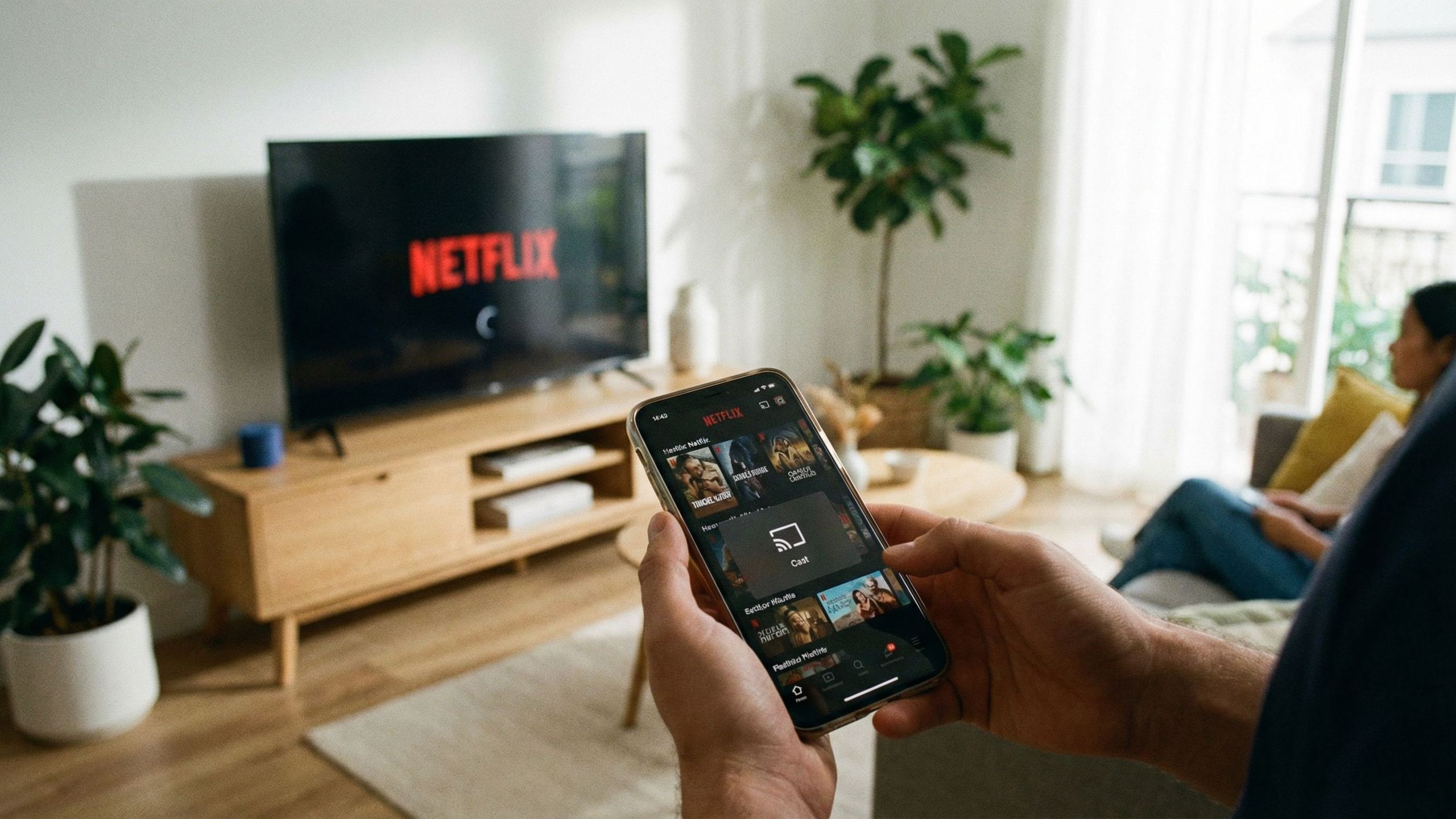
The Cast button has disappeared from the Netflix app on your smartphone. No bug, no network issue: the platform has simply removed this feature for almost all modern TVs and streaming devices. A quiet decision, discovered by users themselves in mid-November 2025.
What has changed
Until now, casting Netflix content from your phone to a TV equipped with Google Cast or a Chromecast took just a few seconds. The mobile app acted as a remote control: selecting content, managing playback, choosing subtitles. That era is over.
On its support page, updated in early December, Netflix now states that it no longer supports “casting titles from a mobile device to most TVs or TV streaming devices.” The message that follows is unambiguous: subscribers must use the physical remote control provided with their equipment and navigate directly within the built-in Netflix app.
The removal affects all modern devices that have an interface and a remote control: Chromecast with Google TV, Google TV Streamer, and most connected TVs from Sony, TCL, Hisense or Philips running Google TV. In other words, pretty much everything sold since 2020.
Very limited exceptions
Casting remains possible in two scenarios. First, on older Chromecasts without a remote control (first, second and third generations, as well as Chromecast Ultra). Second, on some TVs that natively integrate Google Cast without a dedicated interface.
But even for these devices, a condition applies: only subscribers to ad-free plans can use the feature. Users on the Standard with ads plan, who represent more than 10 million people in France according to estimates, are excluded.
A total lack of communication
Netflix has issued no press release, sent no email, posted no announcement. Users saw the Cast button vanish without explanation, some assuming it was a temporary glitch. Only by digging into the help documentation did the reality become clear.
Customer service justifies this choice as an attempt “to improve the user experience.” Netflix has since confirmed the decision, citing the need “to focus efforts on features that deliver the most value” and describing the use of casting as “extremely low.”
This claim is surprising: many subscribers describe casting as their primary viewing method, appreciating the smoother navigation on smartphones compared to often sluggish TV interfaces.
A now-familiar pattern
This removal is reminiscent of a similar decision made in 2019 with AirPlay. Netflix then withdrew compatibility with Apple’s protocol, arguing it was technically difficult to correctly identify devices after AirPlay was opened up to third-party TVs.
The parallel doesn’t end there. Since 2023, Netflix has gradually locked down its ecosystem: ending account sharing between households, restricting casting to ad-free subscribers, limiting downloads on PC. Each measure chips away a bit more at the flexibility previously offered to users.
The likely reasons
Netflix has not detailed its motives, but several hypotheses emerge. The first concerns control over account sharing. By forcing users to log in directly on the TV, the platform reinforces its household verification system. A visitor can no longer simply “cast” from their own phone: they must authenticate on the device, which triggers Netflix’s detection protocols.
The second hypothesis concerns advertising. Serving ads via casting poses technical challenges, particularly when resuming playback after ad breaks. The TV’s native app handles these transitions more reliably.
Finally, interface standardization plays a role. By funneling all users through its TV apps, Netflix fully controls the viewing environment, engagement metrics, and the algorithmic presentation of its catalog.
Concrete impact for users
For typical home use, the inconvenience remains limited: you just open the app on the TV instead of on your phone. But several situations become problematic.
Travelers are hit first. Casting Netflix to the TV in a hotel room or an Airbnb used to avoid logging into your account on an unknown device. That option is gone. You now have to enter your credentials on a third-party screen, with the associated security risks, and remember to log out before you leave.
Users of projectors or older screens without a built-in Netflix app also find themselves without a solution, unless they add an external box.
Those who prefer the mobile interface over the TV one — faster navigation, more convenient virtual keyboard for searches — lose that option. The remote control once again becomes the sole point of access.
What still works
ISP set-top boxes (Freebox, Livebox, SFR Box) generally include Netflix and allow access via their own remote controls. For those who don’t have a smart TV or who want a unified interface, adding an external TV box remains the most future-proof solution: Apple TV, Amazon Fire TV Stick, or Google TV Streamer offer a complete environment to access all streaming services from a single device.
Popular products


You may also like to read
 Sony BRAVIA Theatre: up to €500 off wireless home cinema systemsOffers & promotions
 Yamaha, Onkyo, Marantz, Denon: which home theater amplifier under €2,000 in 2026?Comparisons and buying guides
 IFA 2026: Hisense expands its projector lineup with the C3 and PX4 ProHi-fi and home cinema news
 OLED image: Is burn-in still a real risk in 2026?Concepts and technologies
 Contrast and black level: why OLED comes out aheadComparisons and buying guides
 Cinema, standard, dynamic: which picture mode should you choose for your TV?Tutorials and practical guides