How to Connect Your Sonos Speaker via Bluetooth?
June 06, 2024
Contents
If you’re looking to stream music to your Sonos speaker directly from your smartphone, tablet, or computer, Bluetooth is a simple and effective solution. However, it’s important to note that only certain Sonos speaker models are equipped with Bluetooth.
Check your speaker’s compatibility
Before getting started, check whether your Sonos speaker is compatible with Bluetooth. The following models are equipped with this technology (as of the writing of this article in June 2024):
- Sonos Roam
- Sonos Roam 2
- Sonos Move
- Sonos Move 2
- Sonos Era 100
- Sonos Era 300
- Sonos Ace
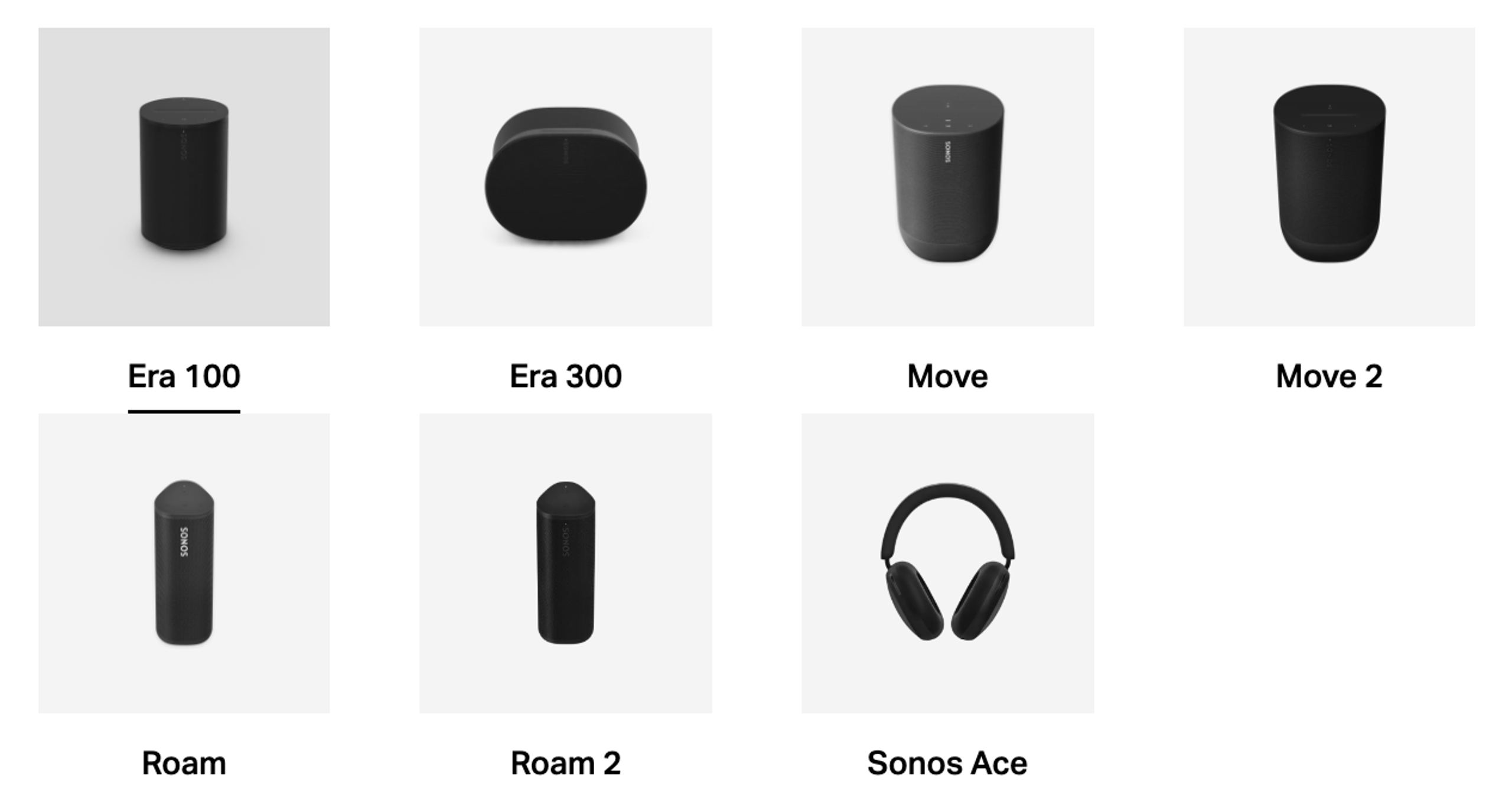
If your speaker does not appear on this list, you will not be able to connect it via Bluetooth.
Steps to connect your Sonos speaker via Bluetooth
If you have a compatible speaker, follow these simple steps to connect it via Bluetooth:
- Turn on Bluetooth on your device. Make sure Bluetooth is enabled on your smartphone, tablet, or computer.
- Put your Sonos speaker into pairing mode. You will generally find a dedicated Bluetooth button on the speaker. Press and hold it until you hear a sound signal or the Bluetooth indicator light starts flashing.
- Select your Sonos speaker on your device. On your device, search for available Bluetooth devices. Select your Sonos speaker from the list.
- Enjoy your music. Once the connection is established, you will hear a confirmation sound. You can now stream music directly from your device to your Sonos speaker.
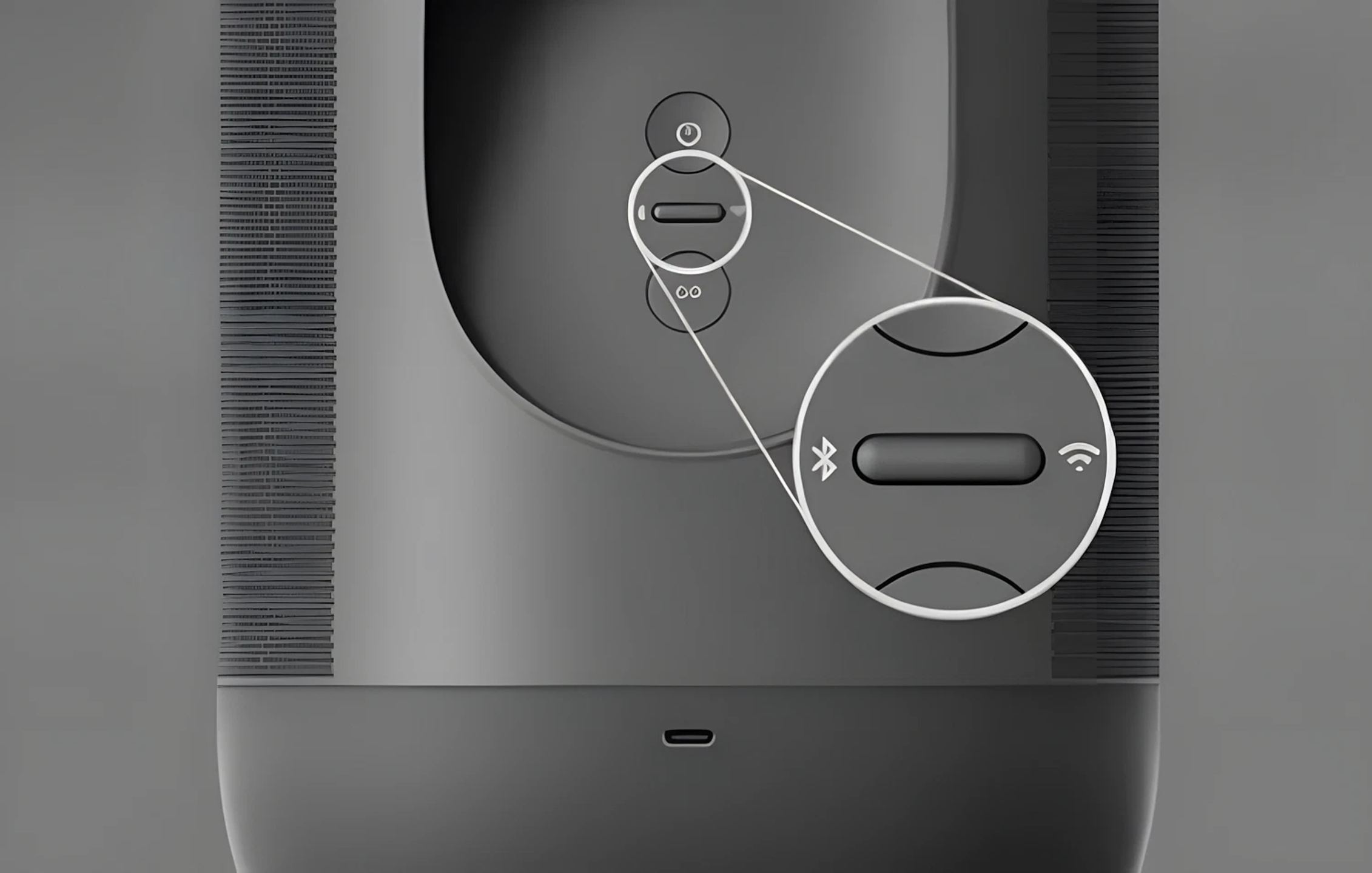
By following these simple steps, you can enjoy streaming music on your Bluetooth-compatible Sonos speaker in no time!
Important note: Bluetooth range is limited to about 10 meters. Make sure your device and your speaker are close enough to each other.
Popular products
Wireless Smart Speakers
Soundbars
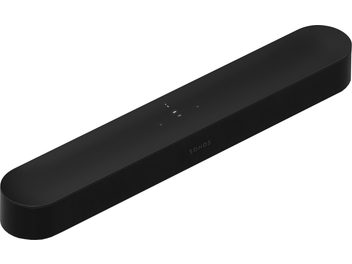
- SonosBeam Ultra whiteSoundbarIn stock€699
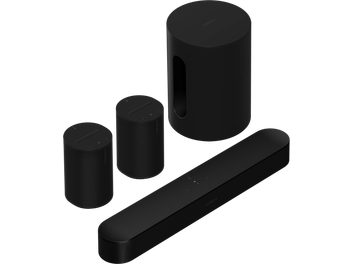
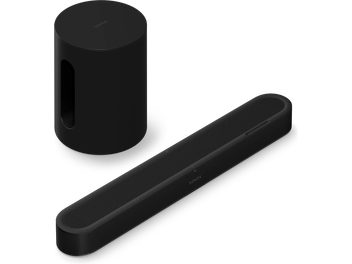
- SonosBeam Ultra + Sub Mini black PackSoundbarIn stock€1,025
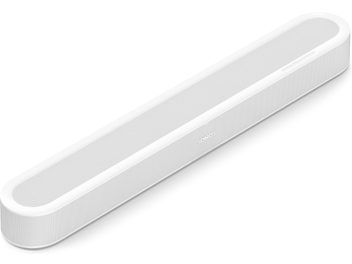
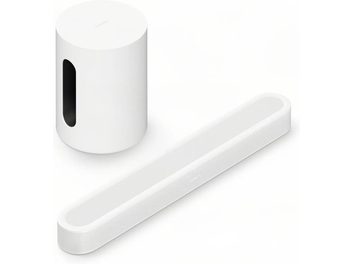
- SonosBeam Ultra + Sub Mini white PackSoundbarIn stock€1,025
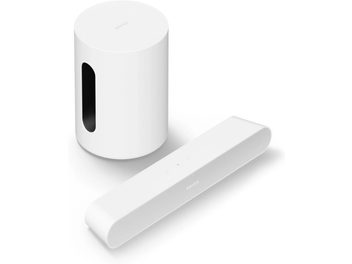
- SonosPack Ray + Mini Sub whiteSoundbarIn stock€558
You may also like to read
 Sonos 27: ChatGPT, Claude and Gemini take control of your Sonos speakersHi-fi and home cinema news
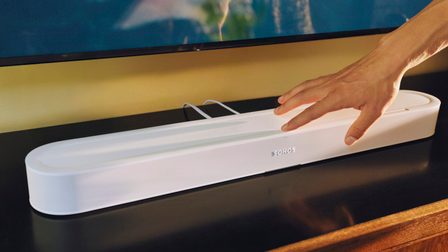 Sonos Beam Ultra: Beam ditches virtual Atmos and upgrades to 7.1.2Hi-fi and home cinema news
 Connected speaker or amplifier and speaker system: how to choose?Comparisons and buying guides
 Sonos publicly tests its app’s new navigationHi-fi and home cinema news
 Bose Lifestyle Collection: an alternative to Sonos for wireless home theaterHi-fi and home cinema news
 Sonos Amp Multi: the amplifier professional integrators have been waiting forHi-fi and home cinema news