

USB audio adapters
USB adapters let you connect your devices to each other despite different port formats. Whether you need to link a USB-C device to a standard USB-A port, plug an HDMI cable into your laptop, or connect an older micro-USB peripheral to your newer smartphone, these accessories solve your compatibility issues. Essential for charging, data transfer, or linking multiple devices. Learn more
Understanding the different types of USB adapters
With the proliferation of connector formats, USB adapters have become essential in everyday life. These small accessories convert one type of port into another, saving you from accumulating incompatible cables and peripherals.
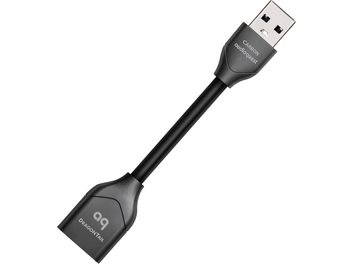
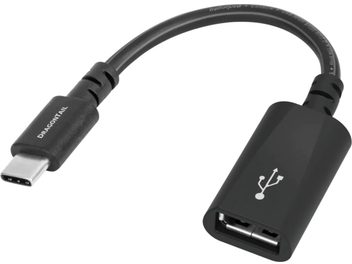
USB adapters come in several categories. The most common are USB Type-A to USB-C adapters: they let you connect your older peripherals (USB flash drives, mice, keyboards) to modern laptops equipped only with USB-C ports. Conversely, USB-C to USB-A adapters convert your newer cables so you can use them with older equipment.
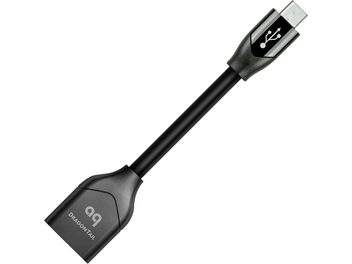
For smartphones and tablets, micro-USB to USB-C adapters extend the life of your existing charging cables. OTG adapters (On-The-Go) let you plug a USB flash drive directly into your smartphone to access files on the go.
Beyond USB: multiport adapters
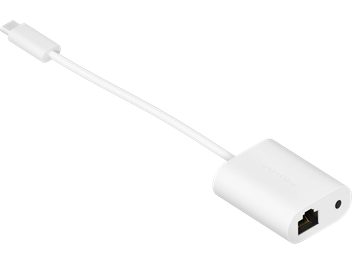
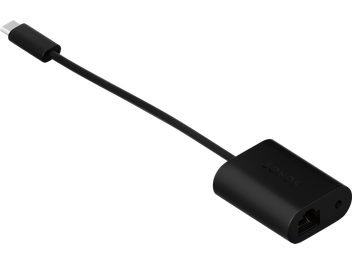
Multiport adapters (or USB hubs) go further by offering several connections at once. A single USB-C port on your computer can become multiple USB-A ports, an HDMI output for an external display, an RJ45 Ethernet port for a wired connection, and even an SD card reader. These compact docking stations are especially useful for MacBook Pro, Chromebook, or ultraportable laptops that sacrifice ports for slimness.
Choosing the right USB adapter
Start by identifying your real needs. To occasionally connect a USB-A peripheral to a USB-C port, a simple adapter will do. If you work with multiple displays, hard drives, and peripherals at the same time, opt for a powered multiport hub.
Right-angle 90° adapters are handy in tight spaces, while short-cable models offer more flexibility. For mobile use, choose compact formats that slip into a pocket.
Also check compatibility with your systems: Windows, macOS, Linux, Android. Most adapters work plug-and-play, with no driver installation required.
Practical applications
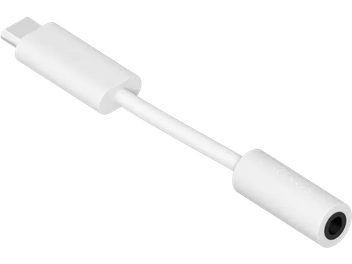
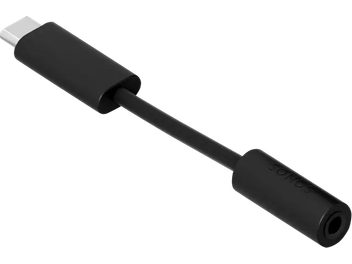
USB adapters address real-life situations. Plug your camera into your TV via HDMI. Connect a wired keyboard and mouse to your tablet. Use your 3.5 mm jack headphones with a smartphone that no longer has that port. Access your files from a USB flash drive when your laptop only has USB-C ports. Connect your computer to an Ethernet network for a stable connection when working from home.
Adapters also let you recover data from older IDE or SATA hard drives, or connect printers with a parallel port to modern PCs. For professionals, they simplify meeting room presentations by adapting to different projectors (VGA, HDMI, DisplayPort).
With the constant evolution of connectivity standards, having a few well-chosen adapters ensures compatibility across your entire digital ecosystem, without having to systematically replace equipment that still works.