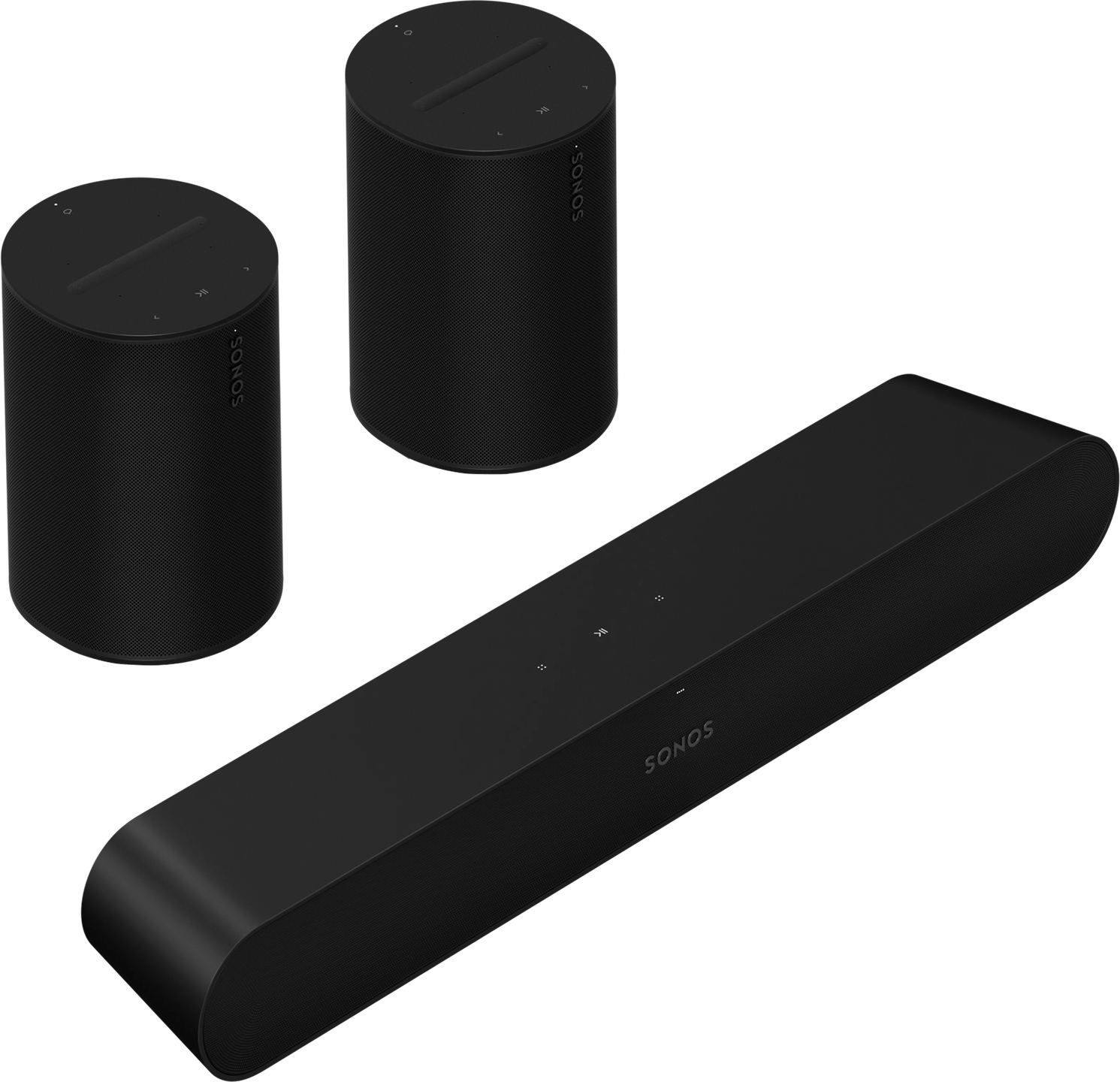
Sonos Ray + Era 100 Bundle: Immerse yourself in the heart of the action, video games, or your music
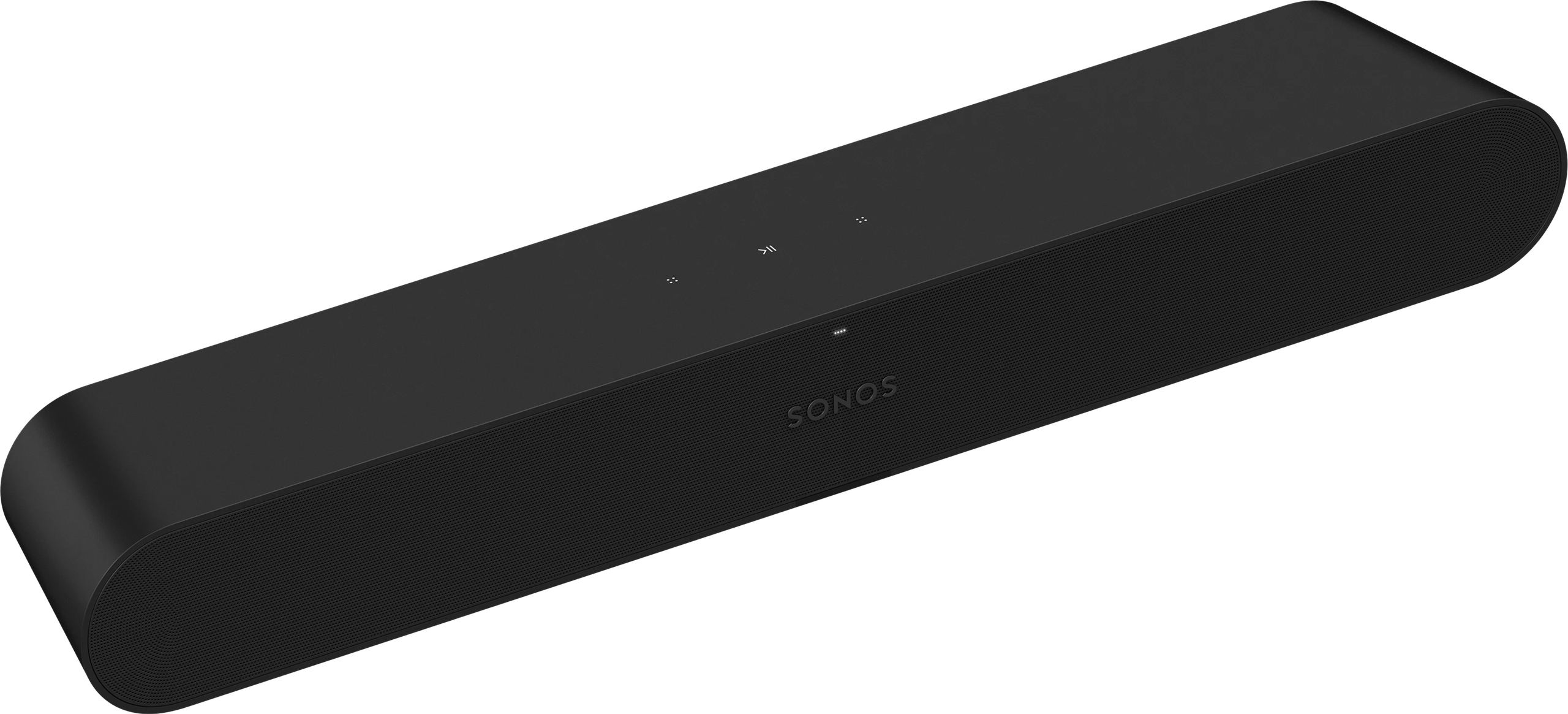
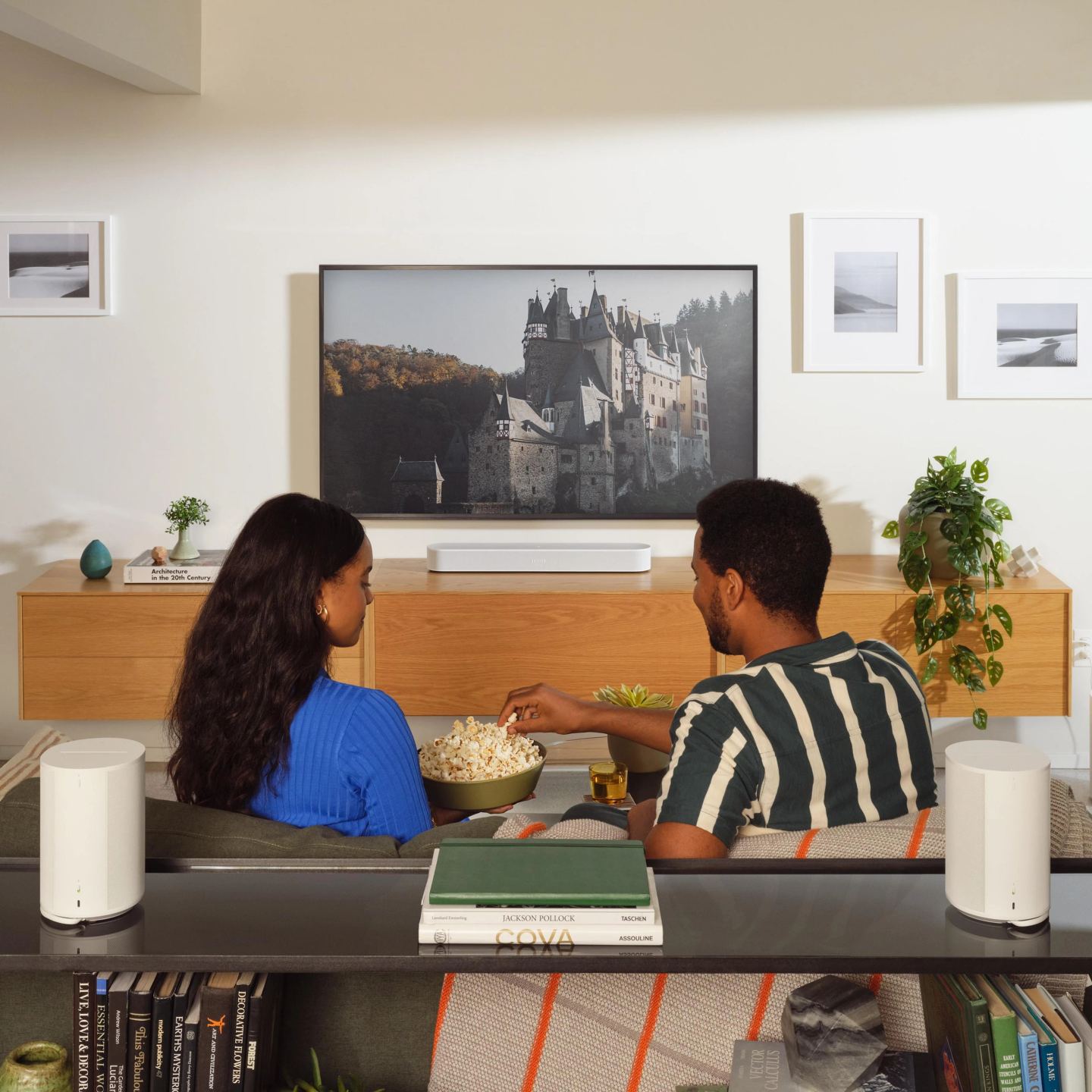
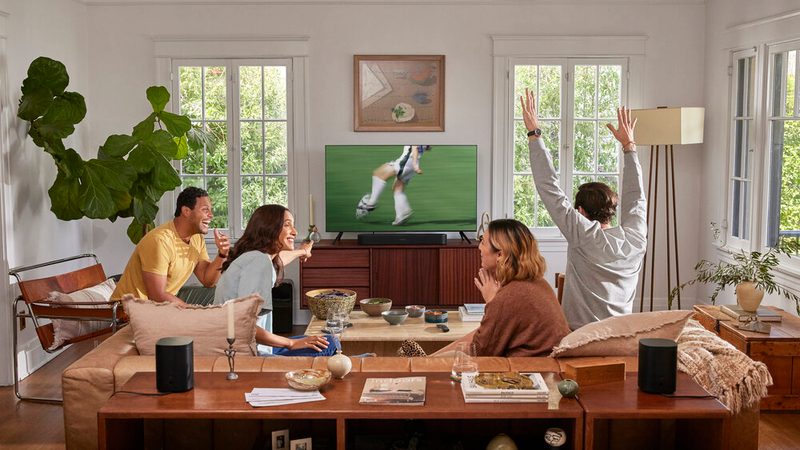
Discover an incredibly immersive audio experience with the compact and versatile Sonos Ray soundbar, paired with a set of rear speakers to plunge you into the heart of the action of your video games or favorite music, thanks to superior quality surround sound. Setup is a breeze and using it is even easier. The Sonos Ray easily connects to almost any TV and PC equipped with an optical output and can be controlled with your TV’s remote.
Effortlessly stream all your favorite content from various services and manage the sound using the Sonos app, Apple AirPlay 2, and much more. For an even more immersive sound experience, add a pair of Sonos Era 100 speakers to your home theater setup and enjoy exceptional surround sound that will make you feel like you’re right in the middle of the action.
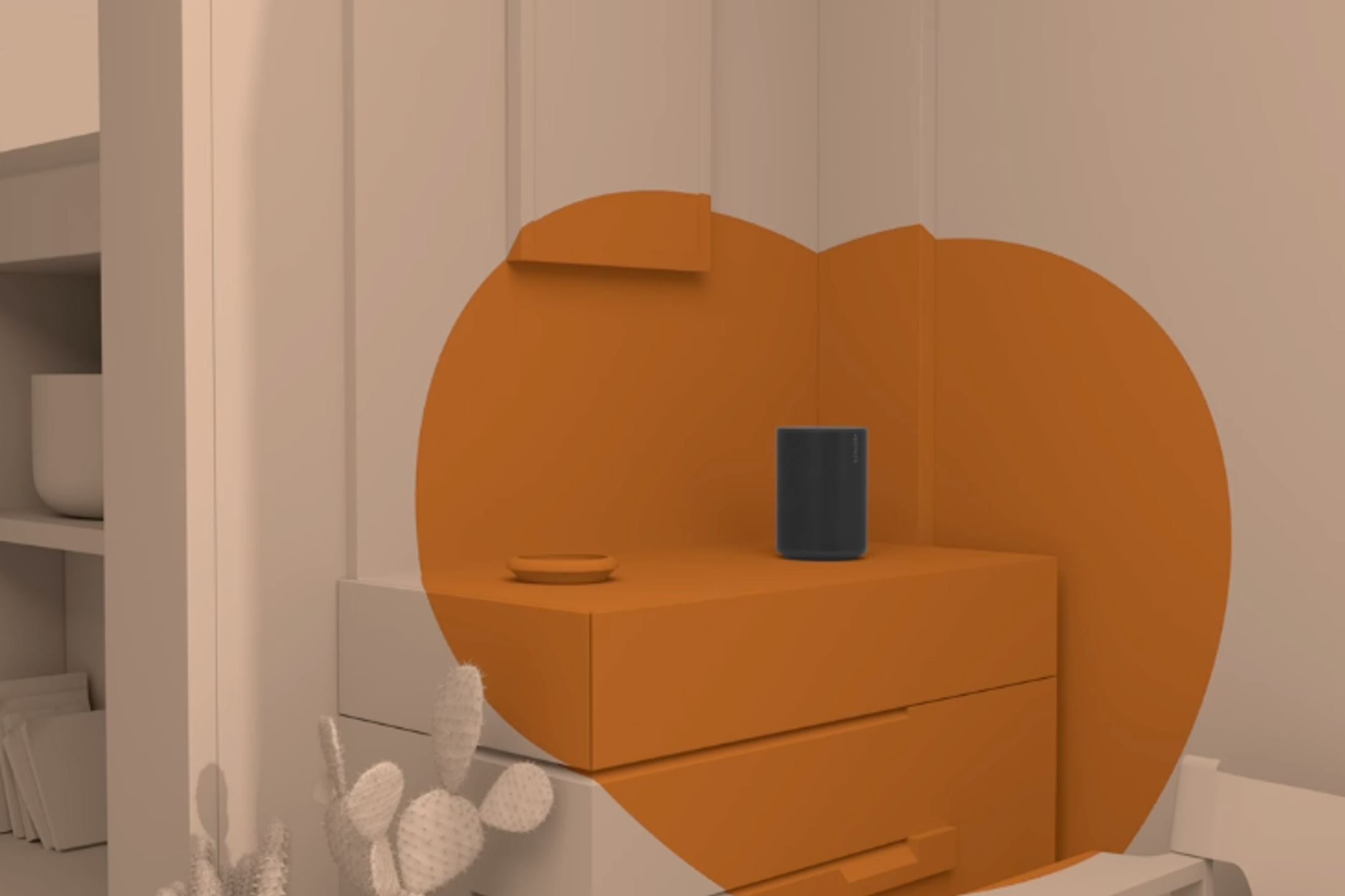
You can place these speakers in other rooms of your home to enjoy an incredible multi-room listening experience. Sonos speakers work together over Wi-Fi, allowing you to listen to all your favorite content wherever you are and however you want.
Automatic Trueplay Tuning
Simply press a button in the Sonos app and Trueplay tuning technology will analyze your room’s unique acoustics and optimize the speaker’s equalization. This ensures all your content is reproduced as faithfully as possible. Trueplay is an innovative Sonos technology that precisely measures and tunes the speaker based on the room it’s placed in. It uses sound waves to analyze the walls, furniture, and surfaces of the room, then adjusts the settings for exceptional sound.
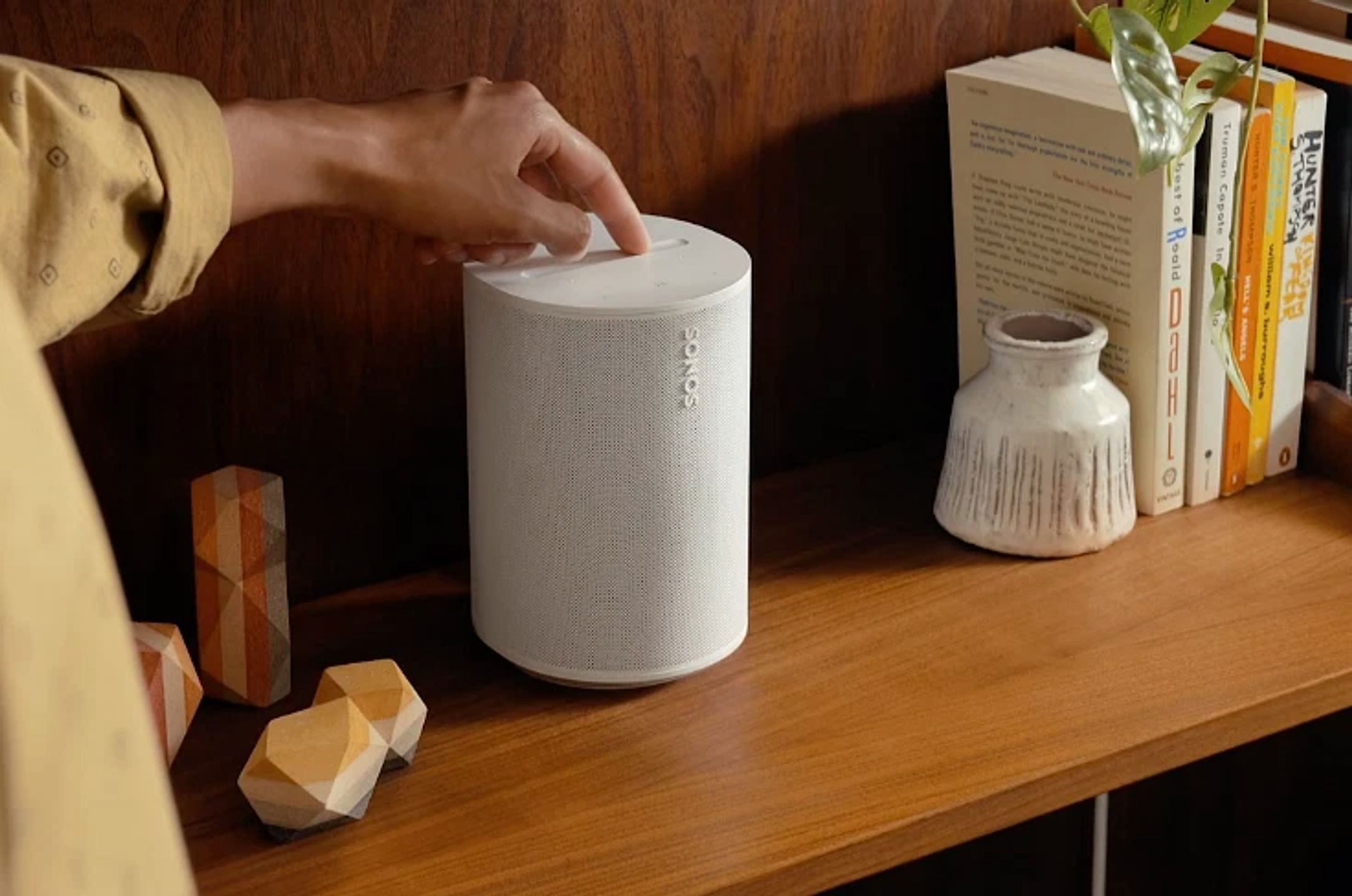
Touch Control
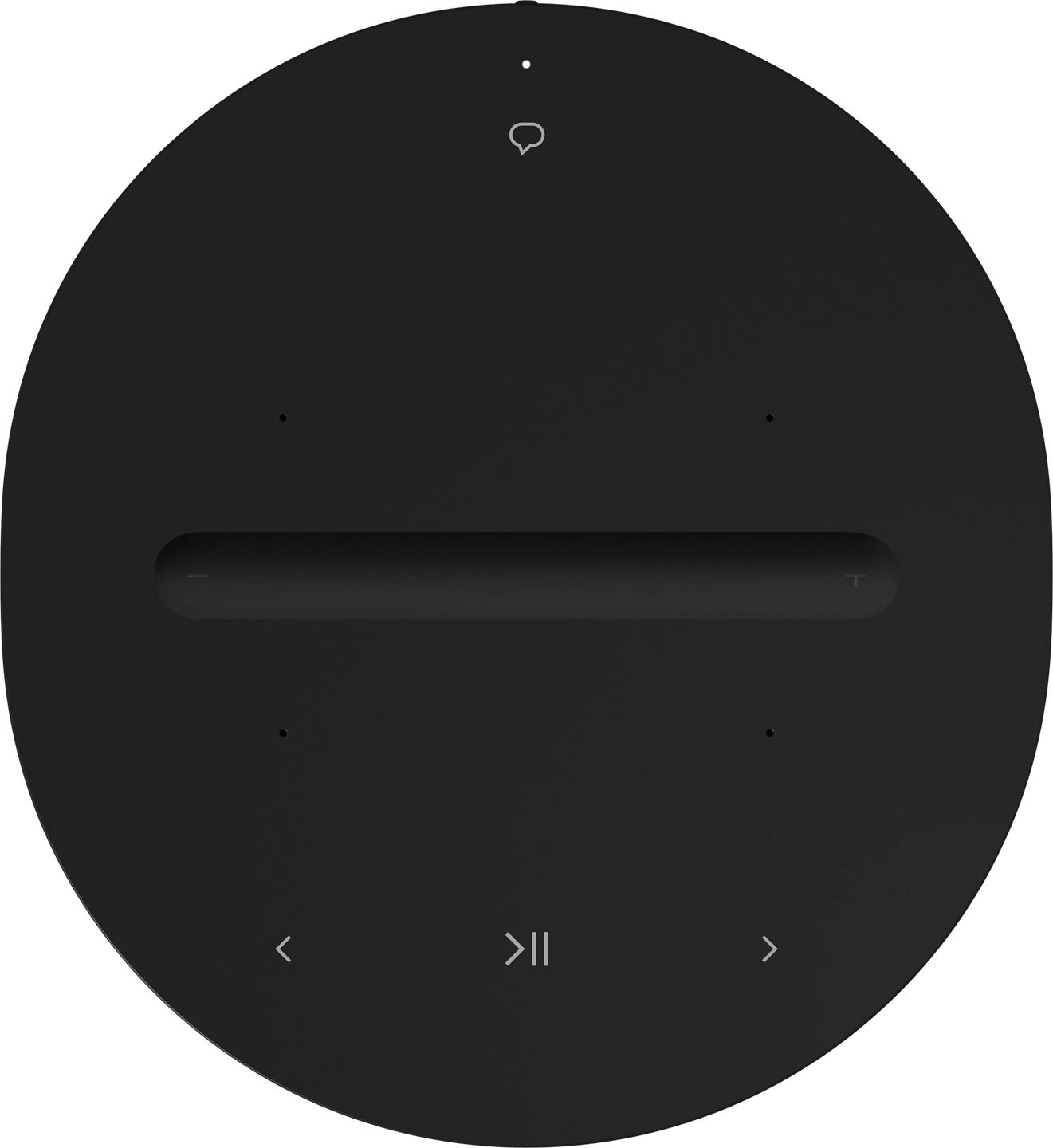
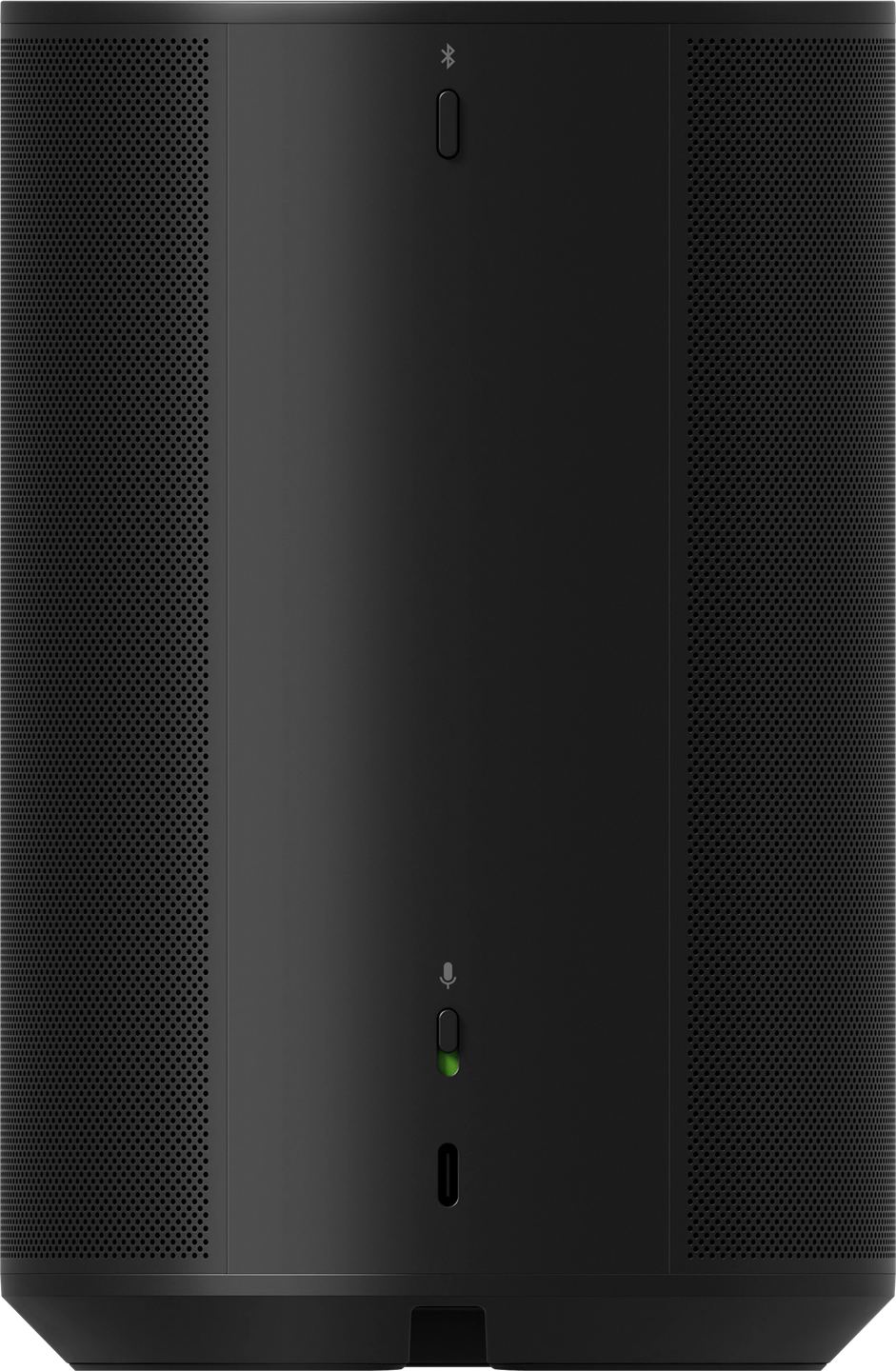
Intuitive touch controls allow for quick, screen-free control of playback and volume on your speaker, while Apple AirPlay 2 connectivity lets you stream music from your Apple devices. If you want stereo sound, you can connect two speakers to create a stereo pair, providing an even more immersive experience. In summary, the Sonos Era 100 is a connected speaker offering superior sound quality, compatibility with numerous streaming services, and easy setup, all with an elegant design and advanced features.
New SONOS S2 App
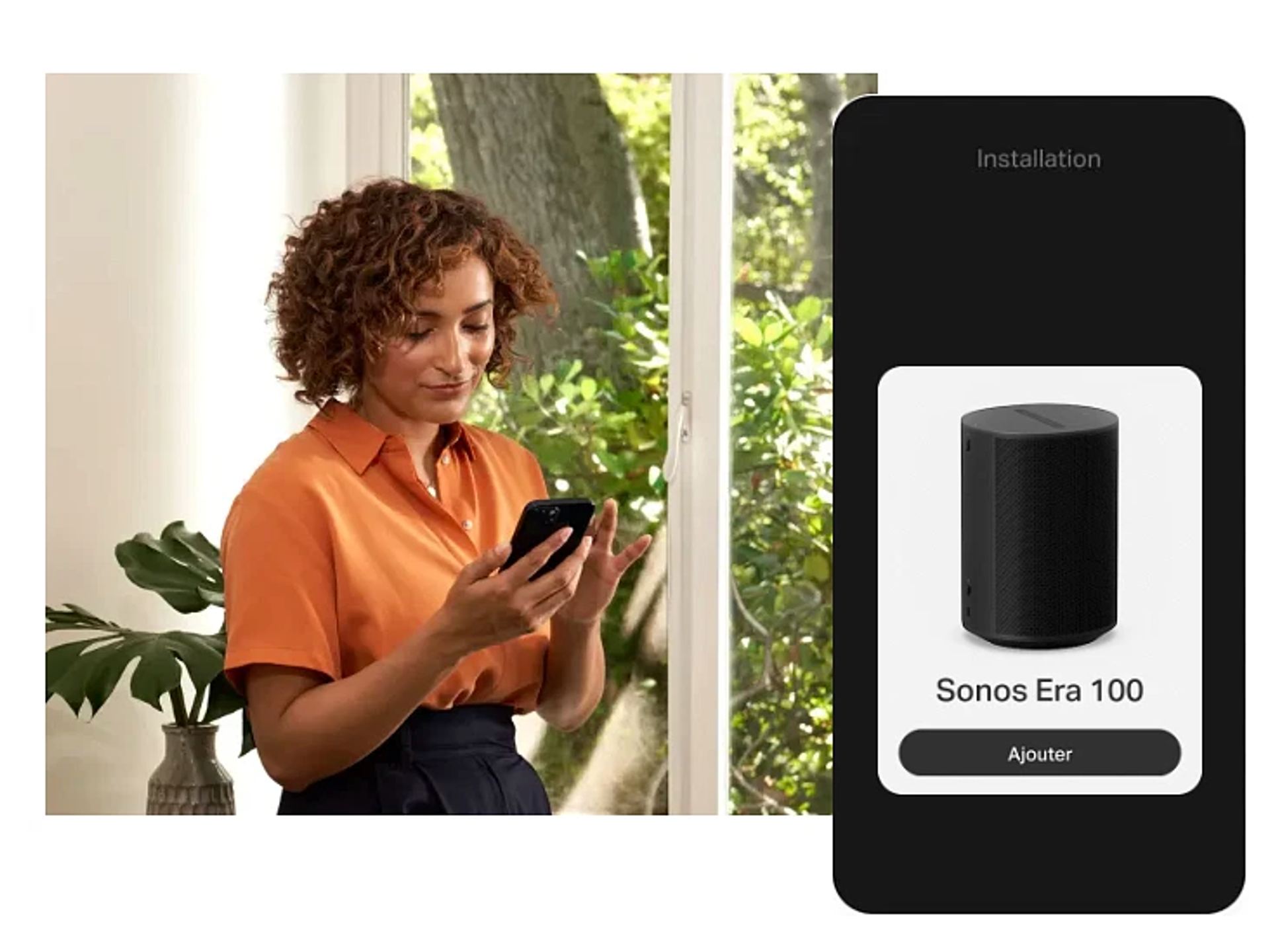
Setting up the speaker is extremely simple and quick. Just plug in the power cable, connect your device via Wi-Fi, then use the Sonos app to control your speaker. The Sonos S2 app is easy to use and offers advanced features like automatic Trueplay tuning, which analyzes your room’s unique acoustics and optimizes the speaker’s equalization.
Highlights
Dolby Atmos
Voice and touch controls
Wi-Fi 6
Bluetooth 5.0
Automatic Trueplay tuning
Apple AirPlay 2
Humidity resistant
Technical Specifications
Sonos Ray
Audio
4 Class D digital amplifiers
Formats: Stereo PCM, Dolby Digital 5.1, DTS Digital Surround
Speakers:
2 central tweeters
2 mid-woofers
Bass-reflex port system
Connectivity
Digital optical input
RJ45 port
Wi-Fi 802.11 b/g/n
Infrared (IR) receiver
AirPlay 2
Features
Voice enhancement mode
Customizable equalizer
Night mode
Trueplay acoustic optimization
Touch controls
Physical Specifications
Dimensions: 71 × 559 × 95 mm (H × W × D)
Weight: 1.95 kg
Matte finish
M5 wall mount
Power supply: 100-240 V, 50-60 Hz
Included
Soundbar
Power cable (2 m)
Optical cable (1.5 m)
Documentation
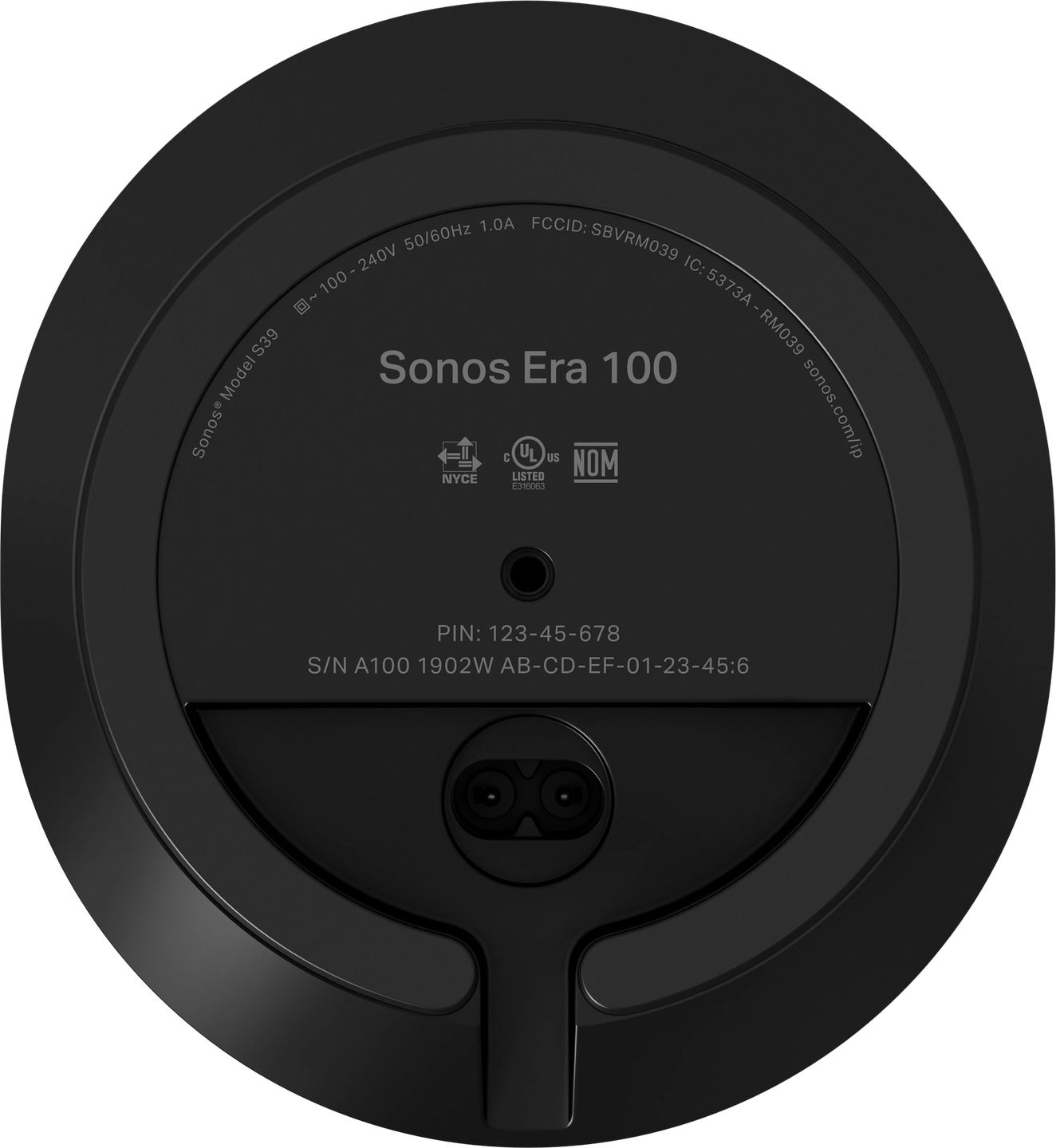
Sonos Era 100
Audio
3 Class D digital amplifiers
Speakers:
1 mid-woofer
2 tweeters
Connectivity
USB-C
Wi-Fi 6
Bluetooth 5.0
AirPlay 2
Features
Trueplay tuning (iOS/Android)
Customizable equalizer
Voice control (Sonos Voice Control, Amazon Alexa)
Far-field microphones
Physical Specifications
Dimensions: 120 × 182.5 × 130.5 mm (W × H × D)
Weight: 2.02 kg
Power supply: 100-240 V, 50/60 Hz
Box Contents
Sonos Era 100
Power cable (2 m)
Documentation: quick start guide, legal and warranty information
User reviews
Charlène
The 2 Sonos Era 100 speakers are great, both in stereo and used separately. On the other hand, you should know that the Sonos Ray does not come with an HDMI package; you need an optical port, which I don't have on my TV. So I had to buy an additional adapter, which also needs to be powered. I had trouble connecting the soundbar to my TV, but thanks to Google, I finally managed it. However, the TV remote does not seem to be recognized by the soundbar to adjust the volume. So I will probably have to buy another remote in addition or as a replacement.
Comment from March 21, 2026 — Experience from February 21, 2026
Automatically translated — Show original (French)
Les 2 Sonos Era 100 sont top, autant en stéréo qu'en séparé.
Par contre, il faut savoir que le Sonos Ray ne comporte pas de pack HDMI, il faut une prise optique, que je n'ai pas sur ma TV. J'ai donc dû acheter un adaptateur en plus, qui doit être alimenté lui-aussi. J'ai eu du mal à connecter la barre de son à ma TV, grâce à Google, j'ai finalement réussi. Mais la télécommande de la TV ne semble pas être prise en compte par la barre de son pour régler le volume. Je vais donc sûrement devoir acheter une autre télécommande en supplément ou remplacement.
Quentin
The order was delivered very quickly. Before receiving it, I got an email offering support for the pickup at the collection point. Special mention for the packaging, which was absolutely perfect. This is serious business and it really makes you want to go through HomCinéSolutions again for future needs.
Comment from December 16, 2025 — Experience from December 05, 2025
Automatically translated — Show original (French)
La commande a été livré très rapidement. Avant réception j'ai reçu un mail pour un accompagnement lors de la réception en point relais.
Mention spéciale à l'emballage qui était vraiment parfait. C'est du sérieux et ça donne envie de repasser par HomCinéSolutions pour les futurs besoins
To better understand our visitors, measure marketing effectiveness and personalise ads, we and our partners use cookies and mobile advertising identifiers on your device. This data makes it possible to display personalised and non-personalised ads and measure their performance. Some cookies, which are technically necessary, are exempt from consent. You can accept those that require your consent, refuse them by clicking "Refuse", or customise your choices via the settings screen.
To find out how Google uses the data collected once you have given your consent, see Google’s Business Data Responsibility site.
You can change or withdraw your consent at any time via the "Consent and cookies" link. Your choices will apply on our site for 12 months.