

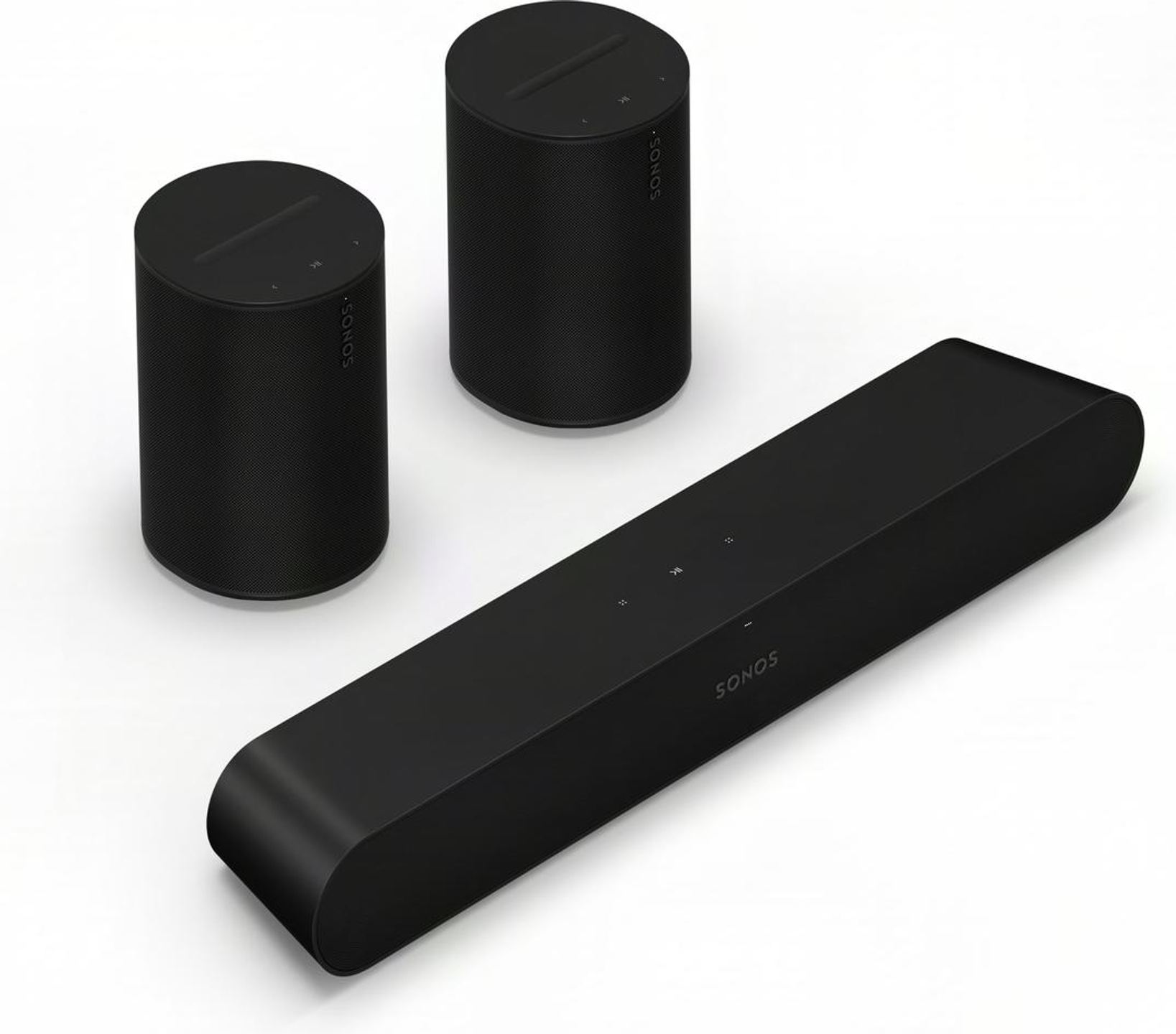
Sonos Pack Ray + 2x Era 100 SL black


Specifications and features


Overview
Three components, one complete setup: this bundle combines the Ray soundbar with two Era 100 SL speakers to turn a simple TV into a surround home theater system. The Ray handles the essentials, dialogue, and front soundstage, while the Era 100 SL take care of the side and rear effects. The system immerses the listener at the heart of films, series, video games, and music thanks to surround sound.
A soundbar designed for tight spaces
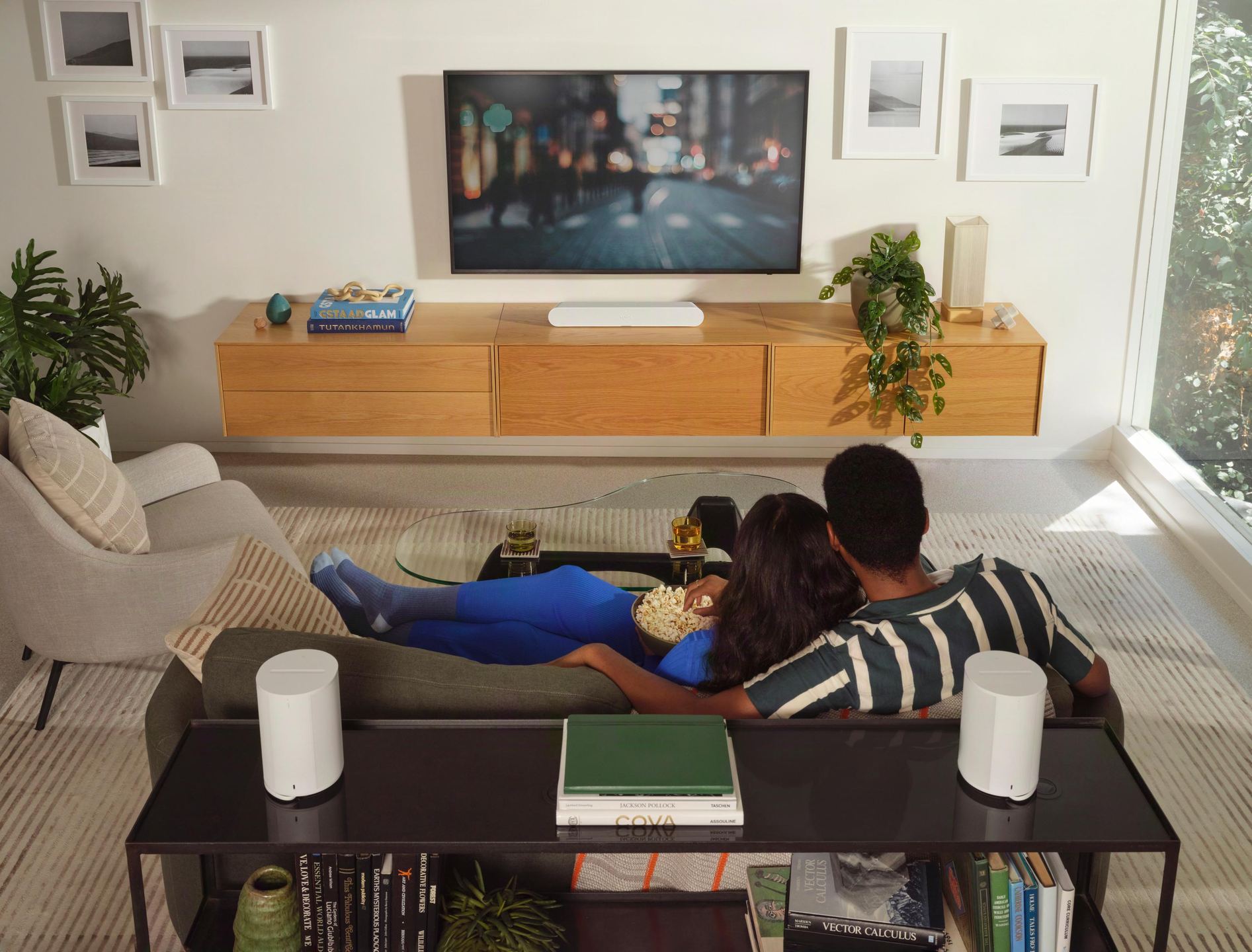
At 56 centimeters wide, the Ray slips under most TVs or into TV cabinet niches without blocking the picture. It is 10 cm shorter than the Beam Gen 2, which allows it to sit in front of any TV or slide into a TV stand niche. Its 7.1 cm high profile remains discreet, even if some competing models do better in terms of slimness.
The build uses a matte polymer chassis, black or white, that absorbs light reflections from the screen. The front is entirely covered with a honeycomb polycarbonate grille, a design directly borrowed from the Sonos Arc and Sonos Beam Gen 2. Touch controls on the top allow you to adjust the volume, pause, or skip a track without hunting for a remote.
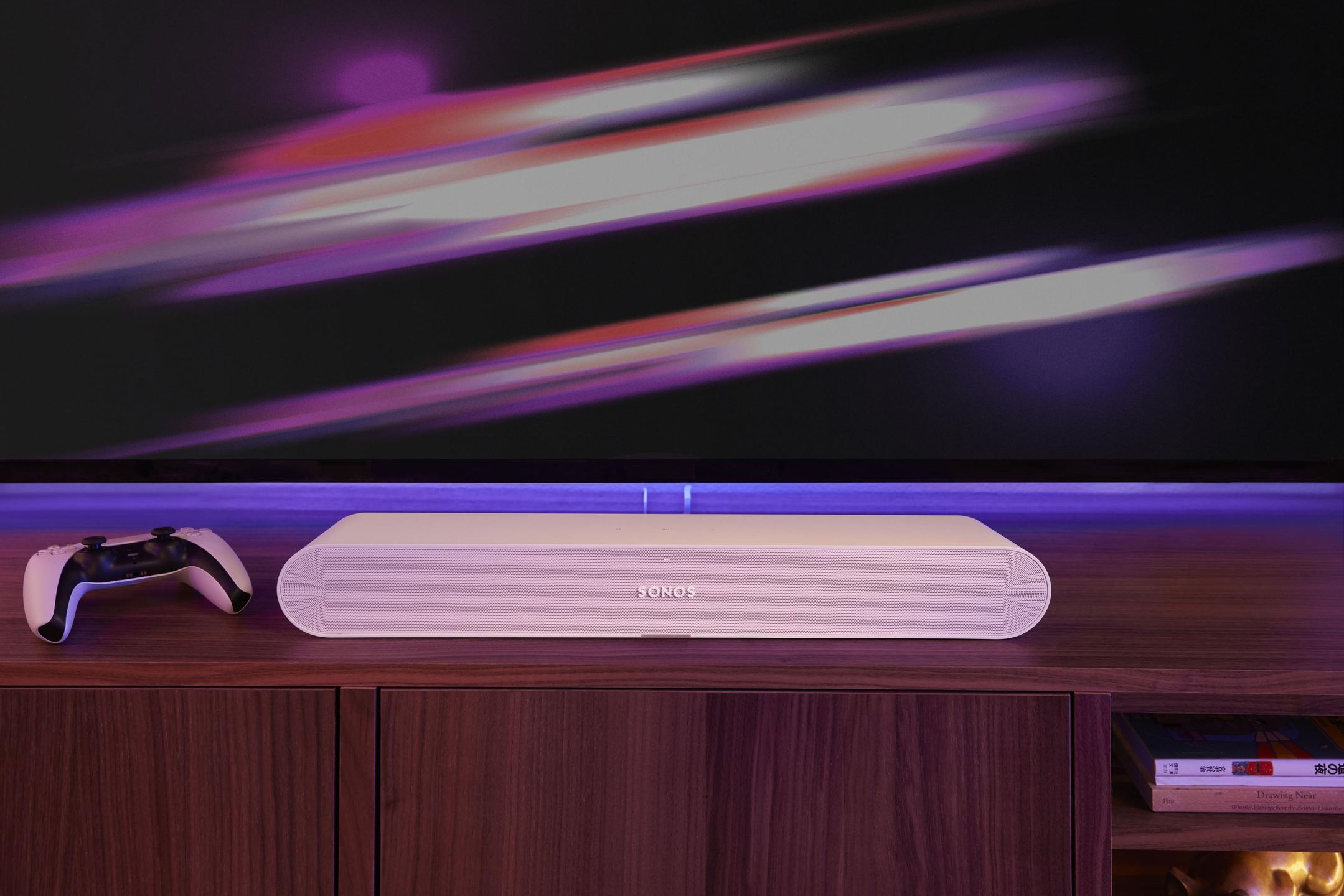
Four amplifiers for intelligible dialogue
The Ray’s sound architecture is based on four Class D digital amplifiers powering two tweeters and two mid-woofer drivers. The tweeters use special waveguides that direct sound forward and to the sides, making dialogue seem to come directly from the screen. The low-velocity port bass-reflex system, developed specifically for this model, limits distortion in the lows.
Dialogue comes through with clarity and presence, avoiding the boxed-in sound often heard with other entry-level soundbars. The Speech Enhancement feature, accessible from the app, boosts vocal frequencies when music or sound effects dominate. This function has been refined with the help of award-winning Hollywood sound engineers. For late-night viewing, Night Sound mode softens loud sound effects while preserving voice intelligibility.
The Ray supports Dolby Digital 5.1 and DTS Digital Surround formats via its optical input. It does not support Dolby Atmos, which rules out the height effects found on some higher-end soundbars. For the vast majority of TV content and streaming platforms, this limitation remains theoretical.
Era 100 SL: Era 100 sound without a microphone
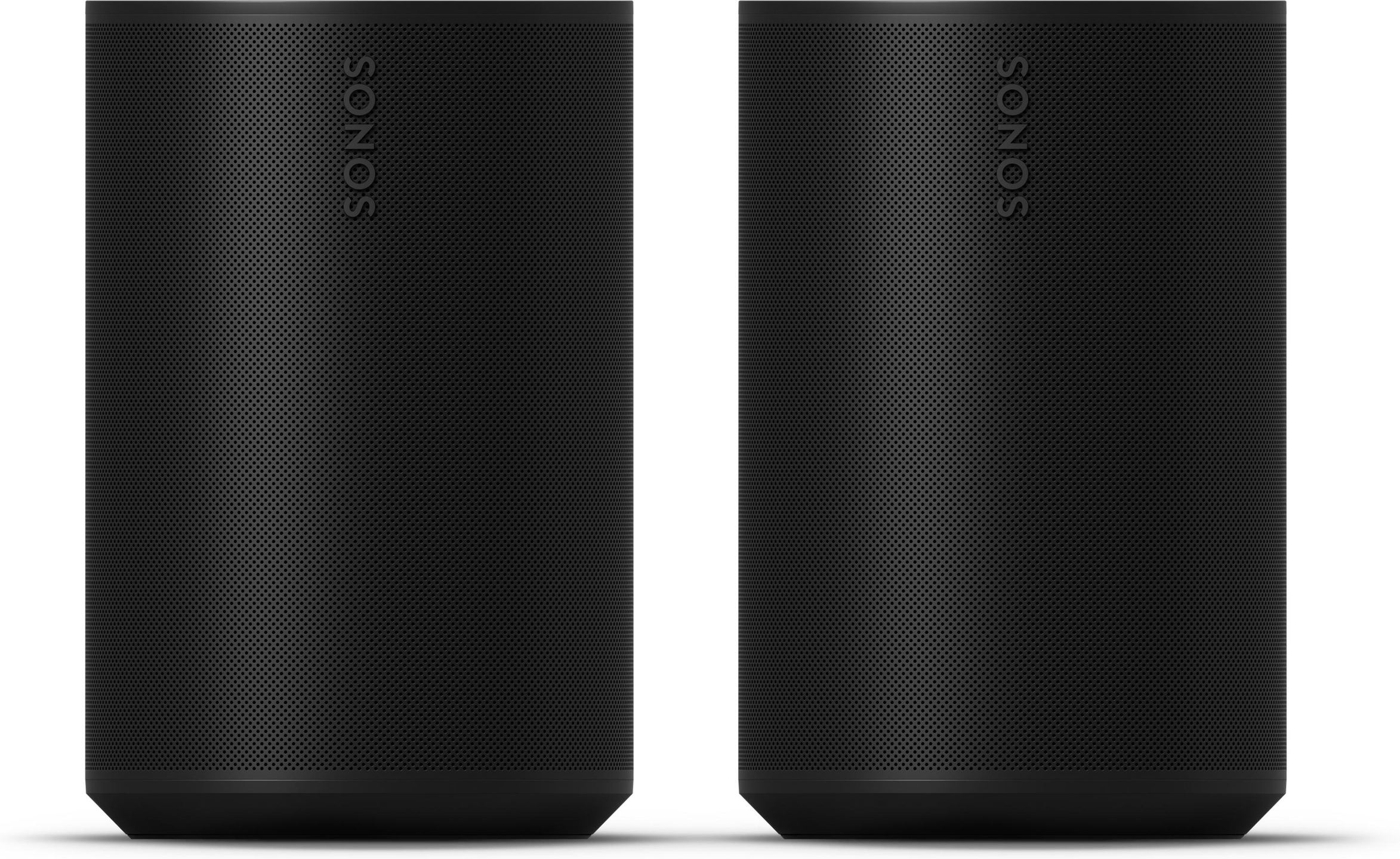
The main difference between the Era 100 and Era 100 SL lies in the removal of the built-in microphones. The “SL” designation stands for “Speechless”: the Era 100 SL does not offer voice control. In return, the price drops and the question of always-on microphones no longer arises for those who prefer to avoid such sensors at home.
In acoustic terms, the two models are identical. The Era 100 SL retains the same acoustic architecture and the same specifications as the standard Era 100. Each speaker houses three Class D amplifiers, two angled tweeters to create stereo separation, and a mid-woofer covering mids and bass. The form factor remains compact: 18 cm high, 12 cm wide, and 13 cm deep, taking up about as much space as a large decorative candle.
When rear speakers are paired with a Sonos soundbar equipped with voice control (such as the Arc or Beam), paying again for microphones and voice assistants can seem unnecessary. Choosing the SL version therefore makes complete sense in a surround configuration.
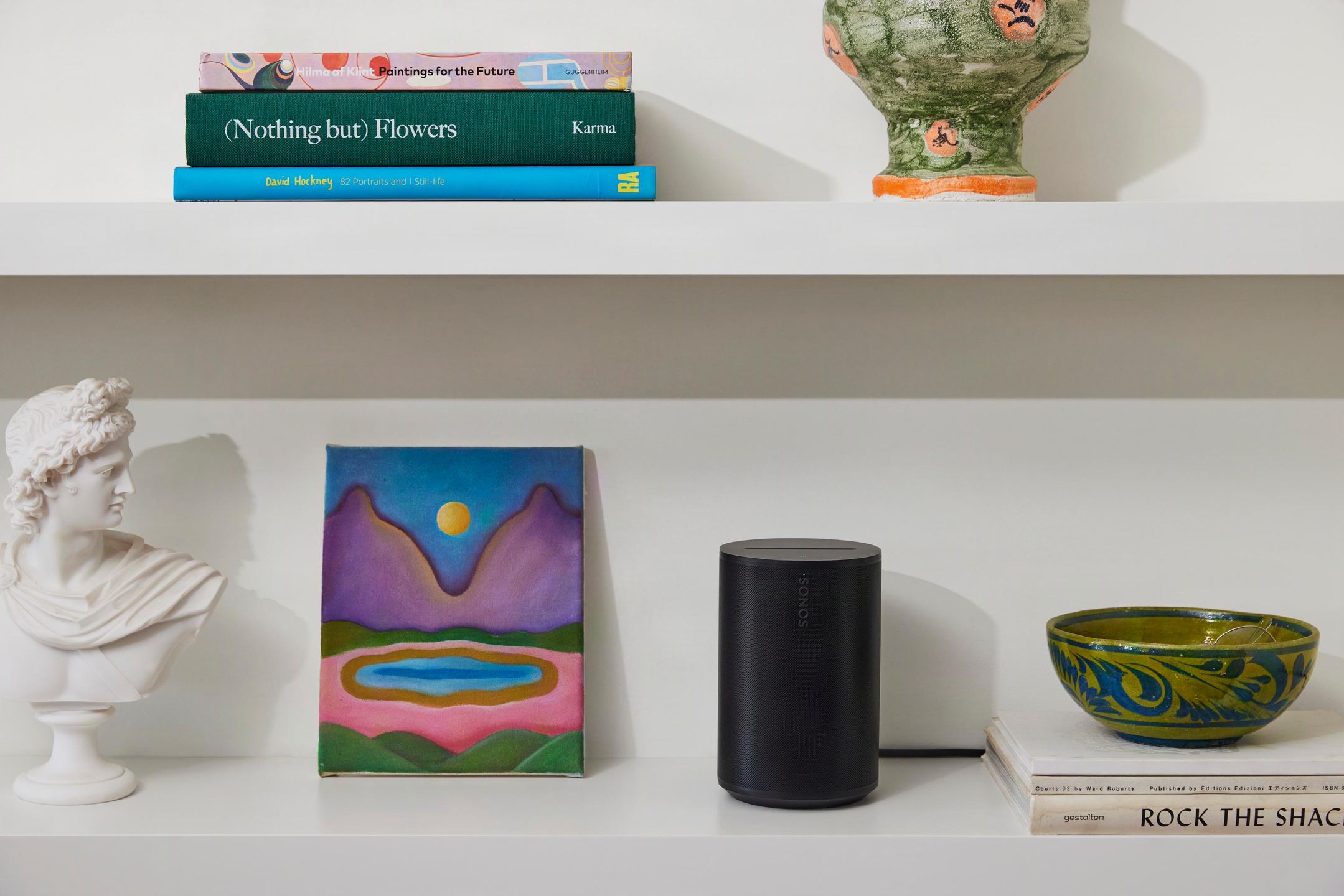
Surround setup: how the three components work together
Once connected to the Ray via the Sonos app, the two Era 100 SL become the left and right surround speakers. In Sonos terminology, “pairing” refers to stereo setup, while adding surround speakers to a soundbar is called “bonding.” The process takes a few minutes in the app.
Sonos recommends placing each surround speaker about 3 meters from the listening position, at the sides and slightly behind, aimed at the listener. A height of about 60 cm above ear level when seated enhances the sense of immersion. Wall mounts and dedicated stands are available to make positioning easier.
In action films, soundtracks gain in dynamics, action scenes have more impact, and the overall sound becomes fuller compared with setups using Sonos One or One SL speakers as surrounds. The Era 100 SL deliver more bass than their predecessors, which strengthens rumble and ambience effects without necessarily adding a subwoofer.
For music listening, the app offers two modes. “Ambient” mode uses the surrounds to provide subtle background support. “Full” mode turns the whole system into an extended stereo setup where the Ray and Era 100 SL all play at full capacity. When surrounds are set to Full mode for music, the Ray and left/right Era 100 output a full-volume stereo signal.
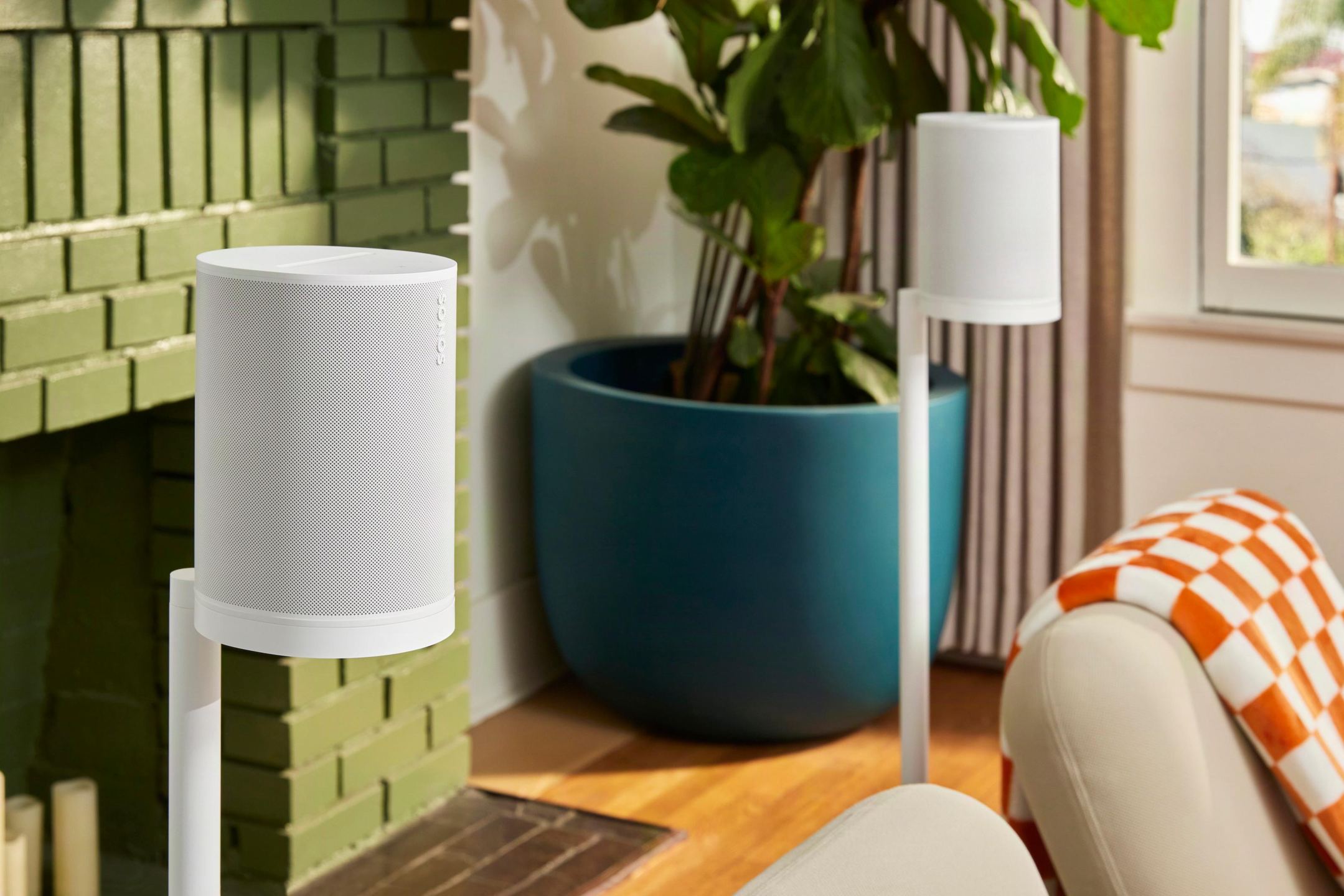
Trueplay: calibration that adapts the sound to the room
Trueplay technology analyzes sound reflections from the room, walls, furniture, and carpets, and adjusts each speaker’s EQ to compensate for acoustic anomalies. The software uses a sixteen-band parametric equalizer built into Sonos products. The user moves an iPhone or iPad around the listening area while the system emits test tones.
An important point for Android users: the Era 100 SL cannot use Quick Trueplay, which relies on the speaker’s internal microphones. Trueplay remains available only to iOS users with a compatible device. The Ray, which is also microphone-free, follows the same logic. Without access to an iOS device, automatic calibration is not possible, although manual EQ through the app remains available.
Connectivity: optical as the only link to the TV
The Ray connects to the TV via an optical cable included in the box. This simplified setup avoids using up an HDMI port on the TV. However, the absence of HDMI eARC means the TV remote cannot control the bar’s volume via the CEC protocol. The lack of an HDMI eARC port eliminates communication with the TV and therefore prevents volume control of the bar from the associated TV remote.
The Ray partially compensates for this limitation with its infrared receiver. It can learn the TV remote’s volume commands, provided the remote uses infrared rather than Bluetooth or RF. An Ethernet port is also available for a wired network connection for those who prefer to avoid Wi‑Fi.
The Era 100 SL support Wi‑Fi 6, Bluetooth 5.3, and AirPlay 2 compatibility. A physical audio input is available via an optional USB‑C adapter (sold separately), allowing you to connect a turntable or another analog device.
Upgradability to a more complete system
For more bass, a Sonos Sub can be added, and for a more enveloping setup, various speakers can serve as surrounds. The Ray + Era 100 SL bundle thus forms a 5.0 base that can evolve to 5.1 with the addition of a Sub or Sub Mini. The speakers also work in multiroom mode: from the office to the kitchen, adding speakers in each room creates a multiroom system that follows you around the house.
The Era 100 SL can be detached from the home theater system and used elsewhere in the home as standalone speakers or as a stereo pair. This flexibility allows you to reconfigure the setup according to your current needs.
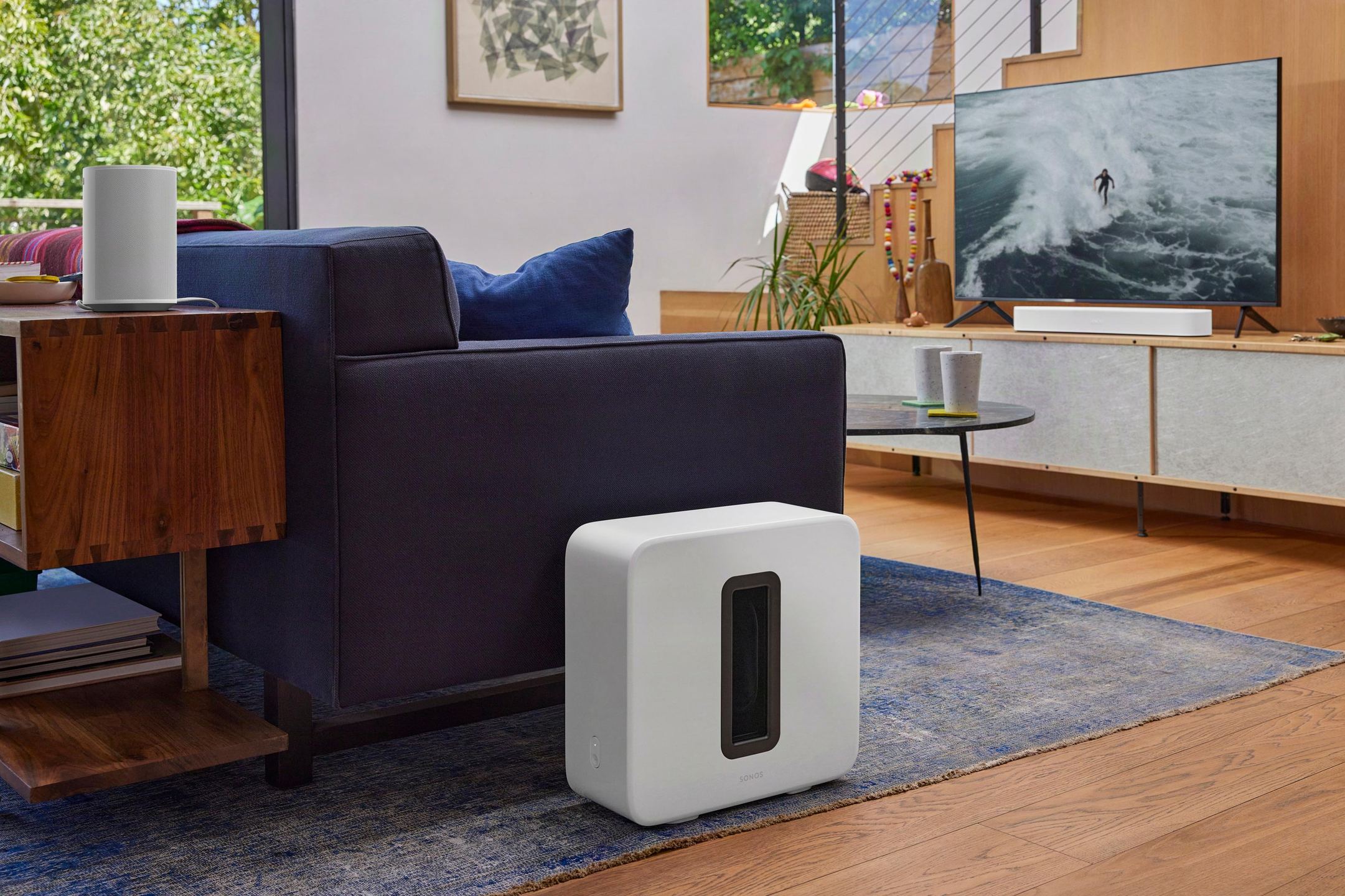
Sonos Ray Soundbar
Amplification and audio
- Four Class-D digital amplifiers
- Home cinema audio formats: PCM stereo, Dolby Digital 5.1, DTS Digital Surround
- AirPlay 2 compatible
- Touch controls
Acoustic system
- 4 built-in speakers:
- 2 central tweeters for precise treble
- 2 mid-woofers for rich midrange and deep bass
- Bass-reflex port system
Audio features
- Voice enhancement mode
- Customizable equalization
- Night mode
- Trueplay: room acoustic calibration (iOS only)
Connectivity
- 1 digital optical input
- 1 RJ45 port
- Wi-Fi 802.11 b / g / n
- Infrared (IR) receiver for syncing with TV remote control
Physical characteristics
- Power supply: 100–240 V, 50–60 Hz, automatic switching
- Threaded M5 mounting bracket
- Matte finish
- Dimensions (H × W × D): 71 × 559 × 95 mm
- Weight: 1.95 kg
Box contents
- Sonos Ray
- Power cable (2 m)
- Optical cable (1.5 m)
- Quick start guide, legal information and warranty
Era 100 SL Wireless Speakers
Highlights
- Clear, detailed stereo sound with deep bass
- No built-in microphone (privacy friendly)
- Wi-Fi 6, Bluetooth 5.3 and Apple AirPlay 2
- Trueplay for automatic sound calibration to the room (iOS required)
- Compatible with Sonos multiroom and stereo system with another Era 100 SL
- Jack input to connect turntables or other audio sources (adapter sold separately)
- Humidity resistant
- Compact design and matte finish
- Recycled materials and FSC packaging
Audio
- Amplifiers: 3 tuned Class-D digital amplifiers
- Tweeters: 2 side tweeters with custom waveguides for crystal-clear treble
- Woofer: 1 mid-woofer for deep bass and natural vocals
- Customizable equalization via the Sonos app
- Bass, treble, Loudness
- Trueplay: automatic sound adjustment according to room acoustics
Connectivity
- Wi-Fi: 802.11 a / b / g / n / ac / ax Dual Band (2.4 / 5 GHz)
- Bluetooth: 5.3 for direct streaming from any compatible device
- Apple AirPlay 2 for streaming from iPhone, iPad, Mac and control via Siri
- Jack input via optional adapter to connect turntables or audio devices
- Compatible with Sonos multiroom and stereo with two Era 100 SL speakers
Hardware and performance
- Processor: Quad Core 4 x A55 at 1.4 GHz
- RAM: 1 GB DDR4
- Storage: 4 GB eMMC
- Digital amplifiers: Class D
Dimensions and weight
- Height: 182.5 mm
- Width: 120 mm
- Depth: 130.5 mm
- Weight: 1.95 kg
- Finishes: Black or White, matte
Power supply and accessories
- Included power cable: 2 m
- Internal power supply: 100–240 V, 50 / 60 Hz
- Optional adapters for jack or Ethernet input
- Stand or accessories sold separately
Control and interface
- Touch controls: play / pause, volume, track change, group / ungroup
- Sonos app: centralized control, multiroom streaming and audio settings
- Direct control via compatible apps (Spotify, TIDAL, etc.)
- LED indicators: connection status and mute mode
Eco-responsibility
- Post-consumer recycled plastics
- Optimized power consumption thanks to software efficiency
- 100% recyclable FSC packaging
Box contents
- 2x Sonos Era 100 SL
- 2 m power cable
- Quick start guide
- Legal information and warranty
Frequently Asked Questions
Can a subwoofer be added to this bundle?
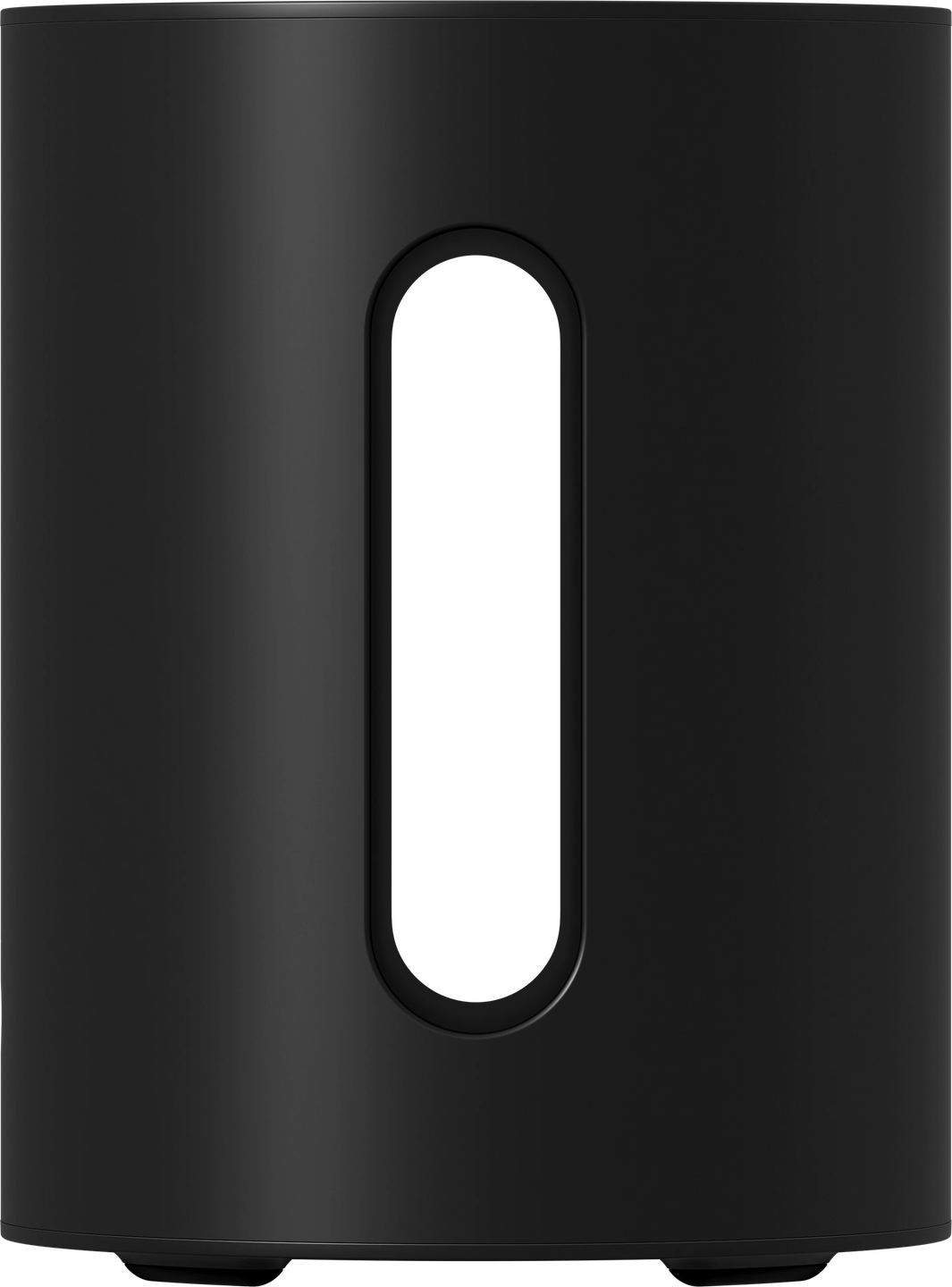
The Sonos Sub and Sub Mini are compatible with this configuration. Adding a sub turns the 5.0 system into 5.1 and relieves the Ray and Era 100 SL of the lowest frequencies, which improves midrange clarity. The more compact and affordable Sub Mini is sufficient for medium-sized rooms.
Does this setup work with a TV that has no optical output?
If the TV only has an HDMI ARC or eARC output, an HDMI-to-optical audio extractor can serve as an intermediary. This type of adapter generally costs between 20 and 40 euros and preserves Dolby Digital compatibility.
Do the Era 100 SL need cables to connect to the Ray?
No. The speakers communicate with the soundbar over Wi‑Fi. Each Era 100 SL only needs its power cable. Placement is therefore flexible as long as a power outlet is nearby.
What is the maximum distance between the Era 100 SL and the Ray?
Sonos does not publish an official maximum distance, but the system operates within the coverage limits of the home Wi‑Fi network. In a standard 30 to 40 m² room, the signal remains stable. Large rooms or thick walls may require a Wi‑Fi repeater or an Ethernet connection to the Ray.
Is Bluetooth on the Era 100 SL still active when they are set up as surrounds?
No. When the speakers are bonded as surrounds with a soundbar, Bluetooth is disabled and they can no longer be used as independent Bluetooth speakers. To restore this feature, you must remove the speakers from the home theater system in the app.
How do you adjust the surround speaker volume relative to the soundbar?
The Sonos app allows you to adjust the surround levels independently of the Ray. This fine-tuning helps balance rear effects according to personal preference and room acoustics.
Are software updates automatic?
By default, Sonos products download and install updates automatically when not in use. This option can be disabled in the app settings for those who prefer to control when updates are installed.
- Eco-contribution included in the sale price.