
Cambridge Audio Evo 300

Specifications and features


Overview
Connect a pair of speakers, nothing more: that’s all the Evo 300 needs to run a complete system. Cambridge Audio places it at the top of its Evo range, above the Evo 150 SE, with 300 watts per channel of Hypex NCOREx amplification, a balanced preamplifier, and the fourth-generation StreamMagic network platform. Vinyl, television, computer, or streaming service: all sources converge into a single unit.
Hypex NCOREx power under control
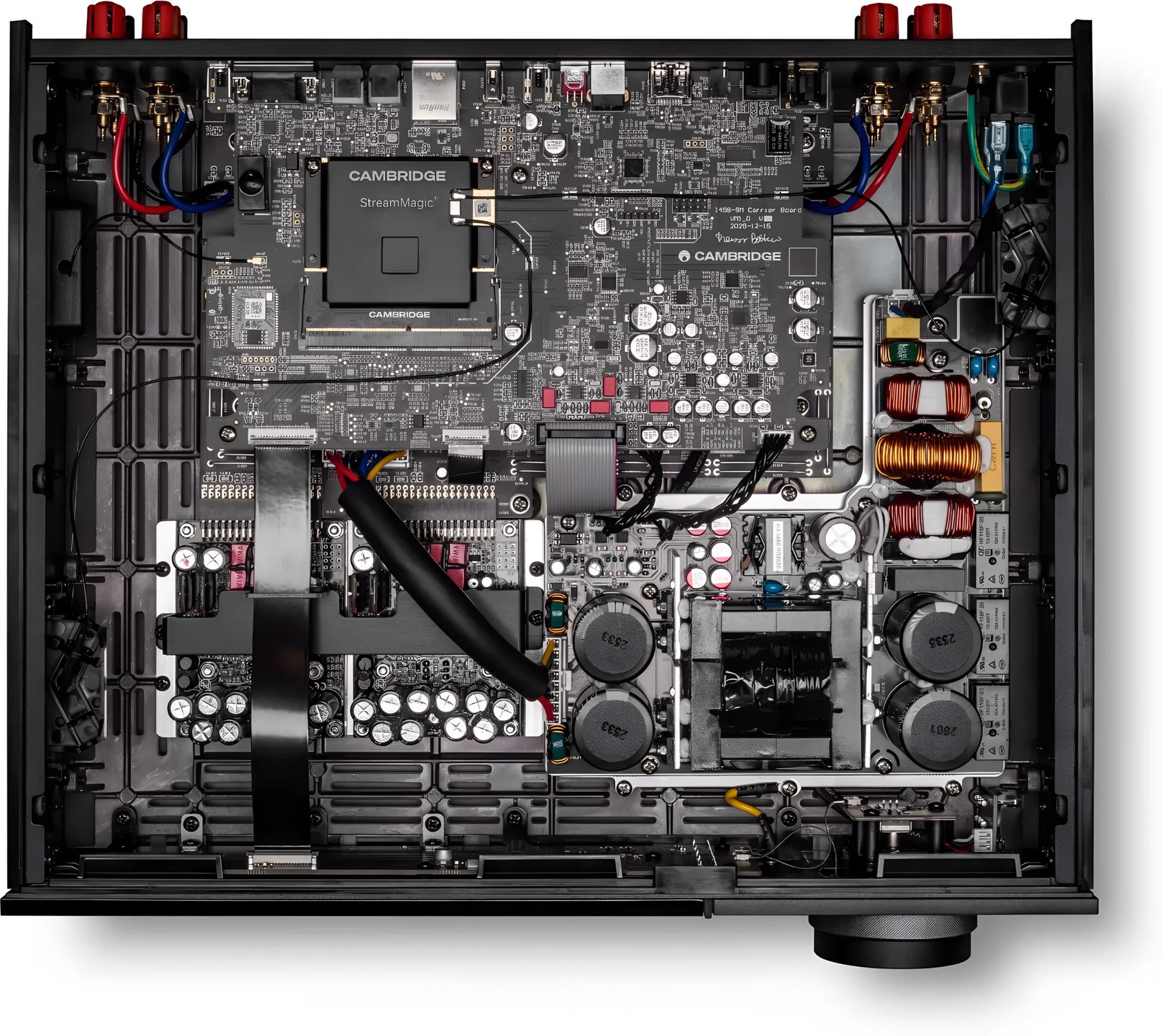
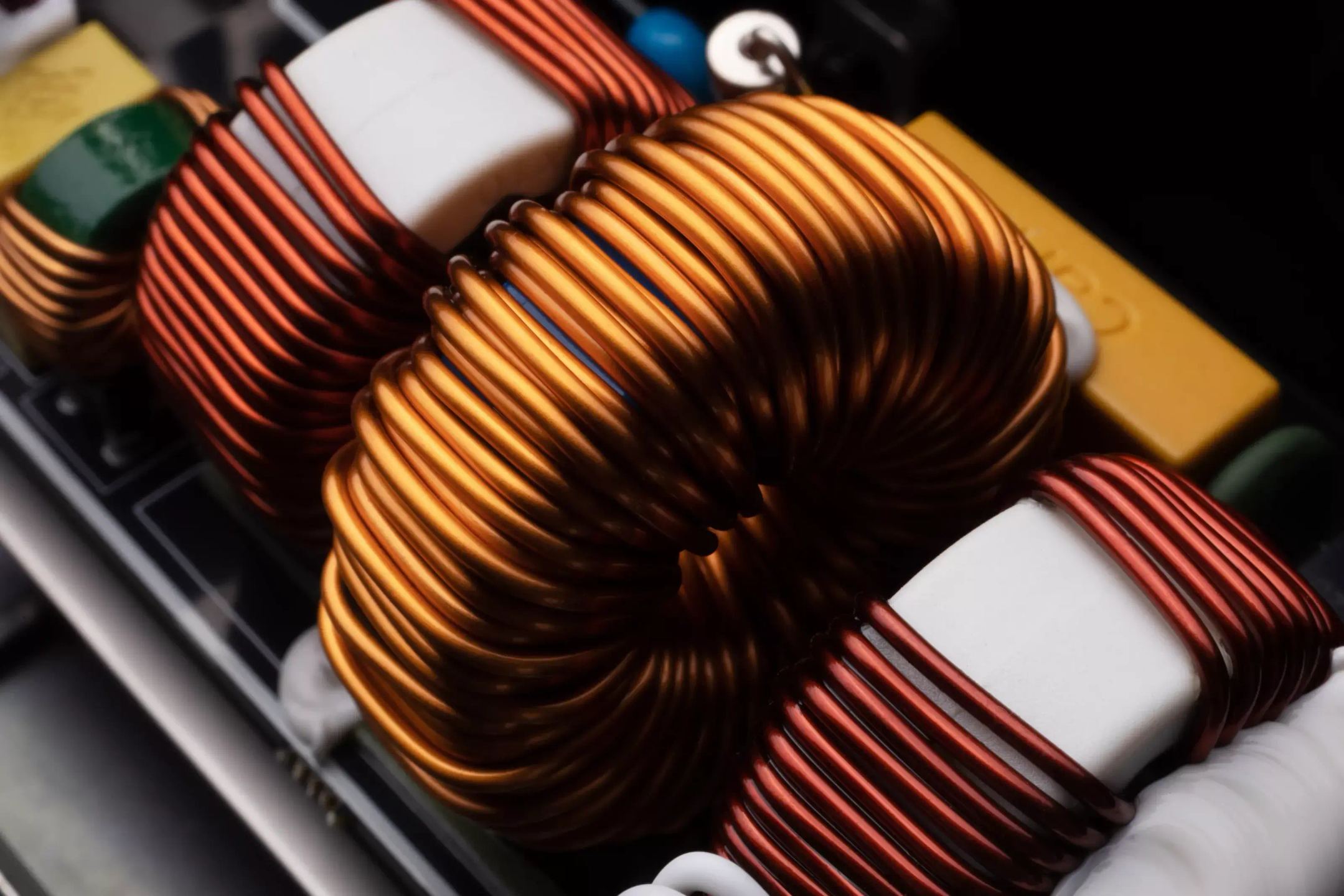
The Hypex NCOREx amplification module delivers 300 watts per channel into 8 ohms, and climbs to 550 watts into 4 ohms. Enough to drive demanding speakers without weakening when the volume goes up. Cambridge Audio opted for a dual-mono design: the left and right channels have separate sections, which limits their interaction and preserves stereo separation. The preamplification stage operates in balanced mode, and the volume is adjusted analogically, with separate settings for the left channel, right channel, and subwoofer output. This class D amplification works by delivering wide dynamics without heating up like a linear amplifier of equivalent power.
The ESS Sabre DAC and high resolution
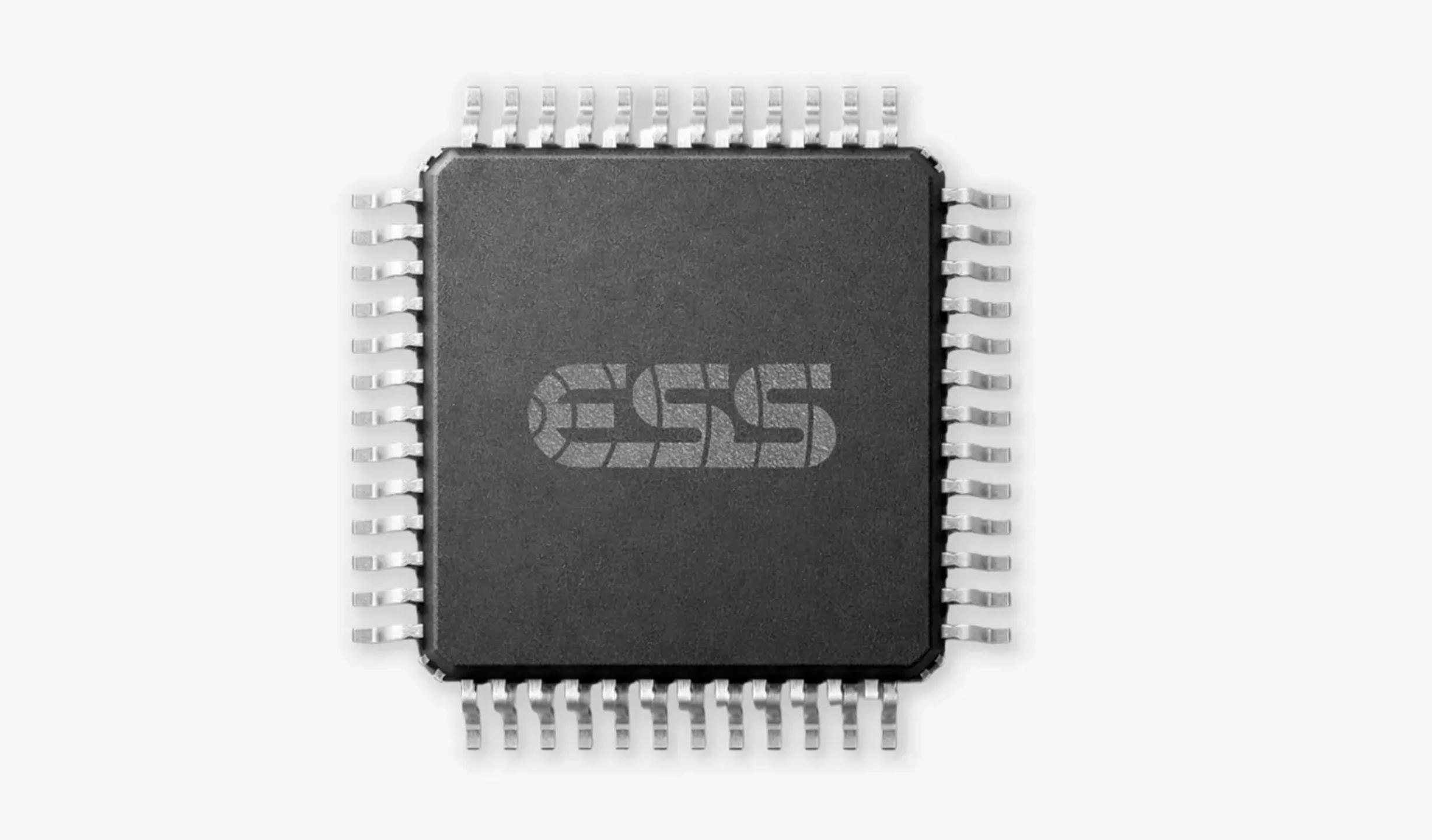
Digital conversion relies on an ESS Sabre ES9038Q2M DAC. Cambridge Audio chose to transmit the signal without resampling or unnecessary processing, to stay as close as possible to the original file. In USB Audio Class 2, the Evo 300 accepts PCM up to 32-bit/768 kHz and DSD up to DSD512 format. The other digital inputs top out lower: 24-bit/192 kHz in optical, coaxial, and HDMI eARC, 24-bit/96 kHz in USB Class 1. In terms of formats, it reads FLAC, WAV, AIFF, ALAC, and DSD, as well as compressed formats MP3, AAC, and OGG Vorbis.
All your sources brought together without an extra box
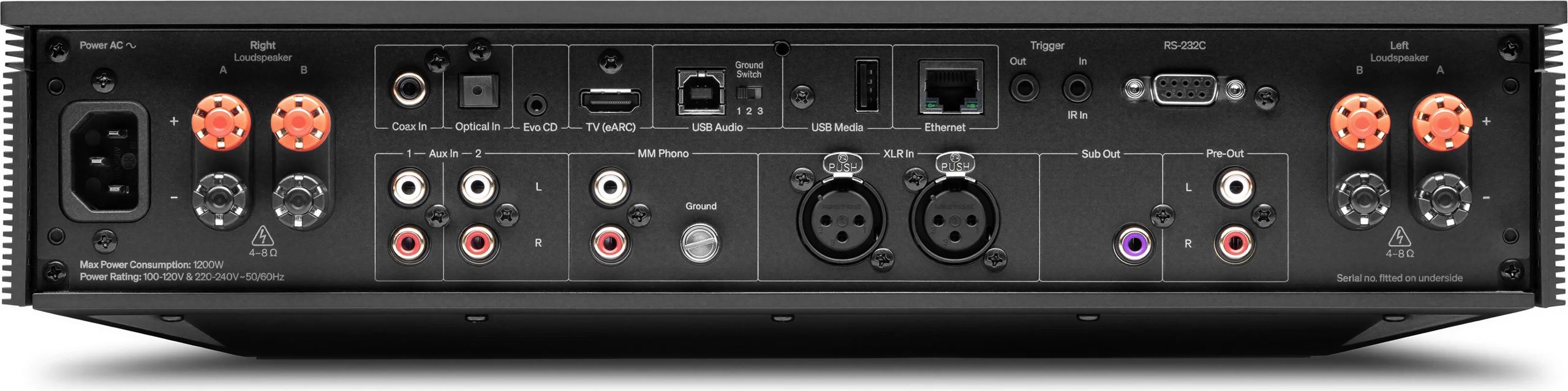
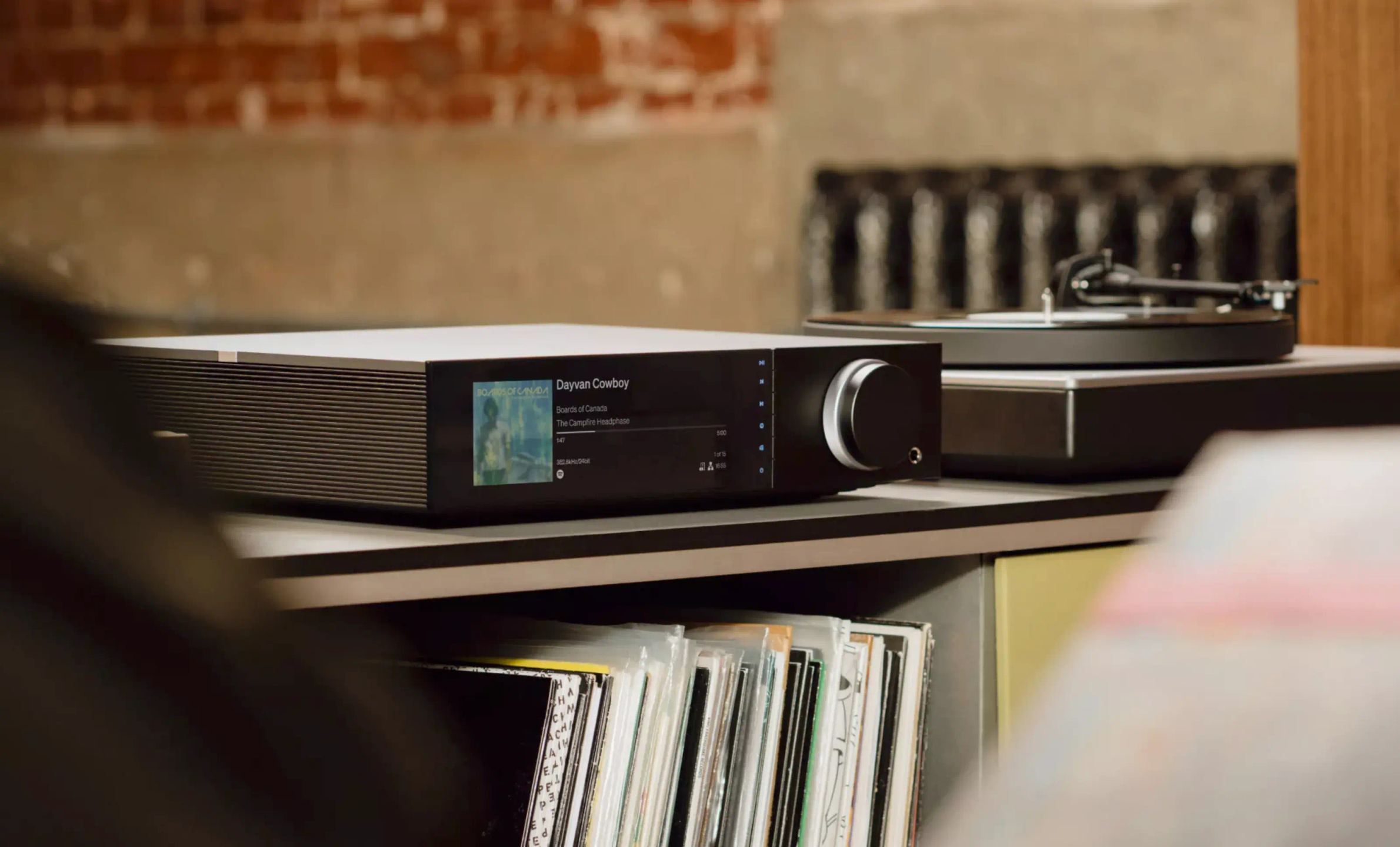
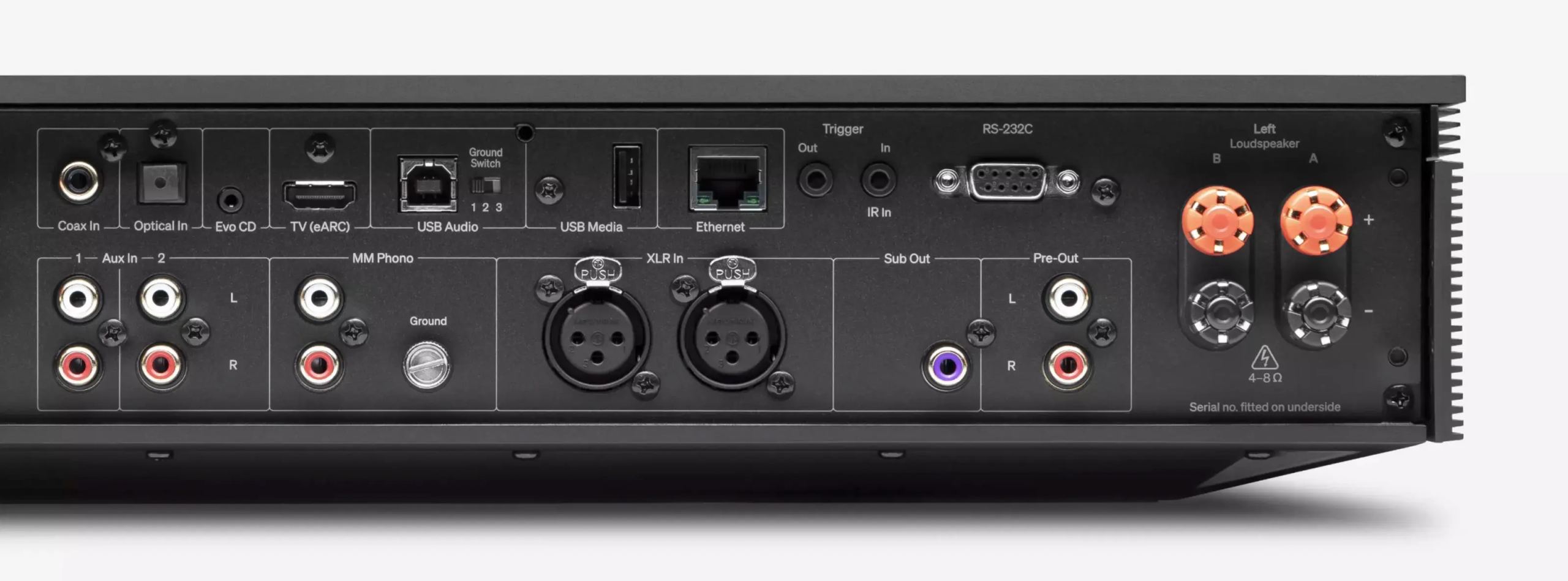
On the rear panel, the Evo 300 includes enough to connect just about everything. Two RCA inputs and one balanced XLR input accommodate analog sources, while a moving magnet (MM) phono preamplifier allows a turntable to be connected directly, without an external preamp. Here, Cambridge Audio draws on its long-standing expertise in phono amplifier design, to preserve the character and finesse of a record collection. On the digital side, there is a TOSLINK optical input, an S/PDIF coaxial input, an HDMI eARC socket for the television, and a USB audio type-B input. The built-in Bluetooth 5.4 handles reception up to the aptX HD codec. A dedicated connection is also provided for a matching Evo CD player.
StreamMagic, networking, and multi-room
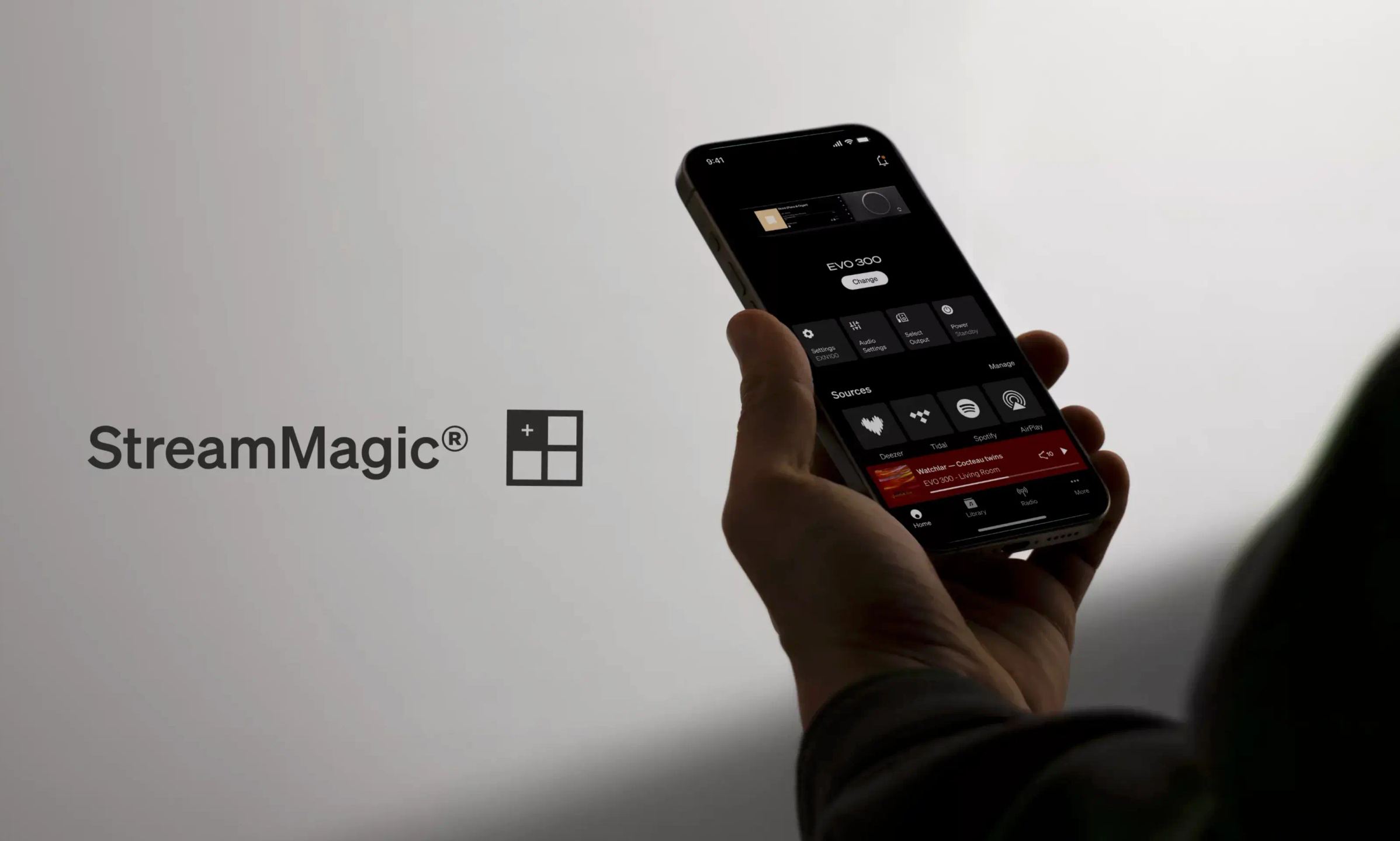
The networking section is based on the fourth-generation StreamMagic platform, controlled from the app of the same name. Spotify Connect, TIDAL Connect, Qobuz Connect, Deezer, Amazon Music, and internet radio are accessible directly, and the Evo 300 is Roon Ready certified for those who manage their library with Roon. AirPlay 2 and built-in Chromecast enable streaming from an iPhone, a Mac, or an Android device, with the ability to play the same music in several rooms. For files stored on a NAS or home server, UPnP support provides access to downloaded tracks as well as ripped CDs. The Evo 300 also communicates with Google Home, Control4, and KNX systems, useful for a home automation or custom installation. A wired Ethernet connection remains preferable for the heaviest high-resolution streams.
Subwoofer, headphones, and dual speaker zone
The subwoofer output is configured entirely from the StreamMagic app. Three modes are offered: subwoofer disabled, simple active subwoofer, or active subwoofer with fine settings. This last mode gives control over the subwoofer level (from -10 to +10 dB), a high-pass filter on the main speakers, an adjustable crossover frequency between 20 and 250 Hz, and phase inversion, enough to match the bass to the room and subwoofer placement. The 6.35 mm headphone output automatically cuts off the speakers and the preamp output as soon as headphones are plugged in. For those who want two pairs of speakers, the A and B terminals can be switched from the app or the front panel, separately or together. A preamp output completes the set, to connect a power amplifier or an active subwoofer.

A 7.8-inch screen and customizable side panels
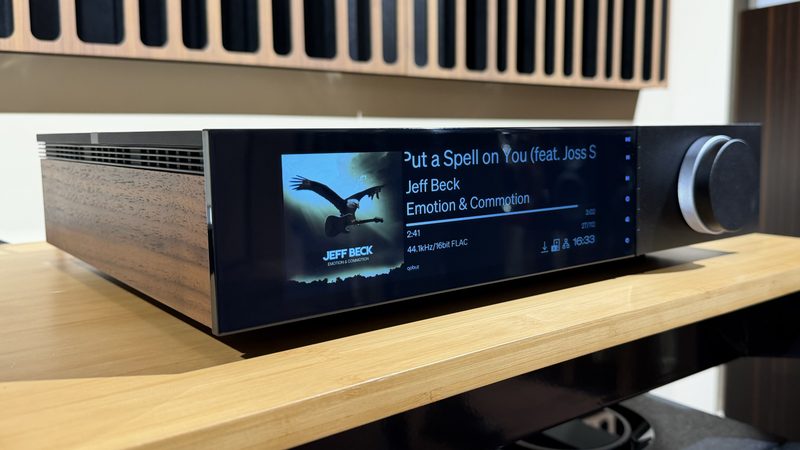
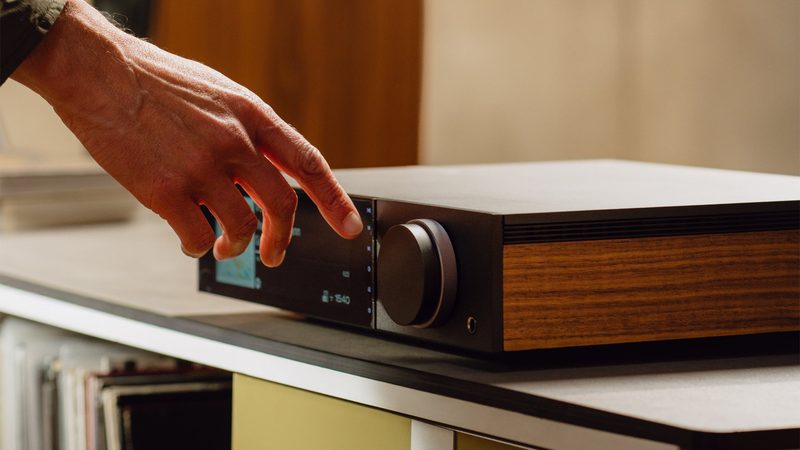
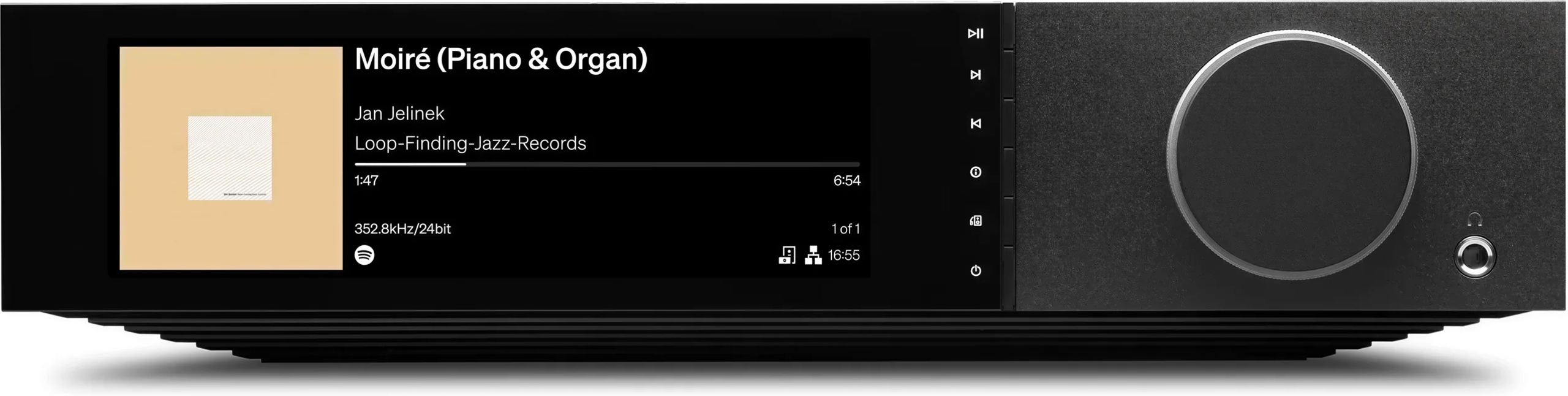
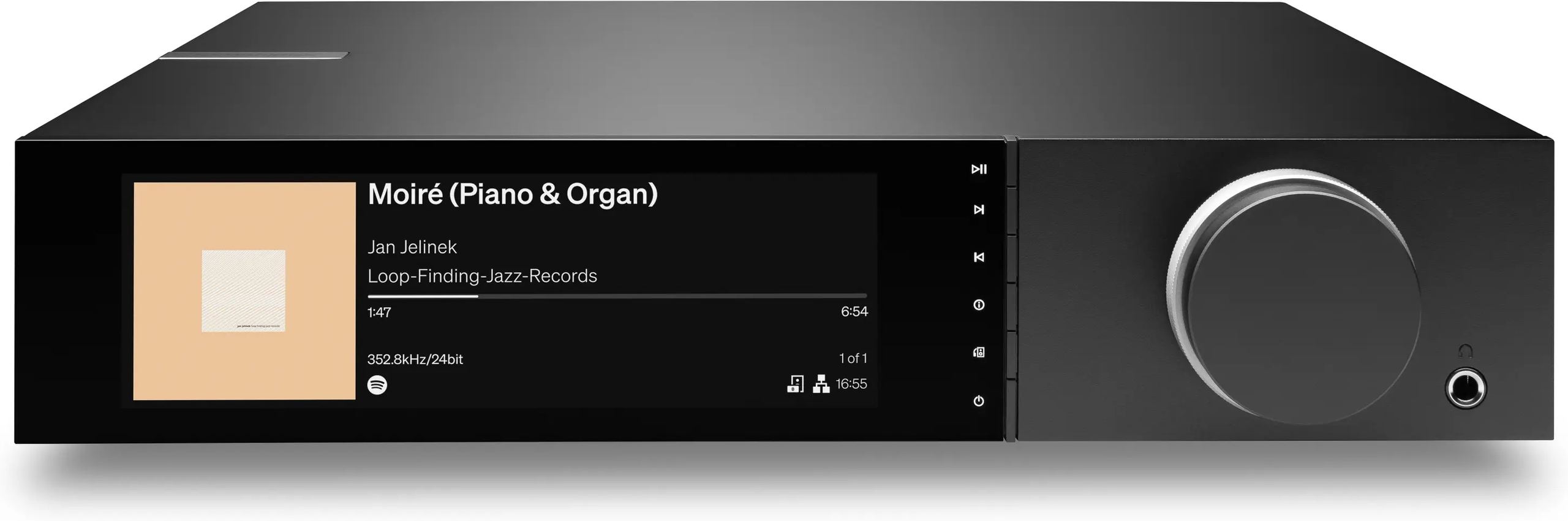
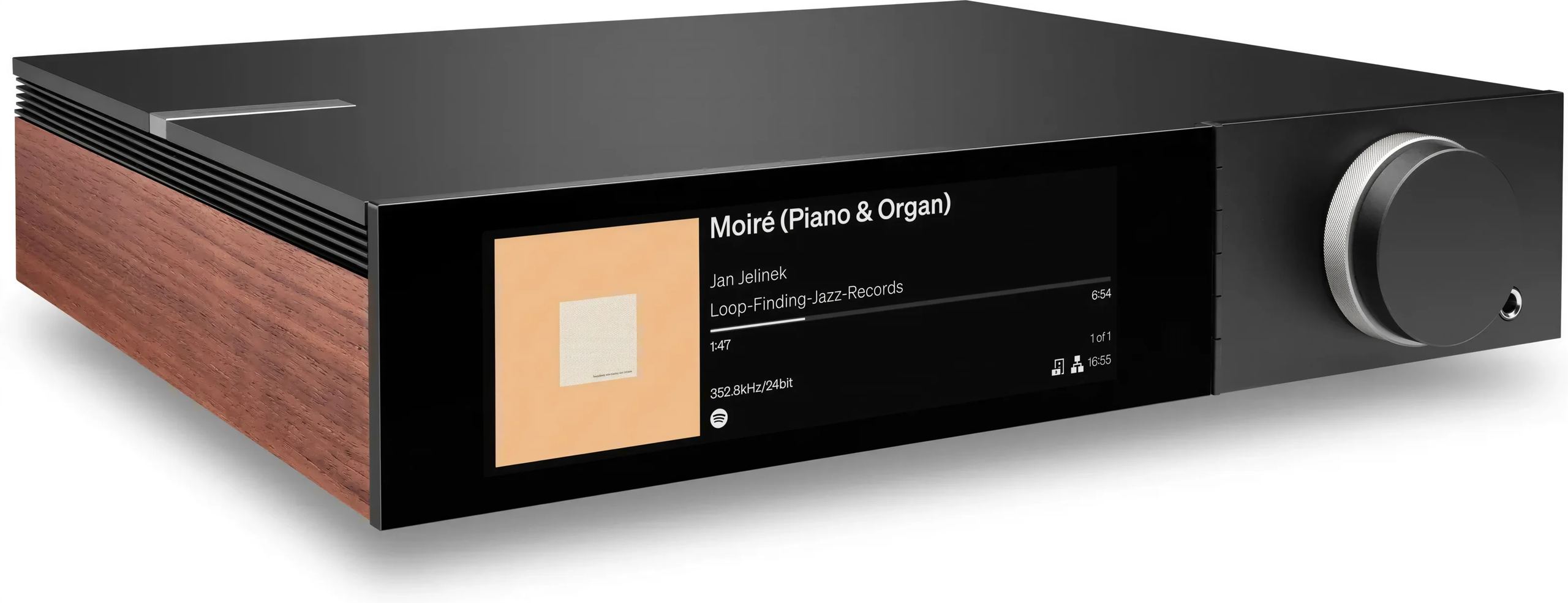
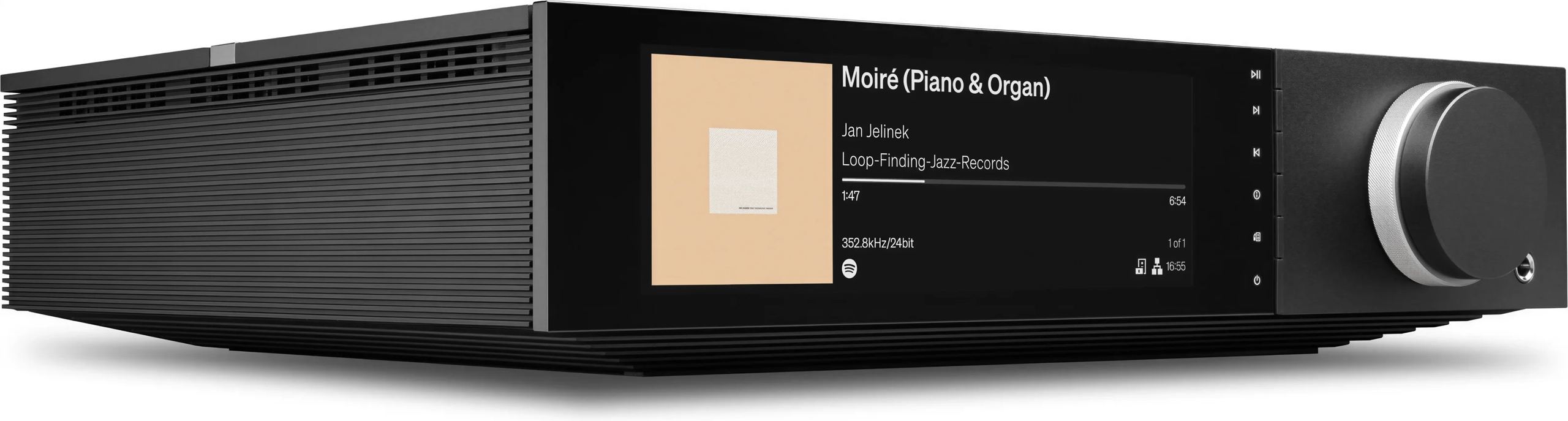
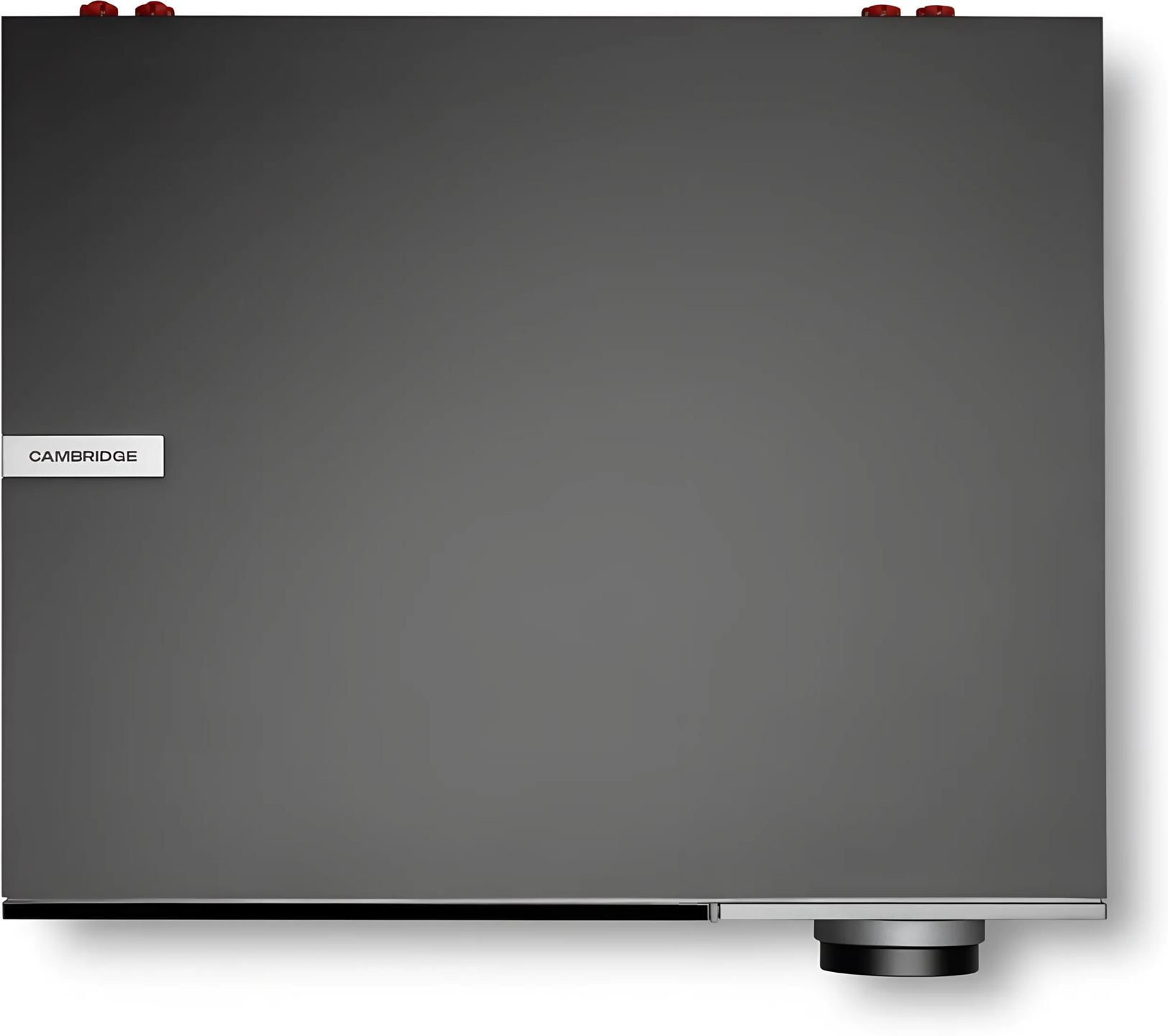
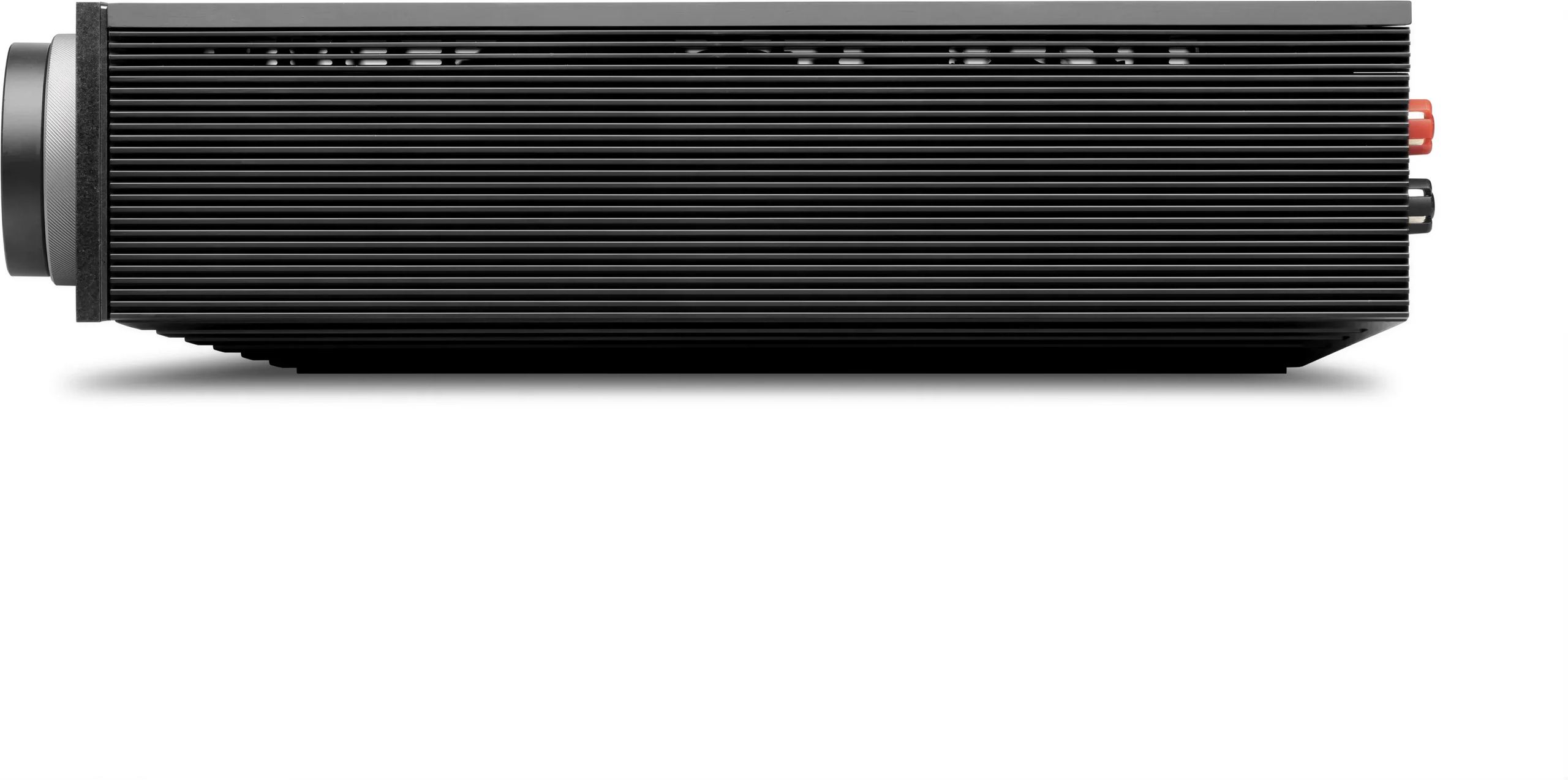
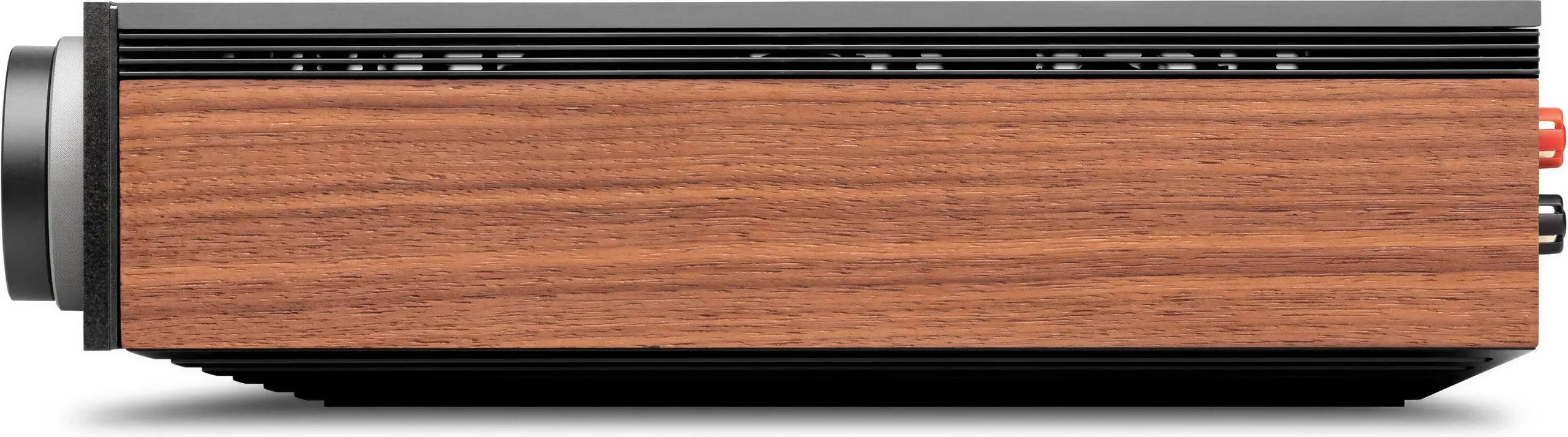
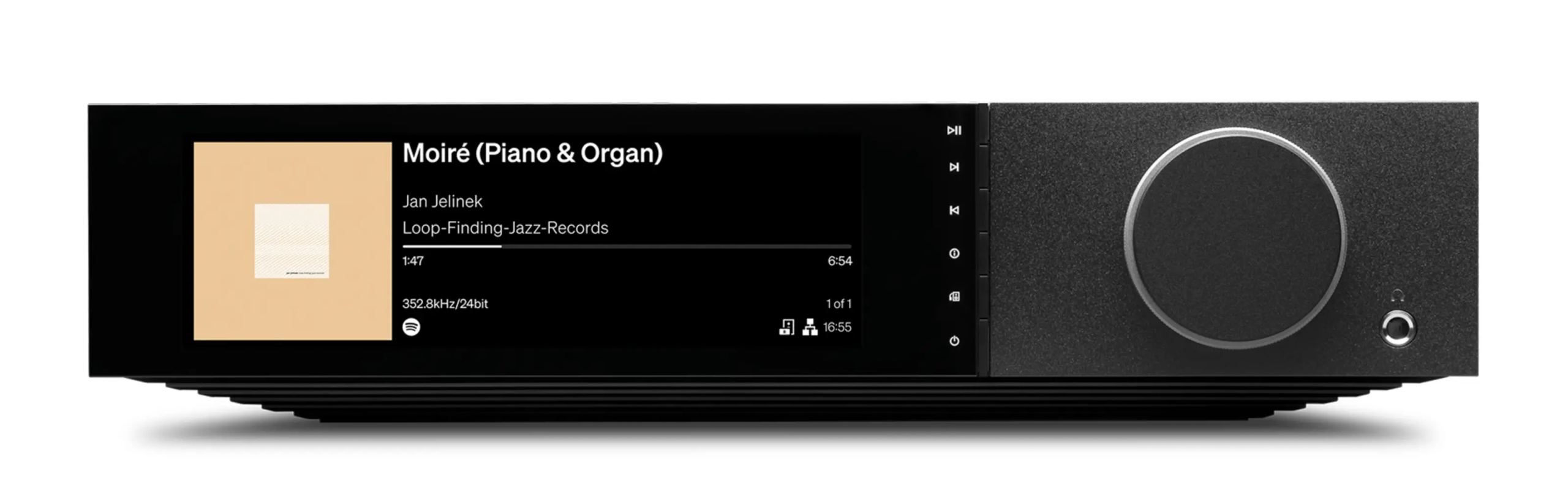
The 7.8-inch (19.8 cm) screen occupies a good part of the front panel and displays album covers, playback indicators, and source information. Its brightness can be adjusted, all the way down to full shutoff. The side panels of the Evo 300 are magnetic and interchangeable: the box contains one set in real wood and one black set with a more contemporary style, to clip on according to taste and furniture. The chassis, wider than that of the Evo 150 SE, measures 386 × 90 × 317 mm and weighs 7.2 kg. When installing the panels, the magnets can pinch fingers if they are not positioned correctly: it is better to hold each side panel from the back.
The Evo 300 compared with the Evo 150 SE
Within the Evo range, the Evo 300 takes the principle of the Evo 150 SE and pushes each stage further. Power doubles, from 150 to 300 watts per channel. Where the Evo 150 SE uses a classic stereo design with an unbalanced preamplifier and a shared volume control, the Evo 300 moves to dual mono, a balanced preamplifier, and analog volume adjusted separately for each channel and for the subwoofer. Digital conversion moves upmarket with the ES9038Q2M DAC, and bass management becomes controllable from the app rather than a simple subwoofer output. The screen also grows, from 6.8 to 7.8 inches, on a more substantial chassis.
What the press says
As a proposition, the Cambridge Audio Evo 300 ticks several boxes. It's a smart-looking, well-built, feature-packed unit that comes with a streaming platform and control app which many brands could only dream about creating. It also produces a weighty, powerful sound with a decent amount of detail. However, in our opinion, despite all that power, the sound it produces falls flat. [...] We had big hopes for the Evo 300, but in that search for more power it feels like something has been lost along the way.
Documentation
French
Technical specifications
Amplification and power
- Output power
- 2 × 300 W into 8 ohms
- 2 × 550 W into 4 ohms
- Amplification technology: Hypex NCOREx Class D
- Amplifier architecture: dual mono
- Preamplifier stage: balanced
- Volume control: precise analog adjustment for the left, right, and subwoofer channels
Digital conversion and audio formats
- D / A converter (DAC): ESS Sabre ES9038Q2M
- Supported audio formats: ALAC, WAV, FLAC, AIFF, DSD (up to ×512), WMA, MP3, AAC, HE AAC, AAC+, OGG Vorbis
- Frequency response: 20 Hz – 20 kHz (+0 / -3 dB)
- Sampling frequencies
- Optical: 16 / 24 bits, PCM 32–192 kHz
- Coaxial: 16 / 24 bits, PCM 32–192 kHz
- USB Class 1: up to 24 bits / 96 kHz
- USB Class 2: up to 32 bits / 768 kHz PCM, DSD512
- ARC: 16 / 24 bits, PCM 32–192 kHz
- Bluetooth: up to aptX HD (24 bits / 48 kHz)
Connectivity and connections
- Analog inputs: 2 RCA jacks, 1 balanced XLR input, 1 moving magnet (MM) phono input
- Digital inputs
- 1 optical TOSLINK
- 1 coaxial S / PDIF
- 1 HDMI ARC (TV)
- Built-in Bluetooth 5.4
- USB audio (Type B — USB Audio Class 1 or Class 2, user-selectable)
- Outputs
- Speakers A + B
- 6.35 mm headphone output
- Preamplifier output
- Subwoofer output
- Bluetooth 5.4 A2DP / AVRCP (up to aptX HD)
Streaming and network services
- Network and local streaming: UPnP, local USB media, AirPlay 2, built-in Chromecast, Internet radio
- Music services: Spotify Connect, TIDAL, MQA, Qobuz, Roon Ready, Deezer
Bass management
- Integration of subwoofer and main speaker bass via the app
Display and front panel
- 7.8-inch (19.8 cm) screen, full-size chassis
- 2 customizable side panels (included)
Power supply and power consumption
- Standby power consumption
- Less than 0.5 W in eco standby mode
- Less than 2 W in network standby mode
- Maximum power consumption: 1200 W
Dimensions, weight, and format
- Dimensions (W × H × D): 386 × 90 × 317 mm
- Weight: 7.2 kg
Box contents
- Evo 300 all-in-one player
- Quick start guide
- Safety guide
- Power cable
- Remote control
- 2 AAA batteries
Frequently Asked Questions
Should the Evo 300 remain connected to the Internet at all times?
Cambridge Audio strongly recommends it. A regular connection, via Wi-Fi or Ethernet, allows the Evo 300 to receive firmware updates that maintain security, compatibility with third-party services, and proper operation over time. Left in network standby overnight, it checks for and applies available updates on its own.
Does a computer need a driver for USB audio input?
On Mac, no driver is required. On Windows PC, USB Class 2 audio playback requires installation of the Cambridge Audio USB driver before connecting the Evo 300. The USB class (1 or 2) is selected by the user from the front panel or the app.
Can you play music from a USB flash drive or hard drive?
Yes, via the USB Media port and the StreamMagic app, which therefore requires an active network connection. The Evo 300 reads media formatted in FAT32, NTFS, and exFAT. High-capacity hard drives may require their own power supply, as the port does not always provide enough current to operate them on its own. This port does not charge Apple mobile devices and does not provide any functionality with them.
Does the tone control affect all outputs?
The Evo 300 offers a digital tone control to tailor the sound to your preferences, or a mode that bypasses all processing to leave the sound as set at the factory. This setting does not affect DSD streams and is not available on the Bluetooth output.
Can the subwoofer be adjusted during DSD playback?
No: apart from enabling or disabling it, the subwoofer’s fine settings are not accessible with a DSD stream. These settings also do not affect the headphone output or the Bluetooth output.
Is there a CD player to match the Evo 300?
Yes. The rear panel has a dedicated input for an Evo CD player, which can then be controlled directly from the Evo 300 remote control and front panel, without any additional remote control.
- Eco-contribution included in the sale price.
- GTIN / EAN: 5055300421876