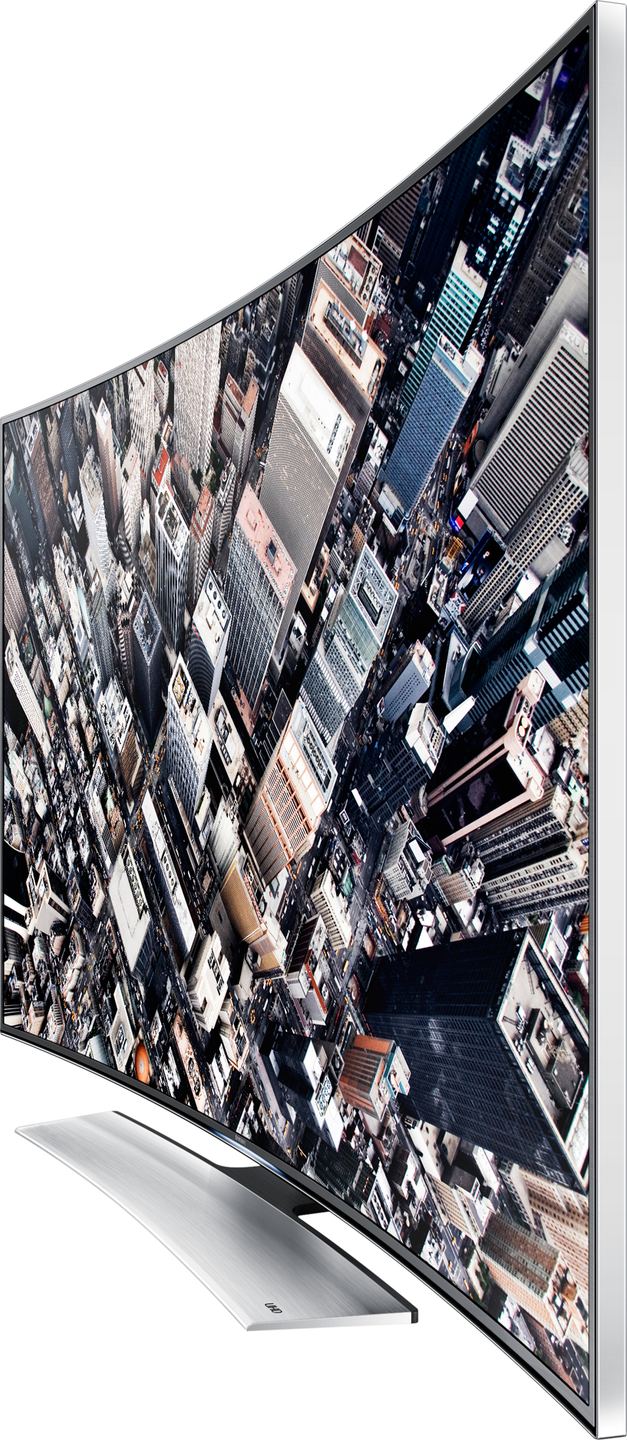
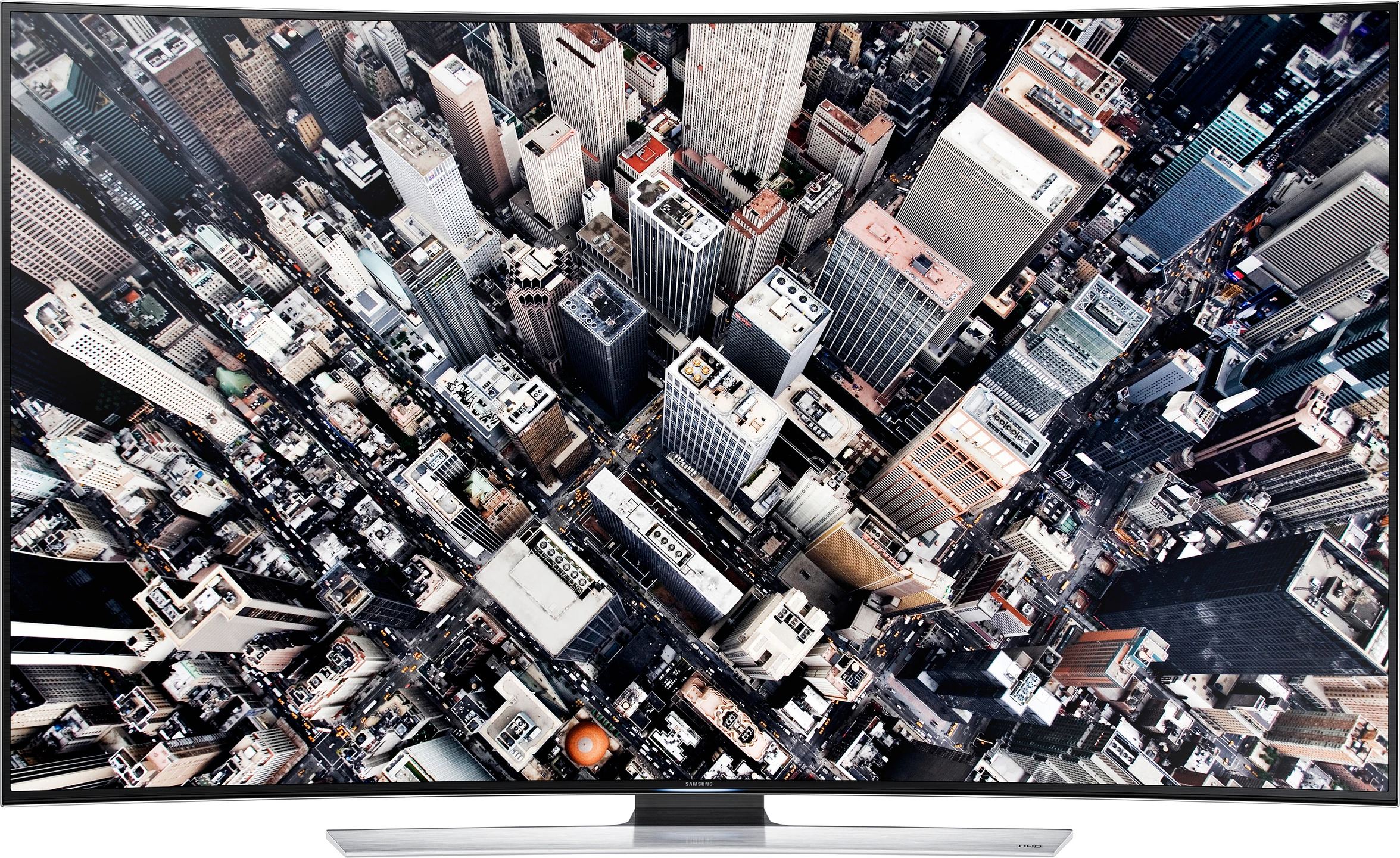
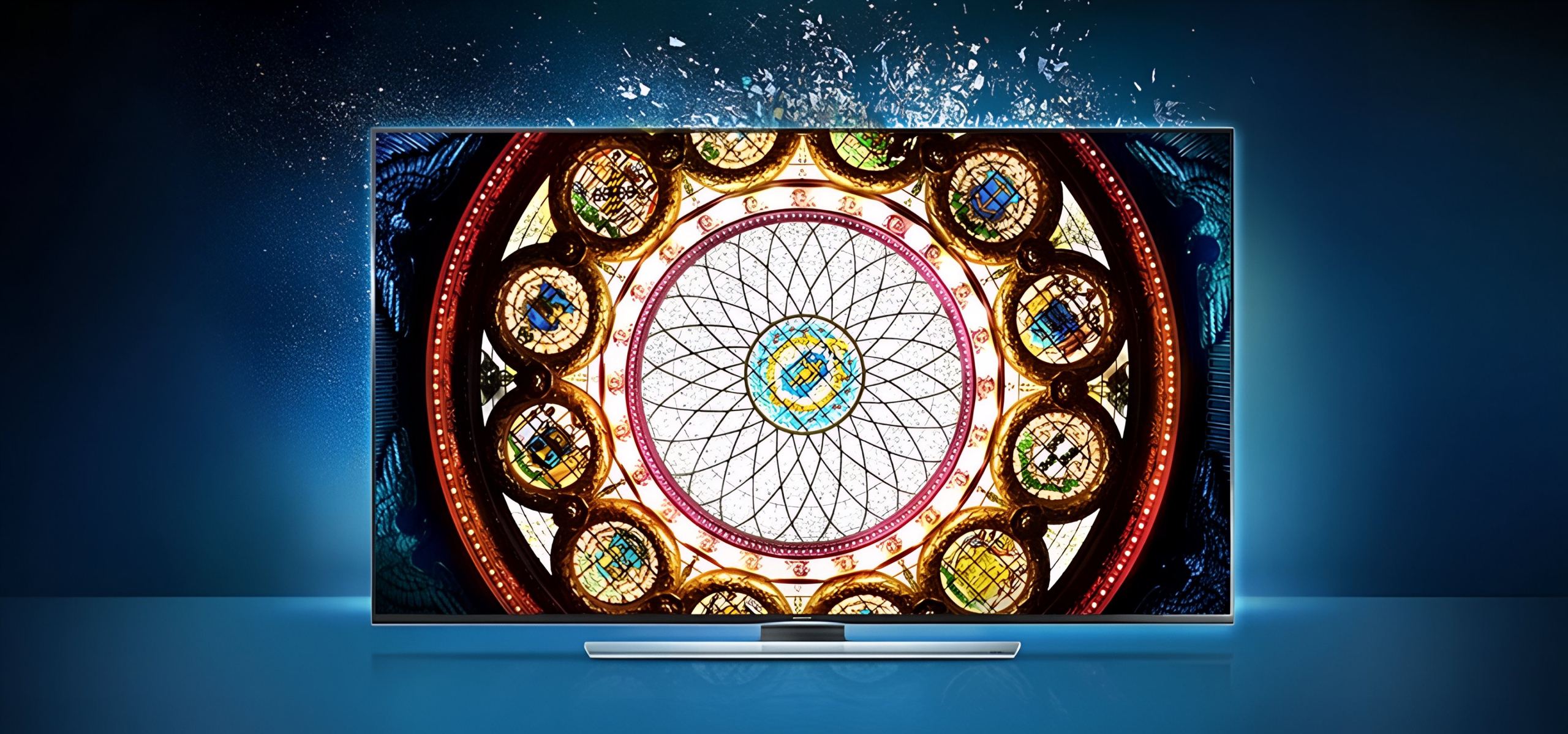
Thanks to Color Brilliance technology, view your images as they would appear in nature. Hues are reproduced with extreme precision, as if you were there.
Everything you see on the screen becomes more realistic. Colors come to life before your eyes and you can now enjoy all the detail of your Ultra High Definition images.
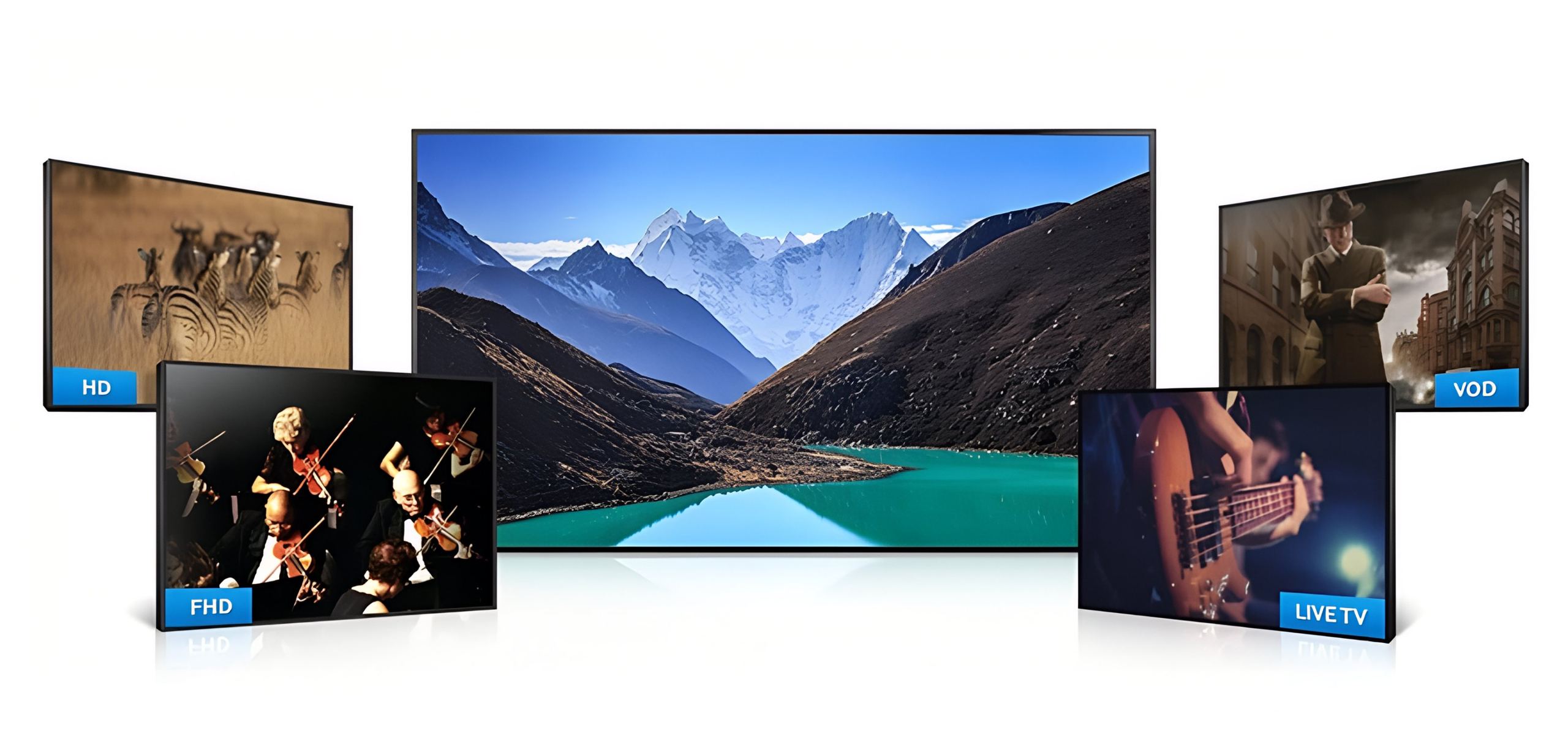
Better image quality for all your sources
The advanced UHD Upscaling process allows you to enjoy near Ultra HD quality for all the sources you have at home. Samsung’s innovative technology enhances the picture from your TV signal as well as your movies or VOD. You can thus fully enjoy your TV’s resolution even without using a UHD source.
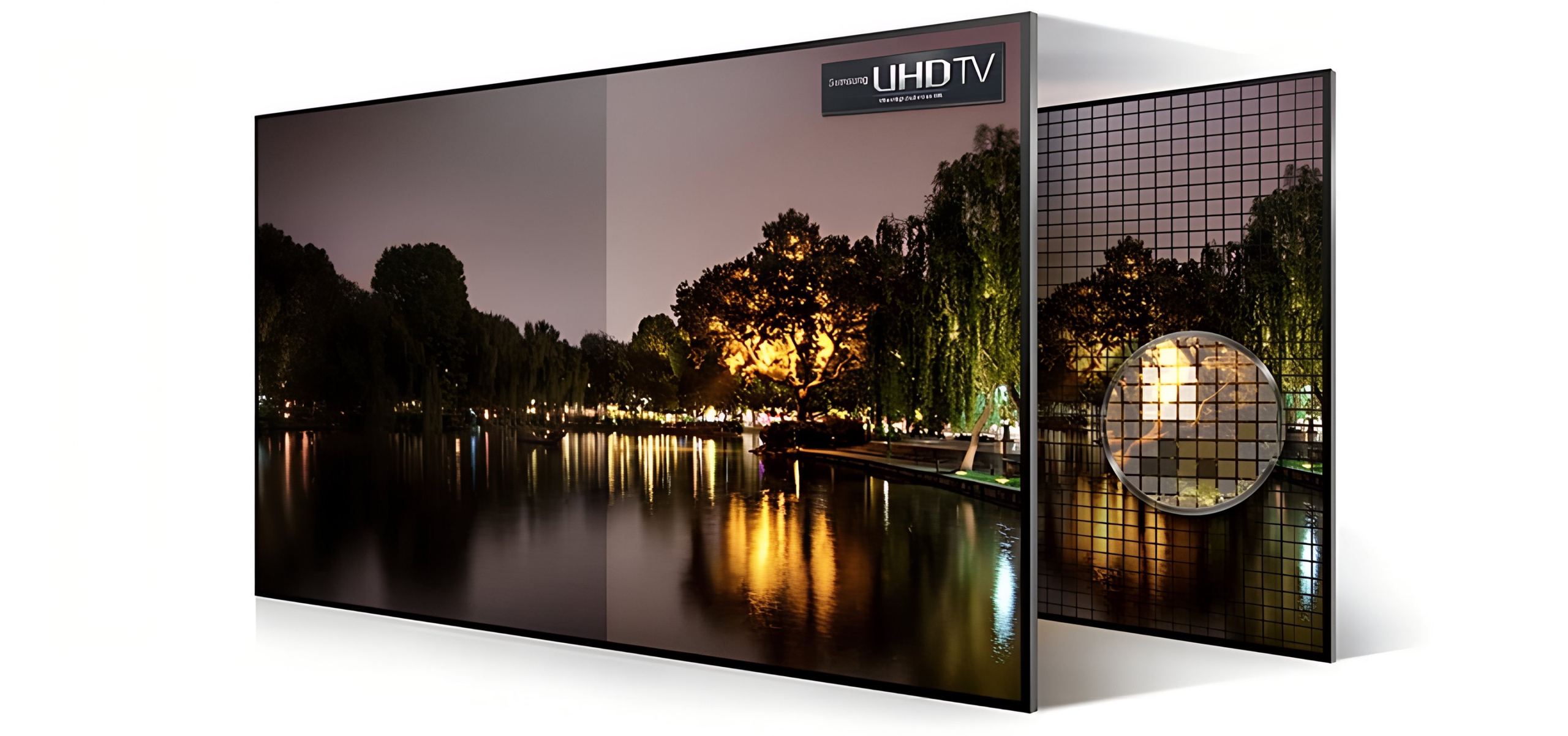
A more detailed image, optimized for Ultra HD
Samsung’s exclusive UHD Dimming technology optimizes contrast, color and details in an extremely fine and precise way. Each area of the image receives specific treatment and the rendering is even more impressive in Ultra HD.
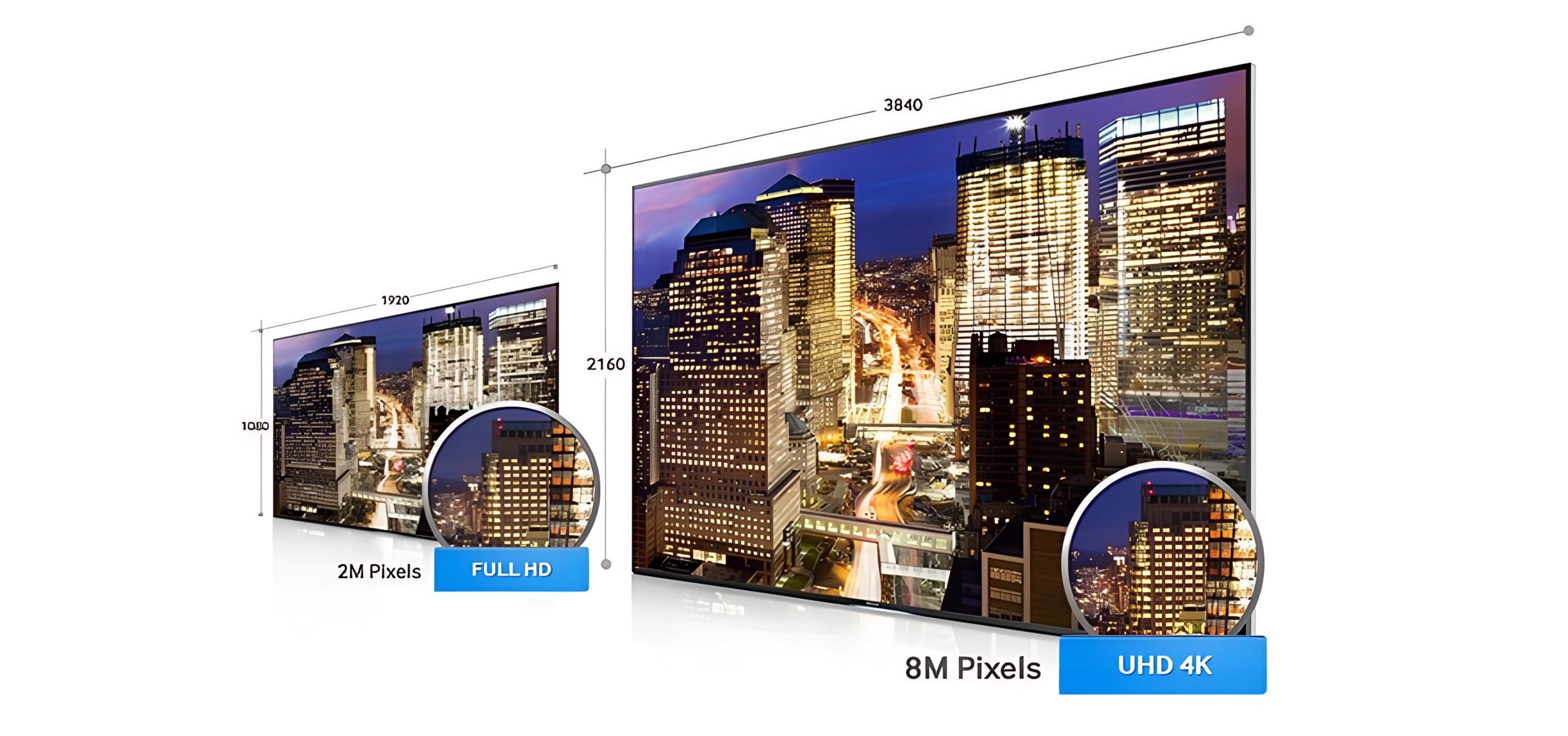
4x the resolution of Full HD
Ultra High Definition means you’ll see every detail of the image as sharply and precisely as possible. Your Samsung Ultra HD TV delivers 4x the resolution of Full HD and colors as true as nature.
Let yourself be surprised by this new image quality that will make you live an unprecedented experience.
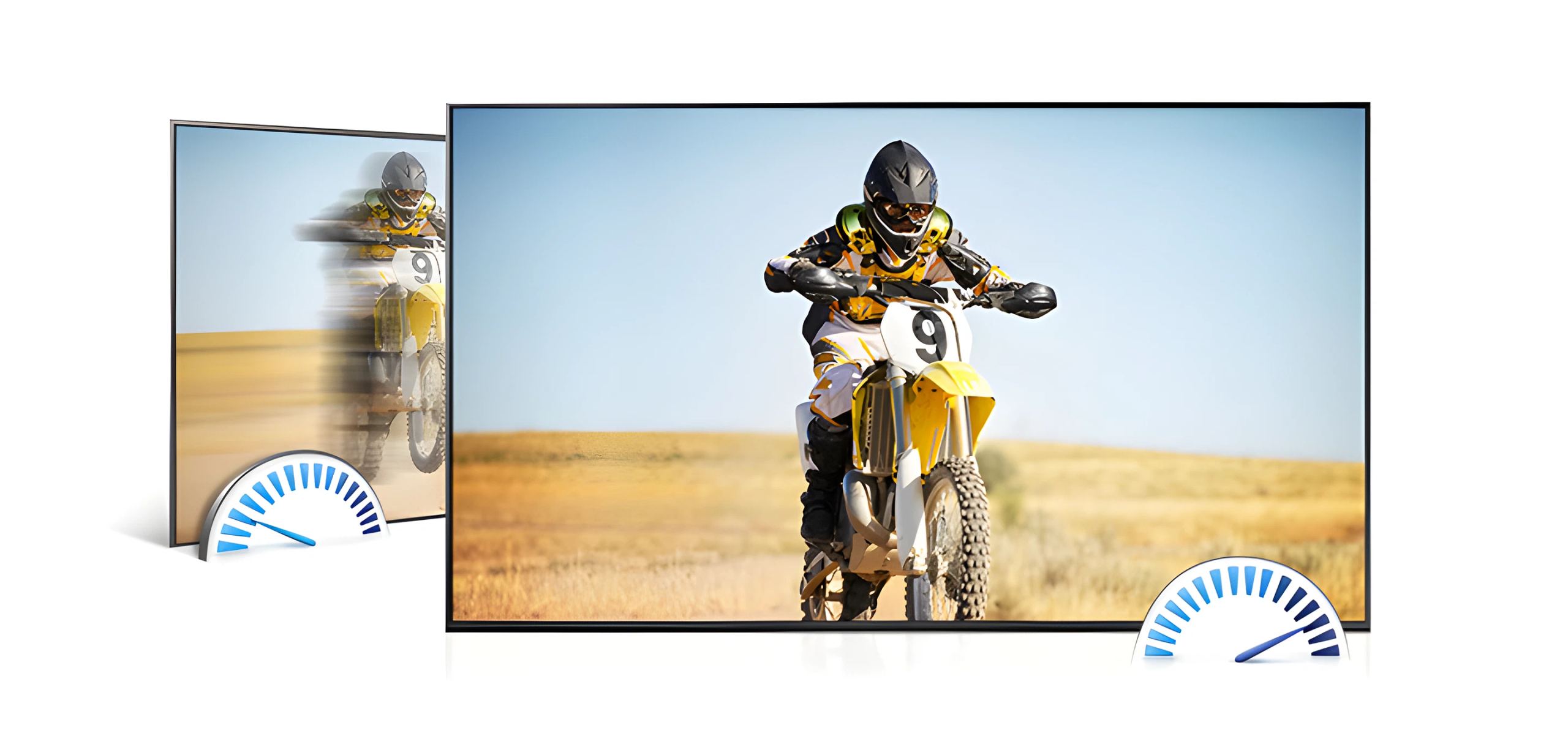
Sharp images, even in motion
Samsung’s Clear Motion Rate (CMR) technology eliminates blurring of moving objects in fast-paced scenes. A high level of CMR will give you breathtaking action or sports scenes.
This performance is made possible by combining the performance of the TV’s panel, image processor and backlight.
Future-proof
Technology is constantly evolving, just like Samsung televisions. With the Evolution Kit, you can update your Samsung TV to make it compatible with future Ultra HD standards without having to change your TV.
With Future Ready technology, you’re prepared for tomorrow.
All the space for the image, the sound remains discreet but powerful
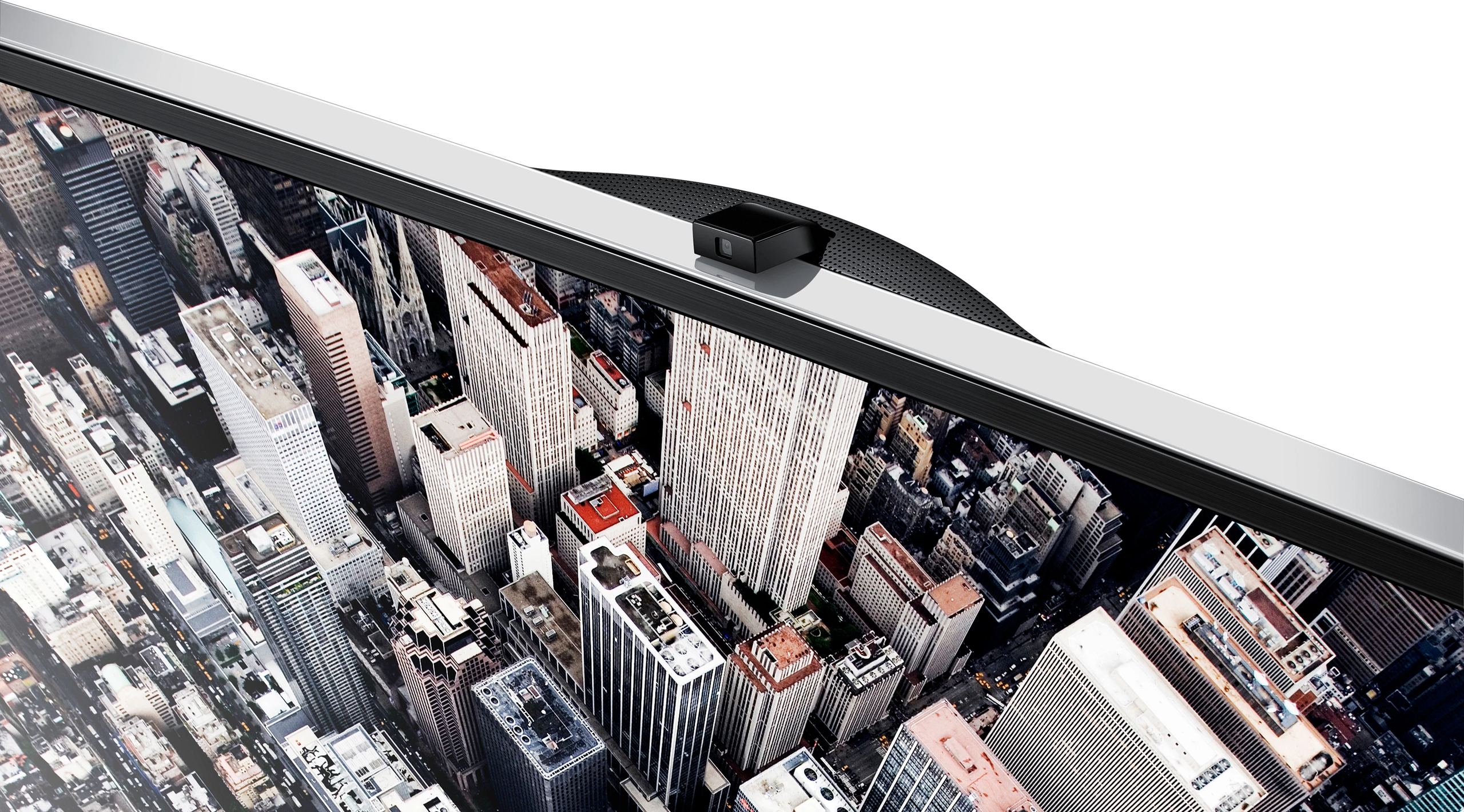
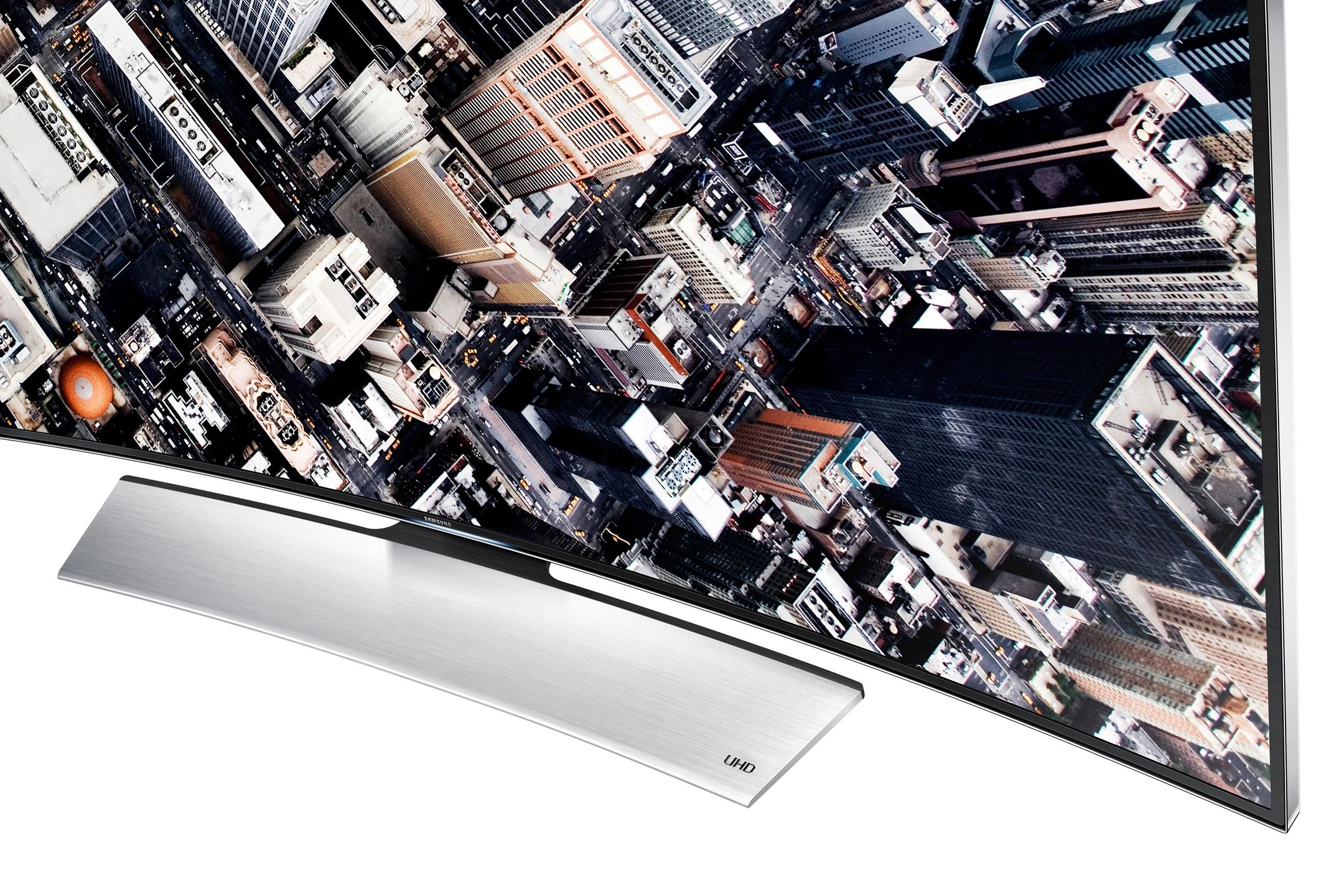
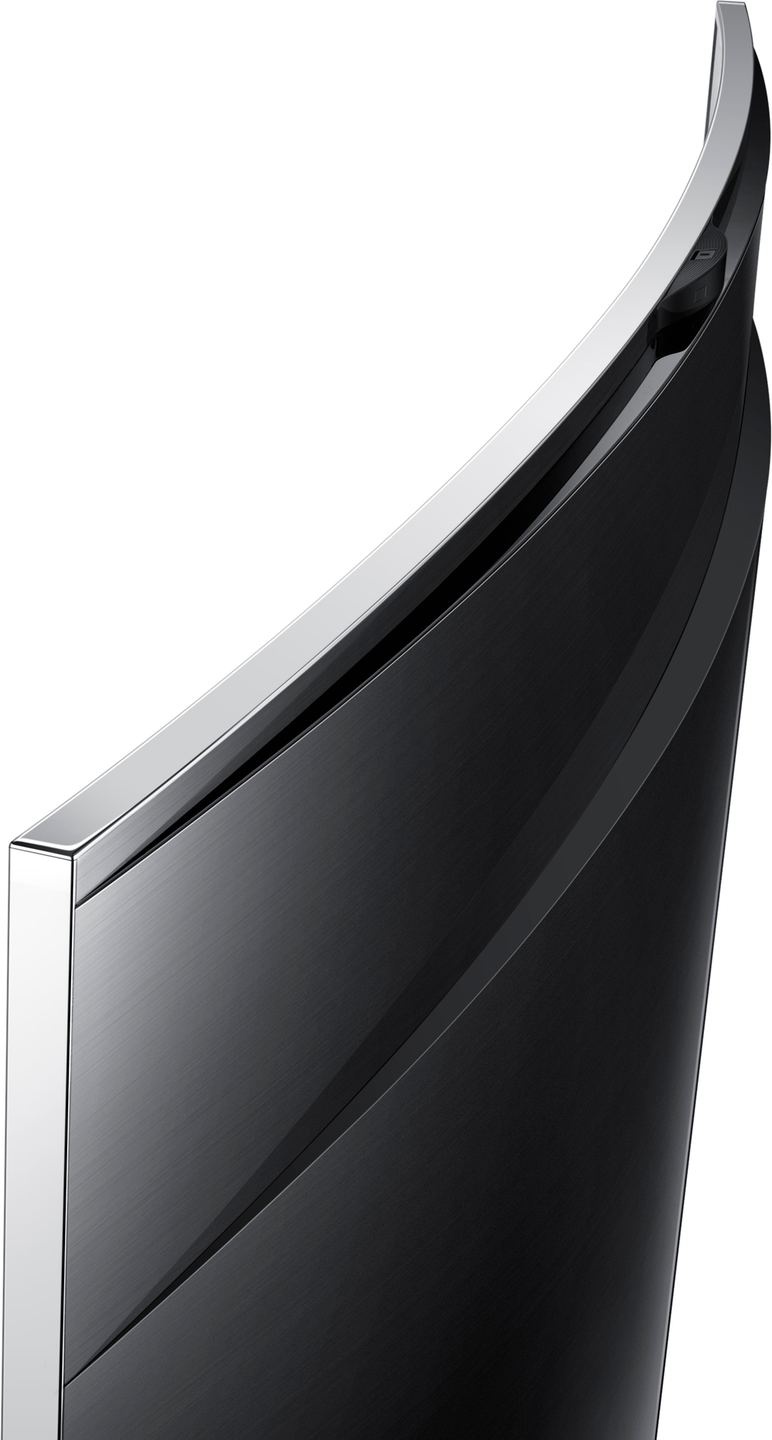
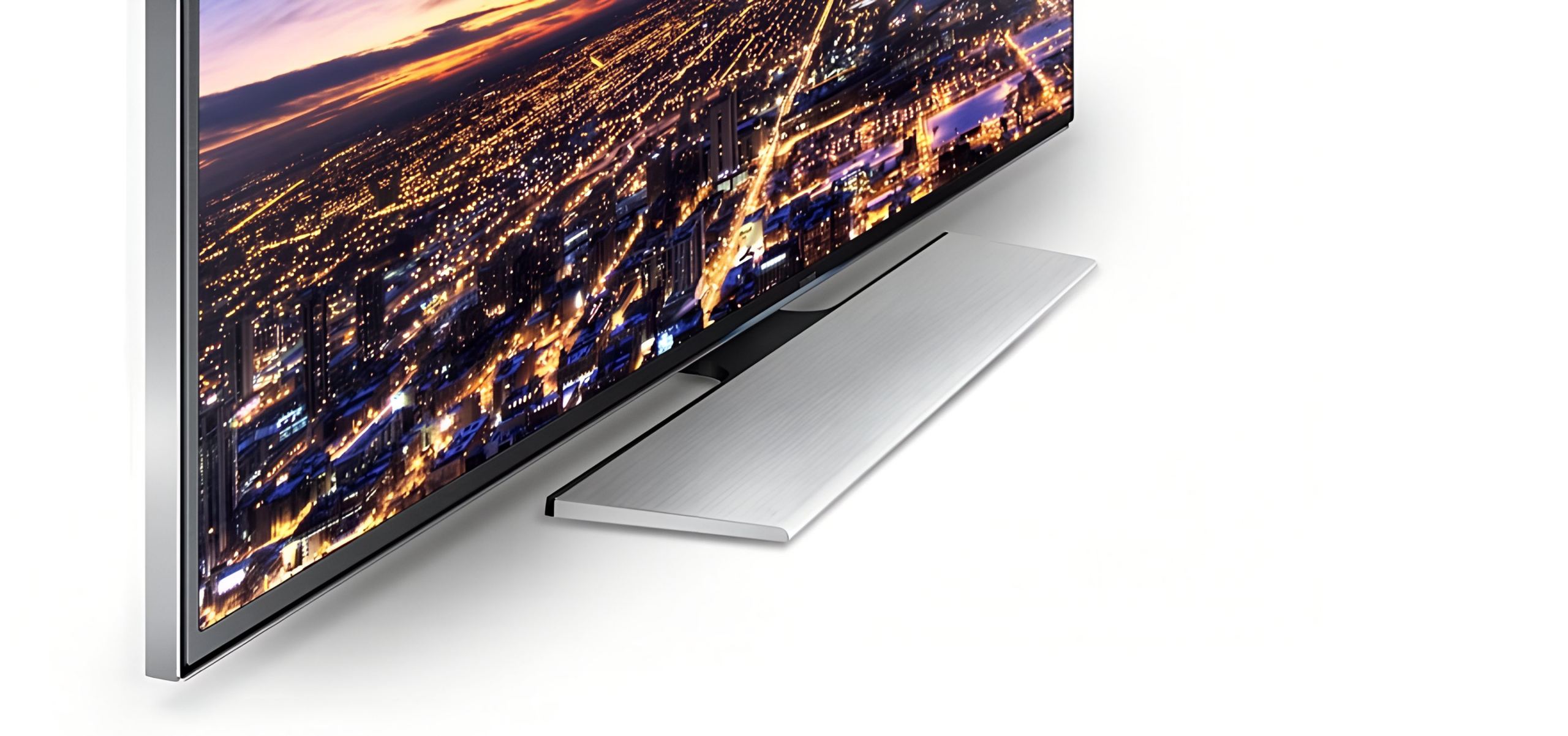
With the Samsung Aero design, you’ll quickly forget the ultra-thin edges of your TV to see only the image, which seems suspended in the air.
The high-end materials and premium finishes make your TV a decorative object in its own right that you’ll be proud of. The speakers are subtly integrated into the frame of your TV to provide you with pure and powerful sound discreetly.
A question? A recommendation? Just ask your TV.
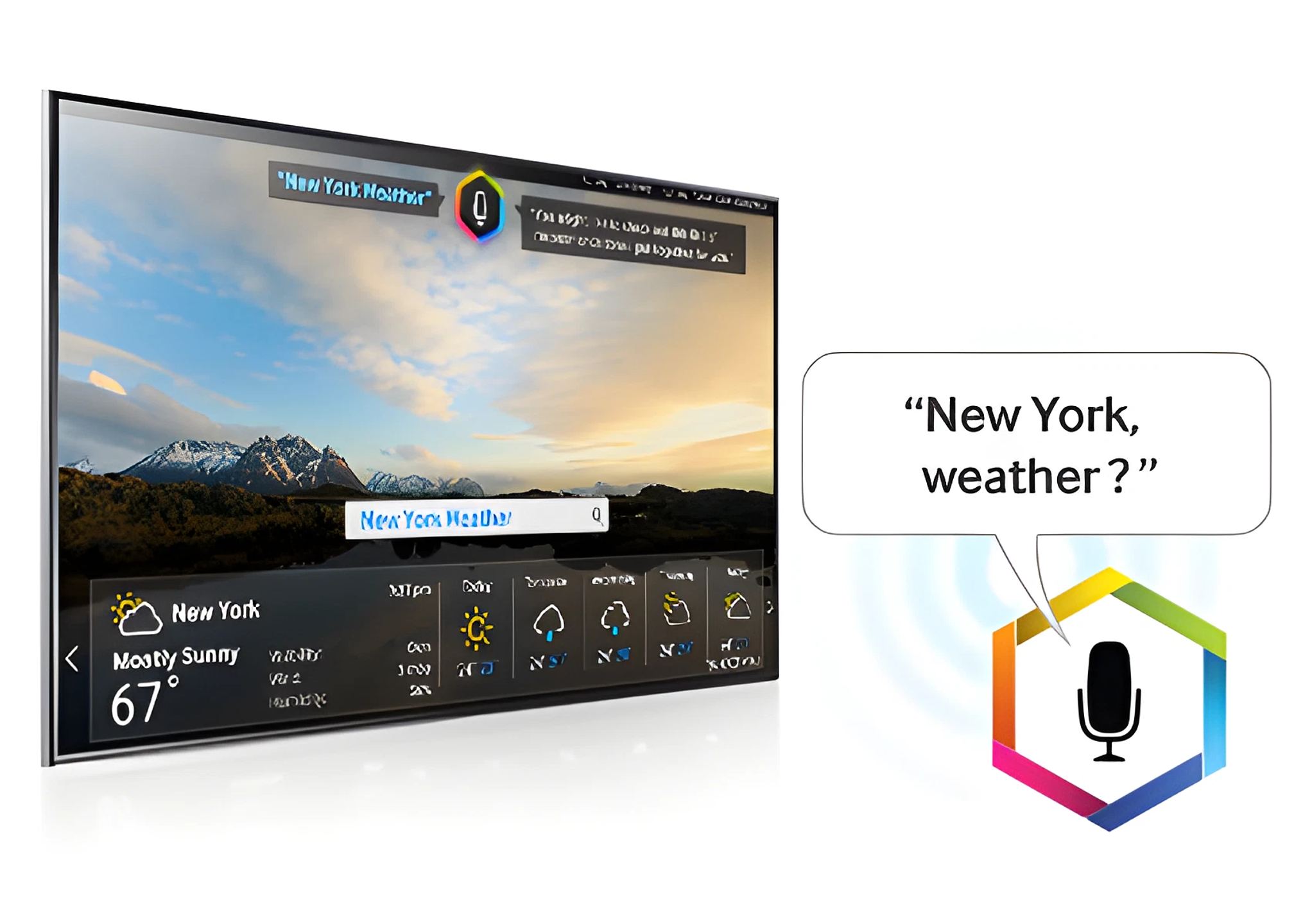
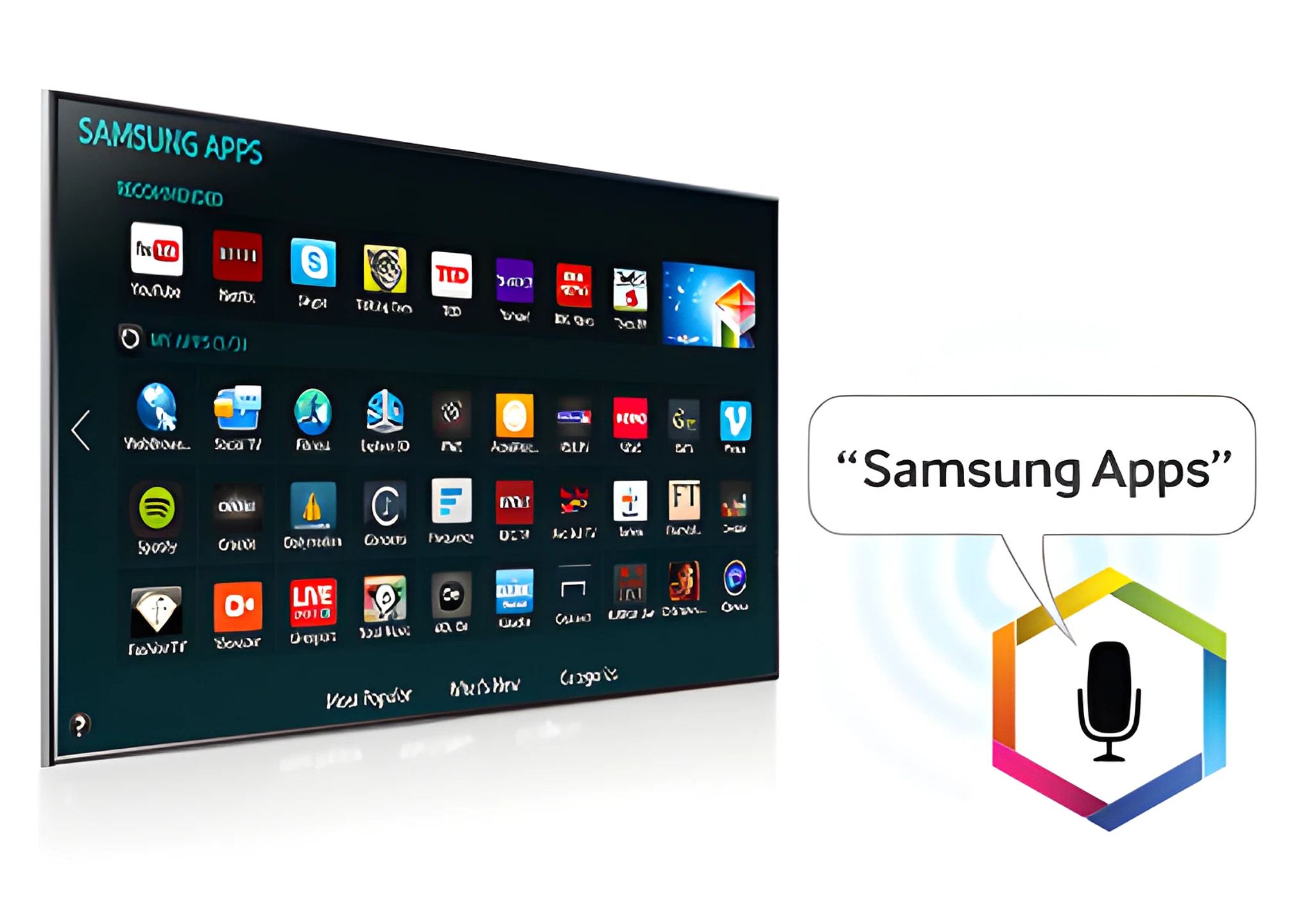
Samsung perfects voice interaction so you can ask your TV for anything.
Want to watch a particular movie? Say “Find” followed by the name of your movie. Or say “Can you find me the movie…?” Your TV understands your voice and responds to you.
One keyword to control
Samsung improves voice interaction to allow you to control your TV and find what you want by just saying a word. If you want to watch a movie, press the “Voice” button on your remote control and simply say its name. To launch an application, like YouTube for example, say “YouTube”. If you want to surf a website, just say its address.
With Samsung’s voice interaction, it’s that simple.
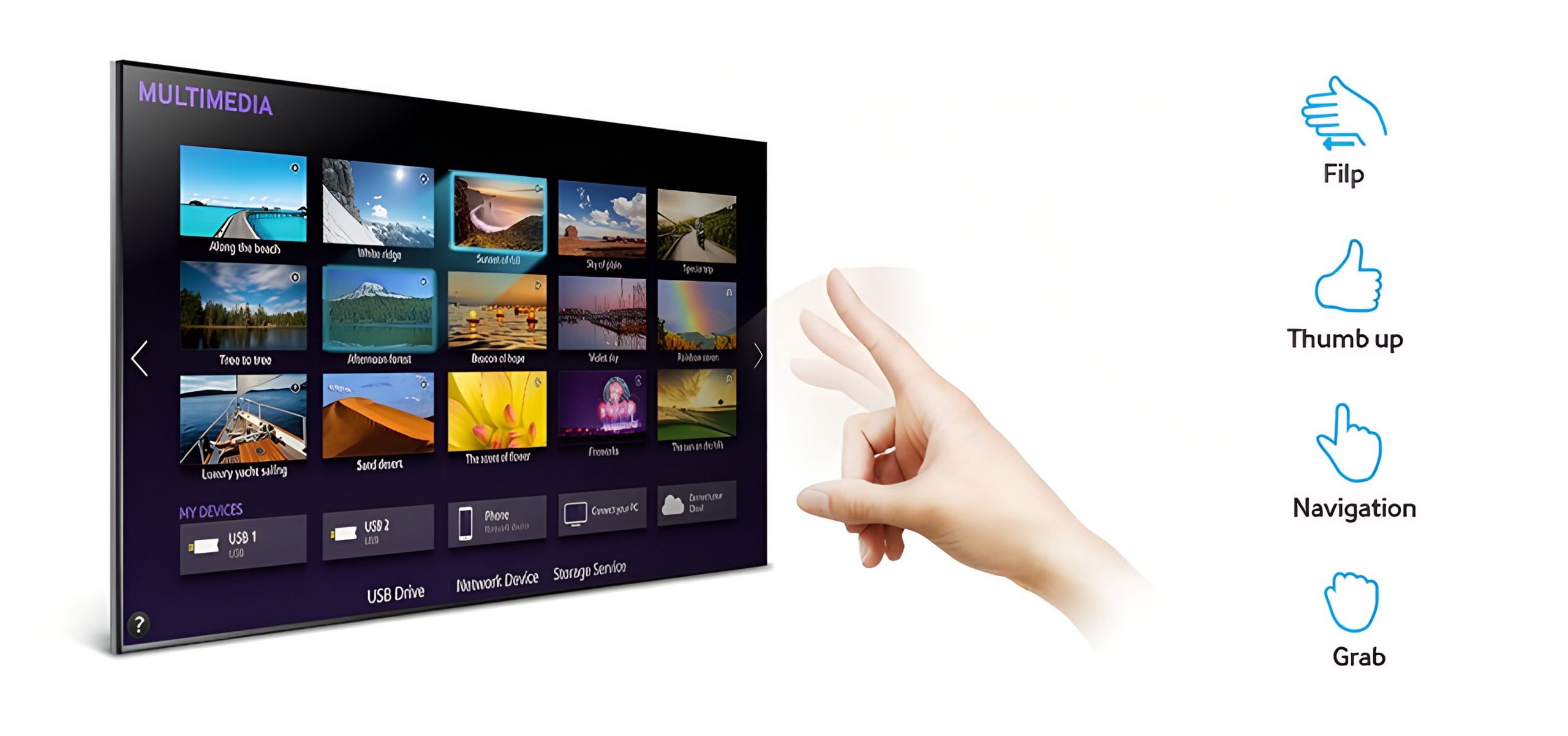
Your TV obeys your every command
With the latest gesture control technology, you can not only control your TV with hand movements, but also with simple gestures using just one finger!
The gesture control is precise enough to recognize your fingertip, allowing you to navigate the Internet, scroll through browser pages, change the volume or channel, launch an application, or simply navigate the Smart Hub.
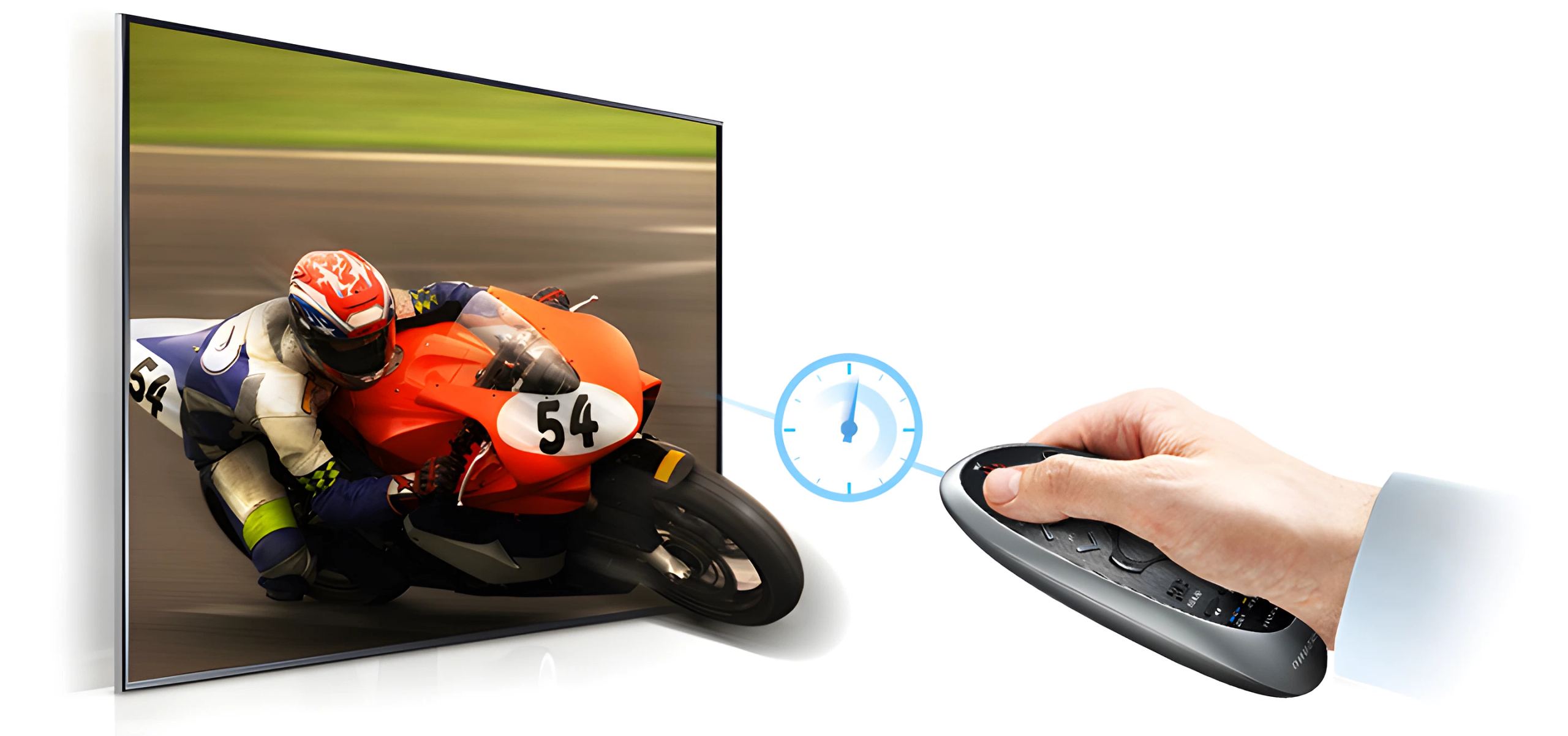
Instant On
The Instant On function allows your TV to start up in less than two seconds. That’s much faster than a Samsung Smart TV in 2013. Spend less time waiting, and more time enjoying your Smart TV.
The Smart TV becomes even more intuitive with the new Smart Touch remote control
Forget your old remote control thanks to Samsung’s Smart Touch remote. This modern and compact remote has all the buttons you need to use your TV on a daily basis. It is also equipped with a touchpad and pointer for easy navigation on Smart Hub pages and the Internet. The on-screen cursor allows you to enter text very quickly and the video control buttons will be very handy for controlling your movies, on the TV or your Blu-Ray player.
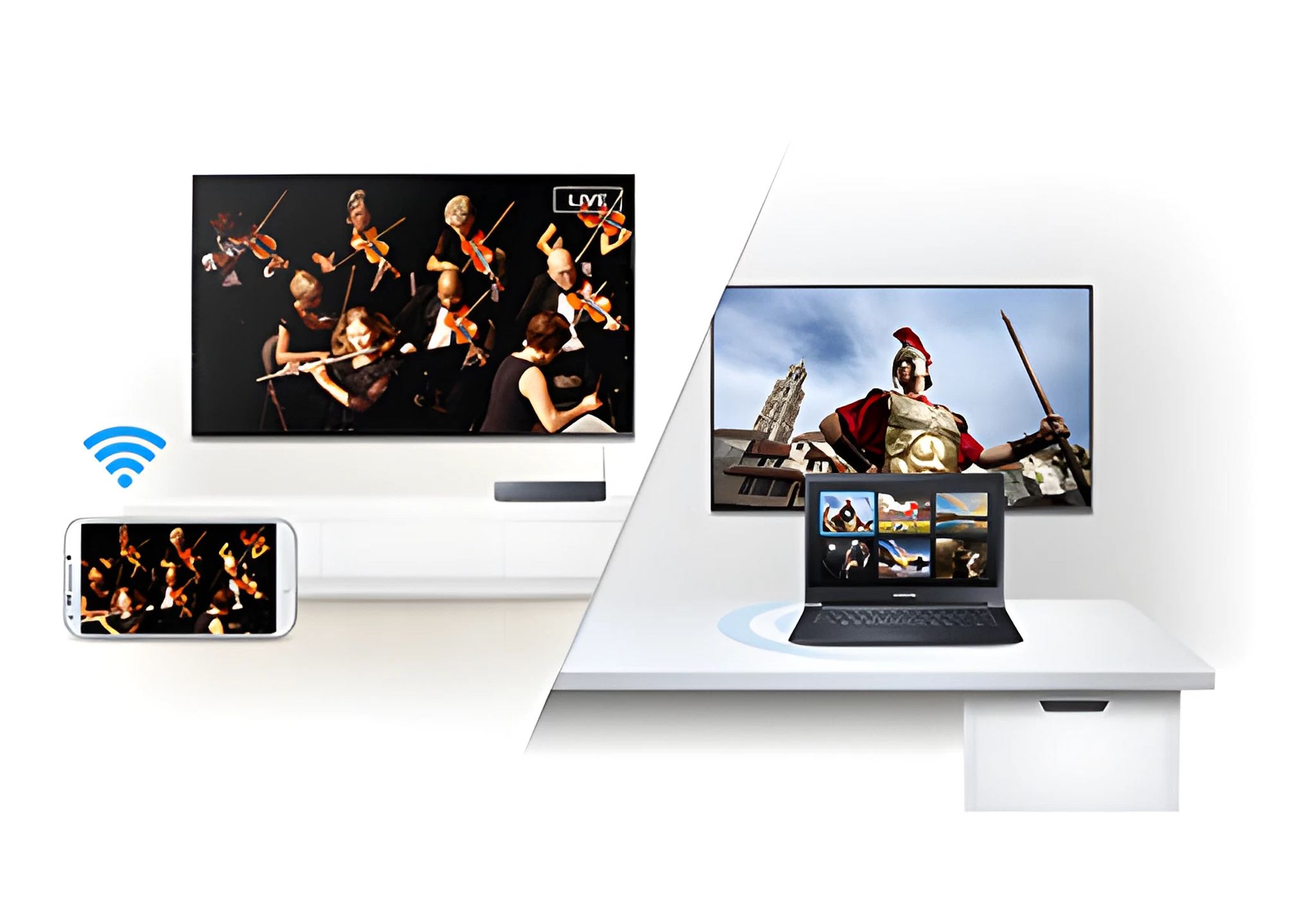
A single app to share everything
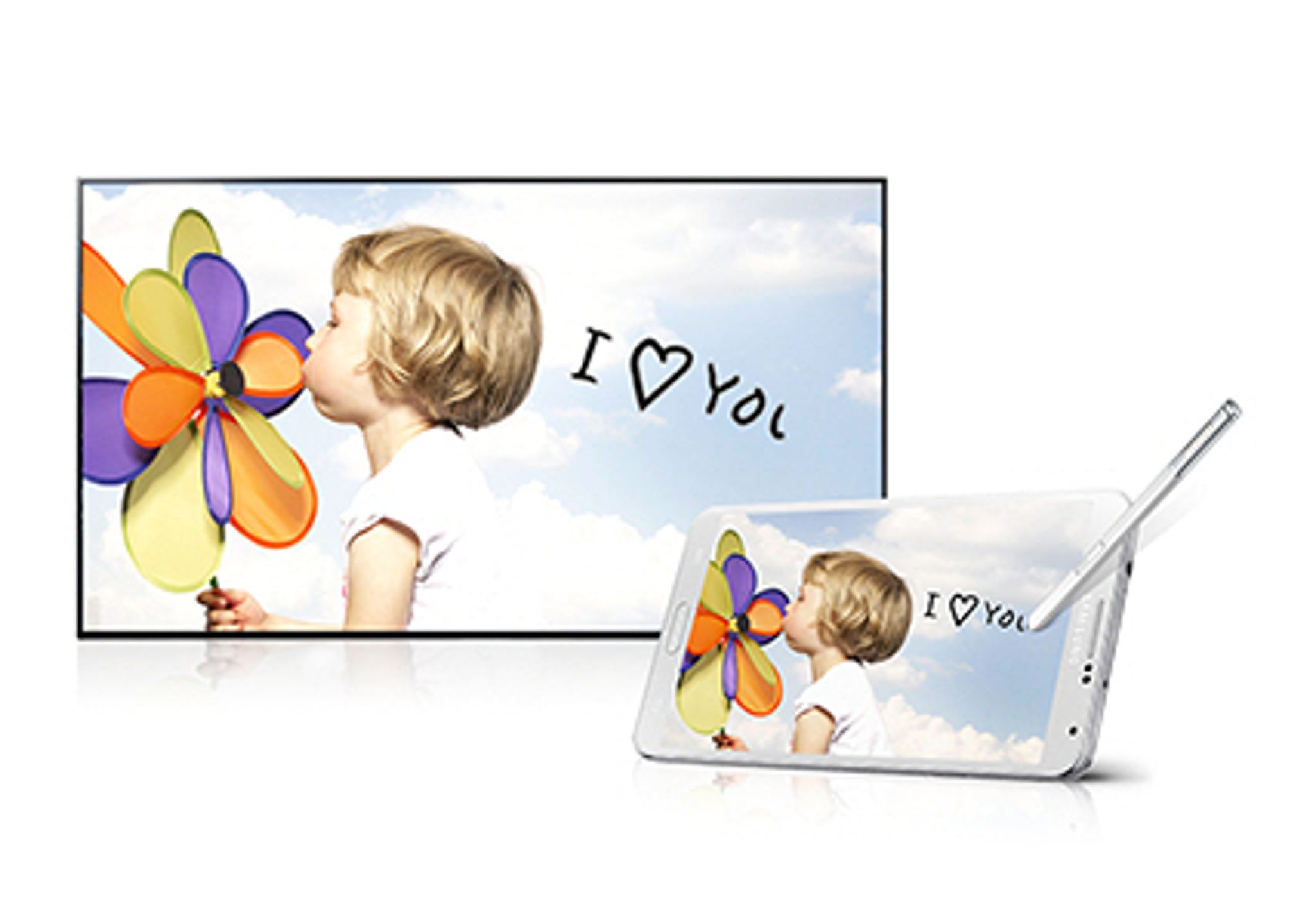
With the Smart View 2.0 app, it’s now child’s play to share your content between your different screens. Via your Wi-Fi network, you can find the content broadcast on TV on your smartphone or tablet. You can also watch all the photos or videos stored on your smartphone on your TV’s big screen.
It’s so simple, you don’t have to do anything, just launch the app.
Mirror your mobile on the big screen, easily and quickly
With your new Samsung Smart TV, you can mirror the content of your mobile device on the TV’s big screen, quickly and easily. No need to adjust your TV or press a series of buttons. Just open your mobile device’s settings, select Screen Mirroring and choose the screen you want to project your device’s content to. That’s it!
There’s nothing else to do to enjoy your apps, games and much more.
The Smart TV is even faster thanks to the power of the Quad Core processor
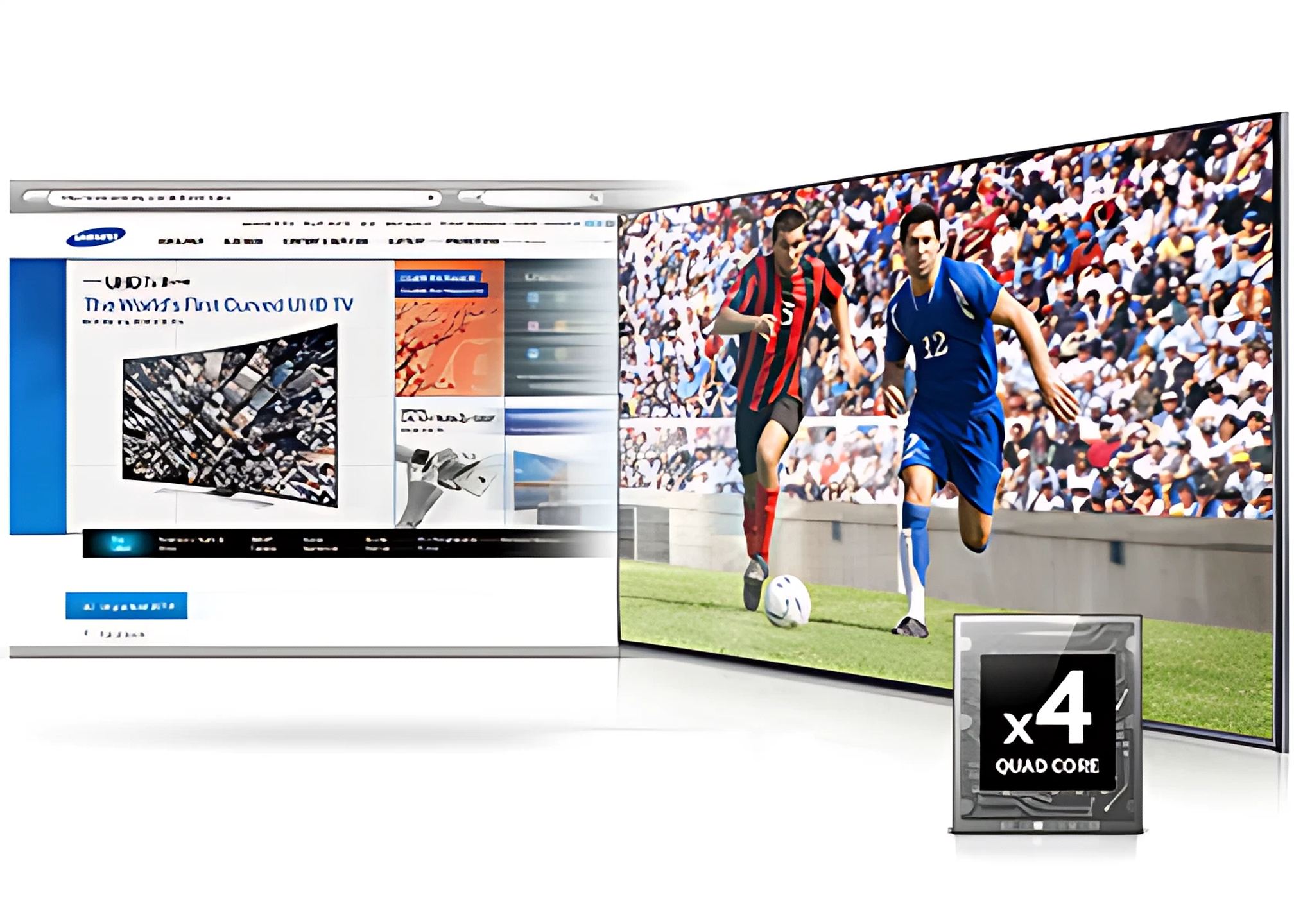
Thanks to a powerful Quad Core processor, your entire Smart TV becomes even faster. You’ll feel the difference right away, whether browsing the Internet or quickly switching from one app to another.
With all this extra power, spend more time enjoying, and less time navigating.
Play video games, without a video game console
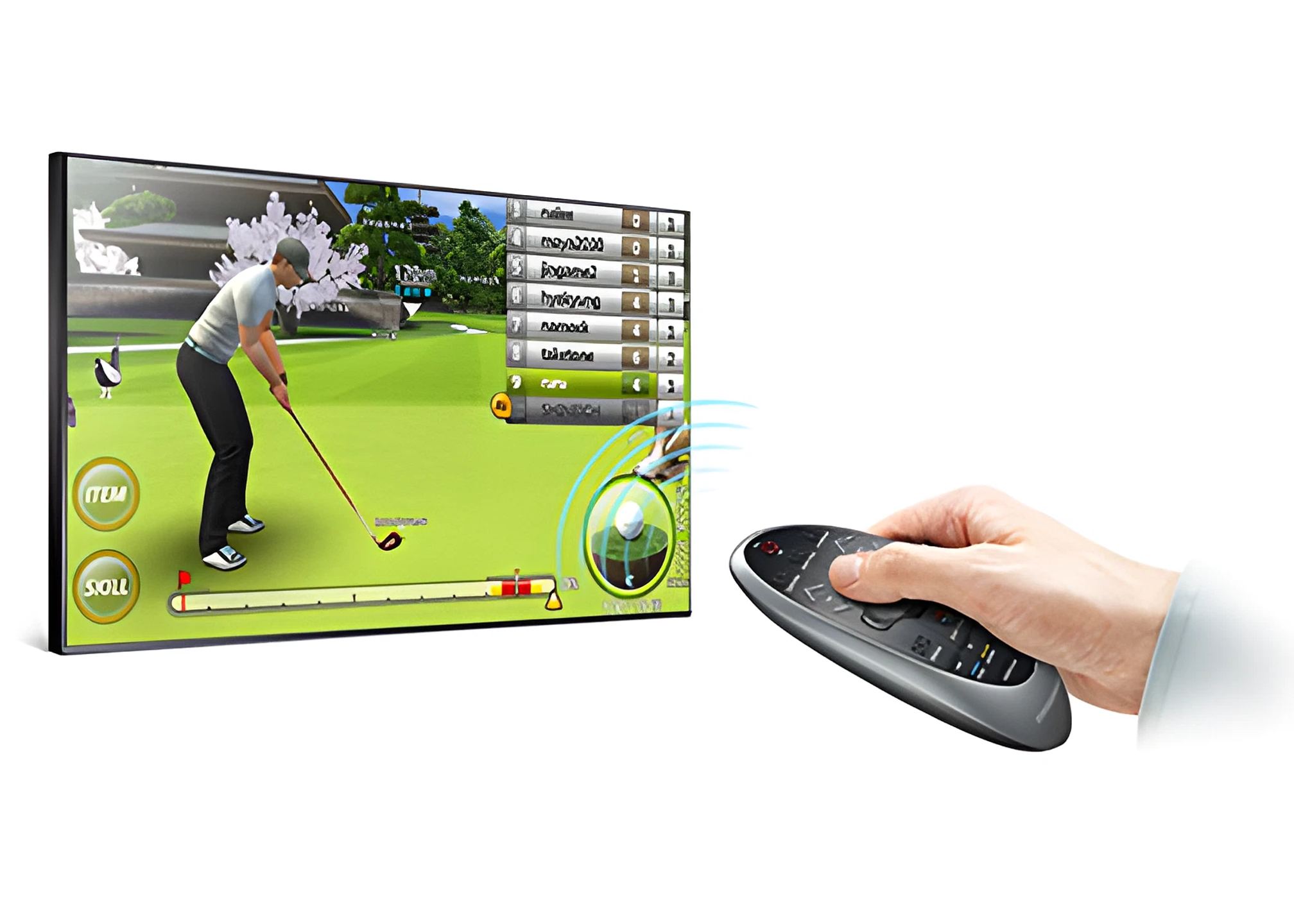
No more need for a console, you can find a selection of games directly on your Smart TV. Make your choice from the selection of games available on the “Games” page of your Smart Hub, in categories as varied as Racing, Sports, Action, Family.
To play, you can use your Smart Touch remote control, your mobile device or a compatible game controller. But whatever your choice, you will have a great time with family and friends.
The sensations of the stadium and more, from your couch
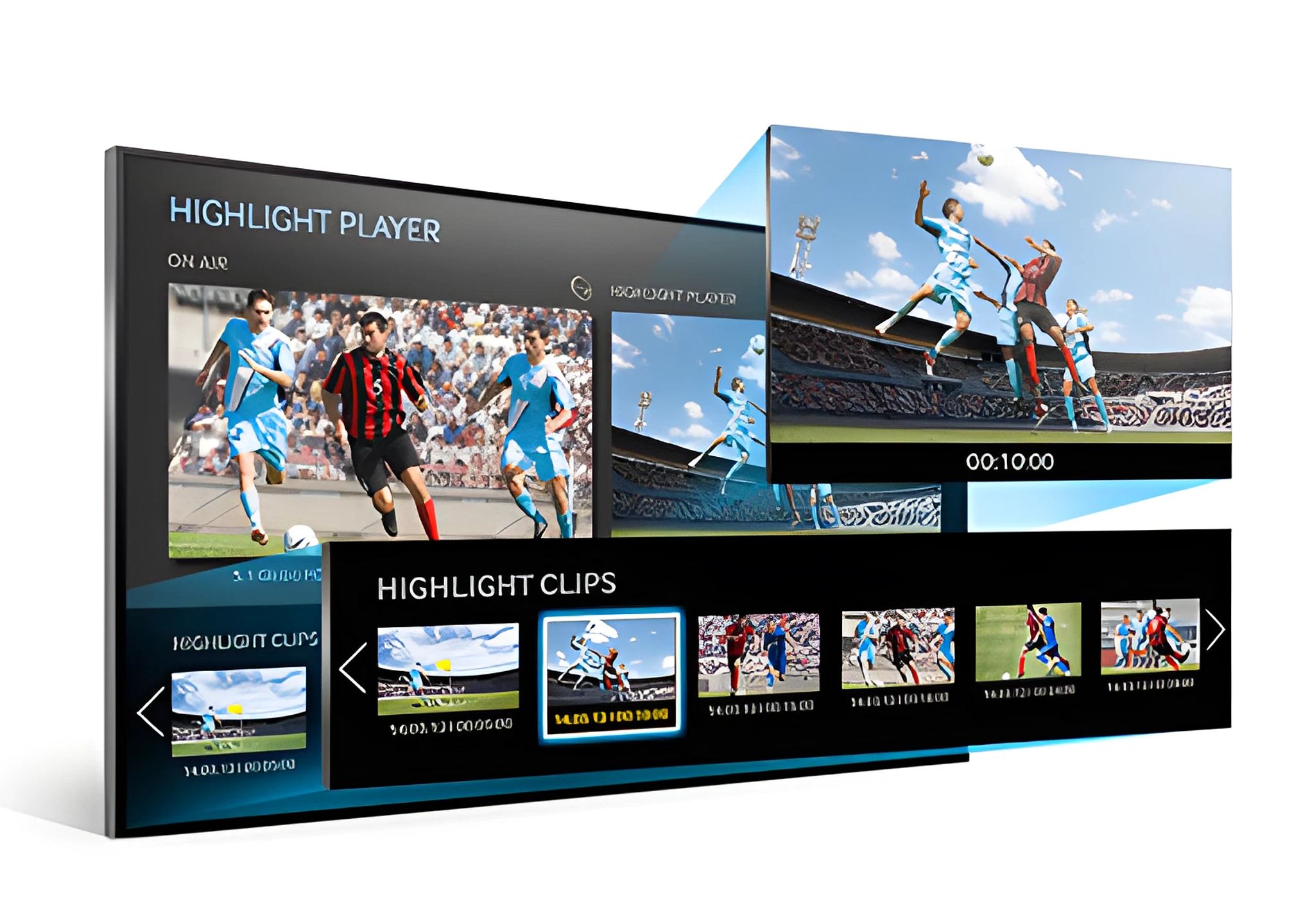
Find the electric atmosphere of the stadium, in the comfort of your living room. Thanks to the “Sports” mode of your Samsung TV, enjoy sound and image quality specially optimized to make you vibrate to the rhythm of your favorite matches. Once the football mode is activated, your TV automatically records the entire match, and if the atmosphere heats up, or if the score changes, your TV automatically memorizes the key moments. You can watch and re-watch them without losing sight of the live action for the ultimate football experience!
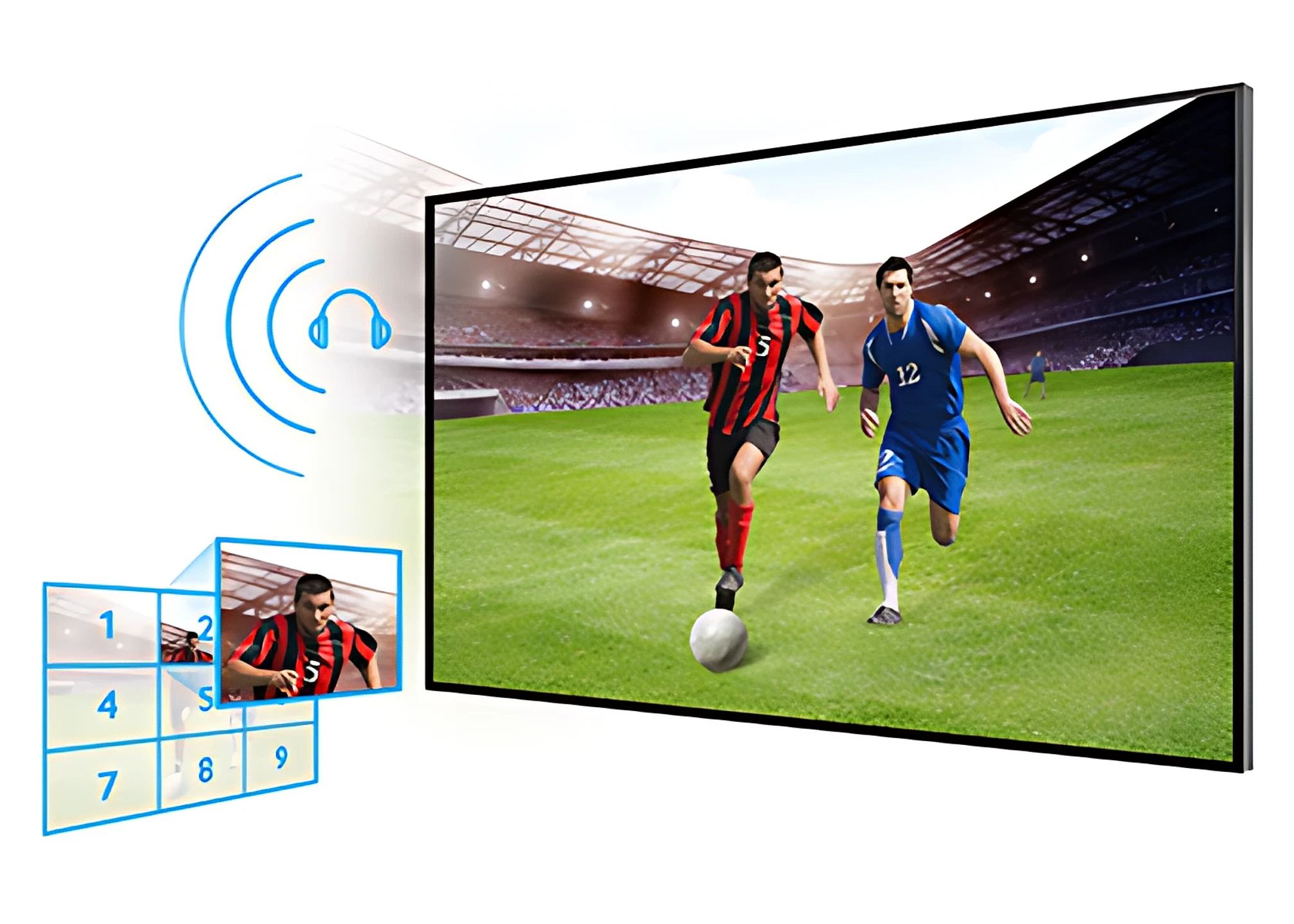
The sensations of the stadium in your couch
With Football mode, you are in the game. The image is specially optimized to make you enjoy the stadium atmosphere. The powerful and multi-surround sound immerses you in the ambiance and lets you enjoy all the excitement of the match.
And to go even further, you can zoom in on one of the 9 areas of the image to see the important actions in detail. Was there a handball in the box or not? You’ll know for sure by pressing a single button on your remote control.
What the press says
In conclusion, the Samsung HU8500 is surely one of the two highest performing UHD televisions along with the Sony X9, while awaiting the highly anticipated Full LED Panasonic AX900 which seems very promising. The picture delivered by the HU8500 is simply magnificent. I took tremendous pleasure in testing and using this television.
Automatically translated — Show original (French)
Pour conclure, le Samsung HU8500 est surement l’un des deux téléviseurs UHD les plus performants avec le Sony X9, et en attendant le fameux Full LED Panasonic AX900 qui semble très prometteur. L’image délivrée par le HU8500 est tout simplement magnifique, j’ai pris énormément de plaisir à tester et utiliser ce téléviseur.
The HU8500 is a stunning display. It stands out from the competition with its curved design. There's no doubt that this is Samsung's flagship model for 2014. With UHD sources, the image is overflowing with details, making you feel like you're right there.
Automatically translated — Show original (French)
Le HU8500 est un très bel écran. Il se distingue de la concurrence par son design incurvé. Aucun doute, on se trouve bien en face du fer de lance 2014 de Samsung. Avec des sources UHD, l'image croule sous les détails, on s'y croirait.
Smart Touch remote control included (TM1490A Metal NFC)
Batteries for remote controls
Screen size without stand
Built-in camera
Infrared (IR Blaster) cable included
User manual
Electronic user manual
Power cable included
User reviews
Khalid
Well-designed with a very high-quality screen
The pros: excellent product.
Comment from November 19, 2016 — Experience from December 30, 2014
Automatically translated — Show original (French)
De bonne conception avec un écran de très bonne qualité
Les plus : tres bon produit.
Christophe
Very good product, replacing a Panasonic TV. I'm happy to have true image contrast again. The display quality is even more beautiful when playing a Blu-ray. The sound is good quality, though it may be a bit weak for some.
Pros: screen, contrast, 3D, features Cons: sound
Comment from April 10, 2015 — Experience from March 16, 2015
Automatically translated — Show original (French)
Très bon produit, en remplacement d'un tv Panasonic, je suis content de retrouver un vrai contraste de l'image. La qualité d'affichage est encore plus belle lors de la diffusion d'un Bluray. Le son est de bonne qualité, peut-être un peux faible pour certains.
Les plus : écran , contraste,3D, fonctionnalités. Les moins : son.
Nicolas
The screen is splendid and exudes quality. Replacing my old 40", the sound is much better and despite the same viewing distance, the image is sharp with no apparent pixels even in SD TNT. Let's be clear, the curved screen adds absolutely nothing to the image quality. However, the design is superb and makes a statement in the living room! On the negative side, reflections are omnipresent and spoil the image's directionality. Why a glossy panel? Even without a window directly behind, you see yourself reflected in full light and you have to close everything to have a good experience! My old LCD had a matte panel and didn't have this problem; so on this level: disappointment! Another point, but perhaps a problem with my model, the brightness management by the eco sensor is very poorly managed and it happens that the backlight automatically lowers when everything is on in my living room! We'll see...
Pros: design, sound quality, UHD and 4K image! Cons: reflections, brightness management, various useless gadgets.
Comment from March 23, 2015 — Experience from February 27, 2015
Automatically translated — Show original (French)
L'écran est splendide et respire la qualité. En remplacement de mon vieux 40" le son est bien meilleur et malgré le même recul l'image est nette sans pixels apparents même en tnt sd.Soyons clair, l'incurvé n'apporte strictement rien à l'image. Par contre, le design est superbe et fait son effet dans le salon ! En points négatifs, les reflets sont omniprésents et gâchent la directivité de l'image.Pourquoi une dalle brillante ? Même sans fenêtre directement derrière, on se voit en reflet en pleine lumière et il faut tout fermer pour avoir une bonne expérience ! Mon vieux lcd avait une dalle matte et n'avait pas ce problème; donc à ce niveau : déception ! Autre point mais peut être un problème de mon modèle, la gestion de la luminosité par le capteur eco est très mal gérée et il arrive que ld rétro éclairage baisse automatiquement quand tout est allumé dans mon salon ! A voir...
Les plus : design, qualité du son, image en Uhd et 4k ! Les moins : reflets, gestion de la luminosité, divers gadgets inutiles.
Eco-contribution of €4 included in the sale price.
To better understand our visitors, measure marketing effectiveness and personalise ads, we and our partners use cookies and mobile advertising identifiers on your device. This data makes it possible to display personalised and non-personalised ads and measure their performance. Some cookies, which are technically necessary, are exempt from consent. You can accept those that require your consent, refuse them by clicking “Reject”, or customise your choices via “More options”.
To find out how Google uses the data collected once you have given your consent, see Google’s Business Data Responsibility site (opens in a new window).
You can change or withdraw your consent at any time via the “Cookies” link. Your choices will apply on our site for 12 months.