

Ethernet RJ45 Network Cables
RJ45 Ethernet cables let you connect your devices (computers, internet boxes, consoles, set-top boxes) to your local network for a wired internet connection. Unlike Wi‑Fi, these network cables ensure a stable connection, high speeds, and reliable data transmission. Available in different categories (Cat 5e, Cat 6, Cat 7) and lengths (from 0.5 m to 100 m), they adapt to all your home or professional needs. Learn more
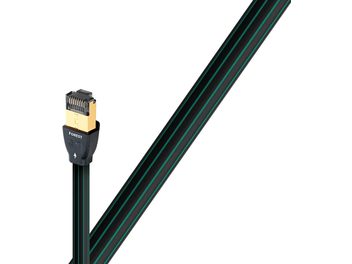
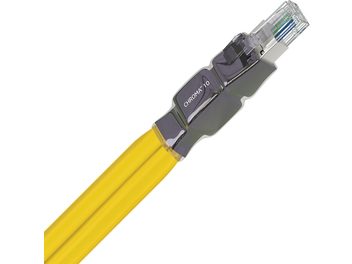
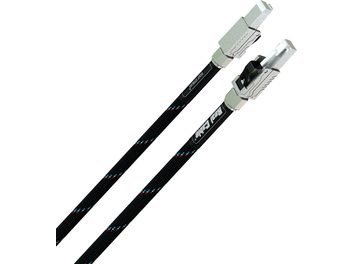
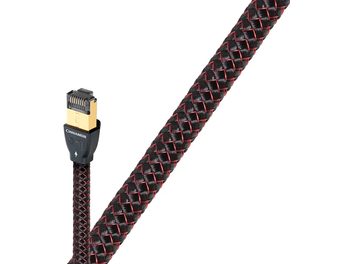
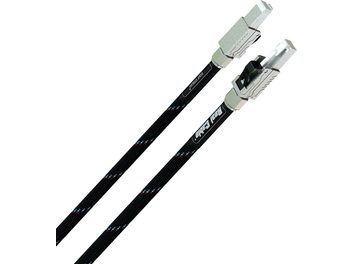
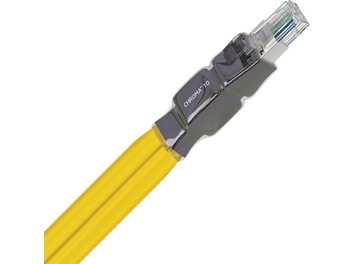
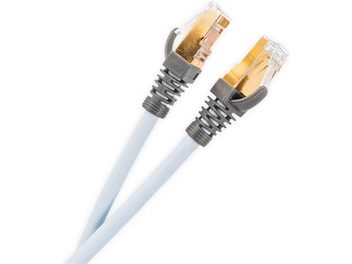
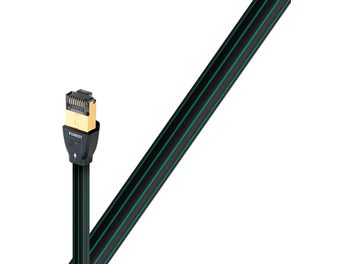
What is an RJ45 Ethernet cable?
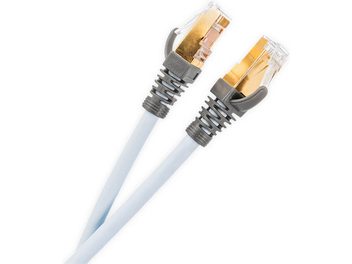
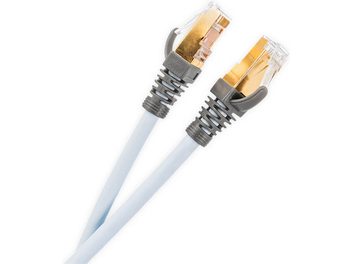
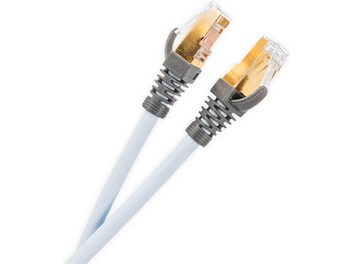
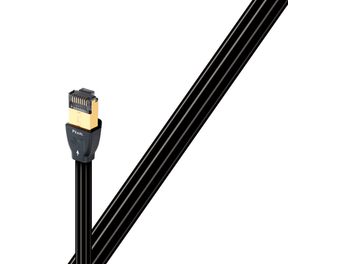
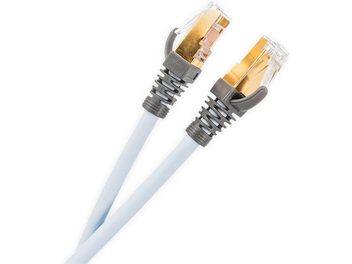
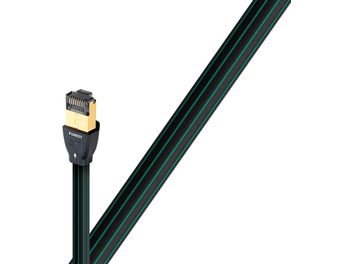
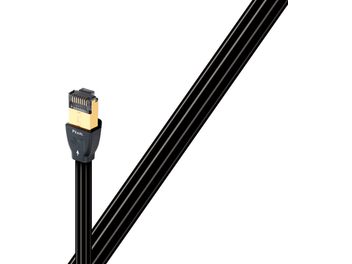
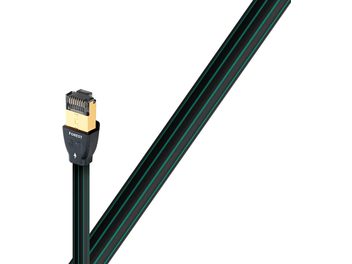
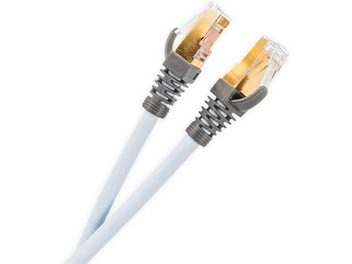
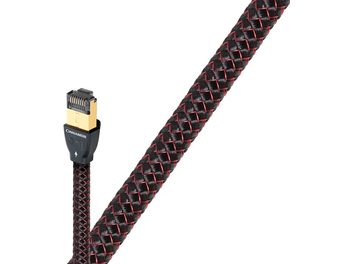
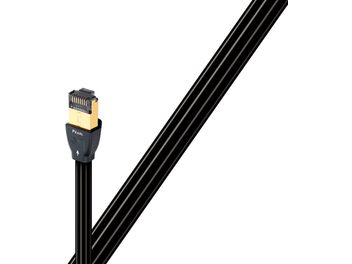
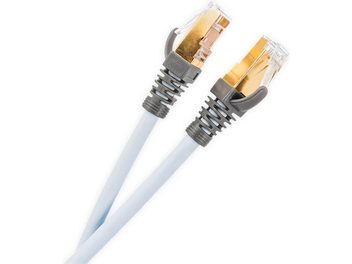
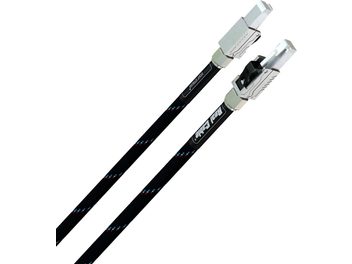
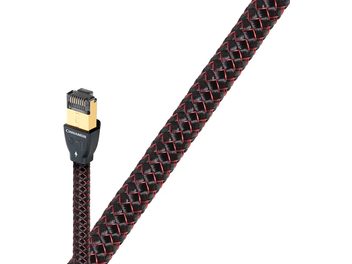
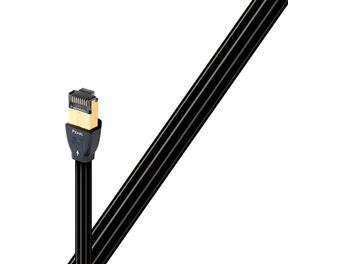
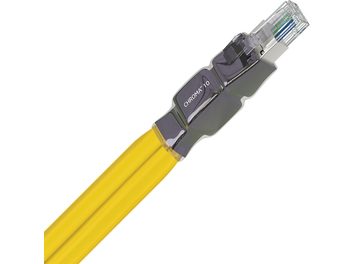
The RJ45 cable has become the essential standard for wired network connections. It consists of 4 pairs of twisted copper wires and ends with an 8-pin connector, also known as 8P8C. This cable allows you to link your devices together or to your internet box to create what’s called a local area network (LAN) and enjoy a reliable internet connection.
The different cable categories
Each cable category offers specific performance suited to different uses. Cat 5e supports speeds up to 1 Gbps and remains perfectly suited for home use with ADSL or fiber. For more demanding needs, Cat 6 can reach 10 Gbps over short distances and is suitable for small and medium-sized businesses. Cat 6a maintains that 10 Gbps throughput over the full regulatory 100 meters, while Cat 7 can go up to 40 Gbps for demanding professional environments. Finally, Cat 8 delivers maximum performance, mainly reserved for data centers.
Network cable shielding
Shielding is another important factor when choosing a network cable. UTP (or U/UTP) cables have no shielding and are suitable for standard home use. FTP (F/UTP) cables, the most common, incorporate an aluminum foil wrapping the 4 pairs to protect them from interference. STP cables shield each pair individually, while S/FTP combines double shielding for maximum protection in environments disrupted by electromagnetic fields.
Solid or stranded?
There are also two construction types depending on the intended use. Solid-core cable, supple and flexible, is ideal for short connections and patching between equipment. Stranded cable, more rigid, is designed for fixed installations over long distances and permanent in-wall wiring.
Everyday applications and uses
An Ethernet network cable has many everyday applications. It lets you connect your computer or game console to your internet box, link a network printer to share it between several workstations, plug in a TV set-top box or Smart TV for high-quality streaming, create a business local network, or connect switches and routers together to extend your network infrastructure.
Advantages of cables over Wi‑Fi
A wired connection offers significant advantages over Wi‑Fi. It guarantees constant, maximum throughput with no signal loss, even through walls. Latency is significantly reduced, which is essential for online gaming or professional videoconferencing. The connection is also more secure since data travels only through the cable, without being broadcast through the air. You won’t suffer interference from other electronic devices and will benefit from total stability, without unexpected dropouts.
Compatibility and installation
RJ45 Ethernet cables are compatible with all devices equipped with a standard network port: internet boxes from all providers, PC and Mac computers, PlayStation and Xbox consoles, connected TVs, network printers, IP surveillance cameras, VoIP phones, and many other devices. Installation is simple and requires no special configuration: just plug the cable into the Ethernet port on each device, the connection is established automatically, and you can immediately enjoy a stable, high-performance network.