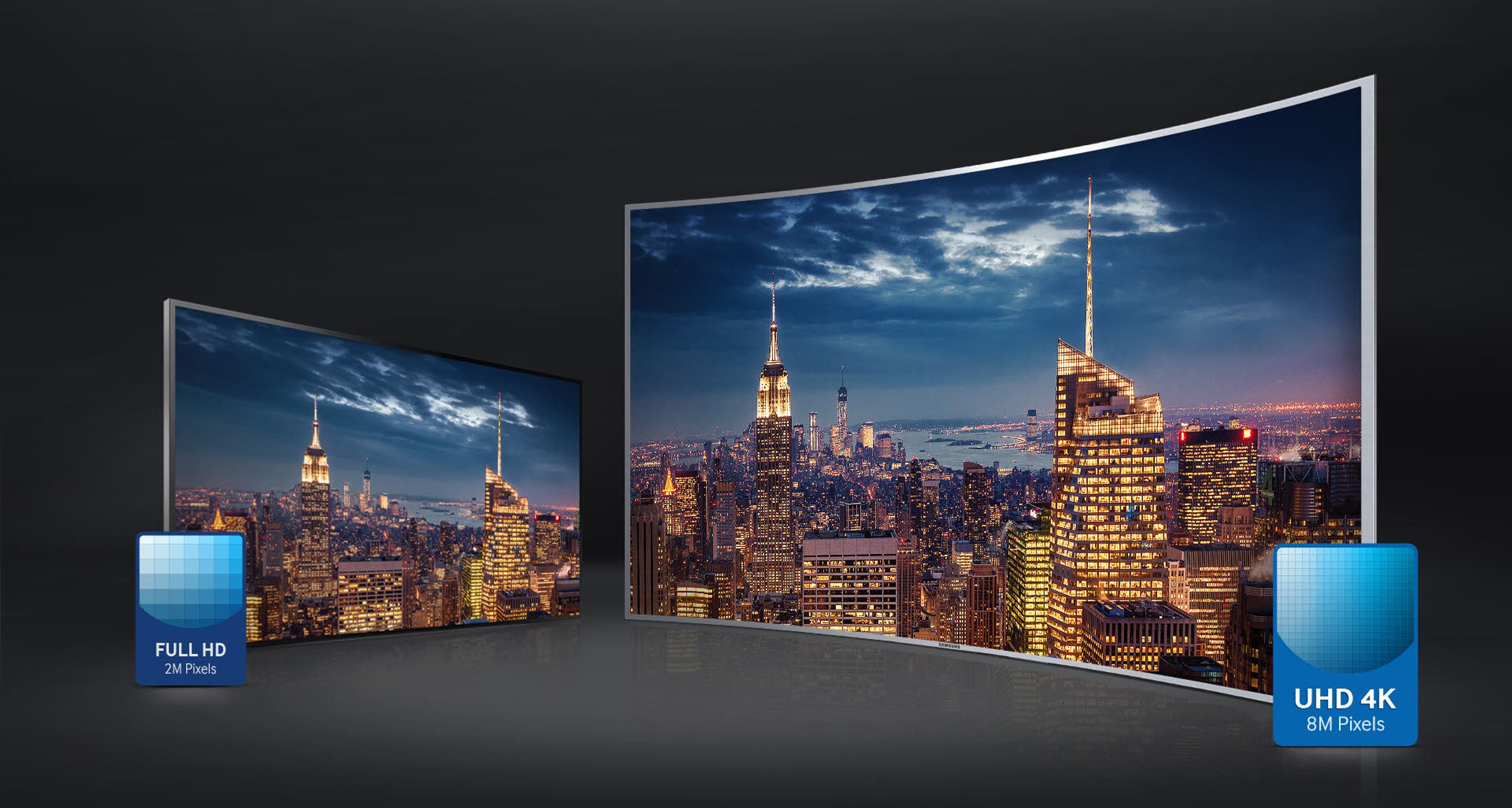
Do you remember your first time seeing images in Full HD? That’s nothing compared to what you’ll experience with Ultra HD images. An Ultra High Definition TV (sometimes also called 4K) offers you a resolution of 8 million pixels, 4x higher than that of a Full HD TV. You’ll be able to see every detail of the image in the sharpest and most precise way possible. But beyond resolution, you’ll also be surprised by the boost in contrast and colors that this new standard offers.
Depth in the images
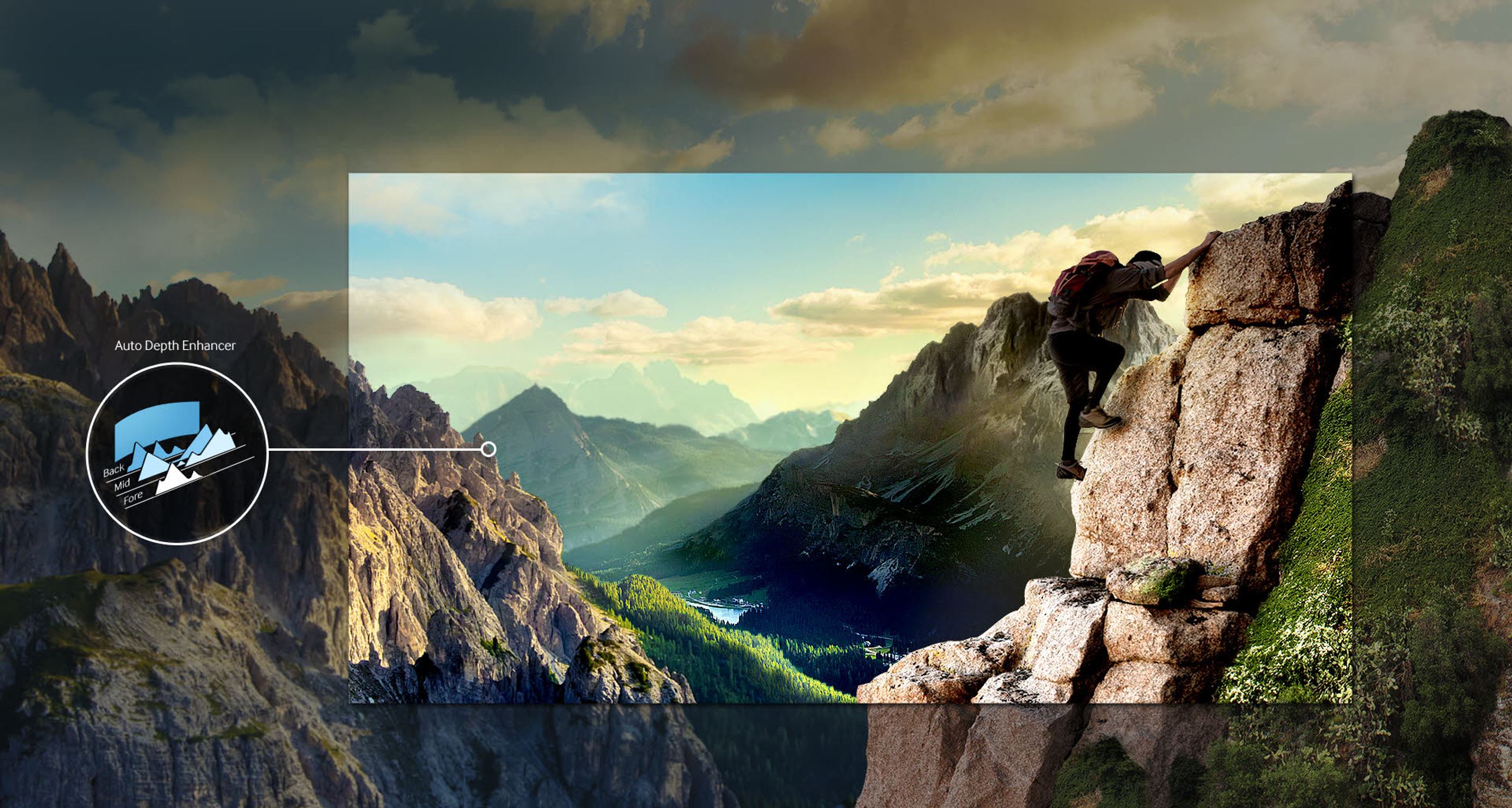
The latest Auto Depth Enhancer technology gives unprecedented depth to your images and further enhances the immersive sensation offered by your curved screen. You don’t need to wear glasses. Your TV optimizes the contrasts of each object to give the image a unique sense of depth. Don’t just settle for watching images anymore - now you can live them. Come experience it in store and let yourself be convinced!
Very fine optimization of image quality
Samsung’s exclusive Micro-Dimming technology allows for extremely fine and precise optimization of image quality. The TV divides the image into a multitude of zones and dynamically analyzes each one. In each zone, your TV is able to independently optimize contrasts, colors and details based on the content on the screen. The result is spectacular. Blacks are deeper, colors are more vivid, details are more precise.
The Smart TV of the connected world
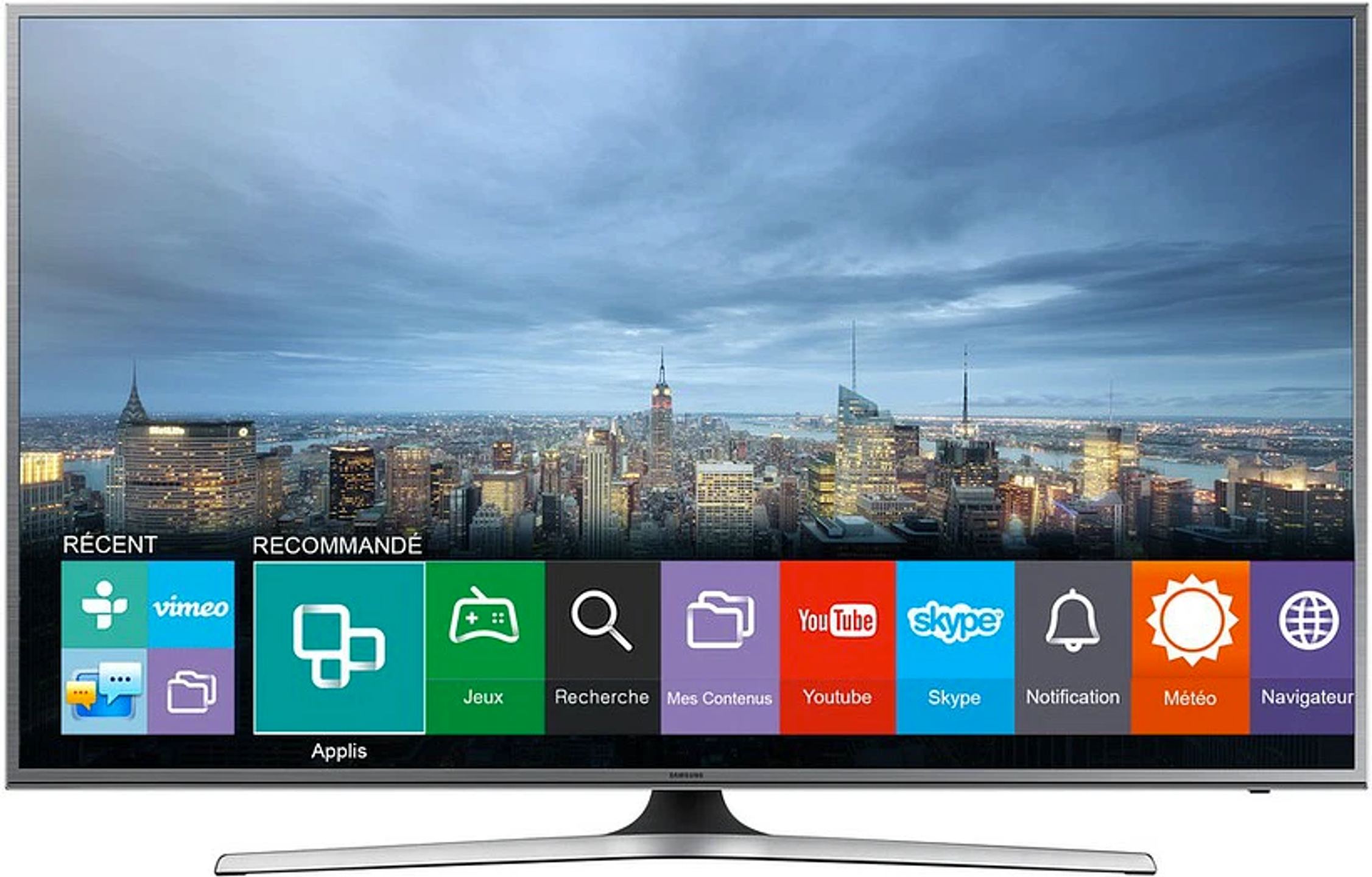
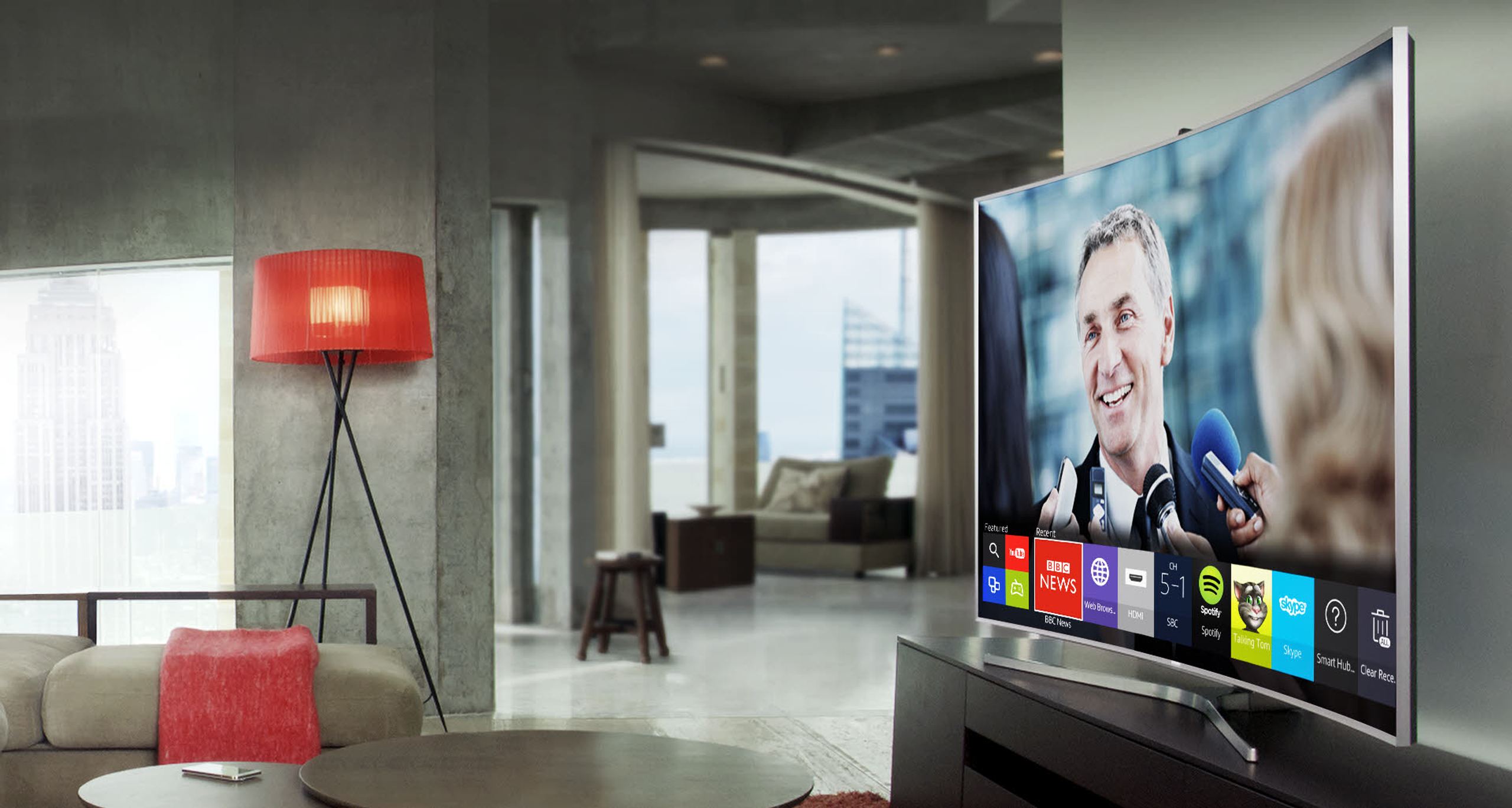
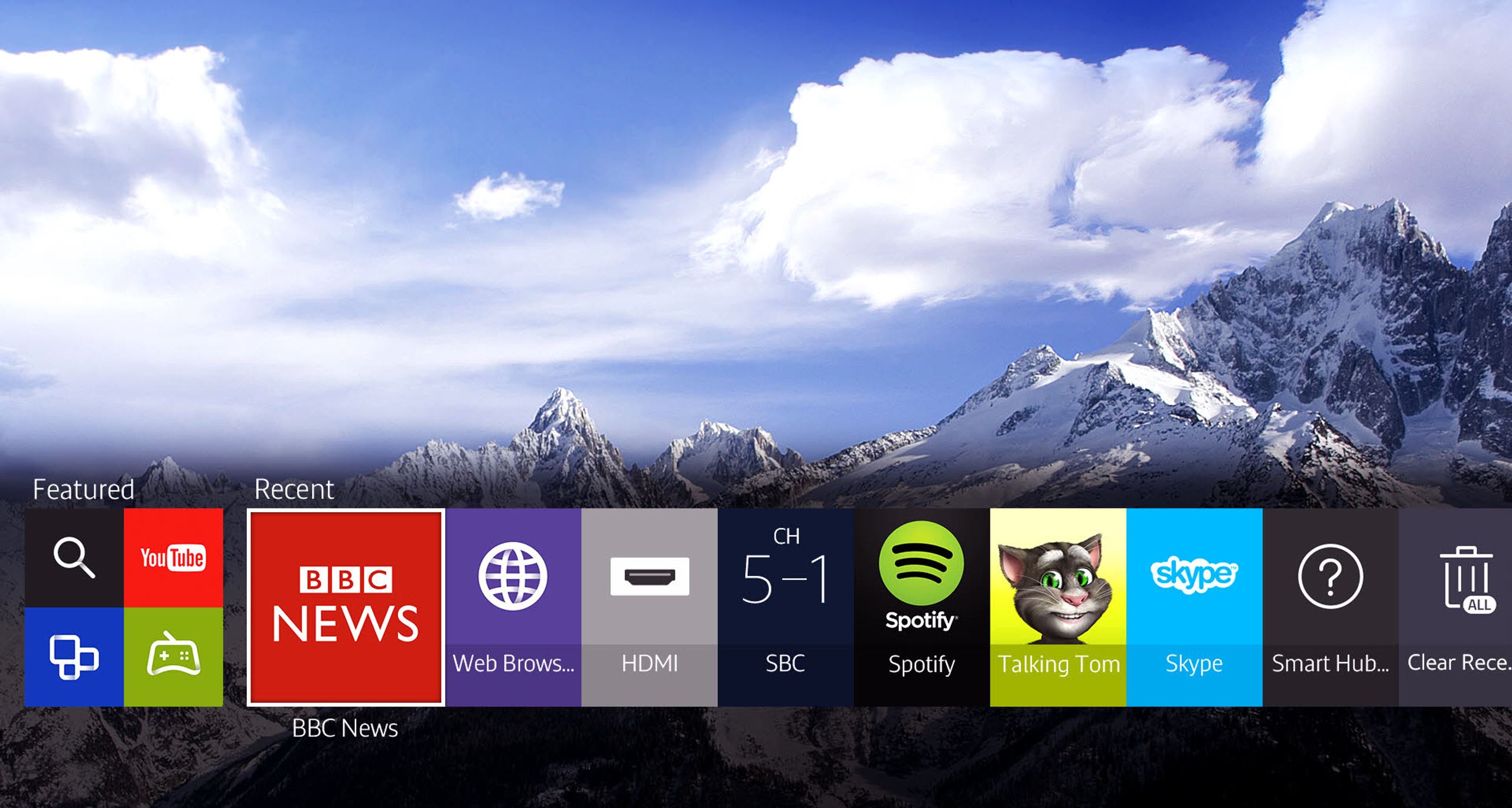
What’s the point of a Smart TV if it only allows you to browse the Internet and launch a few apps? Samsung’s Smart TV has both feet firmly planted in the present. Very easy to use, the new interface gives you access to what matters most to you with a single click. You don’t need to be an expert to share content from your smartphone on the big TV screen. Again, a single click is all it takes. Your Smart TV even remembers what you were doing just before. So if you want to return to the video you were watching, just one click takes you back to where you left off. This simplicity is made possible by the new TIZEN operating system, the first open source OS used on Smart TVs. You’ll see, you’re going to love it.
Connecting your TV and smartphone is child’s play
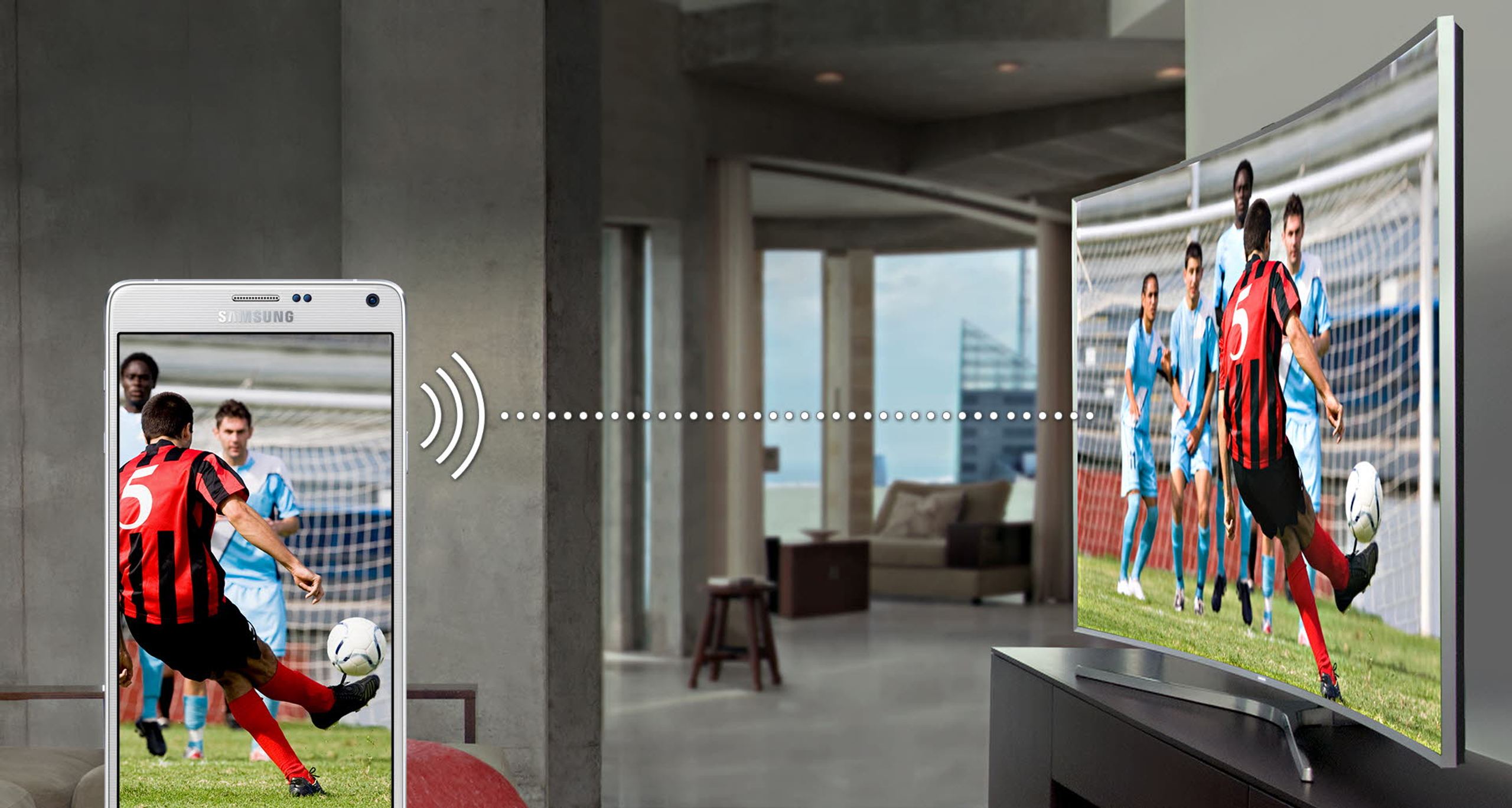
The new Samsung Smart TVs connect so easily to your smartphone that you’ll soon be unable to do without these new connected features. Your TV can wake up at the same time as you and start the day with the news or your favorite program. You can watch all your mobile content on the big screen of your TV with a single click. You can just as easily retrieve what’s playing on TV on your mobile to continue watching it elsewhere. It’s simple, it’s practical, it’s always ready. And it changes everything!
Share everything, simply
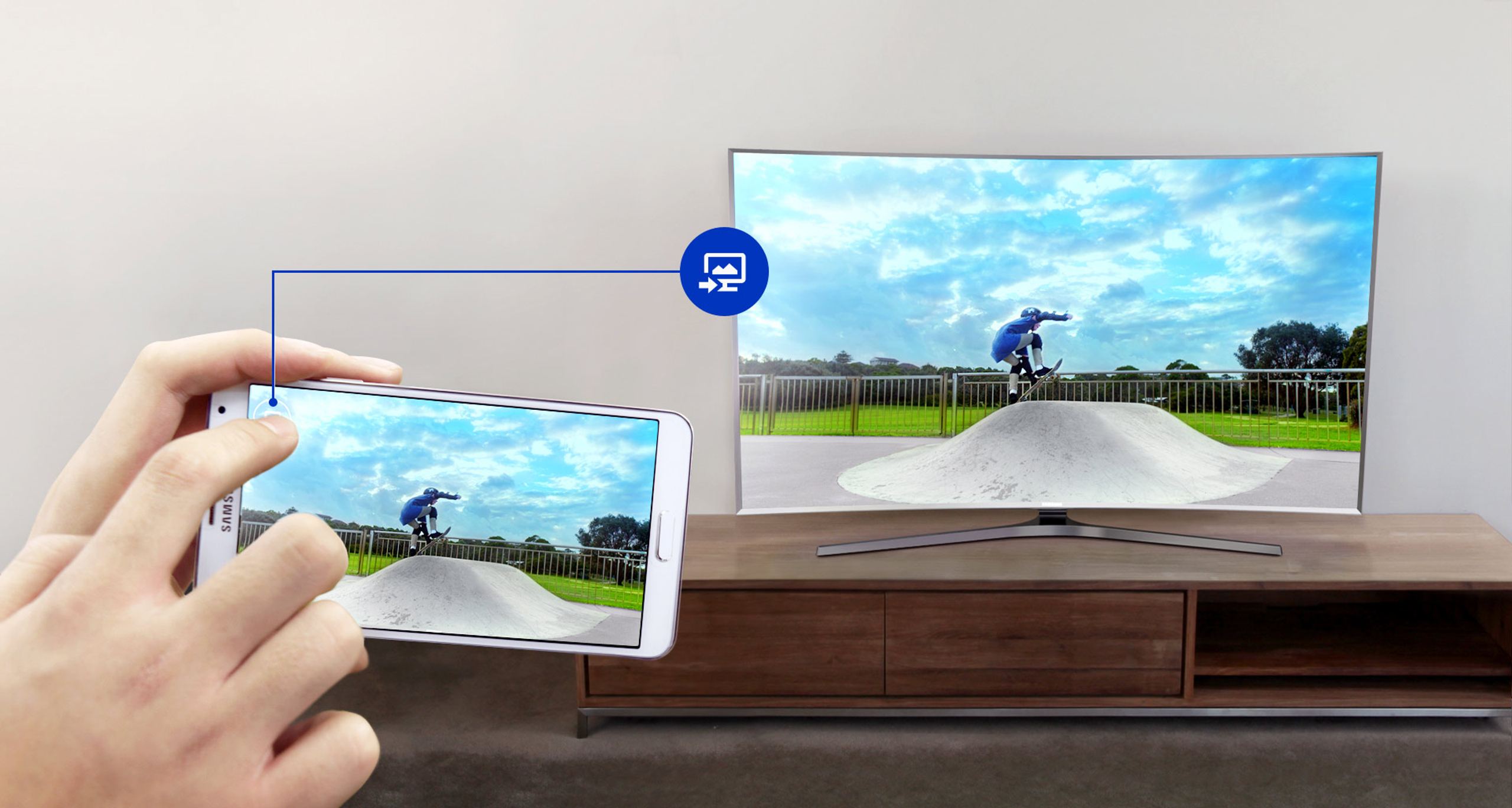
The Quick Connect feature allows you to effortlessly share content between your TV and your smartphone. Whether you want to show the latest video filmed with your smartphone or share a scene from the series you were watching on your way home, it’s as simple as a click. Your Samsung TV detects your compatible mobile or tablet when they are nearby and can display them automatically, in the best possible resolution. And it’s also possible the other way around. You can retrieve on your tablet or smartphone any content broadcast on the TV and continue viewing anywhere in the house. Simple, fast, intuitive!
The completely redesigned Smart TV
A world of entertainment opens up to you. It starts right at the bottom of your screen, in a menu that allows you to navigate the Smart Hub without losing sight of the current program. And you won’t need to search for long! Your TV remembers the features you use the most to place them within a click’s reach. Whether it’s for playing, sharing, entertaining, or exploring, your Smart TV will offer you the smoothest, fastest and most complete experience possible. All that’s left is to enjoy!
To better understand our visitors, measure marketing effectiveness and personalise ads, we and our partners use cookies and mobile advertising identifiers on your device. This data makes it possible to display personalised and non-personalised ads and measure their performance. Some cookies, which are technically necessary, are exempt from consent. You can accept those that require your consent, refuse them by clicking “Reject”, or customise your choices via “More options”.
To find out how Google uses the data collected once you have given your consent, see Google’s Business Data Responsibility site (opens in a new window).
You can change or withdraw your consent at any time via the “Cookies” link. Your choices will apply on our site for 12 months.