
Projeo Motion HD 92
Overview
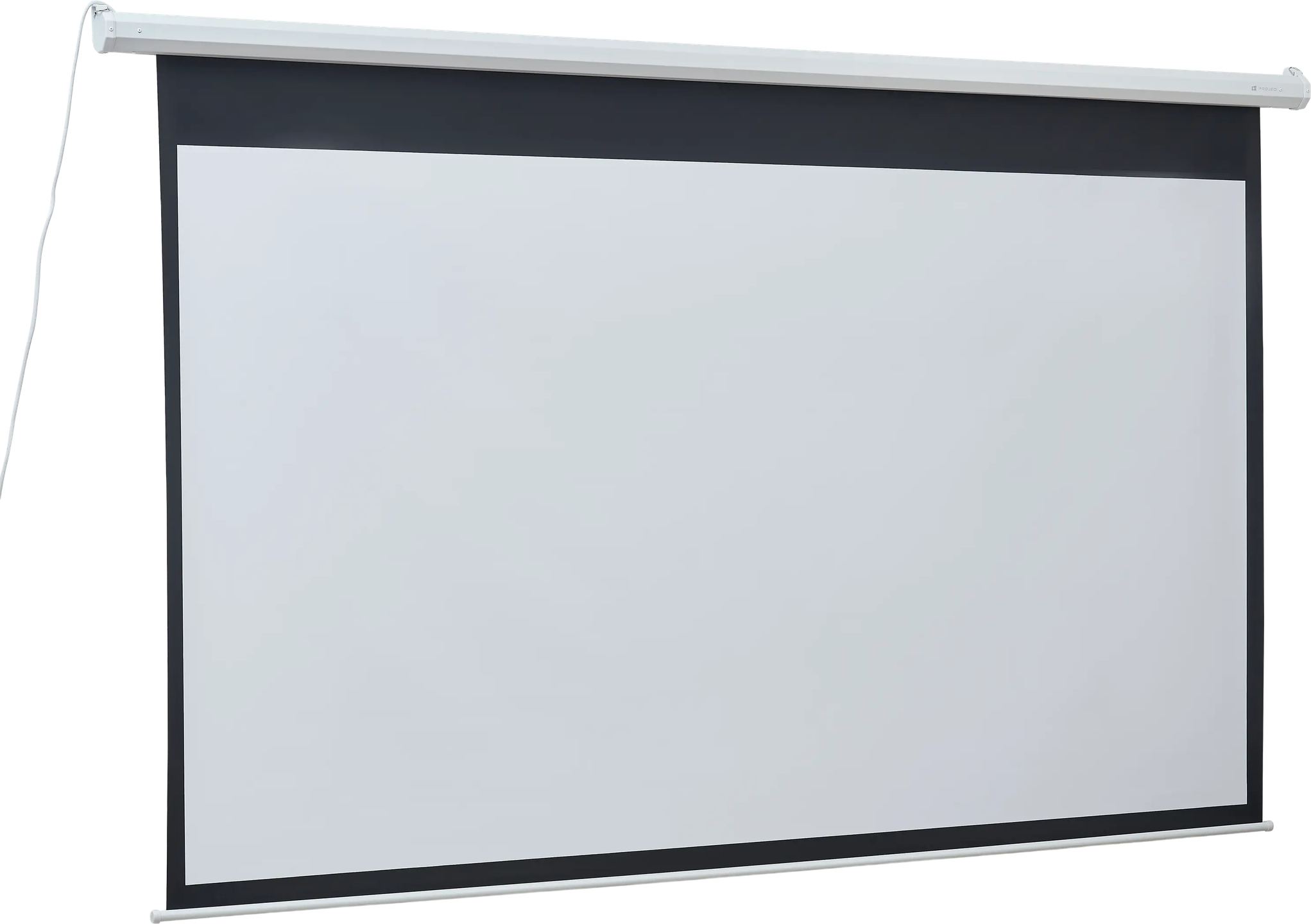
A large projection screen takes up space, except when it knows how to stay out of sight between two viewing sessions. The motorized format meets this constraint: the screen lowers for projection, then rises back into its housing once the image is turned off. The Motion HD 92 applies this principle to a 92-inch diagonal in 16:9 format, with a surface designed for long-throw projectors and built-in infrared control.
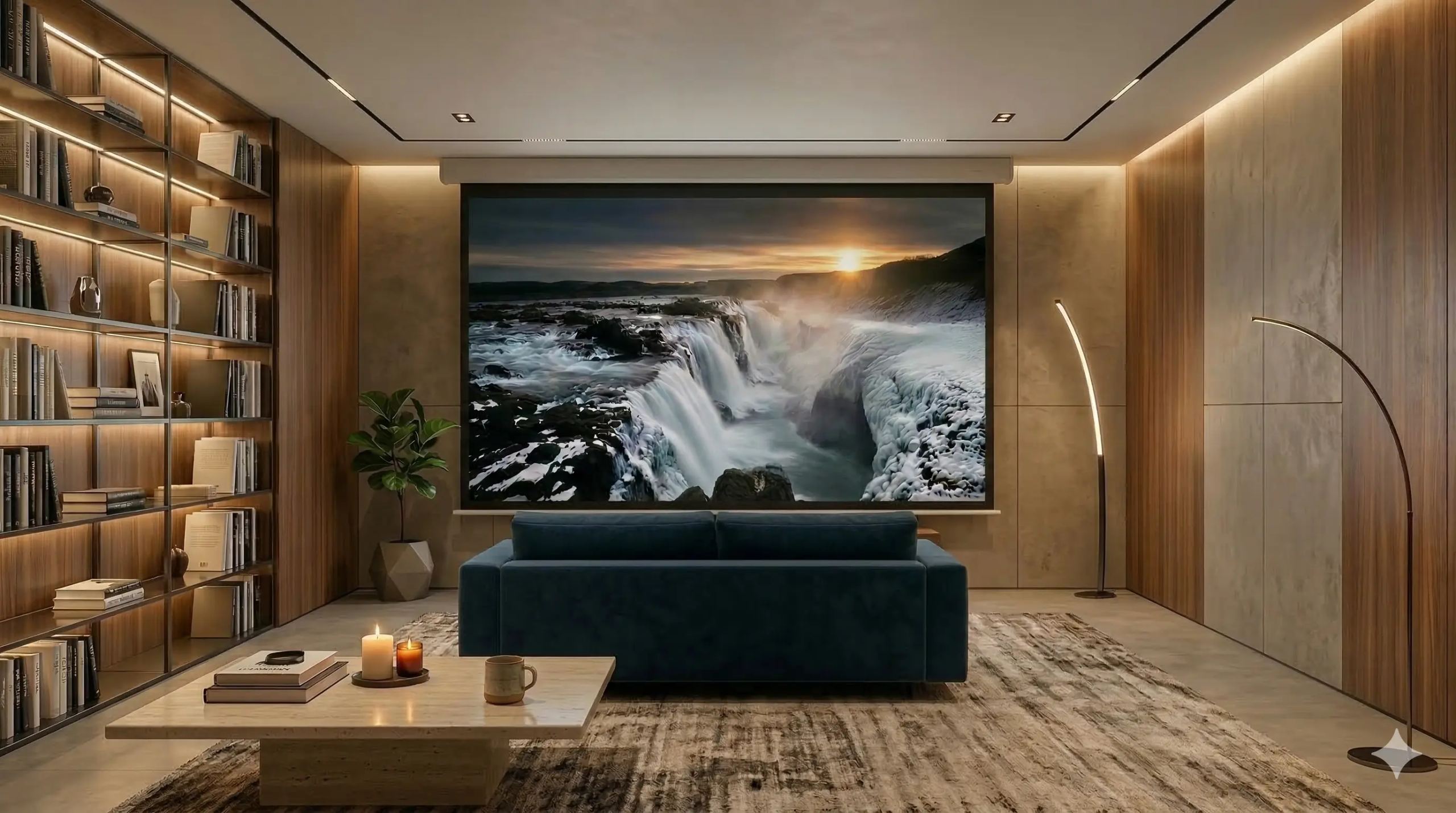
Integration into a lacquered metal housing
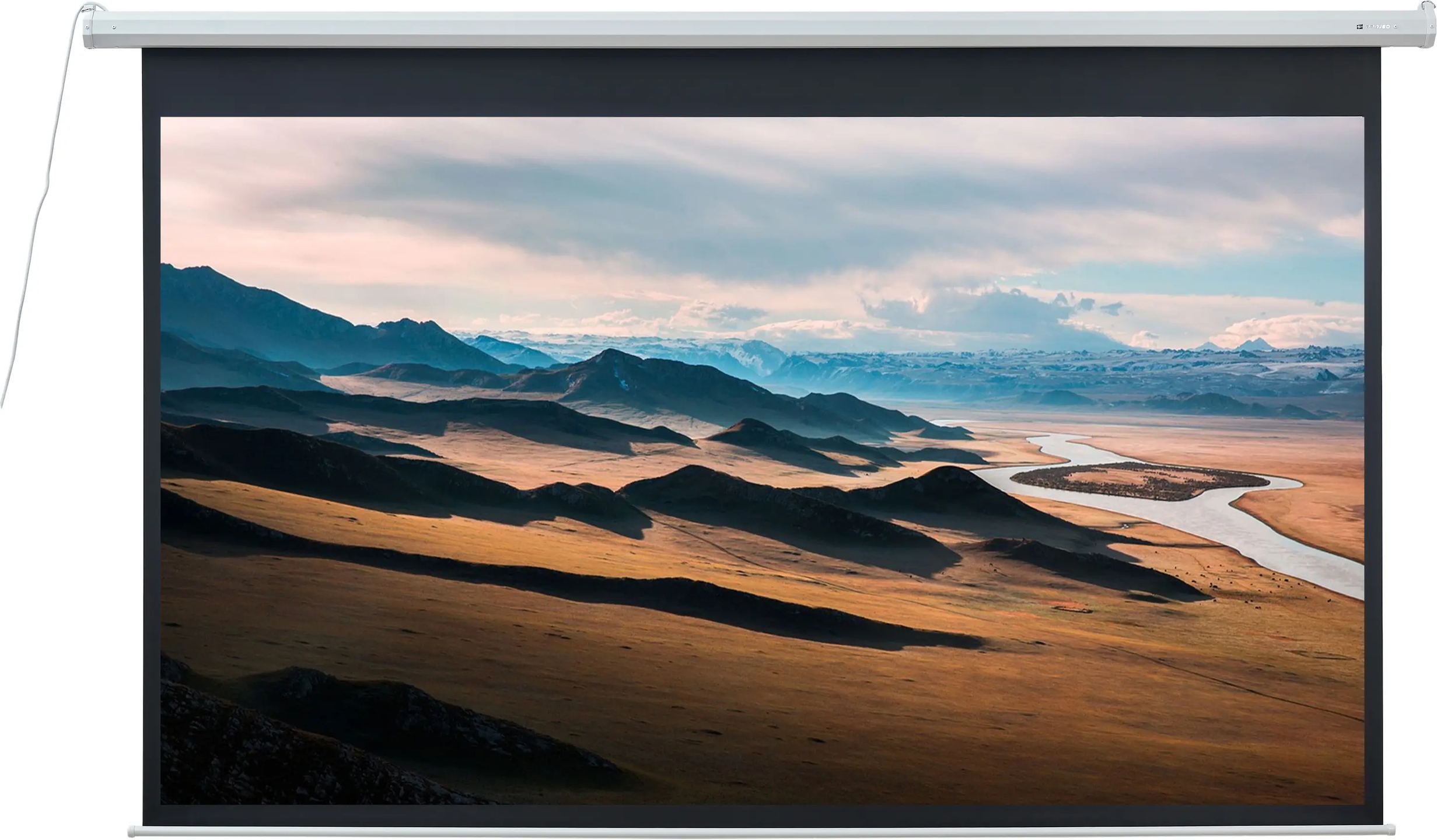
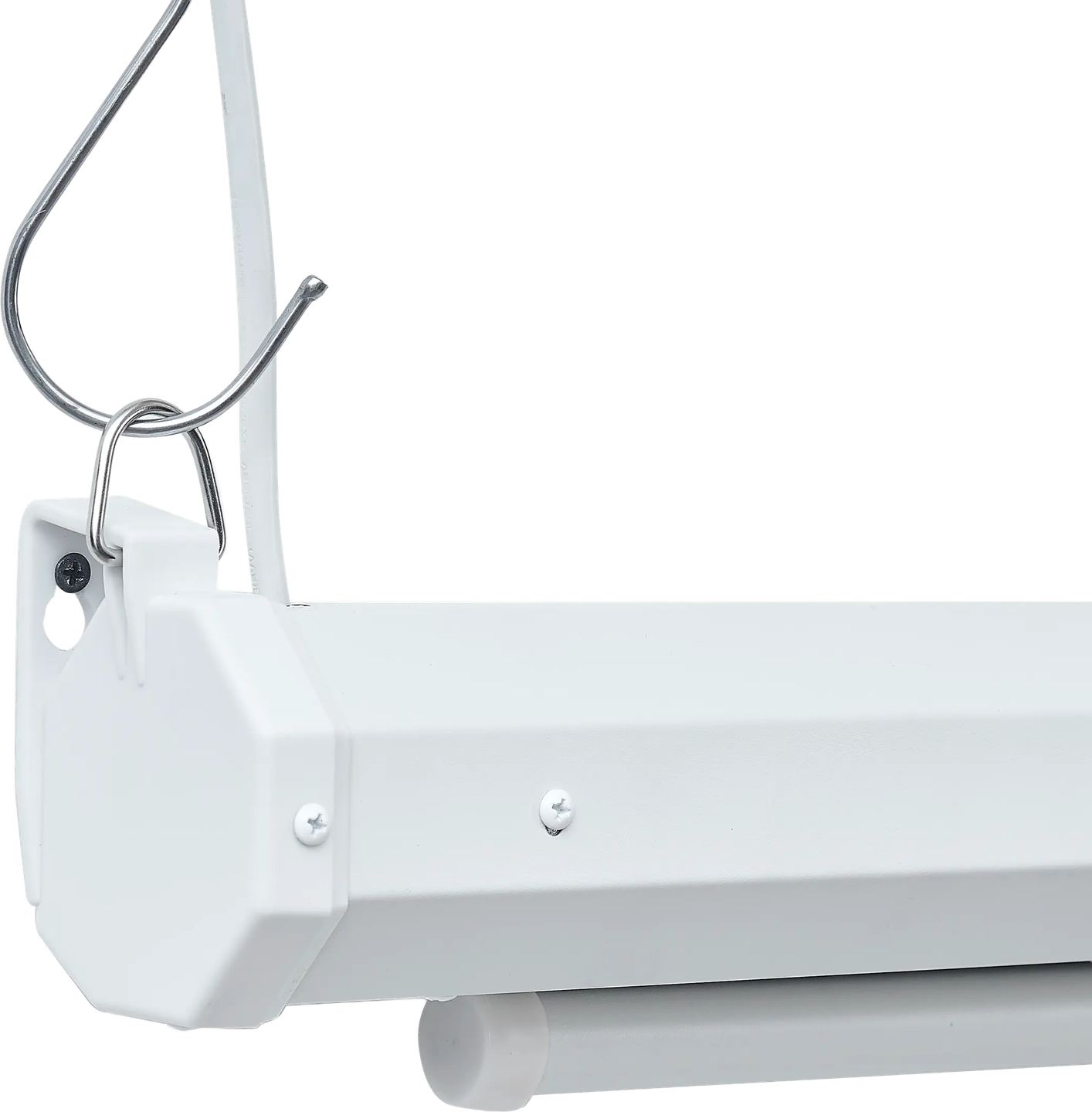
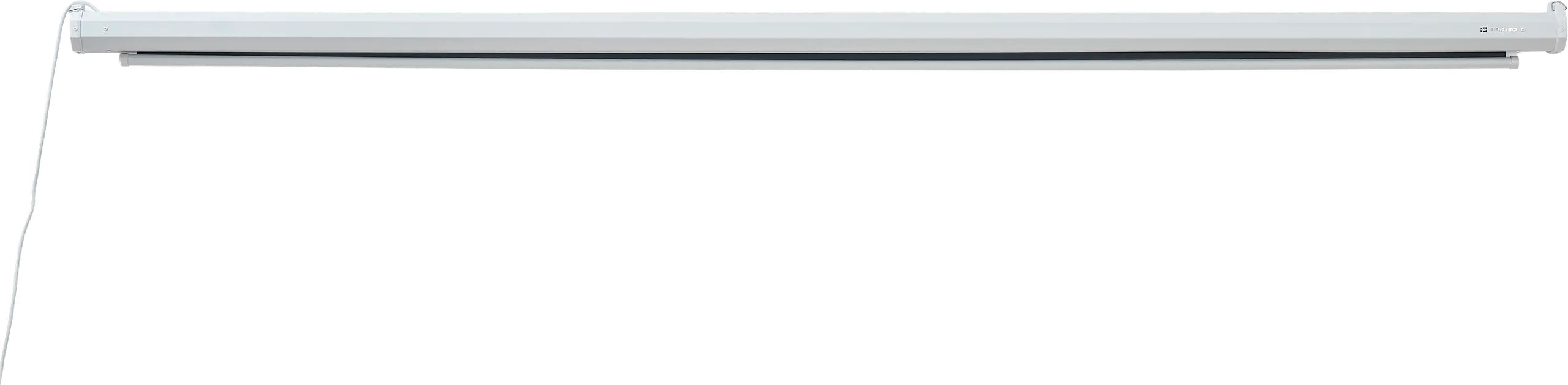
At rest, the screen fits into a white lacquered metal housing whose cross-section measures only 8.2 by 8.2 centimeters. On the 92-inch version, this housing measures 234.2 centimeters long and mounts against a wall, under a ceiling, or suspended. Its white finish and compact size make it discreet once the screen is raised.
The screen unrolls from this housing on demand. At the bottom, a 217-centimeter weight bar keeps the lower edge straight and helps guide the descent with its weight. This bar remains visible when the screen is folded away; its white finish matches that of the housing.
A matte white screen optimized for long throw
The projection surface is a matte white screen with a gain of 1. Gain measures the amount of light reflected toward the viewer compared with a reference white surface: a value of 1 means the screen neither concentrates nor amplifies light. It returns a neutral image, without hotspotting or color shift, and reproduces colors and contrast as the projector produces them.
This screen is designed for long-throw projectors, the kind that project from a certain distance, placed at the back of the room or mounted on the ceiling. Ultra-short-throw projectors, which are installed just below the screen, instead require a screen with a structured coating, different from this one. A matte white gain-1 screen does not reject ambient light: the image is therefore best viewed in a room where lighting can be controlled.
The 170° viewing angle corresponds to the angle within which the image retains its brightness and uniformity. A viewer seated off to the side sees an image close to what is perceived head-on, which is useful in a wide room or a meeting room where the audience is not centered in front of the screen.
Synchronous motor and screen control
Raising and lowering are handled by a synchronous motor. This type of motor runs at a fixed speed, independent of the load, which provides smooth and consistent screen unwinding and rewinding.
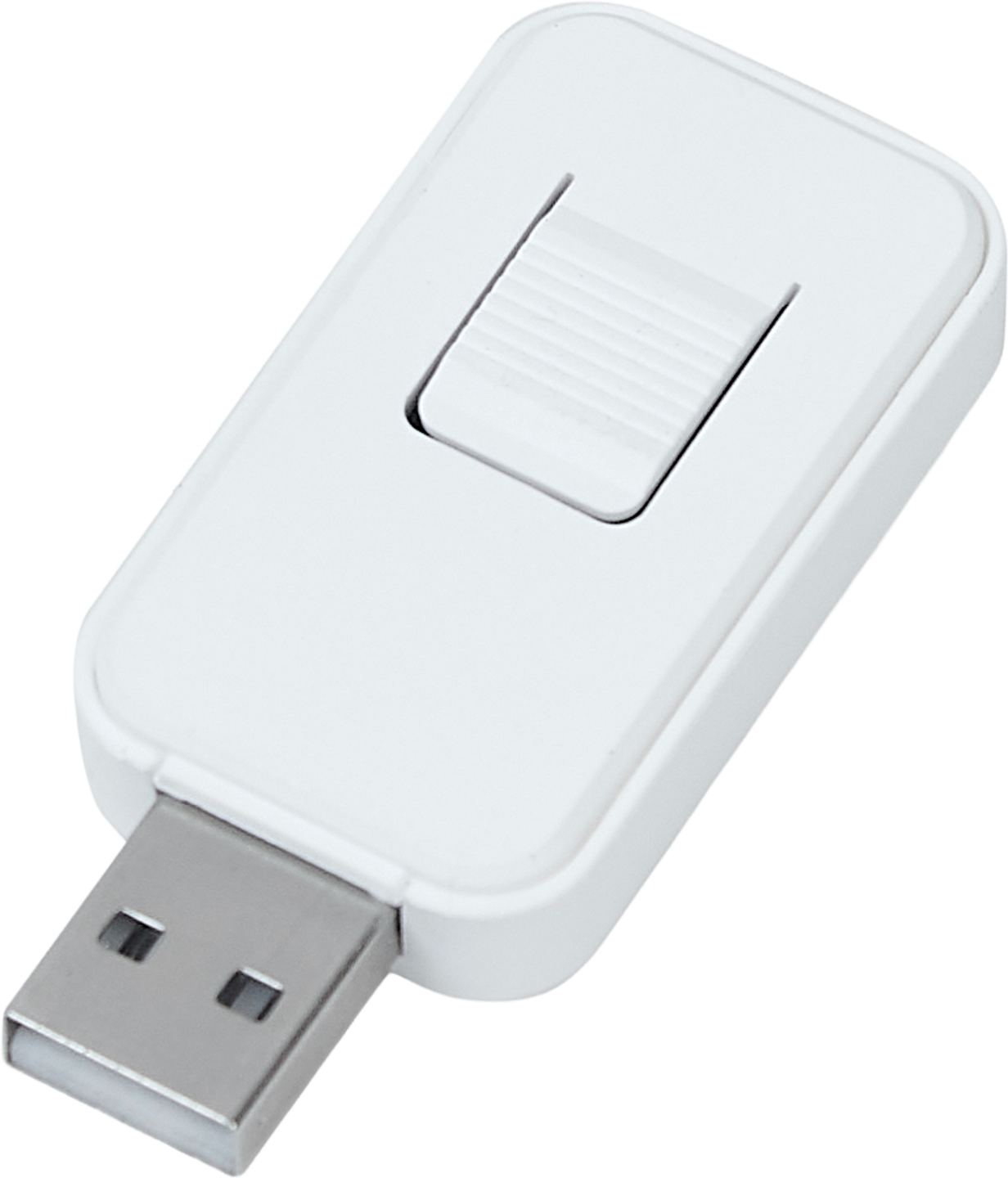
The screen can be controlled in two ways. The infrared remote works with a built-in receiver system; a separate infrared sensor is supplied with the product, to be placed where it remains within reach of the remote, which is helpful when the housing is recessed or mounted high up. A wall switch adds a wired three-position control: up, stop, and down. Power is supplied via a 220 V European-type cord, 4.7 meters long, a dimension to take into account when choosing the outlet location.
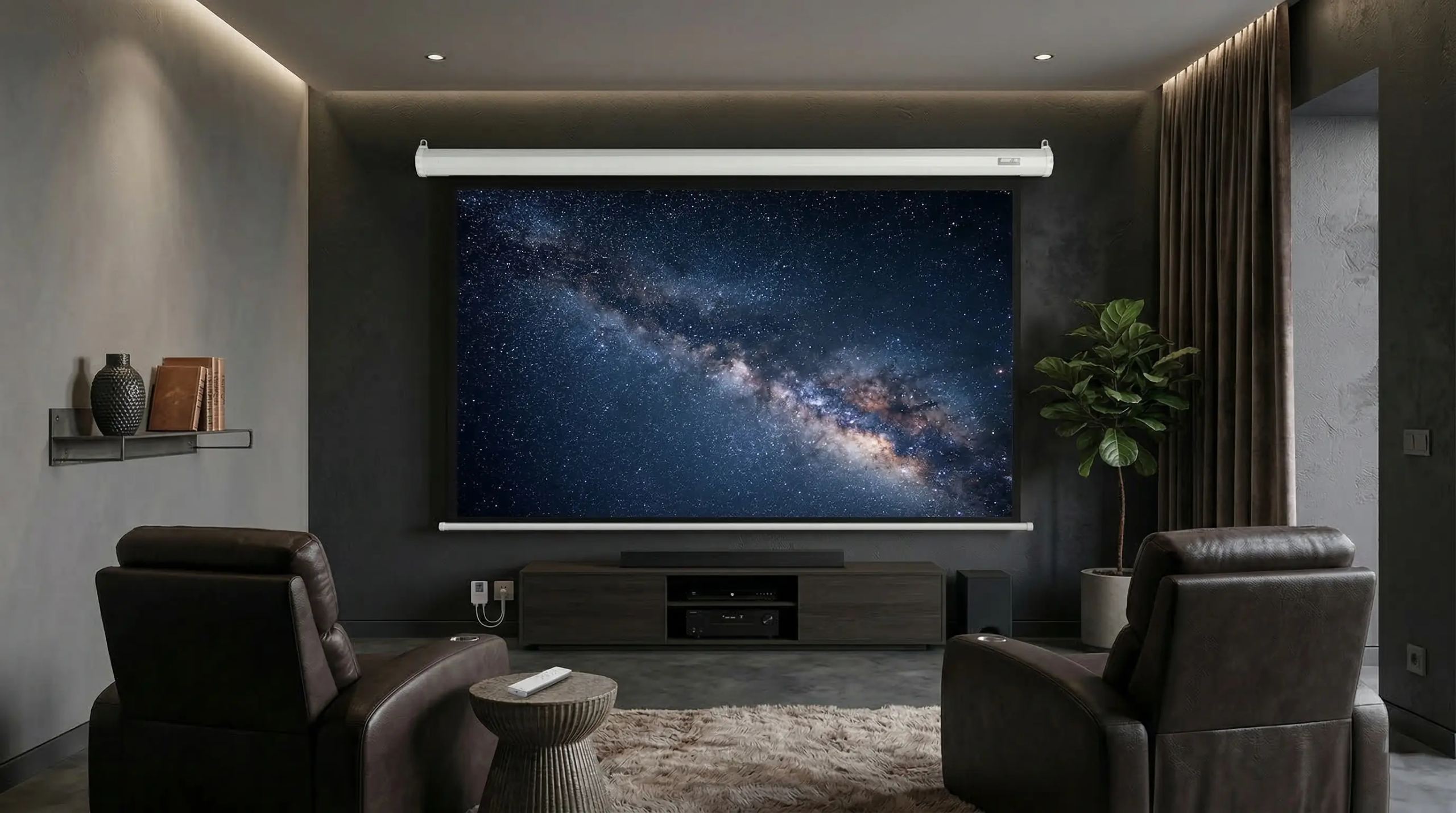
Wall, ceiling, or suspended installation
The housing supports three installation types: against a wall, under a ceiling, or suspended. Its 8.2-centimeter cross-section remains discreet in all three cases, and the choice depends on the room layout as well as the projector position.
The black borders of the screen require a little attention during installation. The sides measure 55 millimeters, the top border 40 millimeters. The bottom border reaches 500 millimeters: this wide black band places the active image area clearly above the lower end of the screen, and the housing mounting height must take this offset into account to position the image correctly in the room. The black borders also frame the image and enhance the perception of contrast in its dark areas.
The Motion HD 92 is part of a range of four sizes: 77, 92, 106, and 120 inches. All share the 16:9 format, the matte white gain-1 screen, and the same 8.2-centimeter housing cross-section. The choice between these diagonals depends on the available wall width and viewing distance. Before installation, the package should be stored flat, horizontally: vertical storage places the weight of the screen and the weight bar on a single end. The product is covered by a two-year warranty.
Documentation
Technical specifications
Overview
- Motorized projection screen Projeo Motion HD
- Combination of motorized integration and visual performance for living spaces or meeting rooms
- On-demand deployment from an elegant housing
- High-precision screen optimized for long-throw video projectors
- Faithful reproduction of color dynamics and contrasts
- Bright and uniform image regardless of the viewer’s position
Projection screen
- Surface: matte white
- Gain: 1
- Viewing angle: 170°
- Compatible projector type: long throw
- Black borders
- Top: 40 mm
- Bottom: 500 mm
- Sides: 55 mm
Housing
- Material: white lacquered metal
- Cross-section dimensions: 8.2 × 8.2 cm
Motorization and control
- Synchronous motor
- Integrated infrared remote control system
- Included external infrared sensor
- Manual switch: up, stop, down
- European-type power cord
- Voltage: 220 V
- Cable length: 4.7 m
Models and dimensions
- Format / ratio: 16 / 9
- Diagonal: 92”
- Viewable area: 203.6 × 114.5 cm
- Housing: 234.2 × 8.2 × 8.2 cm
- Weight bar: 217 × 2.35 × 1.99 cm
- Package: 257.6 × 16.2 × 14.2 cm
Frequently asked questions
How do I know if my projector is long throw?
The throw ratio, indicated in the projector’s technical specifications, provides the answer. It expresses the projection distance relative to the image width. A ratio above about 1 corresponds to a long-throw device, placed or mounted several meters from the screen. Ultra-short-throw models, which are placed just below the screen, have a very low ratio, on the order of 0.2 to 0.4, and are not suitable for this screen.
Does the screen remain usable in a bright room?
A matte white gain-1 screen reflects light without filtering it: it does not distinguish between the projector’s light and ambient light. In a very bright room, the image loses contrast and appears washed out. The screen delivers its best rendering when daylight and artificial lighting can be reduced during projection. For a room that is difficult to darken, an ambient light rejecting surface would be better suited, but that is not the choice made here.
Where should the separate infrared sensor be placed?
The sensor should be positioned within the remote’s line of sight, in a clear location oriented toward the area where you sit. Its usefulness becomes clear when the housing is recessed, hidden behind a ceiling bulkhead, or mounted too high to receive the signal directly. The separate sensor brings infrared reception back to an accessible point, without requiring you to aim at the housing.
Can an image that is not in 16:9 format be projected?
Yes, but the usable image area remains fixed in 16:9 format. A squarer 4:3 source leaves black bars on the sides. A wide-format film, close to 2.35:1, leaves bars at the top and bottom, within the white surface. The image remains usable in all cases; it simply does not occupy the entire screen. For use focused on very wide cinema formats, a screen dedicated to that ratio would keep its entire usable surface.
What viewing distance should be planned for a 92-inch diagonal?
For a 92-inch image in 16:9 format, or about 2 meters wide, a viewing distance between 2.8 and 3.8 meters corresponds to a common comfort zone for high-definition content. Closer than that, the viewing angle becomes wide and the image structure may become visible; farther away, the image loses presence. These values serve as a guideline; the room layout and individual preferences can then refine this choice.
- Eco-contribution included in the sale price.
- Manufacturer reference: PROMOT92HD
- GTIN / EAN: 3700795165027