Projeo Motion HD 120
Overview
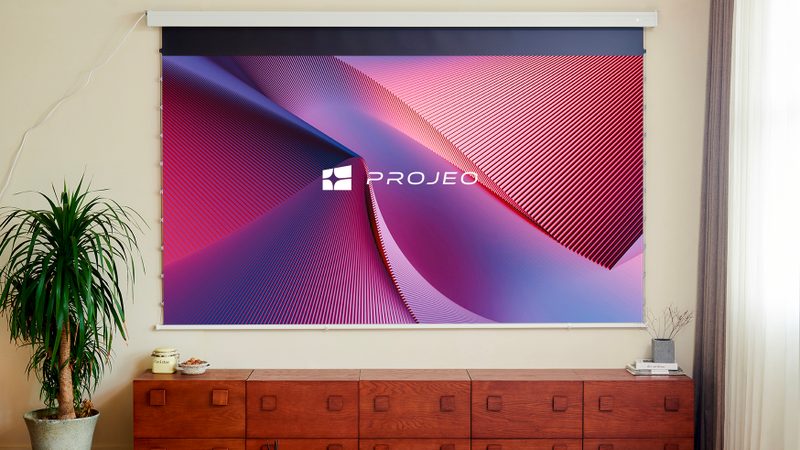
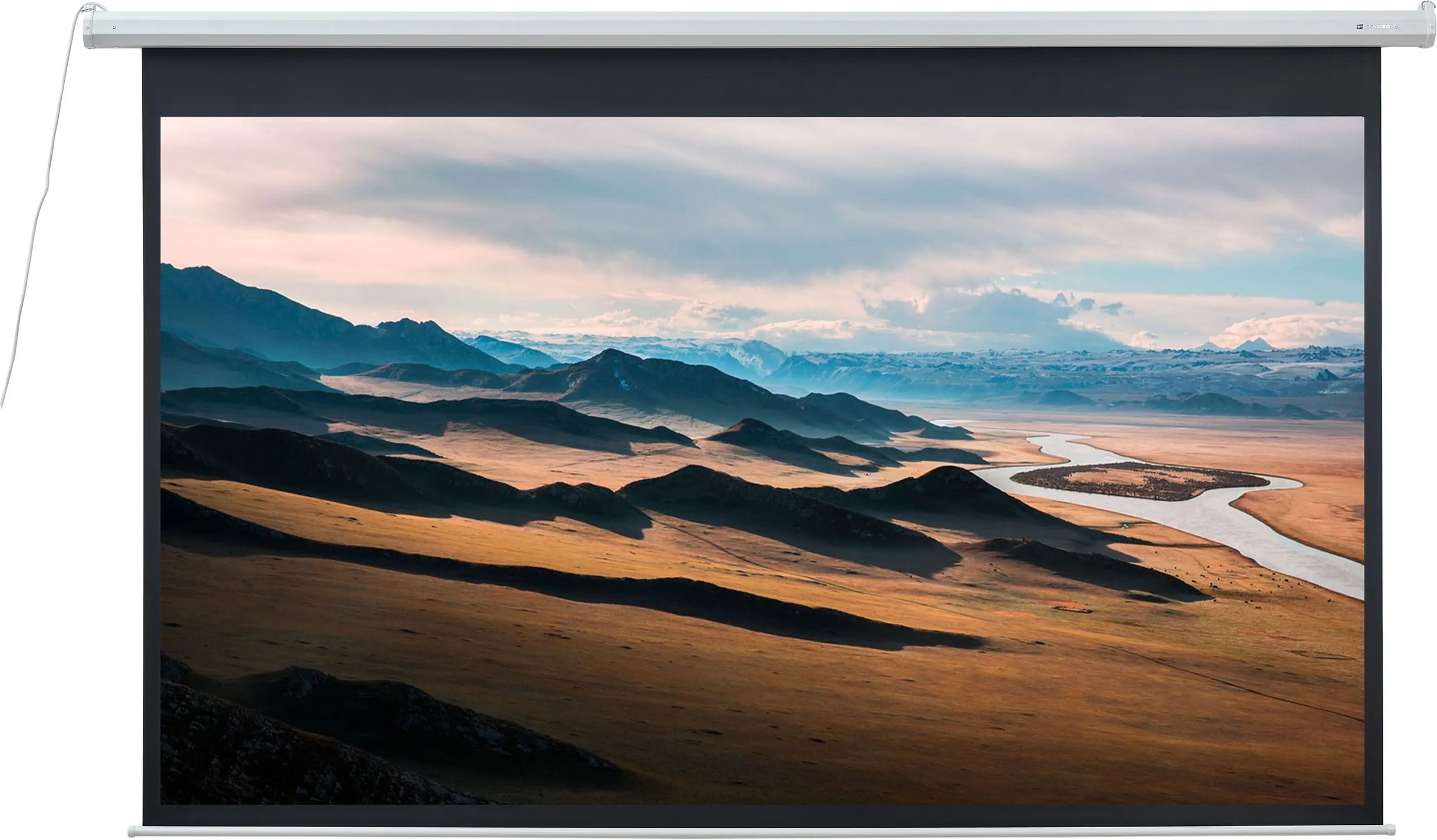
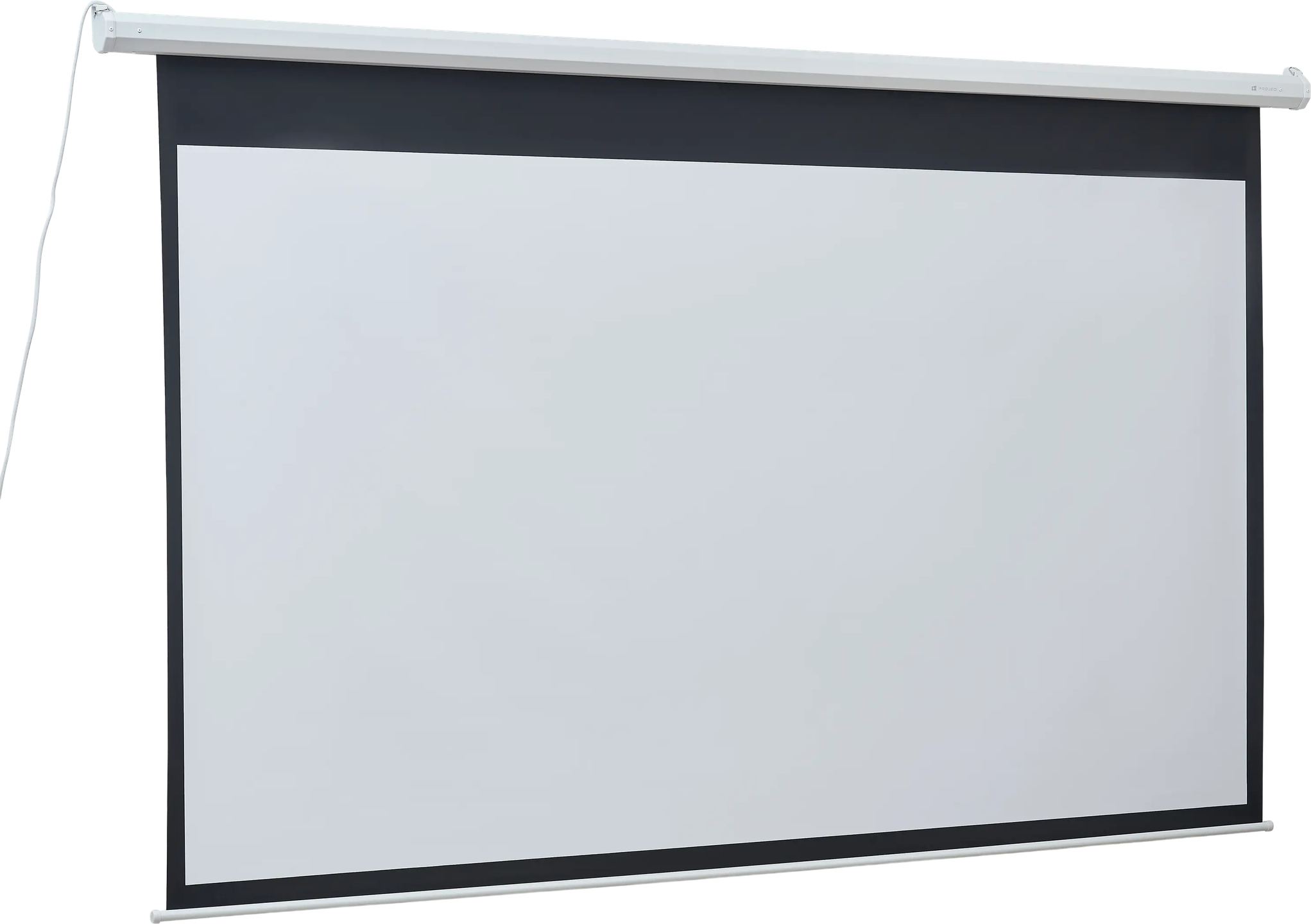
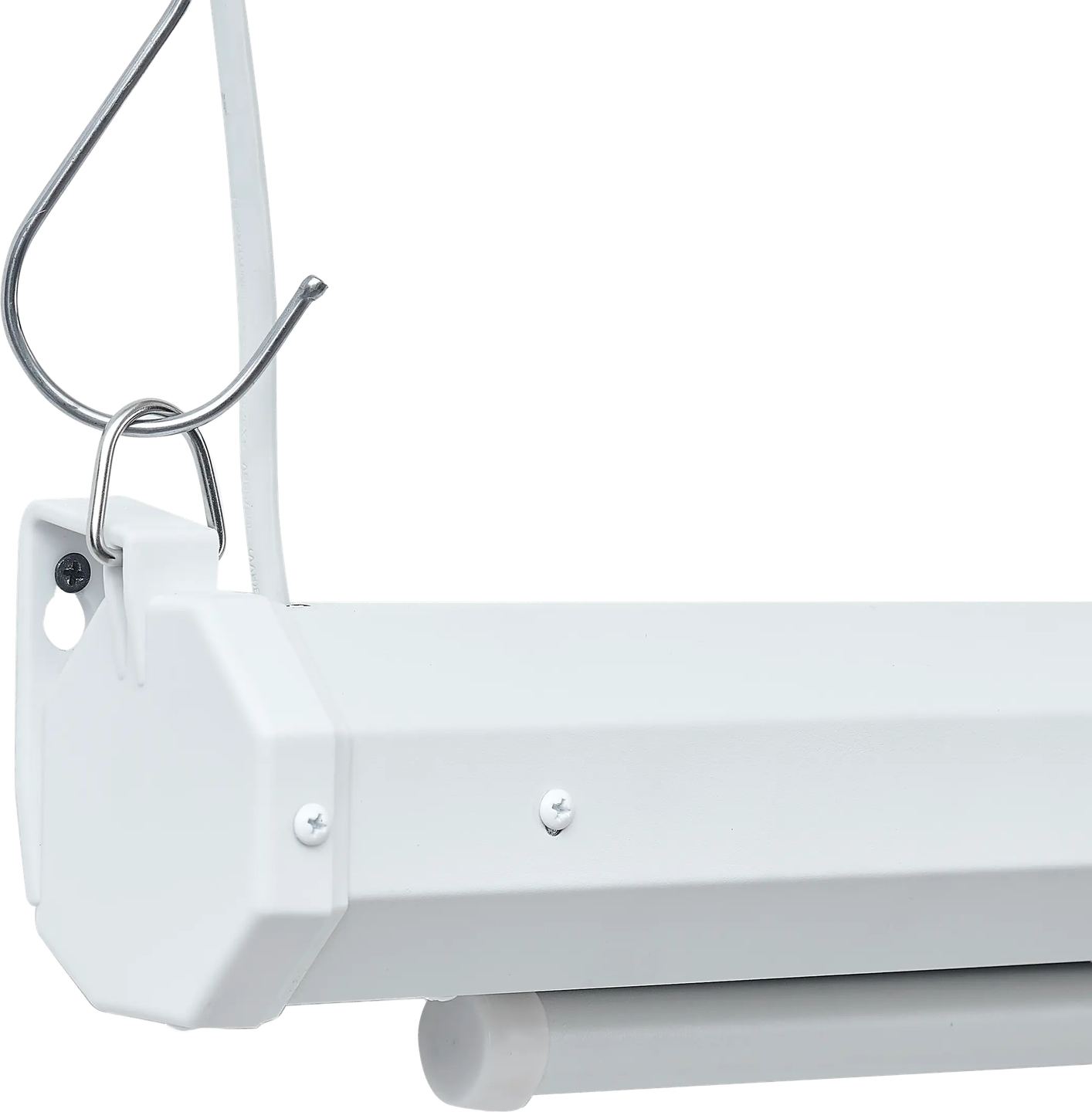
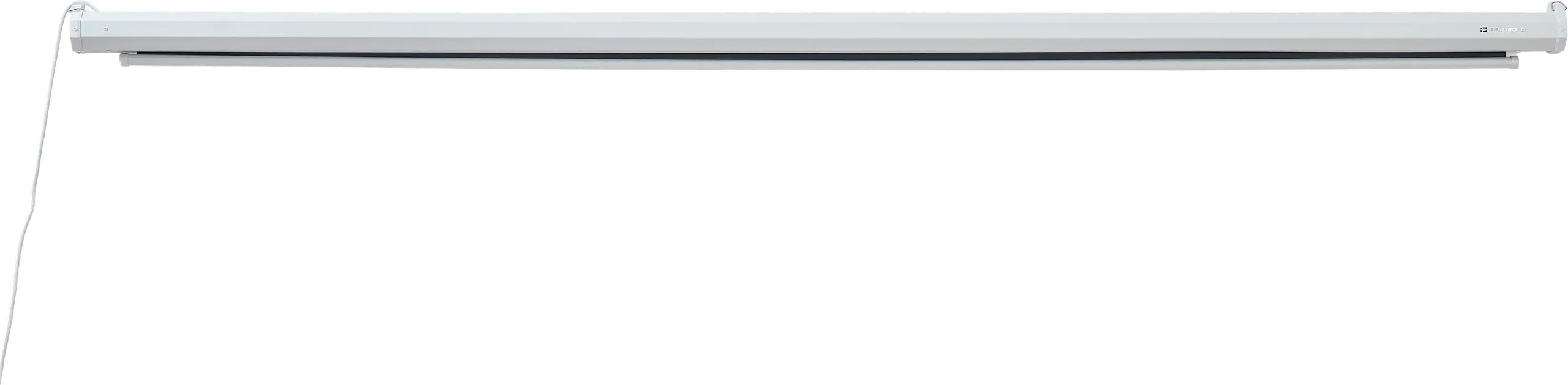
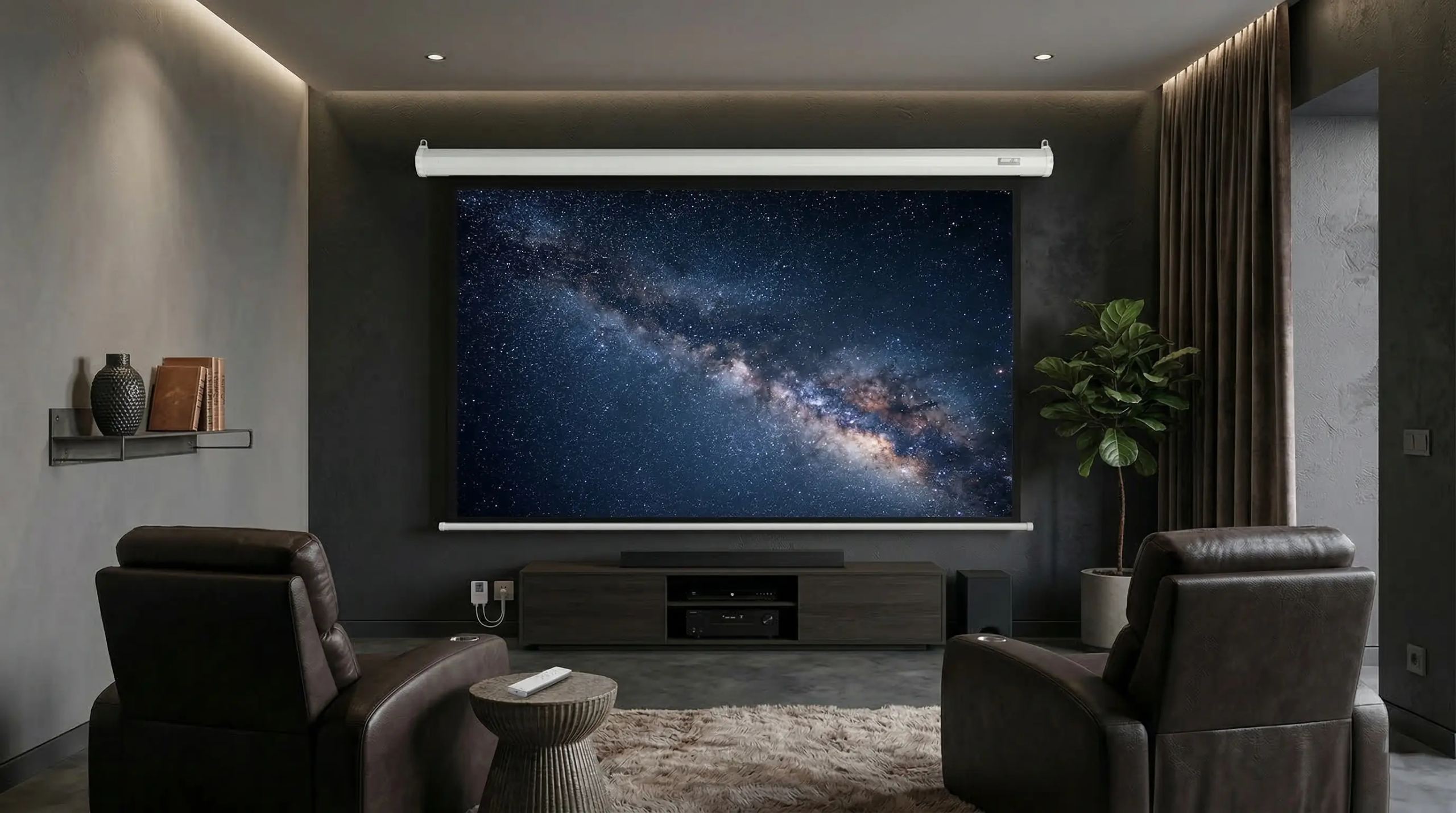
With its 120-inch diagonal in 16:9 format, the Motion HD 120 is the largest model in a range of four (77, 92, 106 and 120 inches). This motorized tensioned screen is housed in a square-section metal casing (8.2 x 8.2 cm), discreet enough to blend in against a wall or ceiling. The infrared control, remote IR sensor and manual switch provide multiple control options depending on the room configuration.
A matte white screen with unit gain
The projection surface is a matte white screen with a gain of 1, meaning strictly neutral gain. This choice has a direct consequence: the screen does not concentrate light toward a preferred axis and does not alter the colorimetry of the projected image. The reproduced colors faithfully match the signal sent by the projector, without a warm or cool cast.
The 170° viewing angle supports this neutrality. In practical terms, the image retains its brightness and uniformity across a very wide viewing cone, reducing constraints on viewer placement in the room. A screen with a gain greater than 1 would provide a brighter image on-axis, but at the expense of brightness loss at the sides: the Motion HD 120 makes the opposite choice, that of uniformity.
A compact casing and three mounting options
The white lacquered metal casing measures 296.2 cm long with a cross-section of 8.2 x 8.2 cm. The square profile remains compact: for comparison, some motorized screens on the market have cross-sections of 10 to 15 cm. The casing houses the rolling mechanism, synchronous motor and folded screen.
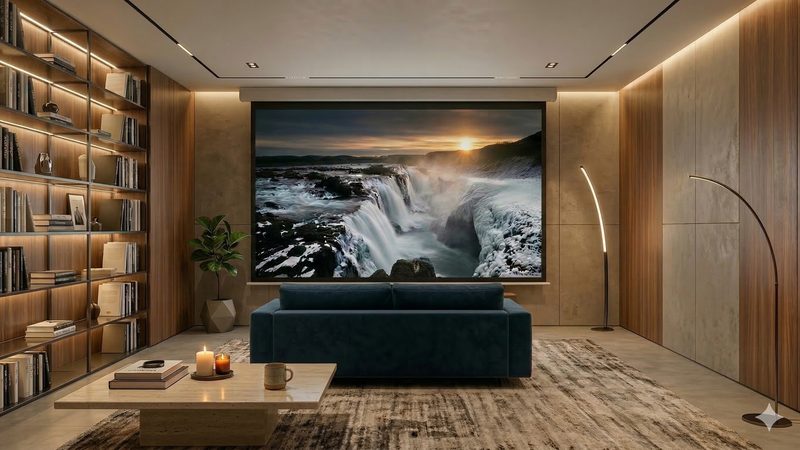
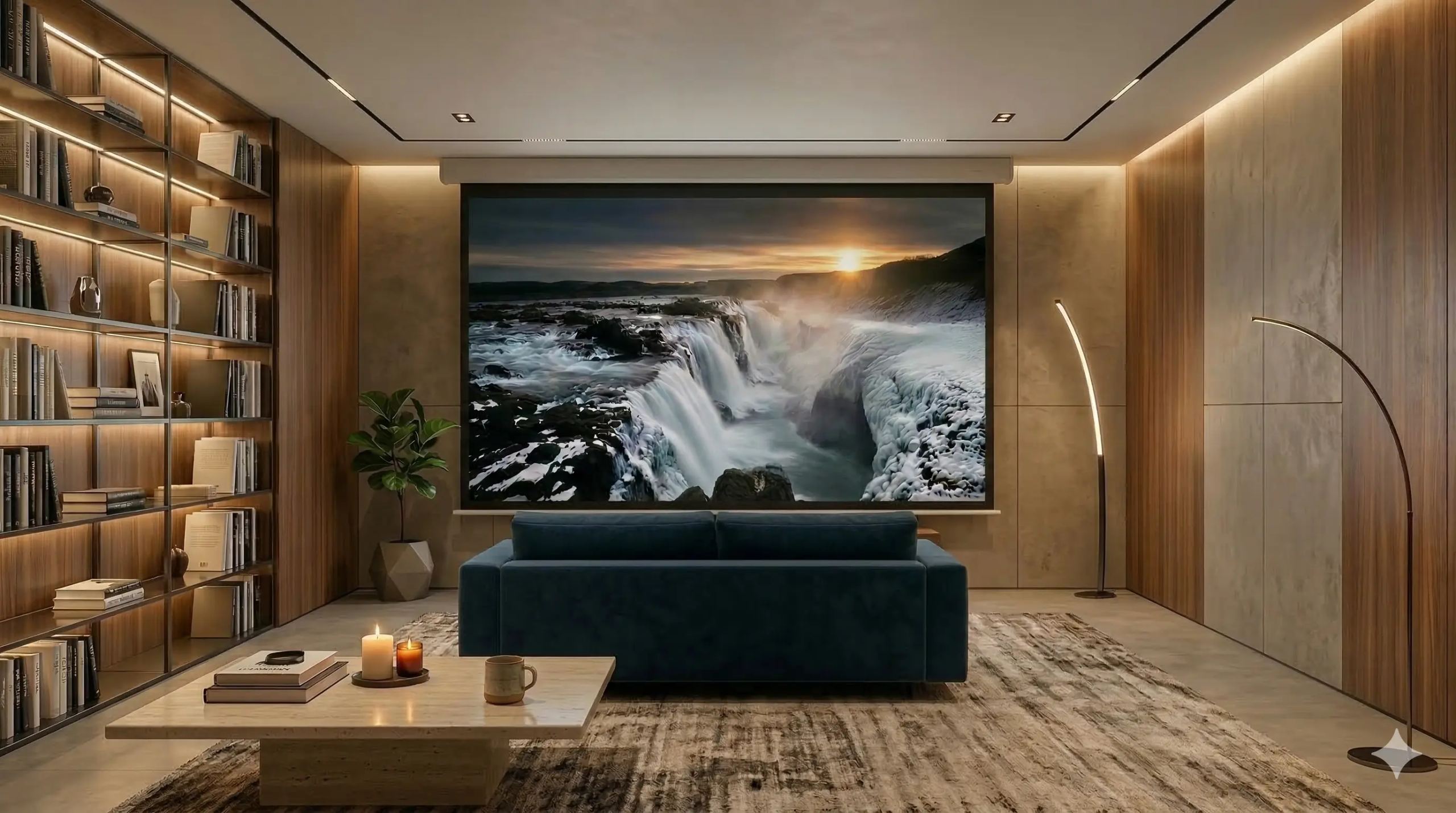
Three installation methods are possible: wall mounting, ceiling mounting or suspension mounting. When wall-mounted, the screen can lower in front of a television, bookcase or bare wall. On the ceiling, it deploys in front of a bay window or in the middle of the room. When suspended, it attaches to suitable supports when neither the wall nor ceiling allows direct mounting.
The weighting bar, measuring 278.6 cm long, remains slim (2.35 x 1.99 cm). It contributes to the screen’s vertical tension without adding a visually bulky element beneath the image.
Calibrated black borders and generous extra drop
The black borders frame the projection surface: 55 mm at the sides, 500 mm at the top. Their role is twofold. They create a clear boundary between the image and its surroundings, enhancing the contrast perceived by the eye. They also absorb any projector beam overspill if the framing is not perfectly precise.
The lower black border is 40 mm. This black strip beneath the image, often called extra drop, has a practical function: it allows the projection surface to be lowered relative to the casing. If the screen is mounted high up (on the ceiling or high on a wall), the 50 cm extra drop brings the image down to a comfortable viewing height without having to lower the casing itself. This is a parameter to consider when planning the installation.
Infrared control and operating options
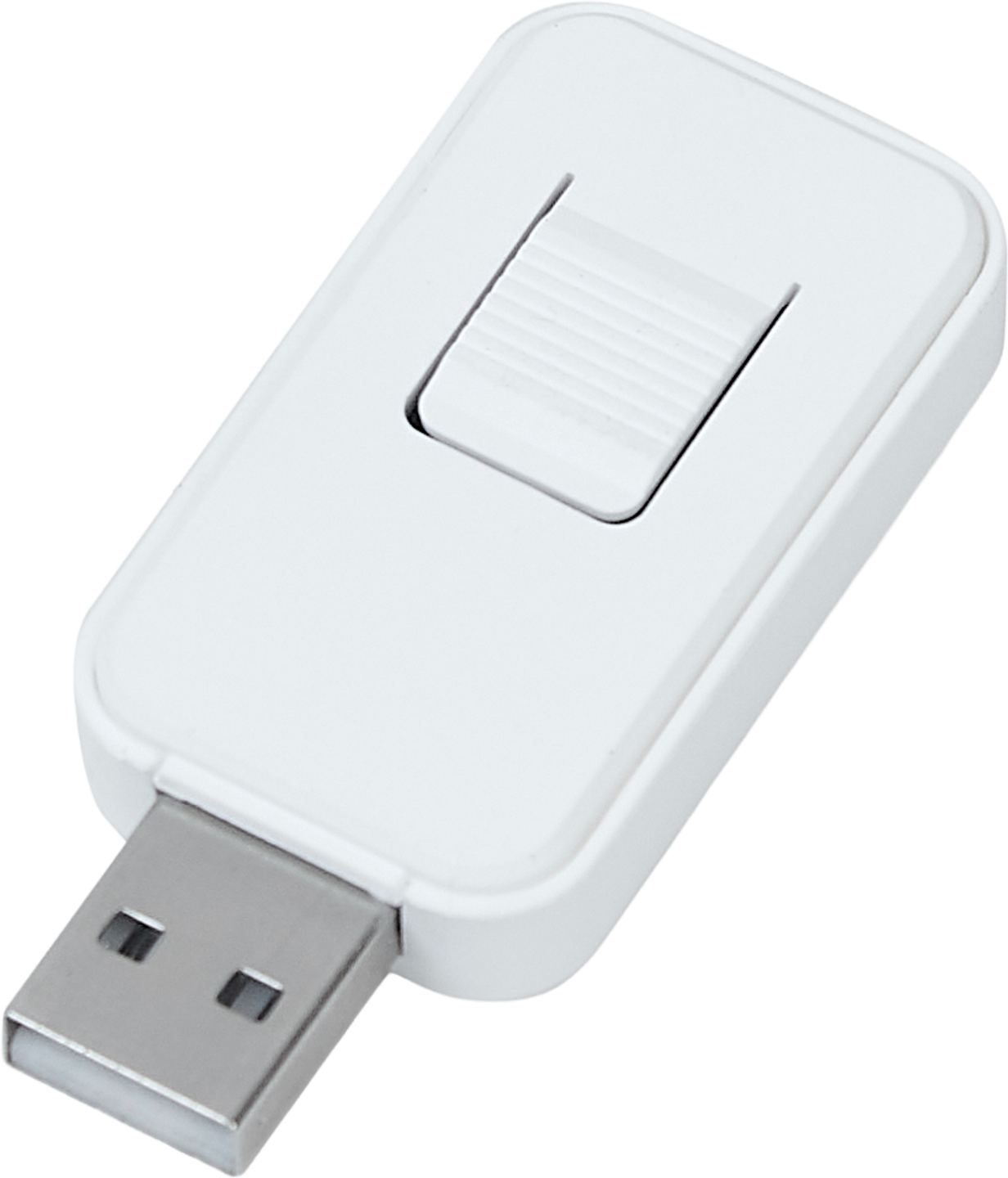
The Motion HD 120 comes with an integrated infrared remote-control system and a remote IR sensor. This external sensor connects to the screen and can be positioned in a visible location, which is useful if the casing is behind a suspended ceiling or in a recess where the remote control’s IR signal would not reach the integrated receiver.
A manual switch completes the setup, with three positions: up, stop and down. This physical button serves as a backup solution if the remote control is unavailable, or as a daily control if the user prefers a wired wall switch.
The synchronous motor ensures smooth, consistent deployment and retraction of the screen. Please note: no 12 V trigger input or RS-232 port is listed in the specifications. Direct home automation integration (automatic triggering when the projector or amplifier is switched on) is therefore not possible without using an external relay on the power supply circuit.
Compatibility: long-throw projectors only
The Motion HD 120 is optimized for long-throw (or standard-throw) projectors. This point deserves attention: ultra-short-throw (UST) projectors, which are placed a few dozen centimeters from the screen, require specific ambient light-rejecting (ALR) screens and precise positioning relative to the screen. The Motion HD’s matte white screen, with its gain of 1, is not designed for this use.
In practice, the projector must be positioned several meters from the screen. The exact distance depends on the device’s throw ratio, but with a screen 265.6 cm wide, most long-throw models are positioned between approximately 3.5 and 7 meters away.
Documentation
Technical specifications
Overview
- Projeo Motion HD motorized projection screen
- Combination of motorized integration and visual performance for living spaces or meeting rooms
- On-demand deployment from an elegant casing
- High-precision screen optimized for long-throw projectors
- Faithful reproduction of color dynamics and contrast
- Bright, uniform image regardless of viewer position
Projection screen
- Surface: matte white
- Gain: 1
- Viewing angle: 170°
- Compatible projector type: long-throw
- Black borders
- Top: 500 mm
- Bottom: 40 mm
- Sides: 55 mm
Casing
- Material: white lacquered metal
- Cross-section dimensions: 8.2 × 8.2 cm
Motorization and control
- Synchronous motor
- Integrated infrared remote control system
- Remote infrared sensor supplied
- Manual switch: up, stop, down
- European-type power cord
- Voltage: 220 V
- Cable length: 4.7 m
Model and dimensions
- Format / aspect ratio: 16 / 9
- Diagonal: 120” (305 cm)
- Viewing area: 265.6 × 149.4 cm
- Casing: 296.2 × 8.2 × 8.2 cm
- Weight bar: 278.6 × 2.35 × 1.99 cm
- Package: 319.6 × 16.2 × 14.2 cm
Frequently Asked Questions
Is the Motion HD 120 compatible with 4K projectors?
The matte white screen with a gain of 1 faithfully reproduces the received signal, regardless of the projector’s native resolution. 4K compatibility depends primarily on the projection device. No data in the specifications mentions any specific anti-moiré treatment or 4K-optimized screen structure, but a standard matte white screen is generally suitable for current resolutions in long-throw projection.
Can the screen be controlled by a home automation system?
No 12 V trigger input, RS-232 port, or Wi-Fi connectivity is mentioned in the specifications. Home automation integration requires an external relay (switching module on the 220 V power supply circuit) capable of simulating the screen being powered on. This solution works for automatic deployment, but does not allow bidirectional control (status feedback).
What is the minimum distance between the projector and the screen?
It depends on the throw ratio of the projector used. For a device with a ratio of 1.5:1, the distance would be about 4 meters (1.5 x 265.6 cm width). For a ratio of 2:1, allow about 5.3 meters. Each projector manufacturer indicates the projection distance range in its specifications.
Is the 500 mm extra drop adjustable?
No. The 500 mm lower black band is fixed, built into the screen. It is not possible to shorten or lengthen it. If this extra drop height does not suit the room configuration, the height position of the casing must be adjusted during installation.
- Eco-contribution included in the sale price.
- Manufacturer reference: PROMOT120HD
- GTIN / EAN: 3700795165041